


 In Stock!
Your order will be dispatched within 48 hours.
In Stock!
Your order will be dispatched within 48 hours. 

100% compatible replacement for D-Link WiFi DWR-930M batteries
This battery replaces the D-Link DWR-930M and is compatible with all the models and batteries listed below. It is made with high quality cells and meets or exceeds the manufacturer's specifications.
Product Specifications for Replacement Sanyo D-Link DWR-930M Battery (3.7V, 3000mAh, Li-ion)
- Specifications
- Brand: D-Link
- Technology : Li-ion
- Voltage : 3.7V
- Capacity : 3000mAh
- Compatible Part Numbers: DWR-930M
- Compatible Model Numbers: for D-Link WiFi DWR-930M
High-performance 3000mAh 3.7V D-Link DWR-930M battery
Our long-life replacement D-Link WiFi DWR-930M batteries deliver consistently high performance that matches or exceeds that of your original battery.
D-Link WiFi DWR-930M Battery Features
Upgrade your D-Link WiFi DWR-930M with a replacement our powerful new battery that enhances performance and extends the life of your valuable device in your pocket-friendly price.
Fully Tested: Each battery undergoes thorough quality checks before dispatch for you location. This ensures that you get a reliable, tested High quality product that meets the highest standards.
NOTE: Please verify your device’s model number to ensure that this part is compatible.
Designed to restore reliable performance and extend your device’s lifespan, this replacement part is essential for tackling battery issues and maintaining seamless functionality.
Guaranteed 3000mAh capacity
Unlike many competitors, our battery capacities are true, real and guaranteed. This Lithium Ion battery is 3000mAh and offers long runtimes with fewer charging breaks - exactly as advertised.
D-Link WiFi DWR-930M Battery (DWR-930M)
D-Link WiFi DWR-930M battery replacement DWR-930M with a capacity of 3000mAh is one of the main components of a Other . If you have problems with D-Link WiFi DWR-930M not charging, does not turn on, or it is discharging quickly, this replacement part will help you. Battery malfunction and service life can depend on many factors: charging cycles, age, temperature changes, so it is usually recommended to replace it every 2-3 years when its capacity drops to 80% or less.
The sustainable choice
Replace the battery, not your device. It’s the smarter, cheaper, eco-friendlier choice, saving you money while cutting your environmental footprint through recycling.
Superior quality and safety standards
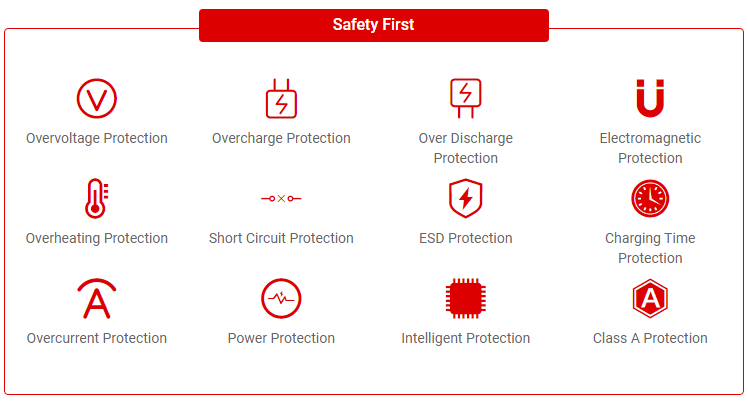
Battery specialists since 2005, all our replacement D-link DWR-930M batteries undergo strict, rigorous testing to fully comply with the highest EU standards and beyond - that’s why they come with a 1-year guarantee.
Step-by-Step Battery Replacement Guide
Power Down Your Device: Turn off your D-Link WiFi DWR-930M to ensure a safe battery replacement process.
Remove the Back Cover: Utilize the provided tools to carefully remove the back cover of your device.
Disconnect the Old Battery: Gently detach the old battery, ensuring not to damage any other components in the process.
Install the New Battery: Connect the new Mobile Battery for D-Link WiFi DWR-930M DWR-930M to the designated slot, securing it in place.
Reassemble Your Device: Reattach the back cover, power up your device, and relish the enhanced performance with the new battery.
Optimize Battery Settings: Once your D-Link WiFi DWR-930M is powered up, navigate to your device settings and optimize the battery settings for improved performance and longevity.
Calibrate the Battery: To ensure accurate battery percentage readings, use your Other until it reaches 0%, then charge it to 100%. This calibration ensures more accurate readings in the future.
Frequently Asked Questions
Q: What parameters should be noticed when buying the D-link DWR-930M battery replacement?
A:There are many parameters of laptop battery, among which the following parameters need special attention before purchase.
Cell Type: Generally speaking, Li-ion and Li-Polymer batteries are the best choices. Compared with NiMH batteries in the past, they have a longer life, faster charging, more environmental protection, and one-third lighter weight.
Voltage: Please note that there may be two or more different voltages, such as 11.1 V and 14.8V, matching the same laptop model. They are completely incompatible with each other.
Capacity: A higher capacity battery can power your laptop longer. At the same time, high capacity batteries are much larger in size, weight, and higher in price. You can make a choice based on your needs.
Condition: Be sure to choose "Brand New". Check the production date. Batteries have been in production for more than 2 years should be denied.
Q: Is there a hidden cost buying a battery for D-link DWR-930M?
A:NO. You only need to pay the battery prices and shipping costs, no other hidden costs.
Q: What are the common issues of a worn-out D-Link WiFi DWR-930M battery?
A:When the charging/discharging cycles are over, the battery performance reduces significantly, and you’ve to replace it. Below are the most common issues when you need a D-Link WiFi DWR-930M battery replacement :
The battery drains much faster and goes down to low levels very swiftly.
Due to prolonged use, the battery is swelled or puffed up.
The battery works up to 50%, and the phone automatically switches off.
The battery is bulging, and the display is protruding outwards.
The charging percentage goes up and down without doing anything.
These are the most common issues that warrant an urgent replacement.
Q: What will greatly shorten the life of D-link DWR-930M battery?
A:Many people find that their laptops can often be used for 5 years or even more than 10 years without failure, but laptop batteries can't. This is often caused by the following behaviors:
The battery is often completely depleted.
Idle the laptop for a long time and do not charge the battery regularly.
Use an unqualified power adapter.
The battery is placed in a humid environment or directly immersed in water.
High temperature is a battery killer to shorten the battery life, complete death, or even explode.
Q: How can I check the battery’s health myself?
A:Please navigate to the Settings--> Battery section of your phone. There, you can see all the vital details of the battery. You’ll also see a nice graph showing the battery consumption details. You can see which apps are eating up the resources, and this information allows you to manage the battery more efficiently.
- + D-Link WiFi DWR-930M
- + D-Link WiFi DWRr300a
- + D-Link Wifi Router
- + D-Link Wi-Fi
- + D-Link Wi-Fi A610 4G
* D-Link model Other Batteries
D-Link WiFi DWR-930M
3000mAh£ 18.33 £ 22.00
D-Link WiFi DWRr300a
2380mAh£ 18.33 £ 22.00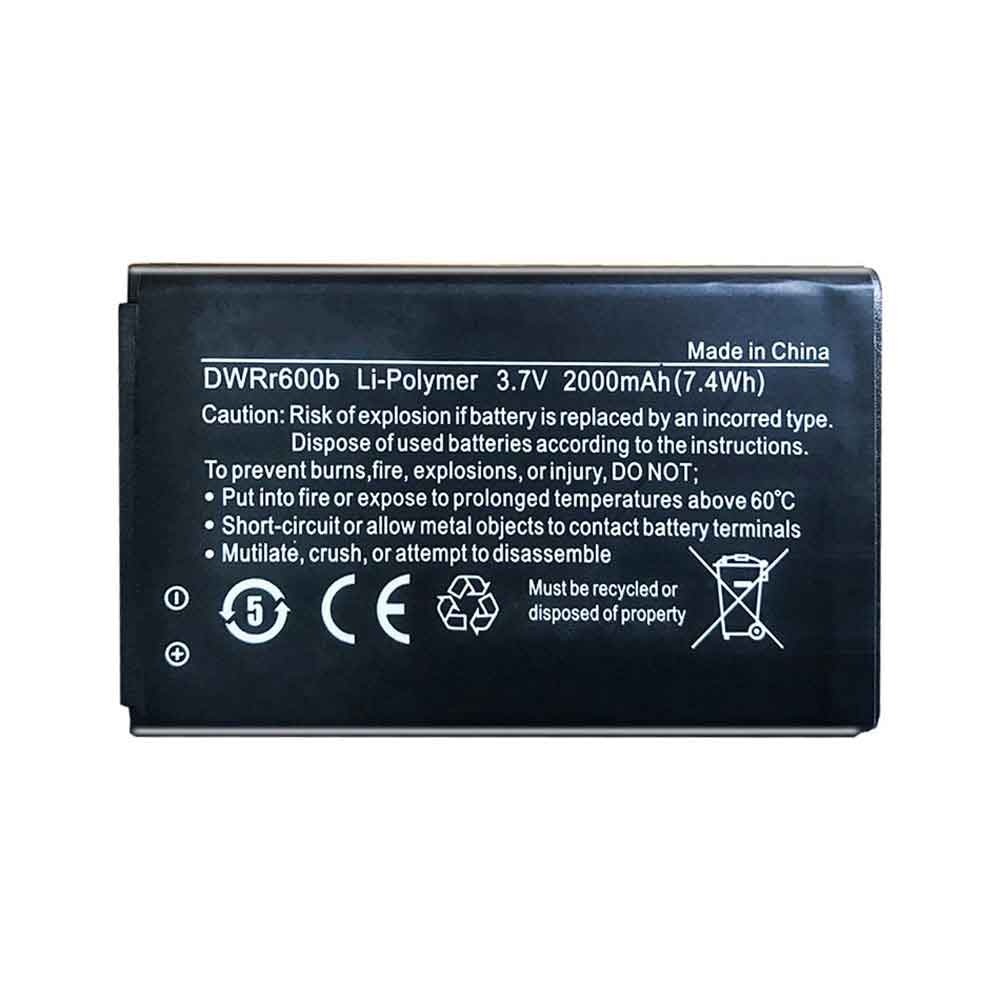
D-Link Wifi Router
2000mAh/7.4WH£ 18.88 £ 23.00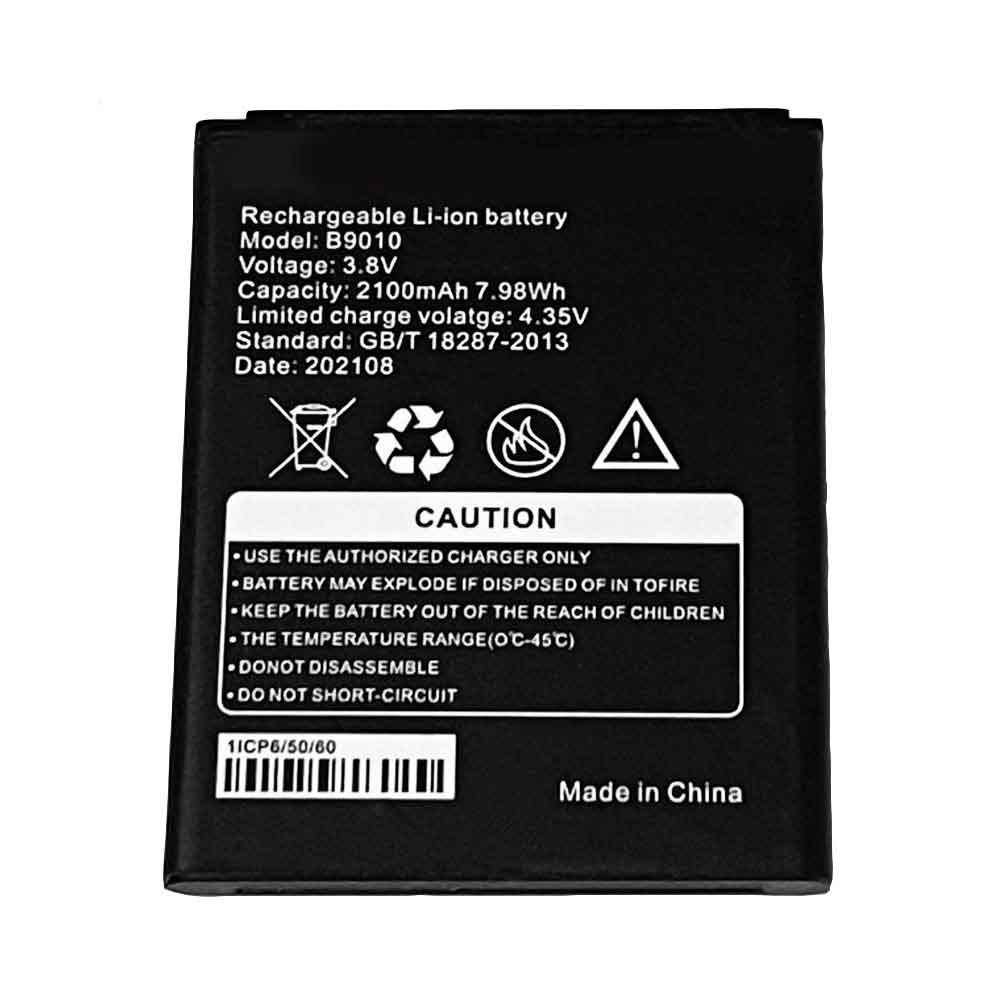
D-Link Wi-Fi
2100mAh/7.98WH£ 18.40 £ 23.00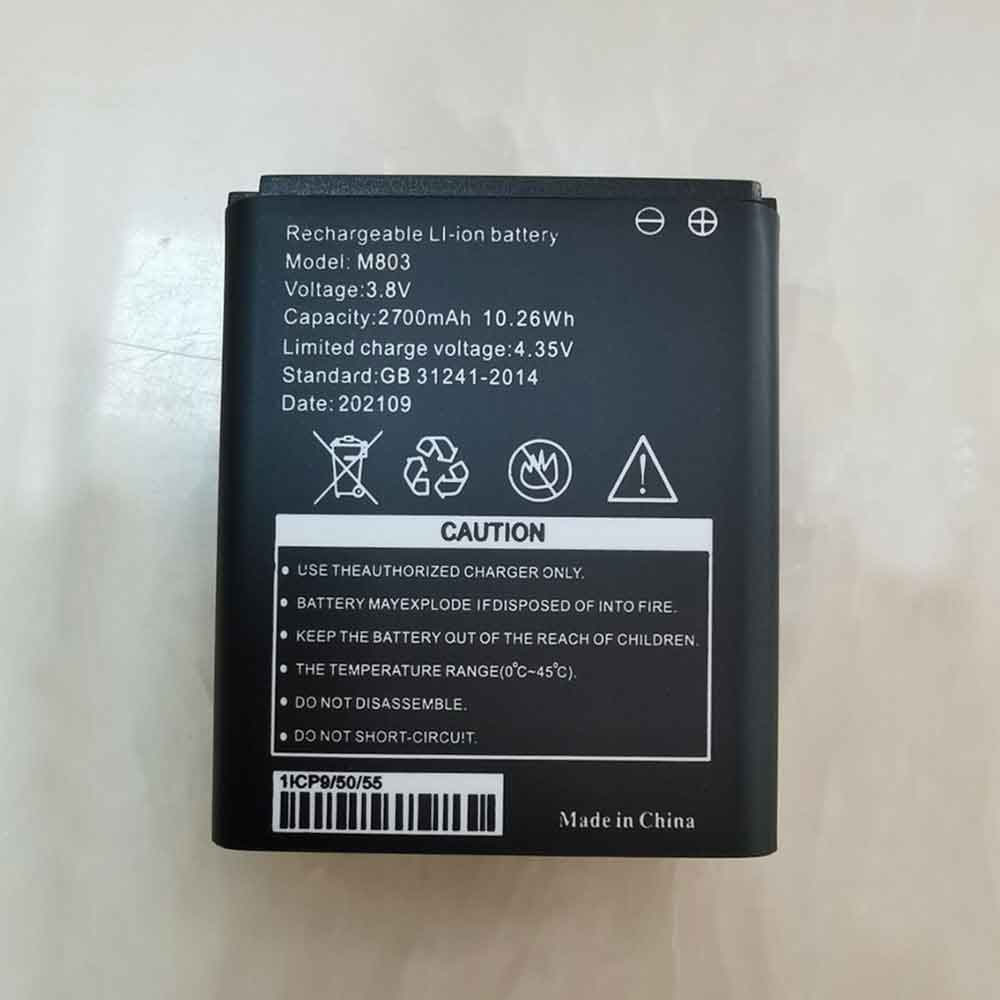
D-Link Wi-Fi A610 4G
2700mAh/10.26WH£ 18.40 £ 23.00