Motorola WT4000 WT4090 WT4070
Laptop Battery for 82-90005-05
IN STOCK
£ 27.21 £ 34.00 -25%
Item Code: ECNM10248_Ath
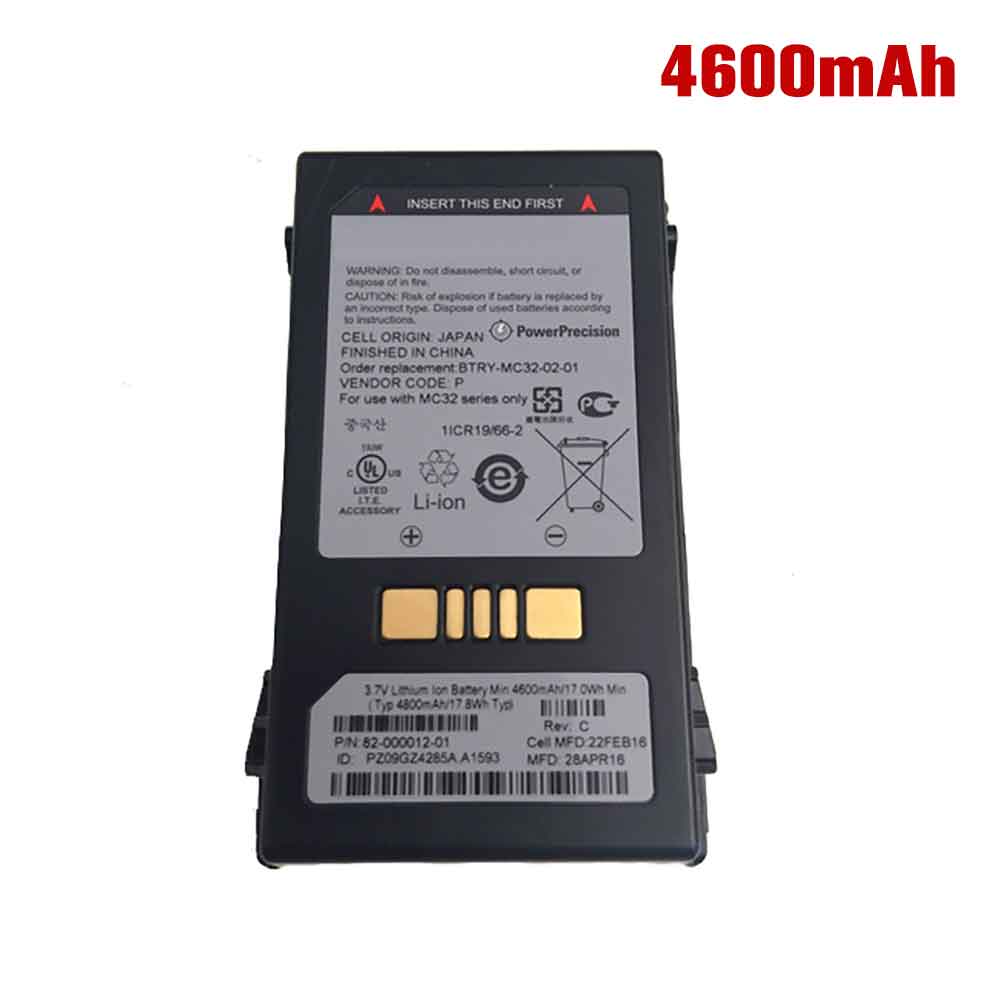
82-000012-01 3.7V
Symbol Motorola Zebra MC32 MC32N0
Laptop Battery for 82-000012-01
IN STOCK
£ 67.51 £ 84.00 -25%
Item Code: MOT2856
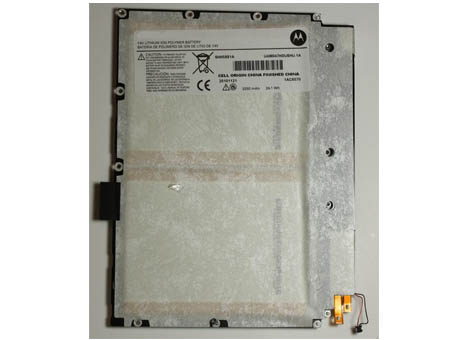
SNN5881A 7.4V
MOTOROLA XOOM 10.1 IN MZ600 MZ602 MZ
Laptop Battery for SNN5881A
IN STOCK
£ 72.83 £ 91.00 -25%
Item Code: MOT2226
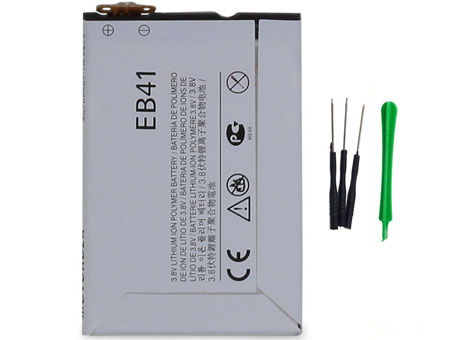
EB41 4.35V
Motorola Droid 4 XT894 Series
Laptop Battery for EB41SNN5905
IN STOCK
£ 41.10 £ 51.00 -25%
Frequently Asked Questions
Where is the battery located in a Motorola Laptop ?
You can find the battery at the bottom of your Motorola Laptop . If you want to replace the battery, it can usually be done easily using the sliding mechanism. Simply slide the latch to release the battery, then snap the new one into place.
What is the best way to charge a Motorola Laptop battery?
It’s important not to excessively or frequently discharge the battery, as this can be harmful. It is recommended to always charge your Motorola Laptop battery to around 50%, and avoid letting it drop below 20%. Also, make sure to use the correct charger for your battery.
How long does a Motorola Laptop battery last?
According to Motorola, the average lifespan of a Laptop battery is between 18 to 24 months. With heavy or frequent use, the battery life may decrease to around 18 months.
Do you have any questions about our range of Motorola Laptop Batteries or are you experiencing any issues?