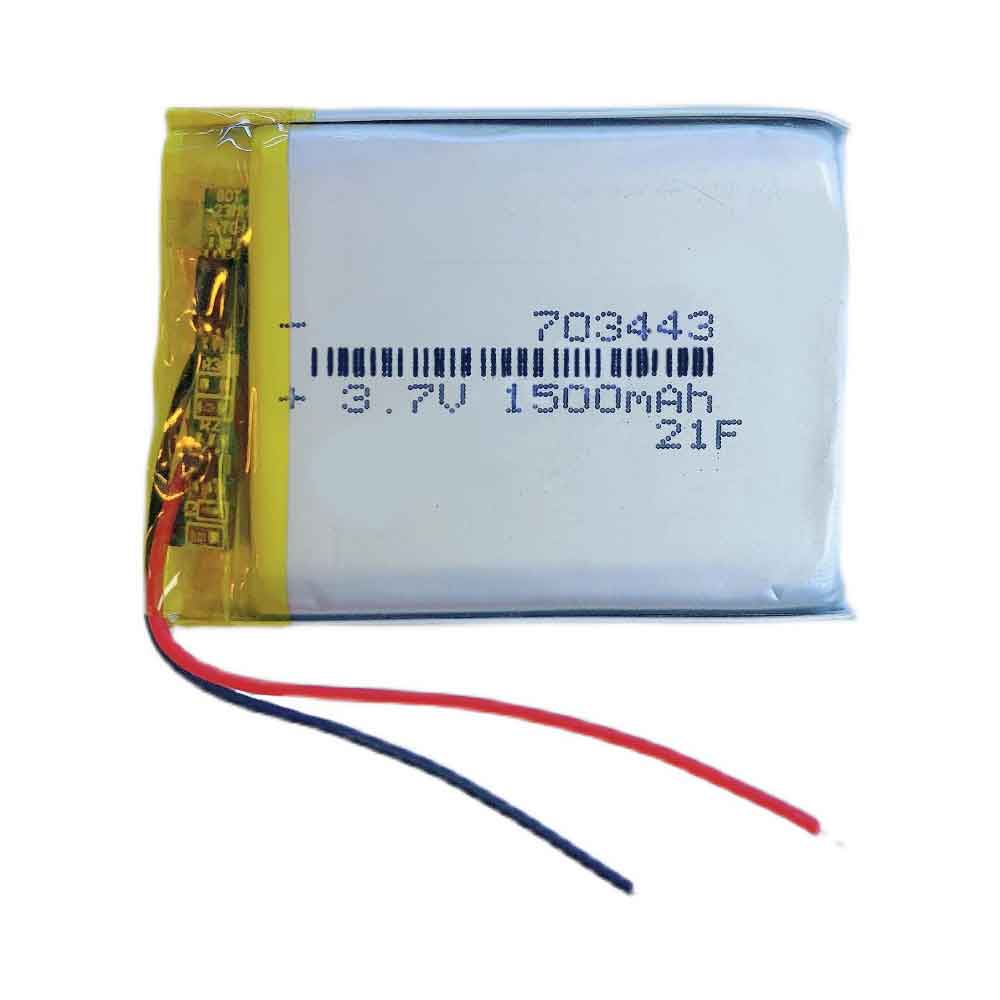
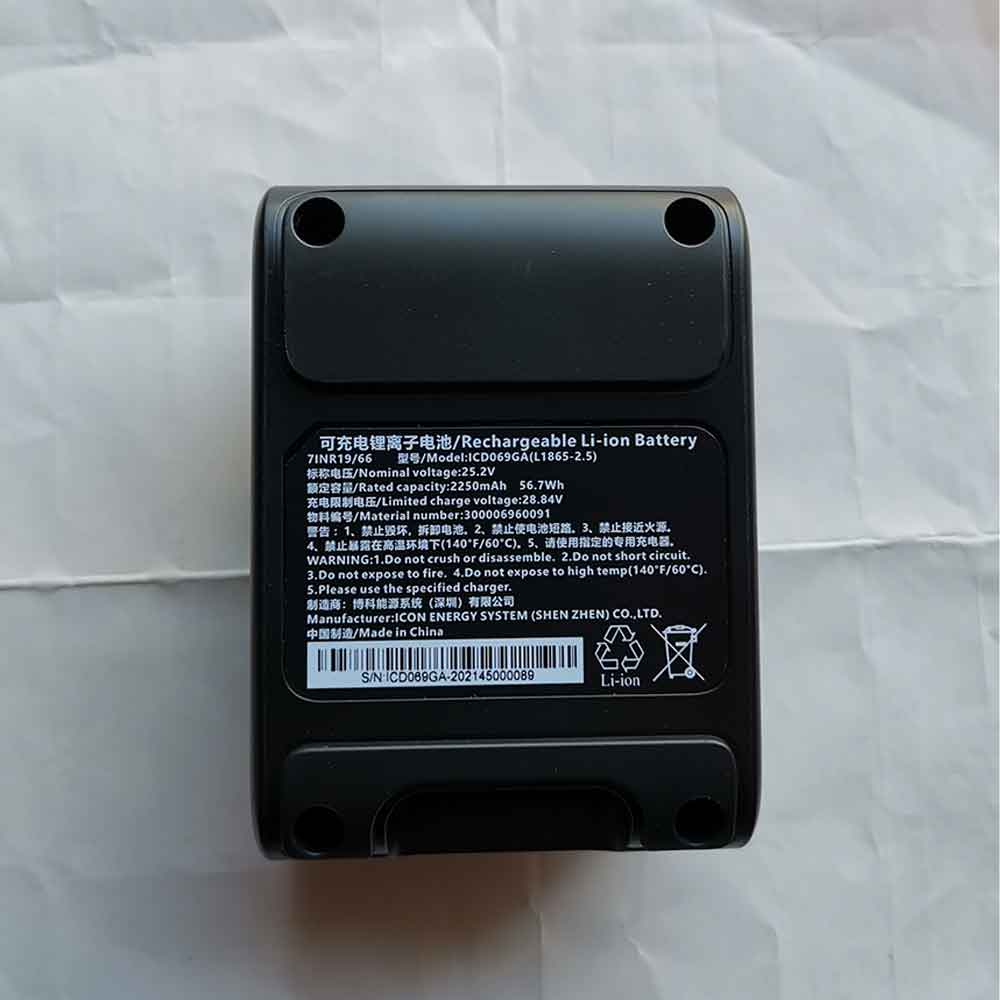
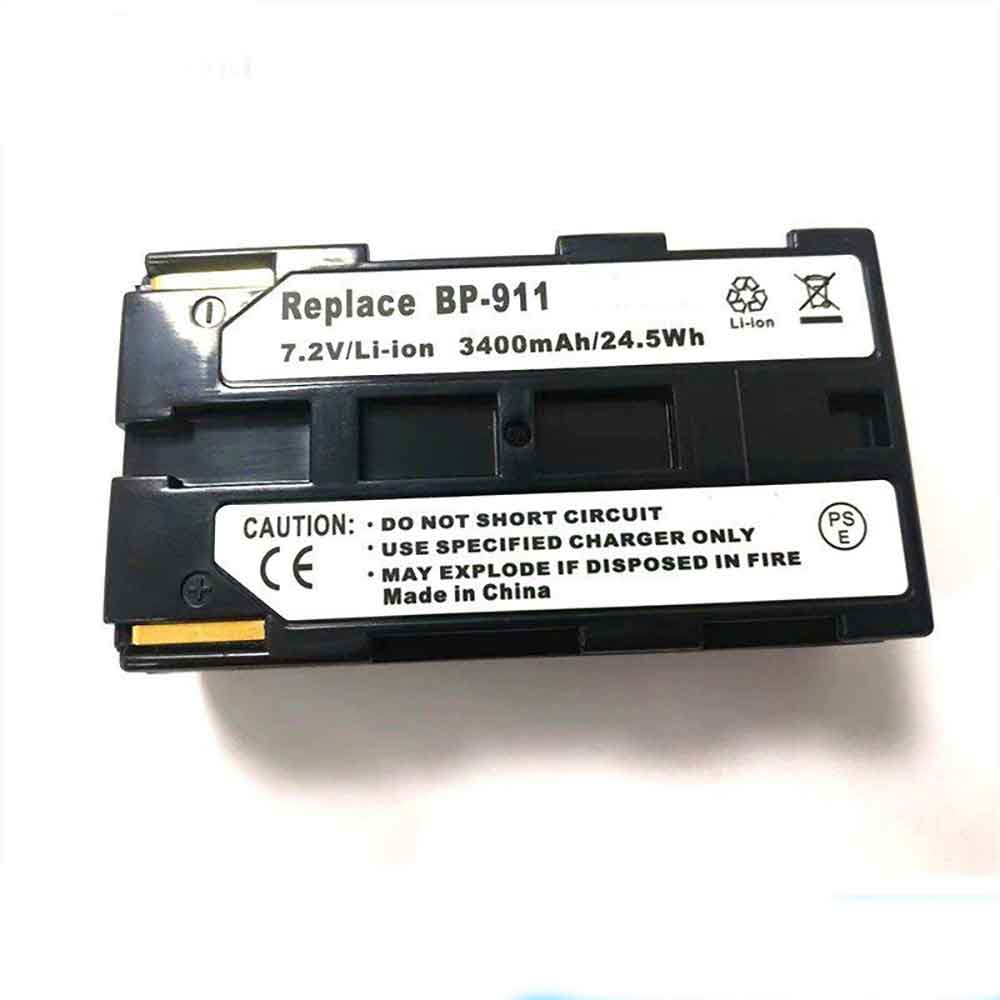
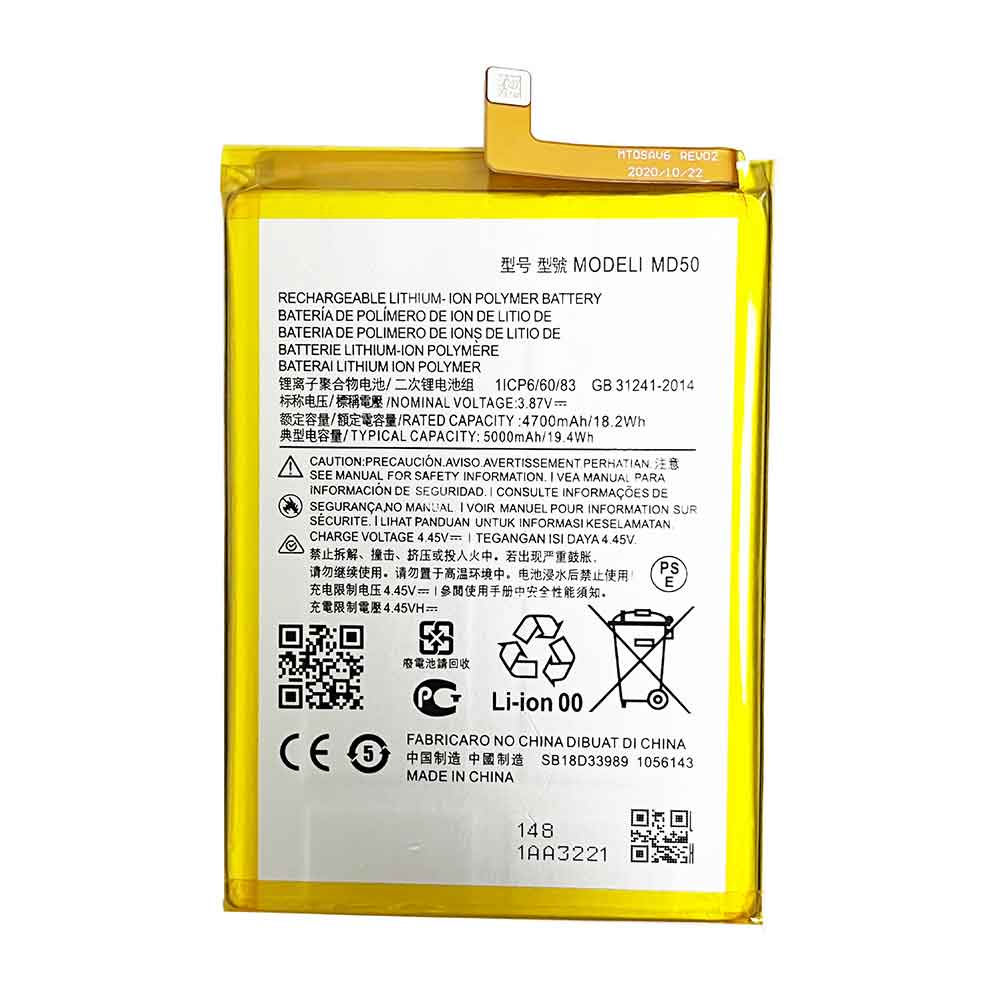
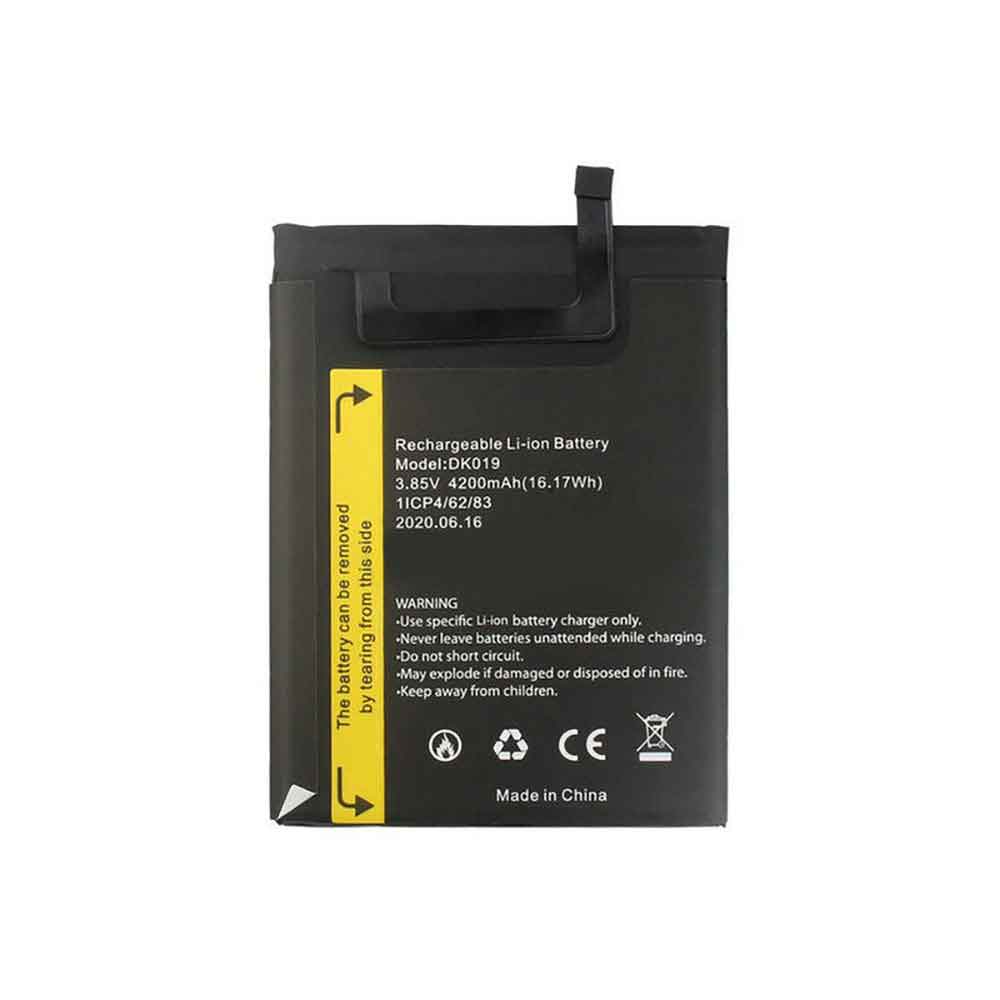
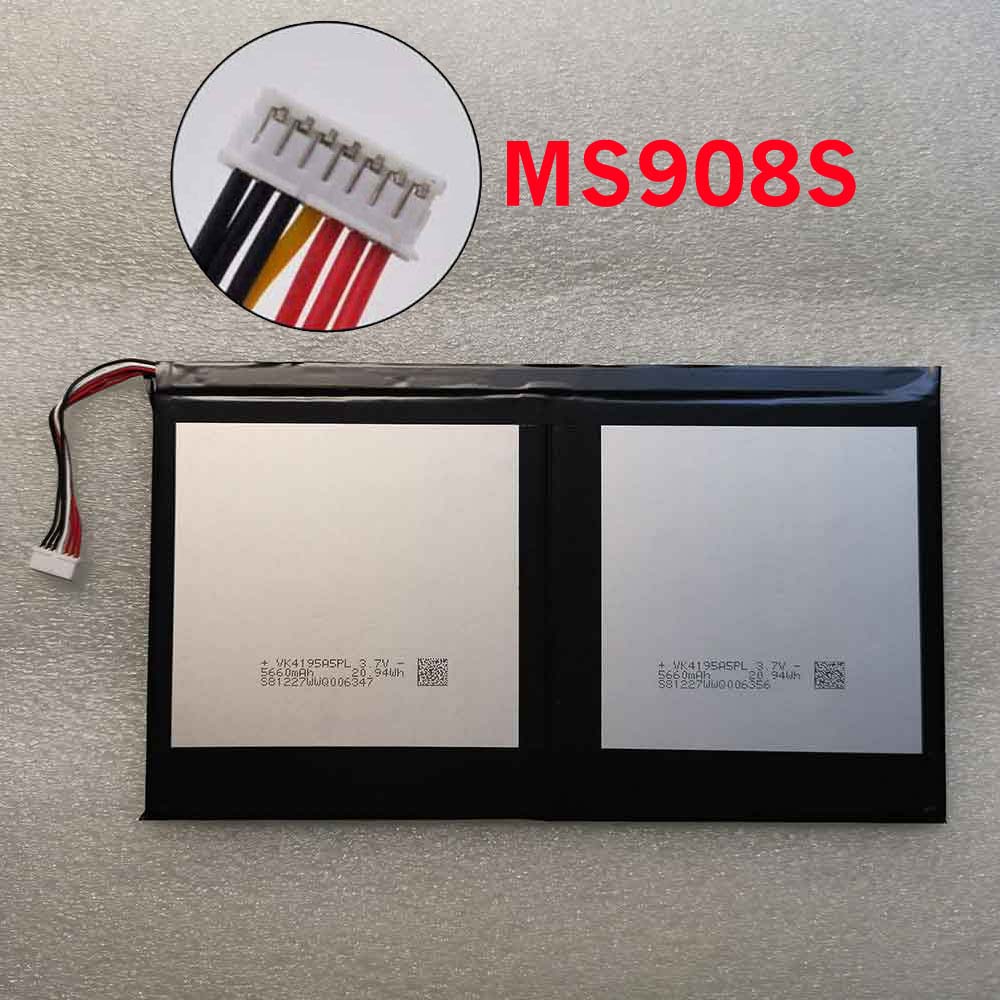
1500mAh 3.7V Aien 803562 Li-ion Battery for Aien Model Aircraft of Unmanned Aerial Vehicle

1500mAh 3.7V Aien 803562 Batteries for Aien Model Aircraft of Unmanned Aerial Vehicle, Aien 803562 Other battery is a brand new,100% Compatible original and replacement battery,Purchase wholesale and retail 803562 with high quality and low price!

Find ou your original model number or part number(P/N), and move your eyes on the tag of battery
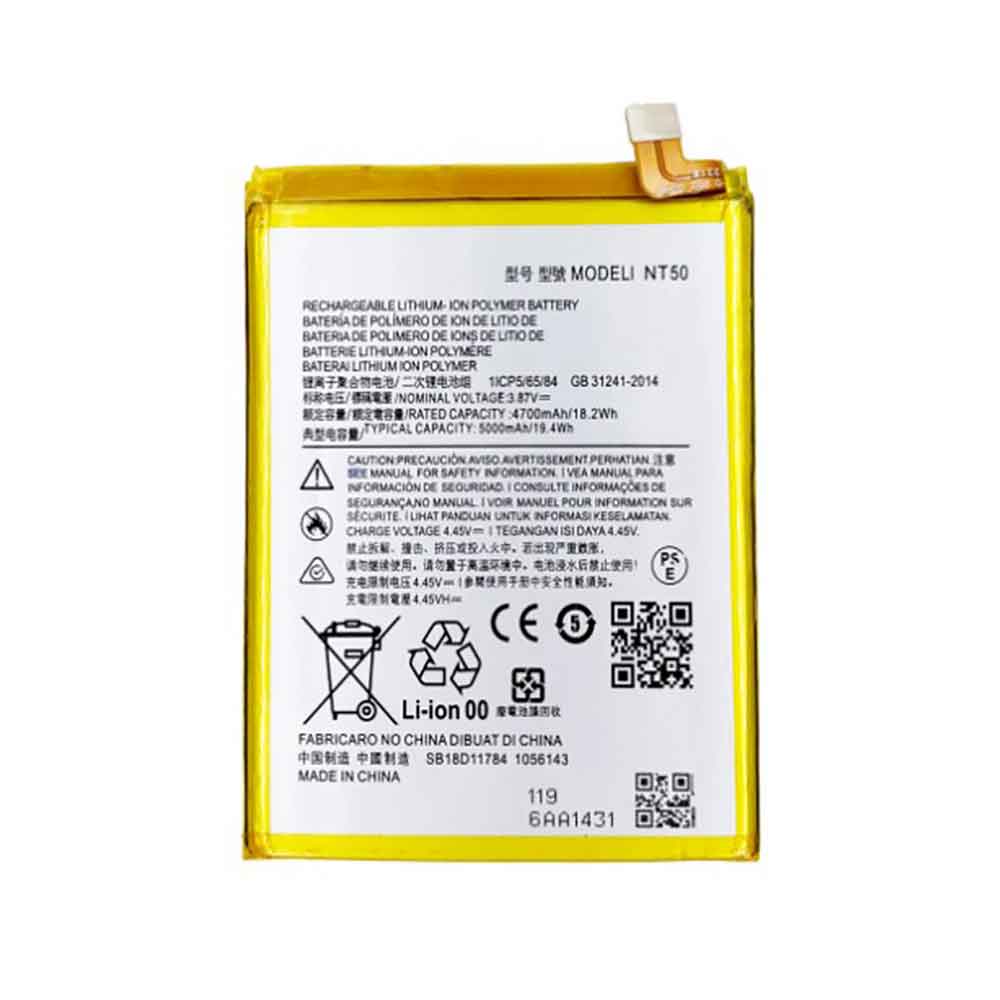
803562

Specifications

  • Brand:Aien
  • Capacity :1500mAh
  • Voltage :3.7V
  • Type :Li-Po
  • Battery Cell Quality: Grade A
  • Descriptive: Replacement Battery – 1 Year Warranty
  • Description: Brand New, 1 Year Warranty! 30-Days Money Back! Fast Shipping!

How we test this Aien 803562 Battery
Step 1: Make sure customer bought the correct battery.
Step 2: Check battery’s appearance and interface.
Step 3: Test battery charger and recharger function.
Step 4: Charger the battery to 100% and recharger to 0% to get real battery capacity
Step 5: Use Ev2300 to check the voltage difference of each goroup cells.
Step 6: Charger battery power more than 30%.
Step 7: Package battery carefully and send out

Compatible Part Numbers:
803562

Compatible Model Numbers:
Aien Model Aircraft of Unmanned Aerial Vehicle

How much do you know about how to run laptop well as any place? The follow Tips cut way back on protecting battery life.


1). Please recharge or change your Other battery when battery power low.
2). Using Li-Ion Replacement Aien 803562 Other Battery for your notebook which can work longer time than Non Li-ion one.
3). It is better to defragmentation regularly for your Other battery life.
4). In order to reduce the laptop power consumpition, you can use some optical drive spin-down and hard drive in your Other .
5). Please keep your laptop in sleep or standby model without long time using, which both save the Replacement Aien 803562 Other Battery power and extend battery using life.
6). Leave your battery in a dry and cool condition when without using.
7). When you rarely or generally plugged in fixed power using, Please take down your battery to avoid hurting battery life.

Hot Products

5209mAh RAZER RC30-0248 for RAZER Blade 15 2018 RZ09-023863948mAh/30WH LENOVO L17L2PB1 for Lenovo V330-14IKB Series2000mAh ALCATEL TLi019D7 for ALCATEL 1 (2018) 5033 5033D 5042Wh ASUS C31N1843 for Asus VivoBook S15 S532FL X532F45Wh/3150mAh FUJITSU FMVNBP232 for Fujitsu Lifebook FPCBP425 U74510000mAh/37Wh HAIER PL3710398P-2p for Haier VL-40100100-2s N14 NB444220mAh/16.33WH REALME BLP833 for Realme V153000mAh NOKIA WT330 for Nokia 4.2 TA-1150 TA-11336700Mah/72Wh LENOVO L11S6R01 for LENOVO IdeaPad Y400 Y490 Y5003000mAh 11.4WH VSUN SATURN-Selfie for Vsun SATURN-Selfie

3455mAh 11.55V Asus B31N1912 Li-ion Battery for Asus E410M E410MA L410MA

3455mAh 11.55V Asus B31N1912 Batteries for Asus E410M E410MA L410MA, Asus B31N1912 Laptop battery is a brand new,100% Compatible original and replacement Laptop battery,Purchase wholesale and retail B31N1912 with high quality and low price!

Find ou your original model number or part number(P/N), and move your eyes on the tag of battery

B31N1912

Specifications

  • Brand:Asus
  • Capacity :3455mAh
  • Voltage :11.55V
  • Type :Li-ion
  • Battery Cell Quality: Grade A
  • Descriptive: Replacement Battery – 1 Year Warranty
  • Description: Brand New, 1 Year Warranty! 30-Days Money Back! Fast Shipping!

How we test this Asus B31N1912 Battery
Step 1: Make sure customer bought the correct battery.
Step 2: Check battery’s appearance and interface.
Step 3: Test battery charger and recharger function.
Step 4: Charger the battery to 100% and recharger to 0% to get real battery capacity
Step 5: Use Ev2300 to check the voltage difference of each goroup cells.
Step 6: Charger battery power more than 30%.
Step 7: Package battery carefully and send out

Compatible Part Numbers:
0B200-0368000
B31N1912

Compatible Model Numbers:
Asus E410M E410MA L410MA

How much do you know about how to run laptop well as any place? The follow Tips cut way back on protecting battery life.


1). Please recharge or change your Laptop battery when battery power low.
2). Using Li-Ion Replacement Asus B31N1912 Laptop Battery for your notebook which can work longer time than Non Li-ion one.
3). It is better to defragmentation regularly for your Laptop battery life.
4). In order to reduce the laptop power consumpition, you can use some optical drive spin-down and hard drive in your Laptop .
5). Please keep your laptop in sleep or standby model without long time using, which both save the Replacement Asus B31N1912 Laptop Battery power and extend battery using life.
6). Leave your battery in a dry and cool condition when without using.
7). When you rarely or generally plugged in fixed power using, Please take down your battery to avoid hurting battery life.

Hot Products

5209mAh RAZER RC30-0248 for RAZER Blade 15 2018 RZ09-023863948mAh/30WH LENOVO L17L2PB1 for Lenovo V330-14IKB Series2000mAh ALCATEL TLi019D7 for ALCATEL 1 (2018) 5033 5033D 5042Wh ASUS C31N1843 for Asus VivoBook S15 S532FL X532F45Wh/3150mAh FUJITSU FMVNBP232 for Fujitsu Lifebook FPCBP425 U74510000mAh/37Wh HAIER PL3710398P-2p for Haier VL-40100100-2s N14 NB444220mAh/16.33WH REALME BLP833 for Realme V153000mAh NOKIA WT330 for Nokia 4.2 TA-1150 TA-11336700Mah/72Wh LENOVO L11S6R01 for LENOVO IdeaPad Y400 Y490 Y5003000mAh 11.4WH VSUN SATURN-Selfie for Vsun SATURN-Selfie

4850mAh/18.7WH 3.85V 4.4V Lenovo L18D1P32DI Li-ion Battery for Lenovo Smart Tab M10 TB-X605F

4850mAh/18.7WH 3.85V 4.4V Lenovo L18D1P32DI Batteries for Lenovo Smart Tab M10 TB-X605F, Lenovo L18D1P32DI Tablets battery is a brand new,100% Compatible original and replacement Tablets battery,Purchase wholesale and retail L18D1P32DI with high quality and low price!

Find ou your original model number or part number(P/N), and move your eyes on the tag of battery

L18D1P32DI

Specifications

  • Brand:Lenovo
  • Capacity :4850mAh/18.7WH
  • Voltage :3.85V 4.4V
  • Type :Li-ion
  • Battery Cell Quality: Grade A
  • Descriptive: Replacement Battery – 1 Year Warranty
  • Description: Brand New, 1 Year Warranty! 30-Days Money Back! Fast Shipping!

How we test this Lenovo L18D1P32DI Battery
Step 1: Make sure customer bought the correct battery.
Step 2: Check battery’s appearance and interface.
Step 3: Test battery charger and recharger function.
Step 4: Charger the battery to 100% and recharger to 0% to get real battery capacity
Step 5: Use Ev2300 to check the voltage difference of each goroup cells.
Step 6: Charger battery power more than 30%.
Step 7: Package battery carefully and send out

Compatible Part Numbers:
L18D1P32DI

Compatible Model Numbers:
Lenovo Smart Tab M10 TB-X605F

How much do you know about how to run laptop well as any place? The follow Tips cut way back on protecting battery life.


1). Please recharge or change your Tablets battery when battery power low.
2). Using Li-Ion Replacement Lenovo L18D1P32DI Tablets Battery for your notebook which can work longer time than Non Li-ion one.
3). It is better to defragmentation regularly for your Tablets battery life.
4). In order to reduce the laptop power consumpition, you can use some optical drive spin-down and hard drive in your Tablets .
5). Please keep your laptop in sleep or standby model without long time using, which both save the Replacement Lenovo L18D1P32DI Tablets Battery power and extend battery using life.
6). Leave your battery in a dry and cool condition when without using.
7). When you rarely or generally plugged in fixed power using, Please take down your battery to avoid hurting battery life.

Hot Products

5209mAh RAZER RC30-0248 for RAZER Blade 15 2018 RZ09-023863948mAh/30WH LENOVO L17L2PB1 for Lenovo V330-14IKB Series2000mAh ALCATEL TLi019D7 for ALCATEL 1 (2018) 5033 5033D 5042Wh ASUS C31N1843 for Asus VivoBook S15 S532FL X532F45Wh/3150mAh FUJITSU FMVNBP232 for Fujitsu Lifebook FPCBP425 U74510000mAh/37Wh HAIER PL3710398P-2p for Haier VL-40100100-2s N14 NB444220mAh/16.33WH REALME BLP833 for Realme V153000mAh NOKIA WT330 for Nokia 4.2 TA-1150 TA-11336700Mah/72Wh LENOVO L11S6R01 for LENOVO IdeaPad Y400 Y490 Y5003000mAh 11.4WH VSUN SATURN-Selfie for Vsun SATURN-Selfie

Google Pixel 7 — 11 features you can enable and disable at once

 The Pixel 7 and Pixel 7 Pro officially launched on October 13, so you might be wondering how to get the most out of your shiny new Google flagship. The truth is, there are a lot of new features to try out this year, but some need to be enabled or found first.

We’ve collected all the important information you need to know. If you’re using a Pixel 6, some of these features may also appear on your phone. Without further ado, here are 11 features you can enable and disable on the Pixel 7.

Feature to enable

Call me directly

This feature will transcribe the options in the automated voice message menu so you don’t have to memorize them. Now, the new version will show them before the voice even speaks them, while adding more numbers.

But you have to open it first. Open the Phone app, then tap the overflow menu in the upper-right corner, then tap Settings. Under the Auxiliary section, go to Direct My Call. Toggles the Direct My Call and Faster menu options.

Photo deblur

Photo Unblur is a new feature in this year’s Google Pixel 7. This is a self-explanatory add-on that lets you clear some less fortunate images. It even works with old photos in your Google Photos library.

First, open the blurred photo. Select the Edit button on the bottom bar, then swipe to Tool Options. You’ll get three options, one of which is Unblur. Doing this, the Pixel 7 will do everything it can to clean up the image.

Face unlock

You may be prompted to enable it during initial setup, but if you skip it, you can easily re-enable it. Head to Settings > Security > Face & Fingerprint Unlock. Enter your PIN and tap Face Unlock.

Active stabilization

Active stabilization is Google’s answer to Apple’s mode of action. It effectively enhances video stabilization, allowing you to get smoother video when you or your subject is in motion. To use this feature, open the camera app and swipe to Video. Click the little hand shake icon to the right of the video mode selector. In the menu that appears, select Active.

Assistant continues the conversation

When you query Google Assistant, you don’t have to keep saying “Hey, Google” every time to continue the query? This isn’t unique to the Pixel 7, but it’s a nice feature. Note: If you start a new query after a pause, you still need to activate the phrase. To do this, go to Settings > Apps > Assistant and tap the toggle for Continue Conversation.

Extra dim

Tired of your phone display burning your eyes at night? If you want, the Pixel 7 can give you that extra dimness. To turn this feature on, go to Settings > Accessibility. Under the Display section, you can click the “Extra Dim” toggle here, or select the option to see more information and customize it.

Car accident detection

With this feature turned on, your Pixel 7 can detect if you’ve been in a car accident and call emergency services and emergency contacts. To turn it on, go to Settings > Safety & Emergency > Crash Detection. If you are not already logged into Personal Safety, you will be asked to do so.

Save photos to locked folder

Android 13 introduces Locked Folders for Google Photos, allowing you to store sensitive pictures safely from prying eyes. Pixel 7 can save pictures directly to it without you having to do it manually.

All you need to do is open the camera app and look for the grey button next to the shutter button. Press and hold it to bring up a menu of where you want to save the photo. The selected locked folder. Remember that you need to set up a locked folder first.

Common faces

If you have Top Shot enabled in your camera app, you can choose to use common faces. This feature prioritizes the people you photograph the most. Google says it helps prioritize skin tones and more accurately recommend the best photos from Top Shot. Frequent face data is stored locally. To enable it, go to Camera > Settings > Common Faces.

Features to Disable

QHD+ on Pixel 7 Pro

The Pixel 7 Pro has a QHD+ display, but you can set it to FHD+ if you want to save some battery. (Pixel 7 only works as FHD+ mode.) This may have been done for you when you set up your phone, but if not, here’s how to switch between the two resolutions. Open Settings and go to Display. Scroll down to Screen Resolution and tap it. Choose a high resolution.

Header

Google has its own version of Live Photos called Top Shot. Your Pixel shoots a very short video to capture more of the shutter button presses. Sometimes it’s neat, especially when the phone suggests the best frame for the final photo. But it gets annoying. Fortunately, it’s easy to close.

In the main viewfinder of the camera app, tap the drop-down menu in the upper-left corner. The second option is Top Shot: Off, Auto, and On. Set it to your preference.

>>>>>>>>>>Google battery

MacBook Air M2 vs Surface Laptop 5: Which Laptop Is Best?

 The MacBook Air M2 and Surface Laptop 5, both come with ultra-sleek designs, a powerful power bank under the hood, and the battery life that keeps these machines for hours on the battlefield. Let’s take a look at the differences between them and who will win.

MACBOOK AIR M2 vs SURFACE LAPTOP 5: PRICE

Starting at $999/£999, the 13.5-inch Surface Laptop 5 is very similar to last year’s Surface Laptop 4.

Unlike the M1-powered MacBook Air with the $999/£999 deal sticker, the MacBook Air M2 starts at $1,199/£1,249.

MACBOOK AIR M2 AND SURFACE LAPTOP 5: DESIGN

The MacBook Air M2 and Surface Laptop 5 have a lot in common in terms of design. This year, however, Apple revamped the Air’s design to make it look more like its MacBook Pro 14 sibling.

Microsoft isn’t confusing the design of its new Surface Laptops, sticking with its famously refined all-aluminum chassis. But Apple’s redesigned MacBook Air now has more prominent bezels on the Surface. That said, the Surface Laptop 5 comes in two sizes: 13.5 inches and 15 inches. Whether you’re after something more portable or need a larger monitor, Microsoft has options for you.

The MacBook Air M2 measures 12 x 8.5 x 0.4 inches and weighs just 2.7 pounds. The 13.5-inch Surface Laptop 5 is slightly larger and heavier, measuring 12.1 x 8.8 x 0.57 inches and weighing 2.8 pounds. Of course, the 15 inches is bigger, measuring 13.4 by 9.6 by 0.58 inches and weighing 3.4 pounds.

The design shift presented by the MacBook Air M2 makes the Surface Laptop 5 look a bit dated now, as it offers a lighter, smaller laptop with a larger display.

MACBOOK AIR M2 AND SURFACE LAPTOP 5: PORTS

To be sure, ultralight laptops don’t have a ton of ports to choose from, but Microsoft’s Surface Laptop 5 has one that gives it an edge.

Both the 13.5-inch and 15-inch Surface Laptop models feature a USB-C port that supports USB4 and Thunderbolt 4, as well as a USB-A 3.1 slot, a 3.5mm headphone jack, and a Surface Connect port. Not many, but at least one USB-A port to connect a range of traditional PC peripherals.

As for the MacBook Air M2, you get two Thunderbolt 4 ports, a 3.5mm headphone jack and MagSafe charger. You get an extra Thunderbolt port, but we all need a USB-A port sometimes.

MACBOOK AIR M2 AND SURFACE LAPTOP 5: DISPLAY

The display is an essential part of any premium laptop, and the MacBook Air M2 and Surface Laptop 5 feature dazzling panels.

Either 13.5 inches or 15 inches. In the Surface Laptop 5, Microsoft brought more of the same, except with minor changes to the 15-inch model.

We’ll see the same 13.5-inch PixelSense touchscreen that supports 10-point multi-touch, but supports Dolby Vision IQ. However, the 15-inch model is slightly different, offering a 15-inch PixelSense touchscreen compared to last year’s model. They’ll still see the iconic 3:2 aspect ratio.

We haven’t tested the Surface Laptop 5, but given that it’s the same as the Surface Laptop 4, we know it’s a great panel that will stand up to anything without OLED.

The MacBook now has a 13.6-inch, 2560 x 1664 pixel Liquid Retina display. When we measured the color reproduction of the MacBook Air M2, the Air recorded 75.9 percent of the DCI-P3 color gamut. When it comes to brightness, the MacBook Air shines. It averaged 489 nits compared to the M1’s 366 nits. That beats the Surface Laptop 4’s 349 nits, so the next model will need to bump up its brightness capabilities to match it.

MACBOOK AIR M2 AND SURFACE LAPTOP 5: PERFORMANCE

This year, Microsoft installed its acclaimed 12th-generation Intel CPUs in both the 13.5-inch and 15-inch Surface Laptop 5 models.

There are two options for the 13.5-inch model, including a 12th Gen Intel Core i5-1235U processor or an i7-1255U CPU, while the 15-inch laptop comes with an i7-1255U chip. However, for commercial sales, you can expect an Intel 12th Gen i5-1245U CPU or i7-1265U processor. Microsoft claims it is 50% faster than its predecessor.

In the Handbrake test, the Air M2 transcoded 4K video to 1080p in 7 minutes and 52 seconds, beating the 10-minute average. When we ran the BlackMagic Disk Speed ​​Test, the M2 Air’s 1TB SSD had a read speed of 2,800.1 megabytes per second, while the M1 Air hit 2,692.9MBps.

MACBOOK AIR M2 AND SURFACE LAPTOP 5: BATTERY LIFE

Microsoft is likely to stand out when it comes to battery life, as it claims several hours more than the MacBook Air M2’s 14 hours, 6 minutes.

Microsoft says the Surface Laptop 5 13.5 offers up to 18 hours of battery life, while the 15-inch option offers up to 17 hours of battery life.

The Surface Laptop 5 also had to outperform the Air’s fast-charging capabilities. In our tests, using the 67W power adapter, the Air was able to get 50% charge in 30 minutes. The Surface Laptop comes with a 60W power supply, which means it might not be that fast.

>>>>>>>>>>Laptop battery

4850mAh/18.7WH 3.85V 4.4V Lenovo L18D1P32D Li-ion Battery for Lenovo Tab M10 TB-X605

4850mAh/18.7WH 3.85V 4.4V Lenovo L18D1P32D Batteries for Lenovo Tab M10 TB-X605, Lenovo L18D1P32D Tablets battery is a brand new,100% Compatible original and replacement Tablets battery,Purchase wholesale and retail L18D1P32D with high quality and low price!

Find ou your original model number or part number(P/N), and move your eyes on the tag of battery

L18D1P32D

Specifications

  • Brand:Lenovo
  • Capacity :4850mAh/18.7WH
  • Voltage :3.85V 4.4V
  • Type :Li-ion
  • Battery Cell Quality: Grade A
  • Descriptive: Replacement Battery – 1 Year Warranty
  • Description: Brand New, 1 Year Warranty! 30-Days Money Back! Fast Shipping!

How we test this Lenovo L18D1P32D Battery
Step 1: Make sure customer bought the correct battery.
Step 2: Check battery’s appearance and interface.
Step 3: Test battery charger and recharger function.
Step 4: Charger the battery to 100% and recharger to 0% to get real battery capacity
Step 5: Use Ev2300 to check the voltage difference of each goroup cells.
Step 6: Charger battery power more than 30%.
Step 7: Package battery carefully and send out

Compatible Part Numbers:
L18D1P32D

Compatible Model Numbers:
Lenovo Tab M10 TB-X605

How much do you know about how to run laptop well as any place? The follow Tips cut way back on protecting battery life.


1). Please recharge or change your Tablets battery when battery power low.
2). Using Li-Ion Replacement Lenovo L18D1P32D Tablets Battery for your notebook which can work longer time than Non Li-ion one.
3). It is better to defragmentation regularly for your Tablets battery life.
4). In order to reduce the laptop power consumpition, you can use some optical drive spin-down and hard drive in your Tablets .
5). Please keep your laptop in sleep or standby model without long time using, which both save the Replacement Lenovo L18D1P32D Tablets Battery power and extend battery using life.
6). Leave your battery in a dry and cool condition when without using.
7). When you rarely or generally plugged in fixed power using, Please take down your battery to avoid hurting battery life.

Hot Products

10000mAh/37Wh HAIER PL3710398P-2p for Haier VL-40100100-2s N14 NB444220mAh/16.33WH REALME BLP833 for Realme V153000mAh NOKIA WT330 for Nokia 4.2 TA-1150 TA-11336700Mah/72Wh LENOVO L11S6R01 for LENOVO IdeaPad Y400 Y490 Y5003000mAh 11.4WH VSUN SATURN-Selfie for Vsun SATURN-Selfie3200mah SONY VGP-BPS27/N for Sony N50 Series1100mAh AUTEL MLP4795117-2P for Autel MaxiSys MS908 MS908P PRO3640mAh/42Wh ASUS B31N1911 for Asus TP420IA TP470EA TP470EZ X2970mAh DJI 973760 for DJI SPARK MAVIC PRO/AIR4220mAh/16.33WH REALME BLP833 for Realme V15

3400mAh/12.92WH 3.8V/4.35V Doogee BAT18783400 Li-ion Battery for Doogee Y8

3400mAh/12.92WH 3.8V/4.35V Doogee BAT18783400 Batteries for Doogee Y8, Doogee BAT18783400 Cell Phone battery is a brand new,100% Compatible original and replacement Phone battery,Purchase wholesale and retail BAT18783400 with high quality and low price!

Find ou your original model number or part number(P/N), and move your eyes on the tag of battery

BAT18783400

Specifications

  • Brand:Doogee
  • Capacity :3400mAh/12.92WH
  • Voltage :3.8V/4.35V
  • Type :Li-ion
  • Battery Cell Quality: Grade A
  • Descriptive: Replacement Battery – 1 Year Warranty
  • Description: Brand New, 1 Year Warranty! 30-Days Money Back! Fast Shipping!

How we test this Doogee BAT18783400 Battery
Step 1: Make sure customer bought the correct battery.
Step 2: Check battery’s appearance and interface.
Step 3: Test battery charger and recharger function.
Step 4: Charger the battery to 100% and recharger to 0% to get real battery capacity
Step 5: Use Ev2300 to check the voltage difference of each goroup cells.
Step 6: Charger battery power more than 30%.
Step 7: Package battery carefully and send out

Compatible Part Numbers:
BAT18783400

Compatible Model Numbers:
Doogee Y8

How much do you know about how to run laptop well as any place? The follow Tips cut way back on protecting battery life.


1). Please recharge or change your Cell Phone battery when battery power low.
2). Using Li-Ion Replacement Doogee BAT18783400 Cell Phone Battery for your notebook which can work longer time than Non Li-ion one.
3). It is better to defragmentation regularly for your Cell Phone battery life.
4). In order to reduce the laptop power consumpition, you can use some optical drive spin-down and hard drive in your Cell Phone .
5). Please keep your laptop in sleep or standby model without long time using, which both save the Replacement Doogee BAT18783400 Cell Phone Battery power and extend battery using life.
6). Leave your battery in a dry and cool condition when without using.
7). When you rarely or generally plugged in fixed power using, Please take down your battery to avoid hurting battery life.

Hot Products

10000mAh/37Wh HAIER PL3710398P-2p for Haier VL-40100100-2s N14 NB444220mAh/16.33WH REALME BLP833 for Realme V153000mAh NOKIA WT330 for Nokia 4.2 TA-1150 TA-11336700Mah/72Wh LENOVO L11S6R01 for LENOVO IdeaPad Y400 Y490 Y5003000mAh 11.4WH VSUN SATURN-Selfie for Vsun SATURN-Selfie3200mah SONY VGP-BPS27/N for Sony N50 Series1100mAh AUTEL MLP4795117-2P for Autel MaxiSys MS908 MS908P PRO3640mAh/42Wh ASUS B31N1911 for Asus TP420IA TP470EA TP470EZ X2970mAh DJI 973760 for DJI SPARK MAVIC PRO/AIR4220mAh/16.33WH REALME BLP833 for Realme V15

40Wh 7.6V Dell 9F4FN Li-ion Battery for Dell 9F4FN

40Wh 7.6V Dell 9F4FN Batteries for Dell 9F4FN, Dell 9F4FN Laptop battery is a brand new,100% Compatible original and replacement Laptop battery,Purchase wholesale and retail 9F4FN with high quality and low price!

Find ou your original model number or part number(P/N), and move your eyes on the tag of battery

9F4FN

Specifications

  • Brand:Dell
  • Capacity :40Wh
  • Voltage :7.6V
  • Type :Li-ion
  • Battery Cell Quality: Grade A
  • Descriptive: Replacement Battery – 1 Year Warranty
  • Description: Brand New, 1 Year Warranty! 30-Days Money Back! Fast Shipping!

How we test this Dell 9F4FN Battery
Step 1: Make sure customer bought the correct battery.
Step 2: Check battery’s appearance and interface.
Step 3: Test battery charger and recharger function.
Step 4: Charger the battery to 100% and recharger to 0% to get real battery capacity
Step 5: Use Ev2300 to check the voltage difference of each goroup cells.
Step 6: Charger battery power more than 30%.
Step 7: Package battery carefully and send out

Compatible Part Numbers:
9F4FN

Compatible Model Numbers:
Dell 9F4FN

How much do you know about how to run laptop well as any place? The follow Tips cut way back on protecting battery life.


1). Please recharge or change your Laptop battery when battery power low.
2). Using Li-Ion Replacement Dell 9F4FN Laptop Battery for your notebook which can work longer time than Non Li-ion one.
3). It is better to defragmentation regularly for your Laptop battery life.
4). In order to reduce the laptop power consumpition, you can use some optical drive spin-down and hard drive in your Laptop .
5). Please keep your laptop in sleep or standby model without long time using, which both save the Replacement Dell 9F4FN Laptop Battery power and extend battery using life.
6). Leave your battery in a dry and cool condition when without using.
7). When you rarely or generally plugged in fixed power using, Please take down your battery to avoid hurting battery life.

Hot Products

10000mAh/37Wh HAIER PL3710398P-2p for Haier VL-40100100-2s N14 NB444220mAh/16.33WH REALME BLP833 for Realme V153000mAh NOKIA WT330 for Nokia 4.2 TA-1150 TA-11336700Mah/72Wh LENOVO L11S6R01 for LENOVO IdeaPad Y400 Y490 Y5003000mAh 11.4WH VSUN SATURN-Selfie for Vsun SATURN-Selfie3200mah SONY VGP-BPS27/N for Sony N50 Series1100mAh AUTEL MLP4795117-2P for Autel MaxiSys MS908 MS908P PRO3640mAh/42Wh ASUS B31N1911 for Asus TP420IA TP470EA TP470EZ X2970mAh DJI 973760 for DJI SPARK MAVIC PRO/AIR4220mAh/16.33WH REALME BLP833 for Realme V15

3400mAh/13.09WH 3.85V/4.4V Nokia HE363 Li-ion Battery for Nokia 8.1′ X7 TA-1119

3400mAh/13.09WH 3.85V/4.4V Nokia HE363 Batteries for Nokia 8.1′ X7 TA-1119, Nokia HE363 Cell Phone battery is a brand new,100% Compatible original and replacement Phone battery,Purchase wholesale and retail HE363 with high quality and low price!

Find ou your original model number or part number(P/N), and move your eyes on the tag of battery

HE363

Specifications

  • Brand:Nokia
  • Capacity :3400mAh/13.09WH
  • Voltage :3.85V/4.4V
  • Type :Li-ion
  • Battery Cell Quality: Grade A
  • Descriptive: Replacement Battery – 1 Year Warranty
  • Description: Brand New, 1 Year Warranty! 30-Days Money Back! Fast Shipping!

How we test this Nokia HE363 Battery
Step 1: Make sure customer bought the correct battery.
Step 2: Check battery’s appearance and interface.
Step 3: Test battery charger and recharger function.
Step 4: Charger the battery to 100% and recharger to 0% to get real battery capacity
Step 5: Use Ev2300 to check the voltage difference of each goroup cells.
Step 6: Charger battery power more than 30%.
Step 7: Package battery carefully and send out

Compatible Part Numbers:
HE363

Compatible Model Numbers:
Nokia 8.1′ X7 TA-1119 cell phone

How much do you know about how to run laptop well as any place? The follow Tips cut way back on protecting battery life.


1). Please recharge or change your Cell Phone battery when battery power low.
2). Using Li-Ion Replacement Nokia HE363 Cell Phone Battery for your notebook which can work longer time than Non Li-ion one.
3). It is better to defragmentation regularly for your Cell Phone battery life.
4). In order to reduce the laptop power consumpition, you can use some optical drive spin-down and hard drive in your Cell Phone .
5). Please keep your laptop in sleep or standby model without long time using, which both save the Replacement Nokia HE363 Cell Phone Battery power and extend battery using life.
6). Leave your battery in a dry and cool condition when without using.
7). When you rarely or generally plugged in fixed power using, Please take down your battery to avoid hurting battery life.

Hot Products

10000mAh/37Wh HAIER PL3710398P-2p for Haier VL-40100100-2s N14 NB444220mAh/16.33WH REALME BLP833 for Realme V153000mAh NOKIA WT330 for Nokia 4.2 TA-1150 TA-11336700Mah/72Wh LENOVO L11S6R01 for LENOVO IdeaPad Y400 Y490 Y5003000mAh 11.4WH VSUN SATURN-Selfie for Vsun SATURN-Selfie3200mah SONY VGP-BPS27/N for Sony N50 Series1100mAh AUTEL MLP4795117-2P for Autel MaxiSys MS908 MS908P PRO3640mAh/42Wh ASUS B31N1911 for Asus TP420IA TP470EA TP470EZ X2970mAh DJI 973760 for DJI SPARK MAVIC PRO/AIR4220mAh/16.33WH REALME BLP833 for Realme V15

The 6 most annoying issues with Samsung One UI 5 beta and how to fix them

 Samsung’s Galaxy S and Galaxy Z series phones dominate our list of the best Android phones, and with One UI 5 just around the corner, your smartphone will get even cooler. In addition to camera improvements to Pro Mode and Zoom, some of the updates to the software overlay include 16 preset color themes based on the user’s current wallpaper. Expect to see more new features when One UI 5 hits your phone.

While Samsung is still working out the bugs, we expect to see Samsung’s latest One UI update soon. If you’re currently using the beta version, you’re almost certainly going to have some glitches. We’re here with top tips and workarounds for Samsung’s upcoming skins.

1 One UI 5’s Focus Mode accidentally restricts important applications

If you use Focus Mode with the One UI 5 beta, you may notice unexpected and important apps being blocked. During our testing, Focus mode blocked apps, including Phone, Telegram, Galaxy Wearable, and Settings.

Workaround: Currently, there are two ways to resolve this issue. You use the remote factory reset option from a browser or another Samsung device. If you go this route, it’s best to make sure you backup everything on Samsung Cloud beforehand. Another option is to avoid focus mode entirely.

2. One UI 5 crashes intermittently

Some Samsung One UI 5 beta users have reported intermittent crashes. This can happen at any time, from using various apps to changing settings, using Air Command or acknowledging notifications.

Fix: According to the moderators of the Samsung One UI 5 beta discussion board, the best way to fix this is to wipe the cache partition. Doing so will delete temporary files that can cause problems with your device. Here are some steps according to beta moderators:

1. Turn off your phone.

2. Press and hold the volume up key and side key.

3. When the Android logo is displayed, release both keys.

4. The Install system update message may appear briefly before the Android Recovery menu option appears.

5. Press the Volume Down key a few times to highlight Wipe Cache Partition.

6. Press the side key to select.

7. Press the volume down key to highlight Yes, then press the side key to select.

8. Once the process is complete, Reboot System will now be highlighted.

9. Press the side key to restart the device.

3. Samsung Pay and Google Pay apps may not work

With the launch of the One UI 5 beta, Samsung issued a notice that Samsung Pay or Google Pay will not work. It makes sense that Google Pay doesn’t work because the beta program software is not certified by Google. Meanwhile, there were bug reports about Samsung Pay during the first run of the beta.

Possible workaround: Simple device restart if you are the best option. If that doesn’t work, uninstall and reinstall Samsung Pay. If that fails, it may be beneficial to avoid contactless payments until the functionality is patched.

4. You may not be able to upload data to Google Drive

The most popular cloud storage solution for Android is Google Drive. Users can upload and download photos and videos from anywhere. Google Drive is also compatible with other Google Workspace apps, including Docs, Sheets, and Slides. Many One UI 5 beta users complained that uploads and downloads were extremely slow and couldn’t do it.

Possible workaround: There is no good solution to this problem. You could try wiping the cache partition, but that’s not guaranteed to fix. If the problem persists, you may need to downgrade to OneUI 4.

5. One UI 5 has a lot of weird Notification bugs

A UI 5 beta also introduced improvements to the quick toggle/notification area. This includes new notification permissions that require apps to ask before sending notifications as well as new media player notifications and clipboard feature updates. So far, multiple bugs have been reported with the new notification system. Users have been talking about flickering issues, slow notifications, and notification panels not appearing.

Workaround: You can find several possible solutions on the Samsung One 5 discussion board. The first is to make sure notification reminders are turned on through the settings. If that doesn’t work, restart the device. If none of these solutions work, you will need to wipe the cache partition

6. Battery life isn’t great

If you’ve ever downloaded the beta, you probably won’t be surprised when we tell you that One UI 5 will drain your battery life. Samsung‘s discussion boards have had various discussions around this issue, but here’s the gist: some Samsung One UI 5 beta users are reporting poor battery life.

Possible workaround: Your best bet is to open the Settings app, select “Battery & device maintenance,” and go through the various options to see if there’s an opportunity to extend battery life. Improvements can take a charge cycle or so, and we don’t think you’ll see dramatic improvements by tweaking the settings.

>>>>>>>>>>Samsung battery