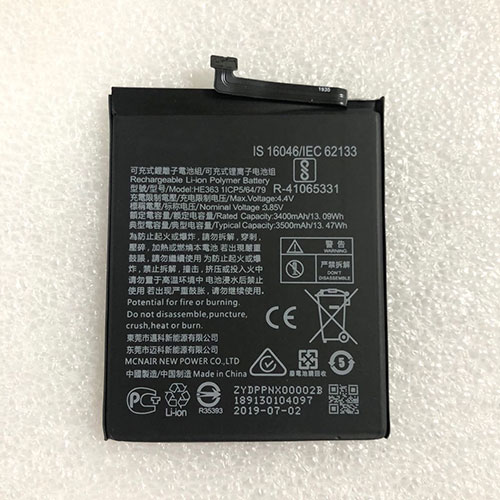
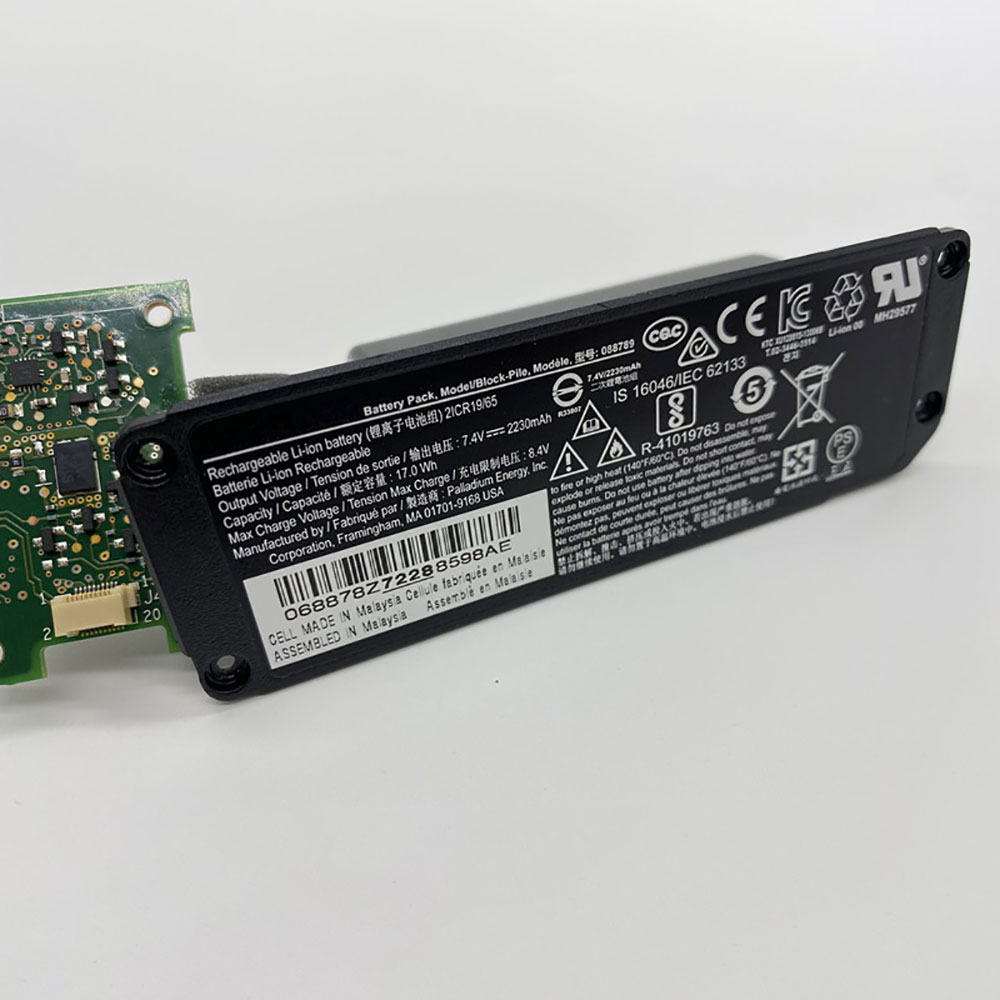
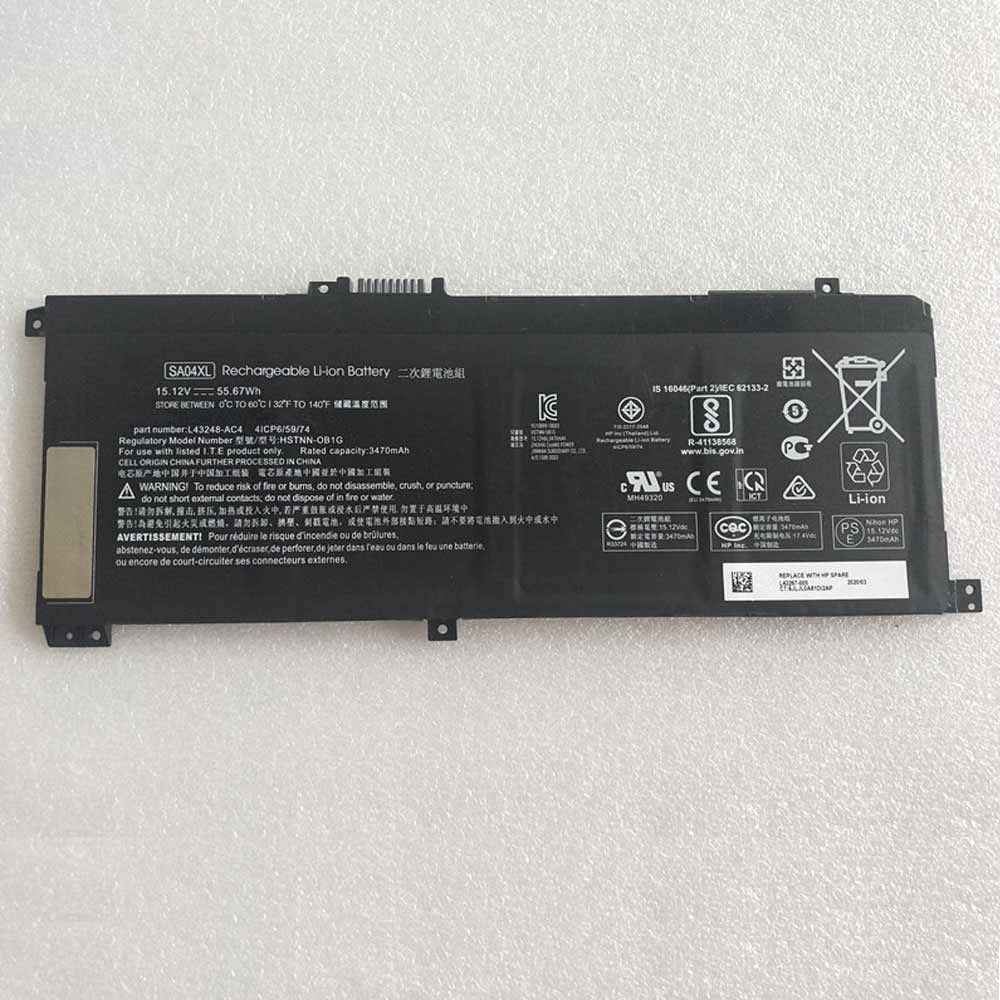
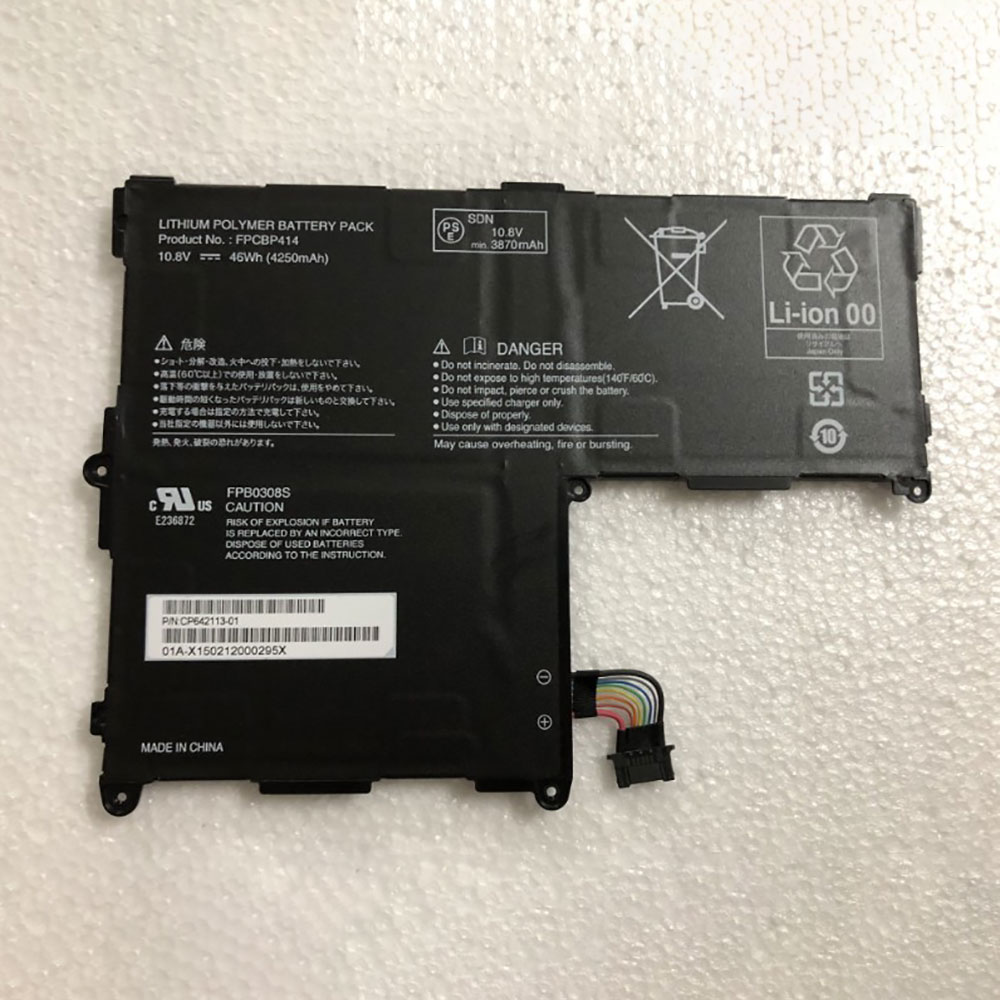
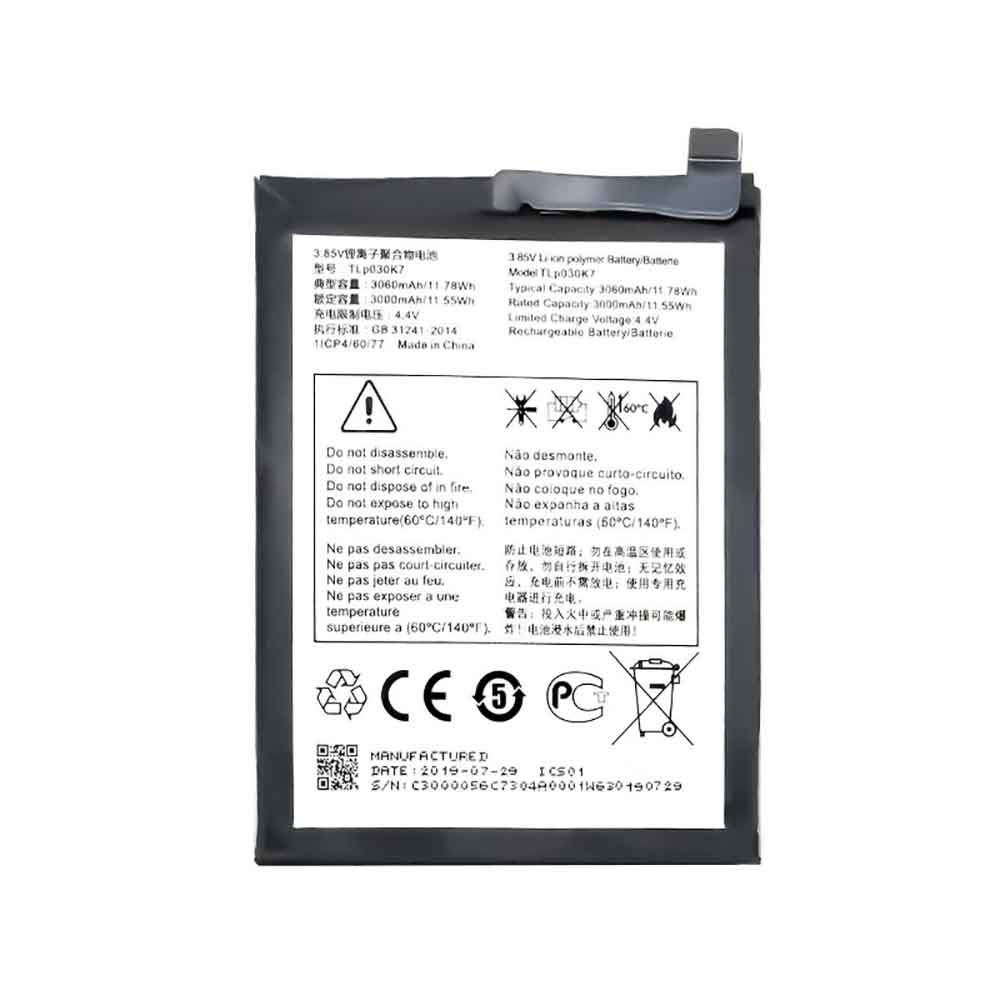
1000mAh 3.7V Alcatel CAB31L0002C1 Li-ion Battery for Alcatel CAB31L0002C1

1000mAh 3.7V Alcatel CAB31L0002C1 Batteries for Alcatel CAB31L0002C1, Alcatel CAB31L0002C1 Cell Phone battery is a brand new,100% Compatible original and replacement Phone battery,Purchase wholesale and retail CAB31L0002C1 with high quality and low price!

Find ou your original model number or part number(P/N), and move your eyes on the tag of battery
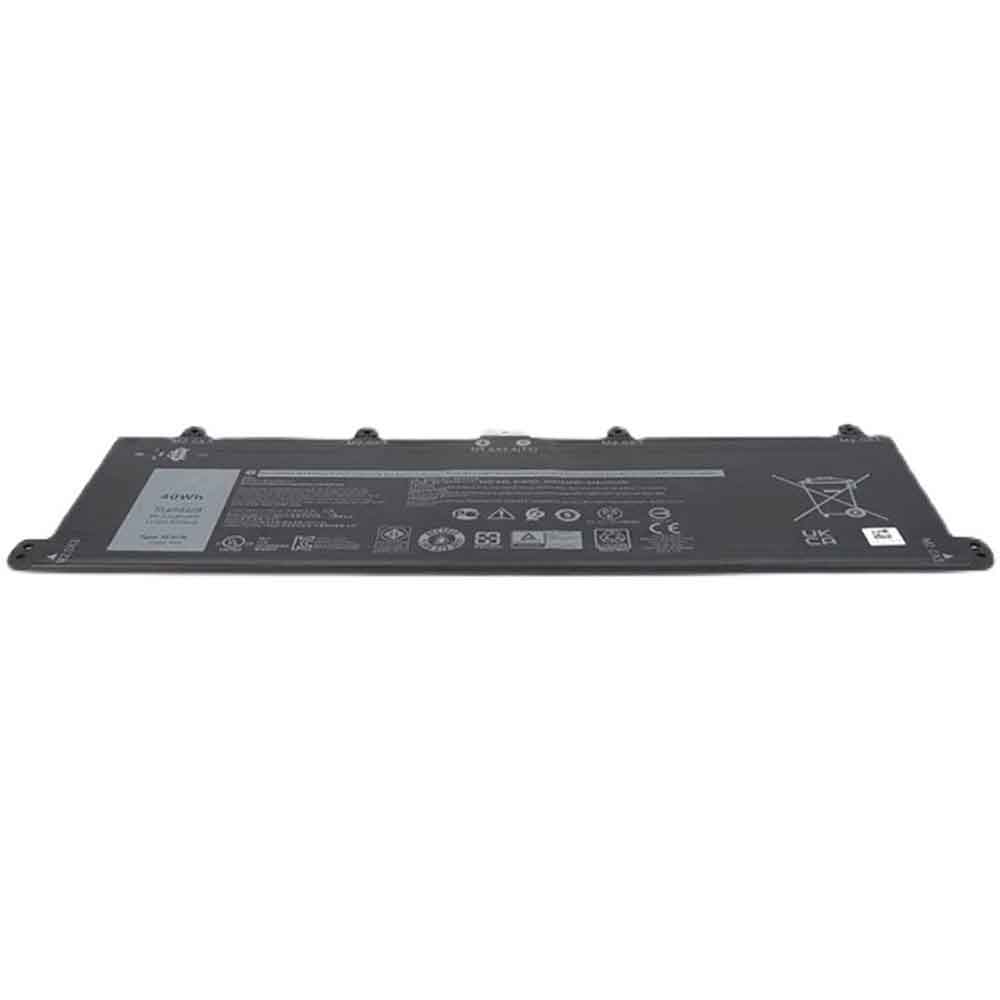
CAB31L0002C1

Specifications

  • Brand:Alcatel
  • Capacity :1000mAh
  • Voltage :3.7V
  • Type :Li-ion
  • Battery Cell Quality: Grade A
  • Descriptive: Replacement Battery – 1 Year Warranty
  • Description: Brand New, 1 Year Warranty! 30-Days Money Back! Fast Shipping!

How we test this Alcatel CAB31L0002C1 Battery
Step 1: Make sure customer bought the correct battery.
Step 2: Check battery’s appearance and interface.
Step 3: Test battery charger and recharger function.
Step 4: Charger the battery to 100% and recharger to 0% to get real battery capacity
Step 5: Use Ev2300 to check the voltage difference of each goroup cells.
Step 6: Charger battery power more than 30%.
Step 7: Package battery carefully and send out

Compatible Part Numbers:
CAB31L0002C1

Compatible Model Numbers:
Alcatel CAB31L0002C1

How much do you know about how to run laptop well as any place? The follow Tips cut way back on protecting battery life.


1). Please recharge or change your Cell Phone battery when battery power low.
2). Using Li-Ion Replacement Alcatel CAB31L0002C1 Cell Phone Battery for your notebook which can work longer time than Non Li-ion one.
3). It is better to defragmentation regularly for your Cell Phone battery life.
4). In order to reduce the laptop power consumpition, you can use some optical drive spin-down and hard drive in your Cell Phone .
5). Please keep your laptop in sleep or standby model without long time using, which both save the Replacement Alcatel CAB31L0002C1 Cell Phone Battery power and extend battery using life.
6). Leave your battery in a dry and cool condition when without using.
7). When you rarely or generally plugged in fixed power using, Please take down your battery to avoid hurting battery life.

Hot Products

2100mAh HBC BA225000 for HBC crane crane pump truck rem220mAh ZEBRA BT000296A01 for Zebra HS3100 BTRY-HS3100-HS1-03430MAH ULEFONE S11 for Ulefone S11 Note 72000mAh/9.60Wh IKUSI BT24IK for IKUSI TM70/3 TM70/8 T70/3 Irib5050mAh/19.44WH NOKIA WT340 for Nokia G205050mAh/19.44WH NOKIA WT340 for Nokia G205250mAh/19.43Wh PAX IS900 for PAX A920 A920C7000mAh/27WH LENOVO L16D2P31 for Lenovo TAB4 PLUS TB-X704F3900mAh 15.015WH KOOBEE BL-A3CT for Koobee K7004150mAh /15.77Wh CUBOT note_S for CUBOT note S smartphone Mobile

How to install MacOS apps that Apple doesn’t want you to install

 Apple takes privacy and protection very seriously, which has always included keeping malware and viruses away from MacOS desktops and laptops. Installing apps from Apple’s own Mac App Store is one way to minimize risk, but not everything you might want is available there. It’s also easy to install software downloaded directly from one of Apple’s “identified” developers, though there’s also a settings menu to turn the feature off and on.

But you may come across an app that Apple doesn’t think is from an identified developer, and you want to install on your Mac. This is where it gets tricky. MacOS comes with a feature called Gatekeeper. It helps protect your Mac from applications that can adversely affect system stability. Gatekeeper verifies downloaded applications before allowing them to run. By default, if you try to install an application that Gatekeeper does not recognize, it will not install.

Before MacOS Monterrey, there used to be an option in settings that would let you bypass Gatekeeper and install unrecognized apps. In addition to allowing apps from the App Store and identified developers, the third option is Anywhere, which is exactly what it means. Install any compatible software online from anywhere and take the chance.

But since MacOS Monterrey, the Anywhere option is gone. You can still do this, but it requires a few unobvious extra steps.

Start by opening System Preferences > Security & Privacy > General. Click the lock icon at the bottom left of the page (it reads: “Click the lock to make changes”). You must enter your system password. If not already checked, check the boxes that say App Store and identify the developer.

Now, if you install a downloaded app and get a message: “[This program] cannot be opened because the developer could not be verified”, this is what you do. Go back to System Preferences > Security & Privacy > General. You will now see a new option on the page asking if you want to open the app anyway. Click that, and you’re ready to download.

The steps for MacOS Ventura’s new settings interface are slightly different. However, if you have upgraded to Ventura from MacOS Monterey and this setting is enabled, it will still be in Ventura.

Click the Apple logo in the upper left corner and select System Settings.

Next click on Privacy and Security. Scroll down to the safety section. From there, select the App Store and identified developer.

You must enter your Mac‘s login password, or, if you have one, you can use your Apple Watch to unlock settings and continue.

When launching an unrecognized app, you get a message that it cannot be opened because the developer could not be verified. There will be two options, Move to Trash or Cancel.

Select Cancel, then go to the Settings > Privacy & Security > Security section and you will now see an option for the App Store and identify the developer with the app you are trying to install and an option to open it anyway button.

When installing third-party applications, you may compromise the stability of your system. Having said that, the click still opens. You will get a warning message with the option to open. Click Open and you’re done.

>>>>>>>>>>>>>Apple battery

Thanks for reading, hope it helps!

Friendly reminder: If you need to replace the battery, this battery store will be a good choice: www.batteryforpc.co.uk

Apple’s Messages app has a hidden feature you can only use by doing so

 Apple has a secret iMessage effect that’s so hidden that there’s only one way to unlock it, not by digging into the Messages app’s settings, tools, effects, or interface. But it’s used the same way whether you’re messaging from an iPhone, iPad, iPod touch, or Mac, so it’s easy to remember once you know it.

Images, emojis, stickers, GIFs, and videos can help visually express your emotions, feelings, or thoughts in text conversations, and you can use Apple‘s bubble effects to emphasize any of these. But when you want to add style to anything you say or visualize, you use Apple’s message effects.

Message effects explode animations across the screen for senders and recipients in iMessage conversations, making them a great way to highlight specific text or images. In iOS 15, iPadOS 15, and macOS 12, as well as iOS 16, iPadOS 16, and macOS 13, there are eight message effects, most of which have been around for over five years: echo, spotlight, balloon, confetti, love, laser, fireworks ,celebration

While few people know about it, there’s also a meteor message effect that Apple doesn’t advertise anywhere. It’s weird because it’s officially available in iOS 10, 11, 12, and 13, and it’s never been available on macOS, but it works if you know the secret trigger.

To start the Meteor full screen effect on your iPhone, iPad, iPod touch or Mac, send any of the following greetings in the Messages app. They are usually uppercase, but sending an all lowercase letter also triggers the effect.

After clicking send, a star will shoot out from left to right on the screen, and when it falls from the starry night sky, it will make a clicking sound.

Most of the other full-screen message effects for iMessage have keywords or keyword triggers that will automatically animate. While there are only two meteors, most of the others have many different variations. In total, there are over 200 triggers in over 40 different languages.

>>>>>>>>>>>>Apple battery

900mAh 3.7V Oppo BLT003 Li-ion Battery for OPPO A100 A103 A105

900mAh 3.7V Oppo BLT003 Batteries for OPPO A100 A103 A105, Oppo BLT003 Cell Phone battery is a brand new,100% Compatible original and replacement Phone battery,Purchase wholesale and retail BLT003 with high quality and low price!

Find ou your original model number or part number(P/N), and move your eyes on the tag of battery

BLT003

Specifications

  • Brand:OPPO
  • Capacity :900mAh
  • Voltage :3.7V
  • Type :Li-ion
  • Battery Cell Quality: Grade A
  • Descriptive: Replacement Battery – 1 Year Warranty
  • Description: Brand New, 1 Year Warranty! 30-Days Money Back! Fast Shipping!

How we test this Oppo BLT003 Battery
Step 1: Make sure customer bought the correct battery.
Step 2: Check battery’s appearance and interface.
Step 3: Test battery charger and recharger function.
Step 4: Charger the battery to 100% and recharger to 0% to get real battery capacity
Step 5: Use Ev2300 to check the voltage difference of each goroup cells.
Step 6: Charger battery power more than 30%.
Step 7: Package battery carefully and send out

Compatible Part Numbers:
BLT003

Compatible Model Numbers:
OPPO A100 A103 A105

How much do you know about how to run laptop well as any place? The follow Tips cut way back on protecting battery life.


1). Please recharge or change your Cell Phone battery when battery power low.
2). Using Li-Ion Replacement Oppo BLT003 Cell Phone Battery for your notebook which can work longer time than Non Li-ion one.
3). It is better to defragmentation regularly for your Cell Phone battery life.
4). In order to reduce the laptop power consumpition, you can use some optical drive spin-down and hard drive in your Cell Phone .
5). Please keep your laptop in sleep or standby model without long time using, which both save the Replacement Oppo BLT003 Cell Phone Battery power and extend battery using life.
6). Leave your battery in a dry and cool condition when without using.
7). When you rarely or generally plugged in fixed power using, Please take down your battery to avoid hurting battery life.

Hot Products

5050mAh/19.44WH NOKIA WT340 for Nokia G205050mAh/19.44WH NOKIA WT340 for Nokia G205250mAh/19.43Wh PAX IS900 for PAX A920 A920C7000mAh/27WH LENOVO L16D2P31 for Lenovo TAB4 PLUS TB-X704F3900mAh 15.015WH KOOBEE BL-A3CT for Koobee K7004150mAh /15.77Wh CUBOT note_S for CUBOT note S smartphone Mobile90WH / 9Cell LENOVO 00NY492 for Lenovo ThinkPad P502500mAh 9.63WH NOKIA HE365 for Nokia 1 Plus TA-1111 TA-112358WH HP 778951-421 for HP Omen 15 15-5014TX TPN-W111830mAh PARROT Zik2.0 for Parrot Zik 2.0,Parrot Zik 3

5000mAh 3.8V Lenovo L19D1P32 Li-ion Battery for Lenovo Tab M10 FHD Plus

5000mAh 3.8V Lenovo L19D1P32 Batteries for Lenovo Tab M10 FHD Plus, Lenovo L19D1P32 Tablets battery is a brand new,100% Compatible original and replacement Tablets battery,Purchase wholesale and retail L19D1P32 with high quality and low price!

Find ou your original model number or part number(P/N), and move your eyes on the tag of battery

L19D1P32

Specifications

  • Brand:Lenovo
  • Capacity :5000mAh
  • Voltage :3.8V
  • Type :Li-ion
  • Battery Cell Quality: Grade A
  • Descriptive: Replacement Battery – 1 Year Warranty
  • Description: Brand New, 1 Year Warranty! 30-Days Money Back! Fast Shipping!

How we test this Lenovo L19D1P32 Battery
Step 1: Make sure customer bought the correct battery.
Step 2: Check battery’s appearance and interface.
Step 3: Test battery charger and recharger function.
Step 4: Charger the battery to 100% and recharger to 0% to get real battery capacity
Step 5: Use Ev2300 to check the voltage difference of each goroup cells.
Step 6: Charger battery power more than 30%.
Step 7: Package battery carefully and send out

Compatible Part Numbers:
L19D1P32

Compatible Model Numbers:
Lenovo Tab M10 FHD Plus

How much do you know about how to run laptop well as any place? The follow Tips cut way back on protecting battery life.


1). Please recharge or change your Tablets battery when battery power low.
2). Using Li-Ion Replacement Lenovo L19D1P32 Tablets Battery for your notebook which can work longer time than Non Li-ion one.
3). It is better to defragmentation regularly for your Tablets battery life.
4). In order to reduce the laptop power consumpition, you can use some optical drive spin-down and hard drive in your Tablets .
5). Please keep your laptop in sleep or standby model without long time using, which both save the Replacement Lenovo L19D1P32 Tablets Battery power and extend battery using life.
6). Leave your battery in a dry and cool condition when without using.
7). When you rarely or generally plugged in fixed power using, Please take down your battery to avoid hurting battery life.

Hot Products

5050mAh/19.44WH NOKIA WT340 for Nokia G205050mAh/19.44WH NOKIA WT340 for Nokia G205250mAh/19.43Wh PAX IS900 for PAX A920 A920C7000mAh/27WH LENOVO L16D2P31 for Lenovo TAB4 PLUS TB-X704F3900mAh 15.015WH KOOBEE BL-A3CT for Koobee K7004150mAh /15.77Wh CUBOT note_S for CUBOT note S smartphone Mobile90WH / 9Cell LENOVO 00NY492 for Lenovo ThinkPad P502500mAh 9.63WH NOKIA HE365 for Nokia 1 Plus TA-1111 TA-112358WH HP 778951-421 for HP Omen 15 15-5014TX TPN-W111830mAh PARROT Zik2.0 for Parrot Zik 2.0,Parrot Zik 3

6000mAh 3.7V Asus A12L1803 Li-ion Battery for Asus ZS600KLS 0B110-00560000

6000mAh 3.7V Asus A12L1803 Batteries for Asus ZS600KLS 0B110-00560000, Asus A12L1803 Cell Phone battery is a brand new,100% Compatible original and replacement Phone battery,Purchase wholesale and retail A12L1803 with high quality and low price!

Find ou your original model number or part number(P/N), and move your eyes on the tag of battery

A12L1803

Specifications

  • Brand:Asus
  • Capacity :6000mAh
  • Voltage :3.7V
  • Type :Li-ion
  • Battery Cell Quality: Grade A
  • Descriptive: Replacement Battery – 1 Year Warranty
  • Description: Brand New, 1 Year Warranty! 30-Days Money Back! Fast Shipping!

How we test this Asus A12L1803 Battery
Step 1: Make sure customer bought the correct battery.
Step 2: Check battery’s appearance and interface.
Step 3: Test battery charger and recharger function.
Step 4: Charger the battery to 100% and recharger to 0% to get real battery capacity
Step 5: Use Ev2300 to check the voltage difference of each goroup cells.
Step 6: Charger battery power more than 30%.
Step 7: Package battery carefully and send out

Compatible Part Numbers:
A12L1803

Compatible Model Numbers:
Asus ZS600KLS 0B110-00560000

How much do you know about how to run laptop well as any place? The follow Tips cut way back on protecting battery life.


1). Please recharge or change your Cell Phone battery when battery power low.
2). Using Li-Ion Replacement Asus A12L1803 Cell Phone Battery for your notebook which can work longer time than Non Li-ion one.
3). It is better to defragmentation regularly for your Cell Phone battery life.
4). In order to reduce the laptop power consumpition, you can use some optical drive spin-down and hard drive in your Cell Phone .
5). Please keep your laptop in sleep or standby model without long time using, which both save the Replacement Asus A12L1803 Cell Phone Battery power and extend battery using life.
6). Leave your battery in a dry and cool condition when without using.
7). When you rarely or generally plugged in fixed power using, Please take down your battery to avoid hurting battery life.

Hot Products

5050mAh/19.44WH NOKIA WT340 for Nokia G205050mAh/19.44WH NOKIA WT340 for Nokia G205250mAh/19.43Wh PAX IS900 for PAX A920 A920C7000mAh/27WH LENOVO L16D2P31 for Lenovo TAB4 PLUS TB-X704F3900mAh 15.015WH KOOBEE BL-A3CT for Koobee K7004150mAh /15.77Wh CUBOT note_S for CUBOT note S smartphone Mobile90WH / 9Cell LENOVO 00NY492 for Lenovo ThinkPad P502500mAh 9.63WH NOKIA HE365 for Nokia 1 Plus TA-1111 TA-112358WH HP 778951-421 for HP Omen 15 15-5014TX TPN-W111830mAh PARROT Zik2.0 for Parrot Zik 2.0,Parrot Zik 3

800mAh 3.7V Oppo BLT015 Li-ion Battery for OPPO U521

800mAh 3.7V Oppo BLT015 Batteries for OPPO U521, Oppo BLT015 Cell Phone battery is a brand new,100% Compatible original and replacement Phone battery,Purchase wholesale and retail BLT015 with high quality and low price!

Find ou your original model number or part number(P/N), and move your eyes on the tag of battery

BLT015

Specifications

  • Brand:OPPO
  • Capacity :800mAh
  • Voltage :3.7V
  • Type :Li-ion
  • Battery Cell Quality: Grade A
  • Descriptive: Replacement Battery – 1 Year Warranty
  • Description: Brand New, 1 Year Warranty! 30-Days Money Back! Fast Shipping!

How we test this Oppo BLT015 Battery
Step 1: Make sure customer bought the correct battery.
Step 2: Check battery’s appearance and interface.
Step 3: Test battery charger and recharger function.
Step 4: Charger the battery to 100% and recharger to 0% to get real battery capacity
Step 5: Use Ev2300 to check the voltage difference of each goroup cells.
Step 6: Charger battery power more than 30%.
Step 7: Package battery carefully and send out

Compatible Part Numbers:
BLT015

Compatible Model Numbers:
OPPO U521

How much do you know about how to run laptop well as any place? The follow Tips cut way back on protecting battery life.


1). Please recharge or change your Cell Phone battery when battery power low.
2). Using Li-Ion Replacement Oppo BLT015 Cell Phone Battery for your notebook which can work longer time than Non Li-ion one.
3). It is better to defragmentation regularly for your Cell Phone battery life.
4). In order to reduce the laptop power consumpition, you can use some optical drive spin-down and hard drive in your Cell Phone .
5). Please keep your laptop in sleep or standby model without long time using, which both save the Replacement Oppo BLT015 Cell Phone Battery power and extend battery using life.
6). Leave your battery in a dry and cool condition when without using.
7). When you rarely or generally plugged in fixed power using, Please take down your battery to avoid hurting battery life.

Hot Products

5050mAh/19.44WH NOKIA WT340 for Nokia G205050mAh/19.44WH NOKIA WT340 for Nokia G205250mAh/19.43Wh PAX IS900 for PAX A920 A920C7000mAh/27WH LENOVO L16D2P31 for Lenovo TAB4 PLUS TB-X704F3900mAh 15.015WH KOOBEE BL-A3CT for Koobee K7004150mAh /15.77Wh CUBOT note_S for CUBOT note S smartphone Mobile90WH / 9Cell LENOVO 00NY492 for Lenovo ThinkPad P502500mAh 9.63WH NOKIA HE365 for Nokia 1 Plus TA-1111 TA-112358WH HP 778951-421 for HP Omen 15 15-5014TX TPN-W111830mAh PARROT Zik2.0 for Parrot Zik 2.0,Parrot Zik 3

How to stop your iPhone from overheating

 If you use your iPhone for a year or more, you may experience overheating problems. It’s not a consistent issue, it affects most electronic devices, but iPhones have been getting too hot for a while.

Although it’s important to remember that just because your iPhone is getting hot doesn’t mean it’s overheating. In fact, in some cases, a warm iPhone can be expected — it’s just part of the process. Setting up your iPhone for the first time or restoring from a backup may raise its temperature due to all the activity and data transfers going on, but that’s nothing to worry about. The same is true when you’re doing something processor-intensive.

As Apple advises, even charging an iPhone can make it feel a little hot — especially wireless charging — but unless it’s really hot to the touch, there’s no need to worry. However, there are definitely situations that can cause your iPhone to overheat and you need to remedy it as soon as possible. If your iPhone gets too hot for too long, it can cause permanent damage, including shortened battery life and even shutting down completely in extreme temperatures.

What’s making my iPhone overheat?

While things like charging, heavy usage, and large data settings won’t necessarily cause overheating, it’s still possible. So if any of these daily activities are cause for concern, take note – if the weather is warm enough to worry you, it’s best to proceed with caution if you can.

Another major factor in iPhone overheating is naturally the temperature around them. Whether you’re outside on a hot day, doing something that requires a lot of processing power in an already warm room, or sitting your iPhone in direct sunlight, you run the risk of overheating it.

Aside from simply feeling warmer than you expected, if you notice a change in your iPhone’s behavior, you can infer that your iPhone is getting too hot. Charging times may suddenly take longer than usual, or gaming and video performance may slow down. The display may also start to dim on its own or go completely black. It can even disable your iPhone’s camera flash.

How to prevent iPhone from overheating?

If you think your iPhone is getting too hot — either because it feels hot, isn’t performing well, or is giving you a direct warning — the first thing to do is to lower its temperature. This doesn’t require extreme things like putting it in the refrigerator or freezer (please don’t put your iPhone in the refrigerator or freezer), but simply remove it from any heat source that’s causing the problem. 

This could mean walking into a shaded or air-conditioned room, taking it out of direct sunlight or out of a parked car, stopping anything you might be doing on it and closing all running apps, or shutting it down completely A few minutes to give it a chance to cool down.

It’s also important to take precautions ahead of time so you don’t have to worry about overheating or potential long-term damage to your iPhone. If possible, don’t leave your phone in the car in hot weather. If you’re outside, keep your iPhone in your pocket or hide it when you’re not using it so it won’t be in direct sunlight for long periods of time. When the weather warms, avoid using features and apps that you know require a lot of processing power, and consider temporarily turning off some intensive features, such as GPS tracking and navigation.

>>>>>>>>>>>>>>>>iPhone battery

Thanks for reading, hope it helps!

Friendly reminder: If you need to replace the battery of your device, this battery store will be a good choice:www.batteryforpc.co.uk

3505mAh 3.85V Blackberry TLP034E1 Li-ion Battery for BlackBerry BBB100-1

3505mAh 3.85V Blackberry TLP034E1 Batteries for BlackBerry BBB100-1, Blackberry TLP034E1 Cell Phone battery is a brand new,100% Compatible original and replacement Phone battery,Purchase wholesale and retail TLP034E1 with high quality and low price!

Find ou your original model number or part number(P/N), and move your eyes on the tag of battery

TLP034E1

Specifications

  • Brand:BlackBerry
  • Capacity :3505mAh
  • Voltage :3.85V
  • Type :Li-ion
  • Battery Cell Quality: Grade A
  • Descriptive: Replacement Battery – 1 Year Warranty
  • Description: Brand New, 1 Year Warranty! 30-Days Money Back! Fast Shipping!

How we test this Blackberry TLP034E1 Battery
Step 1: Make sure customer bought the correct battery.
Step 2: Check battery’s appearance and interface.
Step 3: Test battery charger and recharger function.
Step 4: Charger the battery to 100% and recharger to 0% to get real battery capacity
Step 5: Use Ev2300 to check the voltage difference of each goroup cells.
Step 6: Charger battery power more than 30%.
Step 7: Package battery carefully and send out

Compatible Part Numbers:
TLP034E1

Compatible Model Numbers:
BlackBerry BBB100-1

How much do you know about how to run laptop well as any place? The follow Tips cut way back on protecting battery life.


1). Please recharge or change your Cell Phone battery when battery power low.
2). Using Li-Ion Replacement Blackberry TLP034E1 Cell Phone Battery for your notebook which can work longer time than Non Li-ion one.
3). It is better to defragmentation regularly for your Cell Phone battery life.
4). In order to reduce the laptop power consumpition, you can use some optical drive spin-down and hard drive in your Cell Phone .
5). Please keep your laptop in sleep or standby model without long time using, which both save the Replacement Blackberry TLP034E1 Cell Phone Battery power and extend battery using life.
6). Leave your battery in a dry and cool condition when without using.
7). When you rarely or generally plugged in fixed power using, Please take down your battery to avoid hurting battery life.

Hot Products

5050mAh/19.44WH NOKIA WT340 for Nokia G205250mAh/19.43Wh PAX IS900 for PAX A920 A920C7000mAh/27WH LENOVO L16D2P31 for Lenovo TAB4 PLUS TB-X704F3900mAh 15.015WH KOOBEE BL-A3CT for Koobee K7004150mAh /15.77Wh CUBOT note_S for CUBOT note S smartphone Mobile90WH / 9Cell LENOVO 00NY492 for Lenovo ThinkPad P502500mAh 9.63WH NOKIA HE365 for Nokia 1 Plus TA-1111 TA-112358WH HP 778951-421 for HP Omen 15 15-5014TX TPN-W111830mAh PARROT Zik2.0 for Parrot Zik 2.0,Parrot Zik 38100mAh GETAC 44184400099 for Getac B300 B300X BP3S3P2900(P)

2000mAh 3.8V Oppo BLP551 Li-ion Battery for OPPO R809T R819T

2000mAh 3.8V Oppo BLP551 Batteries for OPPO R809T R819T, Oppo BLP551 Cell Phone battery is a brand new,100% Compatible original and replacement Phone battery,Purchase wholesale and retail BLP551 with high quality and low price!

Find ou your original model number or part number(P/N), and move your eyes on the tag of battery

BLP551

Specifications

  • Brand:OPPO
  • Capacity :2000mAh
  • Voltage :3.8V
  • Type :Li-ion
  • Battery Cell Quality: Grade A
  • Descriptive: Replacement Battery – 1 Year Warranty
  • Description: Brand New, 1 Year Warranty! 30-Days Money Back! Fast Shipping!

How we test this Oppo BLP551 Battery
Step 1: Make sure customer bought the correct battery.
Step 2: Check battery’s appearance and interface.
Step 3: Test battery charger and recharger function.
Step 4: Charger the battery to 100% and recharger to 0% to get real battery capacity
Step 5: Use Ev2300 to check the voltage difference of each goroup cells.
Step 6: Charger battery power more than 30%.
Step 7: Package battery carefully and send out

Compatible Part Numbers:
BLP551

Compatible Model Numbers:
OPPO R809T R819T

How much do you know about how to run laptop well as any place? The follow Tips cut way back on protecting battery life.


1). Please recharge or change your Cell Phone battery when battery power low.
2). Using Li-Ion Replacement Oppo BLP551 Cell Phone Battery for your notebook which can work longer time than Non Li-ion one.
3). It is better to defragmentation regularly for your Cell Phone battery life.
4). In order to reduce the laptop power consumpition, you can use some optical drive spin-down and hard drive in your Cell Phone .
5). Please keep your laptop in sleep or standby model without long time using, which both save the Replacement Oppo BLP551 Cell Phone Battery power and extend battery using life.
6). Leave your battery in a dry and cool condition when without using.
7). When you rarely or generally plugged in fixed power using, Please take down your battery to avoid hurting battery life.

Hot Products

5050mAh/19.44WH NOKIA WT340 for Nokia G205250mAh/19.43Wh PAX IS900 for PAX A920 A920C7000mAh/27WH LENOVO L16D2P31 for Lenovo TAB4 PLUS TB-X704F3900mAh 15.015WH KOOBEE BL-A3CT for Koobee K7004150mAh /15.77Wh CUBOT note_S for CUBOT note S smartphone Mobile90WH / 9Cell LENOVO 00NY492 for Lenovo ThinkPad P502500mAh 9.63WH NOKIA HE365 for Nokia 1 Plus TA-1111 TA-112358WH HP 778951-421 for HP Omen 15 15-5014TX TPN-W111830mAh PARROT Zik2.0 for Parrot Zik 2.0,Parrot Zik 38100mAh GETAC 44184400099 for Getac B300 B300X BP3S3P2900(P)