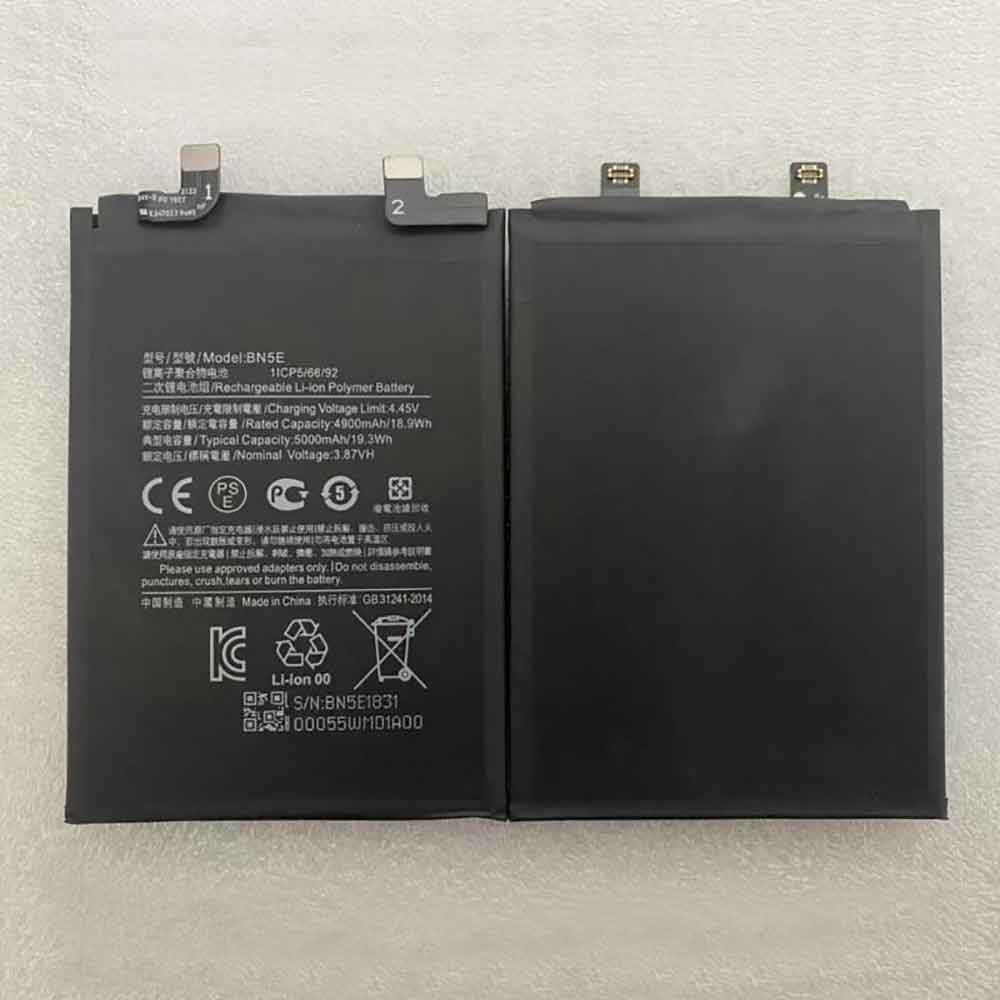
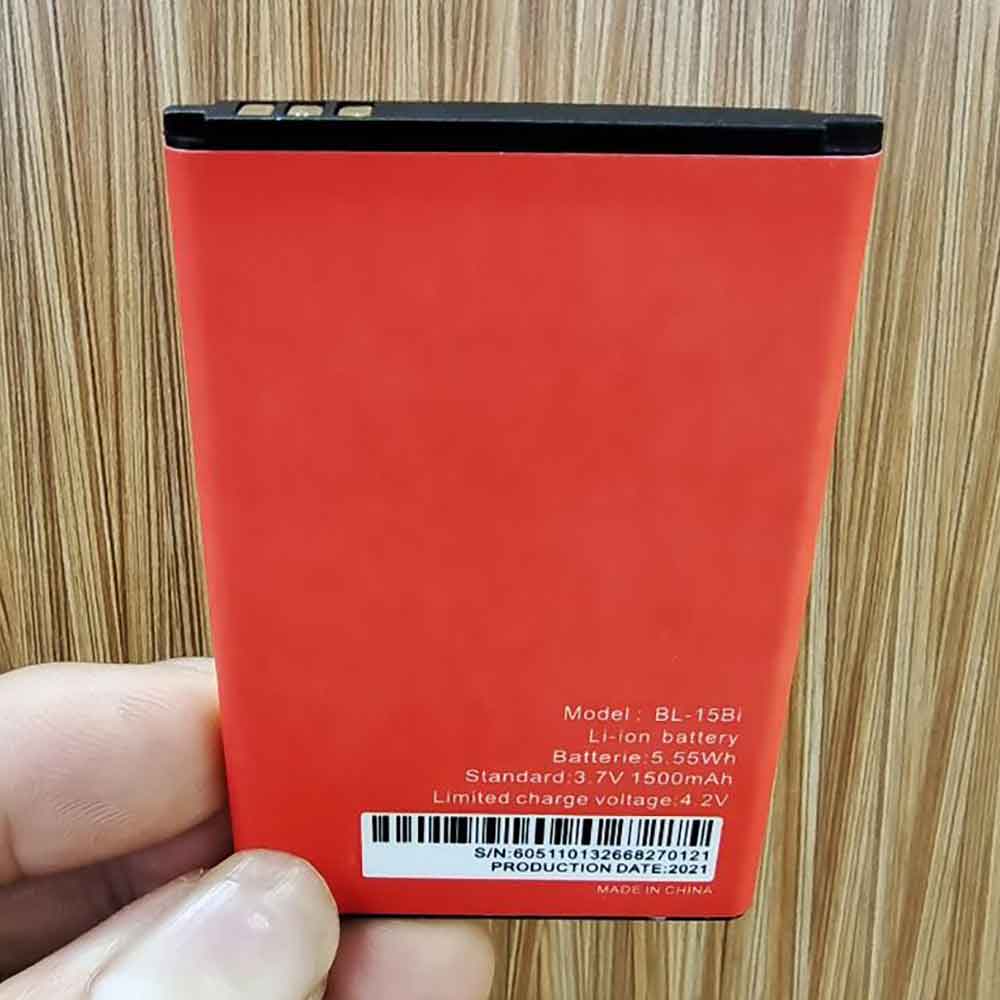
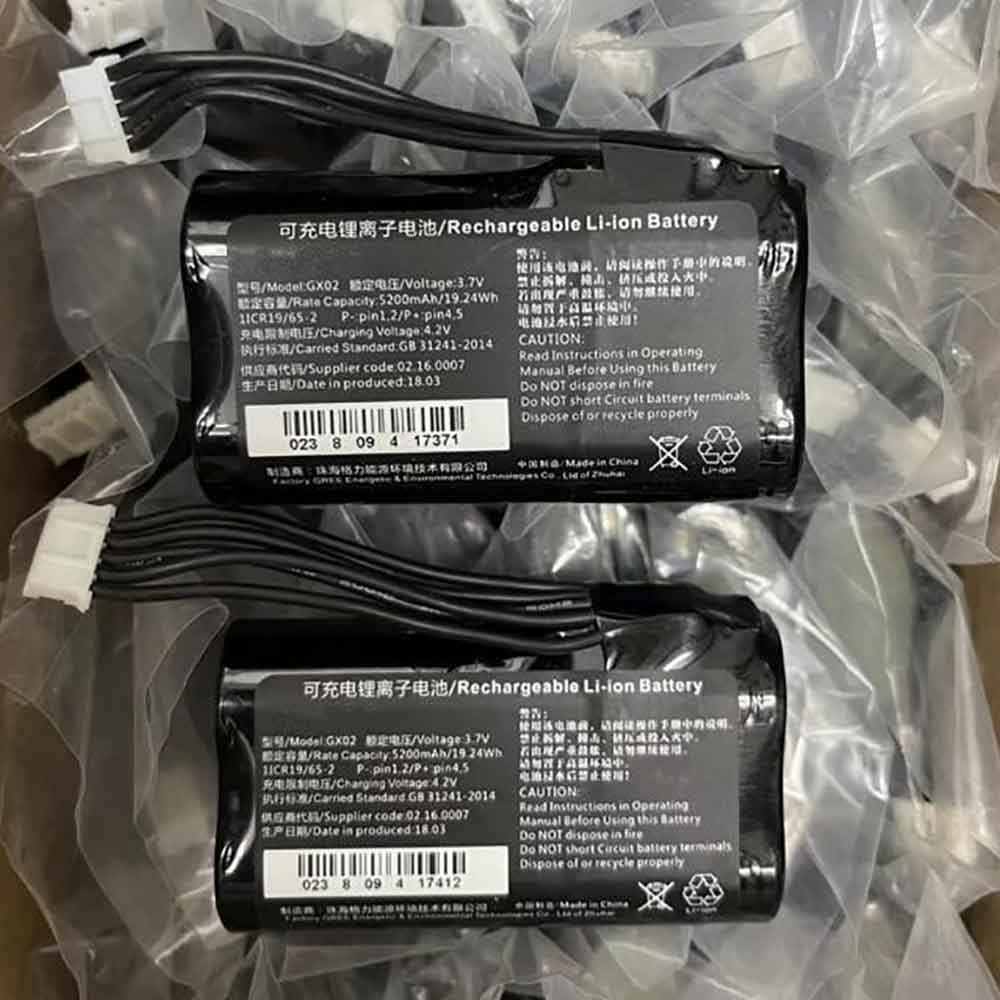
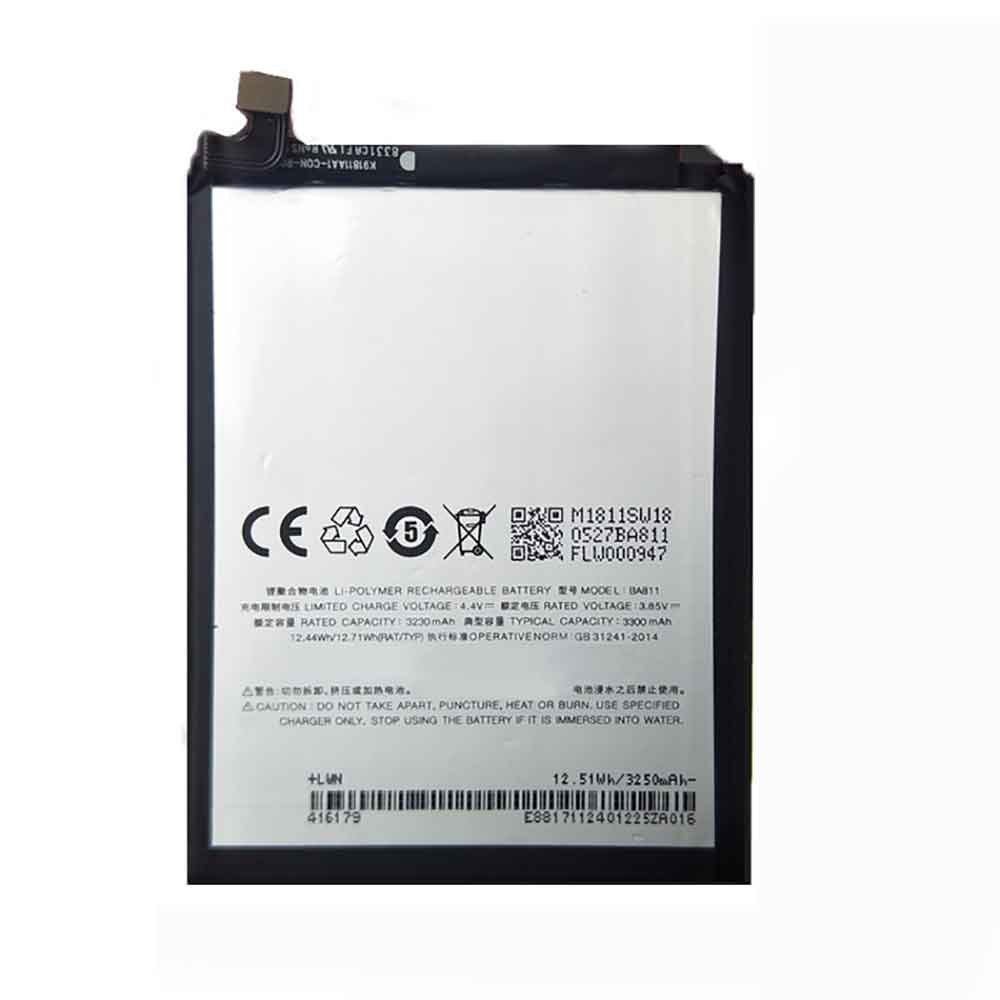
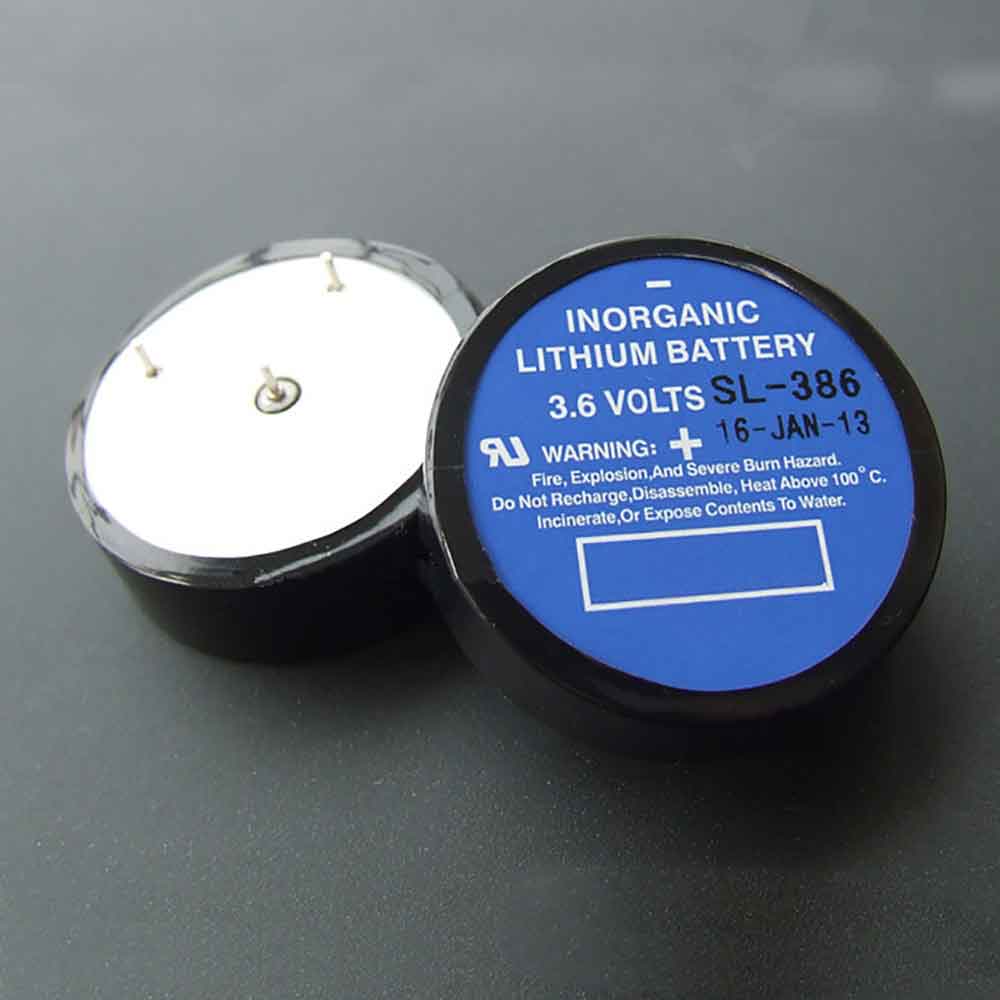
4000mAh/15.4WH 3.85V 4.4V Xiaomi BN45 Li-ion Battery for Xiaomi Redmi Note 5 Pro

4000mAh/15.4WH 3.85V 4.4V Xiaomi BN45 Batteries for Xiaomi Redmi Note 5 Pro, Xiaomi BN45 Cell Phone battery is a brand new,100% Compatible original and replacement Phone battery,Purchase wholesale and retail BN45 with high quality and low price!

Find ou your original model number or part number(P/N), and move your eyes on the tag of battery
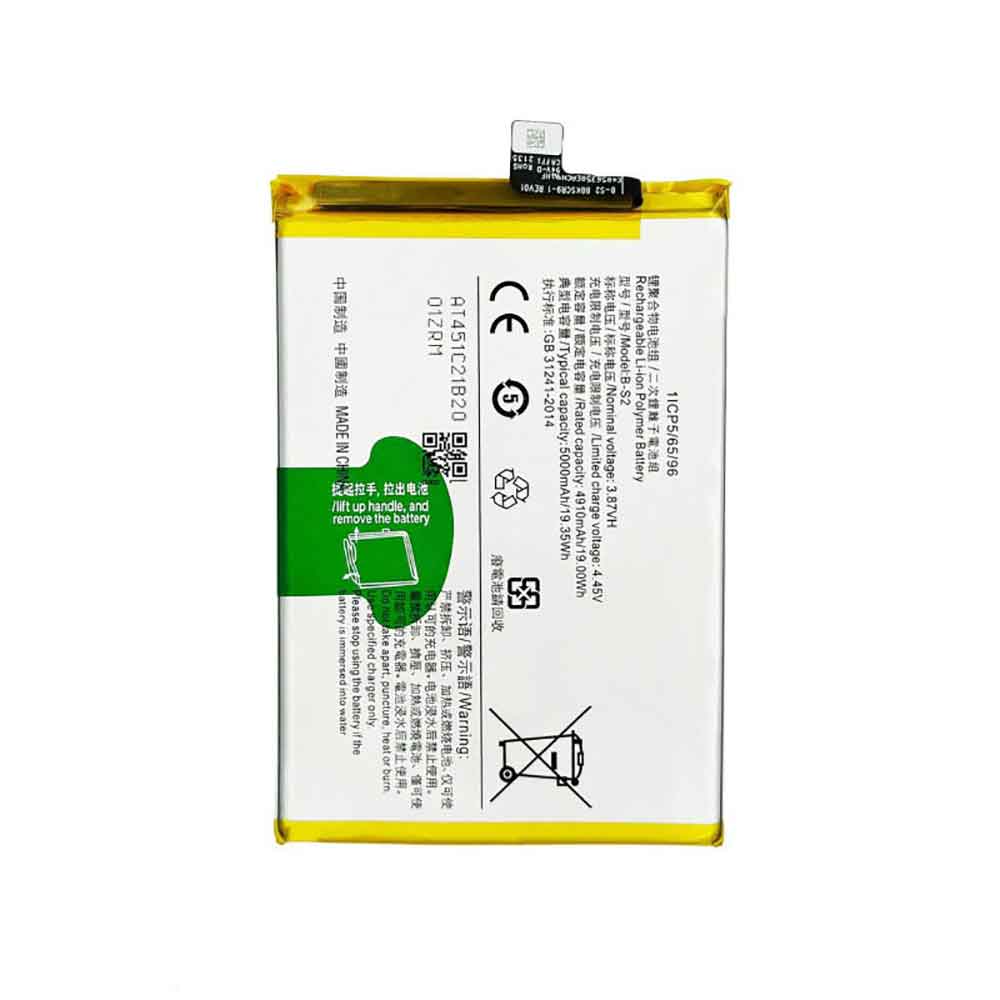
BN45

Specifications

  • Brand:Xiaomi
  • Capacity :4000mAh/15.4WH
  • Voltage :3.85V 4.4V
  • Type :Li-ion
  • Battery Cell Quality: Grade A
  • Descriptive: Replacement Battery – 1 Year Warranty
  • Description: Brand New, 1 Year Warranty! 30-Days Money Back! Fast Shipping!

How we test this Xiaomi BN45 Battery
Step 1: Make sure customer bought the correct battery.
Step 2: Check battery’s appearance and interface.
Step 3: Test battery charger and recharger function.
Step 4: Charger the battery to 100% and recharger to 0% to get real battery capacity
Step 5: Use Ev2300 to check the voltage difference of each goroup cells.
Step 6: Charger battery power more than 30%.
Step 7: Package battery carefully and send out

Compatible Part Numbers:
BN45

Compatible Model Numbers:
Xiaomi Redmi Note 5
Xiaomi Redmi Note 5 Pro

How much do you know about how to run laptop well as any place? The follow Tips cut way back on protecting battery life.


1). Please recharge or change your Cell Phone battery when battery power low.
2). Using Li-Ion Replacement Xiaomi BN45 Cell Phone Battery for your notebook which can work longer time than Non Li-ion one.
3). It is better to defragmentation regularly for your Cell Phone battery life.
4). In order to reduce the laptop power consumpition, you can use some optical drive spin-down and hard drive in your Cell Phone .
5). Please keep your laptop in sleep or standby model without long time using, which both save the Replacement Xiaomi BN45 Cell Phone Battery power and extend battery using life.
6). Leave your battery in a dry and cool condition when without using.
7). When you rarely or generally plugged in fixed power using, Please take down your battery to avoid hurting battery life.

Hot Products

3000mAh/11.4WH OUKITEL U15_Pro for Oukitel U15 Pro1043mAh/3.99WH APPLE A1641 for Apple iPod Touch 643Wh LENOVO 45N1094 for Lenovo ThinkPad Edge S230u Twi4730mAh/37WH ASUS C21N1818 for ASUS VivoBook 14 X412 X412DA X4400mAh DELL 312-0314 for Dell Latitude D410 serie3100mAh ZEBRA BT-000409 for Zebra TC21 TC26?TC2X Series BT1200mah PANASONIC AFP8801 for Panasonic FP2 FP3 FP10 FP2SH A6300mAh 46.62Wh DUUX DXCFBP02 for Duux DXCFBP02780mAh 2.88Wh ZEBRA 82-133770-01 for Zebra CS3300 CS30704850mAh/18.67WH ALCATE TLp048A1 for Alcatel phone

3260mAh/12.55WH 3.85V 4.4V Xiaomi BM38 Li-ion Battery for Xiaomi Mi 4s

3260mAh/12.55WH 3.85V 4.4V Xiaomi BM38 Batteries for Xiaomi Mi 4s, Xiaomi BM38 Cell Phone battery is a brand new,100% Compatible original and replacement Phone battery,Purchase wholesale and retail BM38 with high quality and low price!

Find ou your original model number or part number(P/N), and move your eyes on the tag of battery

BM38

Specifications

  • Brand:Xiaomi
  • Capacity :3260mAh/12.55WH
  • Voltage :3.85V 4.4V
  • Type :Li-ion
  • Battery Cell Quality: Grade A
  • Descriptive: Replacement Battery – 1 Year Warranty
  • Description: Brand New, 1 Year Warranty! 30-Days Money Back! Fast Shipping!

How we test this Xiaomi BM38 Battery
Step 1: Make sure customer bought the correct battery.
Step 2: Check battery’s appearance and interface.
Step 3: Test battery charger and recharger function.
Step 4: Charger the battery to 100% and recharger to 0% to get real battery capacity
Step 5: Use Ev2300 to check the voltage difference of each goroup cells.
Step 6: Charger battery power more than 30%.
Step 7: Package battery carefully and send out

Compatible Part Numbers:
BM38

Compatible Model Numbers:
Xiaomi Mi 4s

How much do you know about how to run laptop well as any place? The follow Tips cut way back on protecting battery life.


1). Please recharge or change your Cell Phone battery when battery power low.
2). Using Li-Ion Replacement Xiaomi BM38 Cell Phone Battery for your notebook which can work longer time than Non Li-ion one.
3). It is better to defragmentation regularly for your Cell Phone battery life.
4). In order to reduce the laptop power consumpition, you can use some optical drive spin-down and hard drive in your Cell Phone .
5). Please keep your laptop in sleep or standby model without long time using, which both save the Replacement Xiaomi BM38 Cell Phone Battery power and extend battery using life.
6). Leave your battery in a dry and cool condition when without using.
7). When you rarely or generally plugged in fixed power using, Please take down your battery to avoid hurting battery life.

Hot Products

3000mAh/11.4WH OUKITEL U15_Pro for Oukitel U15 Pro1043mAh/3.99WH APPLE A1641 for Apple iPod Touch 643Wh LENOVO 45N1094 for Lenovo ThinkPad Edge S230u Twi4730mAh/37WH ASUS C21N1818 for ASUS VivoBook 14 X412 X412DA X4400mAh DELL 312-0314 for Dell Latitude D410 serie3100mAh ZEBRA BT-000409 for Zebra TC21 TC26?TC2X Series BT1200mah PANASONIC AFP8801 for Panasonic FP2 FP3 FP10 FP2SH A6300mAh 46.62Wh DUUX DXCFBP02 for Duux DXCFBP02780mAh 2.88Wh ZEBRA 82-133770-01 for Zebra CS3300 CS30704850mAh/18.67WH ALCATE TLp048A1 for Alcatel phone

4700mAh/18.18WH 3.87V 4.45V Huawei HB466596EFW Li-ion Battery for Huawei Honor X30

4700mAh/18.18WH 3.87V 4.45V Huawei HB466596EFW Batteries for Huawei Honor X30, Huawei HB466596EFW Cell Phone battery is a brand new,100% Compatible original and replacement Phone battery,Purchase wholesale and retail HB466596EFW with high quality and low price!

Find ou your original model number or part number(P/N), and move your eyes on the tag of battery

HB466596EFW

Specifications

  • Brand:Huawei
  • Capacity :4700mAh/18.18WH
  • Voltage :3.87V 4.45V
  • Type :Li-ion
  • Battery Cell Quality: Grade A
  • Descriptive: Replacement Battery – 1 Year Warranty
  • Description: Brand New, 1 Year Warranty! 30-Days Money Back! Fast Shipping!

How we test this Huawei HB466596EFW Battery
Step 1: Make sure customer bought the correct battery.
Step 2: Check battery’s appearance and interface.
Step 3: Test battery charger and recharger function.
Step 4: Charger the battery to 100% and recharger to 0% to get real battery capacity
Step 5: Use Ev2300 to check the voltage difference of each goroup cells.
Step 6: Charger battery power more than 30%.
Step 7: Package battery carefully and send out

Compatible Part Numbers:
HB466596EFW

Compatible Model Numbers:
Huawei Honor X30

How much do you know about how to run laptop well as any place? The follow Tips cut way back on protecting battery life.


1). Please recharge or change your Cell Phone battery when battery power low.
2). Using Li-Ion Replacement Huawei HB466596EFW Cell Phone Battery for your notebook which can work longer time than Non Li-ion one.
3). It is better to defragmentation regularly for your Cell Phone battery life.
4). In order to reduce the laptop power consumpition, you can use some optical drive spin-down and hard drive in your Cell Phone .
5). Please keep your laptop in sleep or standby model without long time using, which both save the Replacement Huawei HB466596EFW Cell Phone Battery power and extend battery using life.
6). Leave your battery in a dry and cool condition when without using.
7). When you rarely or generally plugged in fixed power using, Please take down your battery to avoid hurting battery life.

Hot Products

3000mAh/11.4WH OUKITEL U15_Pro for Oukitel U15 Pro1043mAh/3.99WH APPLE A1641 for Apple iPod Touch 643Wh LENOVO 45N1094 for Lenovo ThinkPad Edge S230u Twi4730mAh/37WH ASUS C21N1818 for ASUS VivoBook 14 X412 X412DA X4400mAh DELL 312-0314 for Dell Latitude D410 serie3100mAh ZEBRA BT-000409 for Zebra TC21 TC26?TC2X Series BT1200mah PANASONIC AFP8801 for Panasonic FP2 FP3 FP10 FP2SH A6300mAh 46.62Wh DUUX DXCFBP02 for Duux DXCFBP02780mAh 2.88Wh ZEBRA 82-133770-01 for Zebra CS3300 CS30704850mAh/18.67WH ALCATE TLp048A1 for Alcatel phone

How to Remote Desktop on Mac

 There are many reasons to wonder how to remote desktop on a Mac. For starters, if you have multiple computers, you may need to access some files or applications on another Mac. Or, if you know someone who needs help with a Mac problem, it’s easier to use their computer directly, even if you’re far away. Here’s how you want to know, let’s take a look!

With screen sharing, remote access to your desktop is easy. You just need to know the Apple ID or hostname of the other Mac. From then on, just accept the method on another computer and decide what level of access you want. However, this means that someone has to have access to the other Mac.

To summarize, these are the steps:

1. Launch the screen sharing app

2. Enter the hostname or Apple ID

3. Accept incoming requests on another Mac

4. Tap Control My Screen

5. Close the window end

How to use screen sharing on Mac

1. Launch the screen sharing application on the Mac you want to use. You can do this via Spotlight Search if you press Command and Space on your keyboard – just type Screen Sharing.

2. Enter the hostname or Apple ID associated with the other Mac. In other words, the Apple ID of the computer you want to access. Click Connect.

You will now be told that you need to respond on another machine.

3. A message will appear on the Mac you want to connect to. To establish a connection, the person using the computer will need to click Options and select Accept.

4. A Mac is fully controllable. To do this, someone has to click “Control My Screen” on the Mac that will be accessed. Clicking Watch My Screen will not allow any applications to be opened or changes to be made to files.

5. You will now have remote access to the other Mac, which will appear in its own window. Simply close the window to stop access.

>>>>>>>>>>>>>Apple battery

Thanks for reading, hope it helps!

Friendly reminder: If you need to replace the battery of your device, this battery store will be a good choice: www.batteryforpc.co.uk

Apple preparing to launch high-end MacBook Pro, Mac mini with M2 chip

 Apple could expand its Mac portfolio later this year with a high-end MacBook Pro and a Mac mini with M2 silicon. M2 products currently include the 13-inch MacBook Pro and the improved MacBook Air.

According to Bloomberg’s Mark Gurman, MacBook sales will see a “massive increase.” “Apple will get more momentum later this year with a new Mac mini and a high-end MacBook Pro,” he said late Sunday. Earlier reports mentioned that MacBook Pro models with the M2 Pro and M2 Max will be available in the fall.

Rather than accepting any major shifts, the new Mac models will offer better internal specs. For Macs, Apple generated $7.4 billion in revenue despite supply constraints and a negative impact in the June quarter. Mac revenue fell 10% due to supply chain constraints and unfavorable foreign exchange rates. Apple released a redesigned MacBook Air last month with the company’s M2 chip.

“M2 offers faster CPUs, GPUs and Neural Engines, as well as new features like higher memory bandwidth and Pro Res acceleration. It continues Apple’s tremendous pace of innovation in Mac chips,” said Apple CEO Tim Cook. .

Cook acknowledged that the company continues to face supply constraints on Macs, saying “we are encouraged by the strong customer response to our incredible lineup.”

“Like Macs, demand for iPads continued to be strong in the June quarter despite continued supply constraints,” the Apple CEO said.

>>>>>>>>>>>>>Apple battery

2940mAh/11.319WH 3.85V 4.4V Leagoo BT-5701 Li-ion Battery for Leagoo S8

2940mAh/11.319WH 3.85V 4.4V Leagoo BT-5701 Batteries for Leagoo S8, Leagoo BT-5701 Cell Phone battery is a brand new,100% Compatible original and replacement Phone battery,Purchase wholesale and retail BT-5701 with high quality and low price!

Find ou your original model number or part number(P/N), and move your eyes on the tag of battery

BT-5701

Specifications

  • Brand:Leagoo
  • Capacity :2940mAh/11.319WH
  • Voltage :3.85V 4.4V
  • Type :Li-ion
  • Battery Cell Quality: Grade A
  • Descriptive: Replacement Battery – 1 Year Warranty
  • Description: Brand New, 1 Year Warranty! 30-Days Money Back! Fast Shipping!

How we test this Leagoo BT-5701 Battery
Step 1: Make sure customer bought the correct battery.
Step 2: Check battery’s appearance and interface.
Step 3: Test battery charger and recharger function.
Step 4: Charger the battery to 100% and recharger to 0% to get real battery capacity
Step 5: Use Ev2300 to check the voltage difference of each goroup cells.
Step 6: Charger battery power more than 30%.
Step 7: Package battery carefully and send out

Compatible Part Numbers:
BT-5701

Compatible Model Numbers:
Leagoo S8

How much do you know about how to run laptop well as any place? The follow Tips cut way back on protecting battery life.


1). Please recharge or change your Cell Phone battery when battery power low.
2). Using Li-Ion Replacement Leagoo BT-5701 Cell Phone Battery for your notebook which can work longer time than Non Li-ion one.
3). It is better to defragmentation regularly for your Cell Phone battery life.
4). In order to reduce the laptop power consumpition, you can use some optical drive spin-down and hard drive in your Cell Phone .
5). Please keep your laptop in sleep or standby model without long time using, which both save the Replacement Leagoo BT-5701 Cell Phone Battery power and extend battery using life.
6). Leave your battery in a dry and cool condition when without using.
7). When you rarely or generally plugged in fixed power using, Please take down your battery to avoid hurting battery life.

Hot Products

3000mAh/11.4WH OUKITEL U15_Pro for Oukitel U15 Pro1043mAh/3.99WH APPLE A1641 for Apple iPod Touch 643Wh LENOVO 45N1094 for Lenovo ThinkPad Edge S230u Twi4730mAh/37WH ASUS C21N1818 for ASUS VivoBook 14 X412 X412DA X4400mAh DELL 312-0314 for Dell Latitude D410 serie3100mAh ZEBRA BT-000409 for Zebra TC21 TC26?TC2X Series BT1200mah PANASONIC AFP8801 for Panasonic FP2 FP3 FP10 FP2SH A6300mAh 46.62Wh DUUX DXCFBP02 for Duux DXCFBP02780mAh 2.88Wh ZEBRA 82-133770-01 for Zebra CS3300 CS30704850mAh/18.67WH ALCATE TLp048A1 for Alcatel phone

4500mAh/17.41WH 3.87V 4.45V Huawei HB566680EFW Li-ion Battery for Huawei Honor Magic3,Magic3 Pro

4500mAh/17.41WH 3.87V 4.45V Huawei HB566680EFW Batteries for Huawei Honor Magic3,Magic3 Pro, Huawei HB566680EFW Cell Phone battery is a brand new,100% Compatible original and replacement Phone battery,Purchase wholesale and retail HB566680EFW with high quality and low price!

Find ou your original model number or part number(P/N), and move your eyes on the tag of battery

HB566680EFW

Specifications

  • Brand:Huawei
  • Capacity :4500mAh/17.41WH
  • Voltage :3.87V 4.45V
  • Type :Li-ion
  • Battery Cell Quality: Grade A
  • Descriptive: Replacement Battery – 1 Year Warranty
  • Description: Brand New, 1 Year Warranty! 30-Days Money Back! Fast Shipping!

How we test this Huawei HB566680EFW Battery
Step 1: Make sure customer bought the correct battery.
Step 2: Check battery’s appearance and interface.
Step 3: Test battery charger and recharger function.
Step 4: Charger the battery to 100% and recharger to 0% to get real battery capacity
Step 5: Use Ev2300 to check the voltage difference of each goroup cells.
Step 6: Charger battery power more than 30%.
Step 7: Package battery carefully and send out

Compatible Part Numbers:
HB566680EFW

Compatible Model Numbers:
Huawei Honor Magic3
Huawei Honor Magic3 Pro

How much do you know about how to run laptop well as any place? The follow Tips cut way back on protecting battery life.


1). Please recharge or change your Cell Phone battery when battery power low.
2). Using Li-Ion Replacement Huawei HB566680EFW Cell Phone Battery for your notebook which can work longer time than Non Li-ion one.
3). It is better to defragmentation regularly for your Cell Phone battery life.
4). In order to reduce the laptop power consumpition, you can use some optical drive spin-down and hard drive in your Cell Phone .
5). Please keep your laptop in sleep or standby model without long time using, which both save the Replacement Huawei HB566680EFW Cell Phone Battery power and extend battery using life.
6). Leave your battery in a dry and cool condition when without using.
7). When you rarely or generally plugged in fixed power using, Please take down your battery to avoid hurting battery life.

Hot Products

3000mAh/11.4WH OUKITEL U15_Pro for Oukitel U15 Pro1043mAh/3.99WH APPLE A1641 for Apple iPod Touch 643Wh LENOVO 45N1094 for Lenovo ThinkPad Edge S230u Twi4730mAh/37WH ASUS C21N1818 for ASUS VivoBook 14 X412 X412DA X4400mAh DELL 312-0314 for Dell Latitude D410 serie3100mAh ZEBRA BT-000409 for Zebra TC21 TC26?TC2X Series BT1200mah PANASONIC AFP8801 for Panasonic FP2 FP3 FP10 FP2SH A6300mAh 46.62Wh DUUX DXCFBP02 for Duux DXCFBP02780mAh 2.88Wh ZEBRA 82-133770-01 for Zebra CS3300 CS30704850mAh/18.67WH ALCATE TLp048A1 for Alcatel phone

2500mAh/9.63WH 3.85V 4.4V Coolpad CPLD-380 Li-ion Battery for Coolpad Modena 2 E502

2500mAh/9.63WH 3.85V 4.4V Coolpad CPLD-380 Batteries for Coolpad Modena 2 E502, Coolpad CPLD-380 Cell Phone battery is a brand new,100% Compatible original and replacement Phone battery,Purchase wholesale and retail CPLD-380 with high quality and low price!

Find ou your original model number or part number(P/N), and move your eyes on the tag of battery

CPLD-380

Specifications

  • Brand:Coolpad
  • Capacity :2500mAh/9.63WH
  • Voltage :3.85V 4.4V
  • Type :Li-ion
  • Battery Cell Quality: Grade A
  • Descriptive: Replacement Battery – 1 Year Warranty
  • Description: Brand New, 1 Year Warranty! 30-Days Money Back! Fast Shipping!

How we test this Coolpad CPLD-380 Battery
Step 1: Make sure customer bought the correct battery.
Step 2: Check battery’s appearance and interface.
Step 3: Test battery charger and recharger function.
Step 4: Charger the battery to 100% and recharger to 0% to get real battery capacity
Step 5: Use Ev2300 to check the voltage difference of each goroup cells.
Step 6: Charger battery power more than 30%.
Step 7: Package battery carefully and send out

Compatible Part Numbers:
CPLD-380

Compatible Model Numbers:
Coolpad Modena 2 E502
Coolpad Max Lite R108
Coolpad Pro 2 Y91-921

How much do you know about how to run laptop well as any place? The follow Tips cut way back on protecting battery life.


1). Please recharge or change your Cell Phone battery when battery power low.
2). Using Li-Ion Replacement Coolpad CPLD-380 Cell Phone Battery for your notebook which can work longer time than Non Li-ion one.
3). It is better to defragmentation regularly for your Cell Phone battery life.
4). In order to reduce the laptop power consumpition, you can use some optical drive spin-down and hard drive in your Cell Phone .
5). Please keep your laptop in sleep or standby model without long time using, which both save the Replacement Coolpad CPLD-380 Cell Phone Battery power and extend battery using life.
6). Leave your battery in a dry and cool condition when without using.
7). When you rarely or generally plugged in fixed power using, Please take down your battery to avoid hurting battery life.

Hot Products

3000mAh/11.4WH OUKITEL U15_Pro for Oukitel U15 Pro1043mAh/3.99WH APPLE A1641 for Apple iPod Touch 643Wh LENOVO 45N1094 for Lenovo ThinkPad Edge S230u Twi4730mAh/37WH ASUS C21N1818 for ASUS VivoBook 14 X412 X412DA X4400mAh DELL 312-0314 for Dell Latitude D410 serie3100mAh ZEBRA BT-000409 for Zebra TC21 TC26?TC2X Series BT1200mah PANASONIC AFP8801 for Panasonic FP2 FP3 FP10 FP2SH A6300mAh 46.62Wh DUUX DXCFBP02 for Duux DXCFBP02780mAh 2.88Wh ZEBRA 82-133770-01 for Zebra CS3300 CS30704850mAh/18.67WH ALCATE TLp048A1 for Alcatel phone

3000mAh 3.85V Novinsun N10s Li-ion Battery for Novinsun N10s

3000mAh 3.85V Novinsun N10s Batteries for Novinsun N10s, Novinsun N10s Cell Phone battery is a brand new,100% Compatible original and replacement Phone battery,Purchase wholesale and retail N10s with high quality and low price!

Find ou your original model number or part number(P/N), and move your eyes on the tag of battery

N10s

Specifications

  • Brand:Novinsun
  • Capacity :3000mAh
  • Voltage :3.85V
  • Type :Li-ion
  • Battery Cell Quality: Grade A
  • Descriptive: Replacement Battery – 1 Year Warranty
  • Description: Brand New, 1 Year Warranty! 30-Days Money Back! Fast Shipping!

How we test this Novinsun N10s Battery
Step 1: Make sure customer bought the correct battery.
Step 2: Check battery’s appearance and interface.
Step 3: Test battery charger and recharger function.
Step 4: Charger the battery to 100% and recharger to 0% to get real battery capacity
Step 5: Use Ev2300 to check the voltage difference of each goroup cells.
Step 6: Charger battery power more than 30%.
Step 7: Package battery carefully and send out

Compatible Part Numbers:
N10s

Compatible Model Numbers:
Novinsun N10s

How much do you know about how to run laptop well as any place? The follow Tips cut way back on protecting battery life.


1). Please recharge or change your Cell Phone battery when battery power low.
2). Using Li-Ion Replacement Novinsun N10s Cell Phone Battery for your notebook which can work longer time than Non Li-ion one.
3). It is better to defragmentation regularly for your Cell Phone battery life.
4). In order to reduce the laptop power consumpition, you can use some optical drive spin-down and hard drive in your Cell Phone .
5). Please keep your laptop in sleep or standby model without long time using, which both save the Replacement Novinsun N10s Cell Phone Battery power and extend battery using life.
6). Leave your battery in a dry and cool condition when without using.
7). When you rarely or generally plugged in fixed power using, Please take down your battery to avoid hurting battery life.

Hot Products

3000mAh/11.4WH OUKITEL U15_Pro for Oukitel U15 Pro1043mAh/3.99WH APPLE A1641 for Apple iPod Touch 643Wh LENOVO 45N1094 for Lenovo ThinkPad Edge S230u Twi4730mAh/37WH ASUS C21N1818 for ASUS VivoBook 14 X412 X412DA X4400mAh DELL 312-0314 for Dell Latitude D410 serie3100mAh ZEBRA BT-000409 for Zebra TC21 TC26?TC2X Series BT1200mah PANASONIC AFP8801 for Panasonic FP2 FP3 FP10 FP2SH A6300mAh 46.62Wh DUUX DXCFBP02 for Duux DXCFBP02780mAh 2.88Wh ZEBRA 82-133770-01 for Zebra CS3300 CS30704850mAh/18.67WH ALCATE TLp048A1 for Alcatel phone

Get the most out of your Pixel 6 by changing these settings

 Just bought a Pixel 6 or 6A? Updating some settings can refresh your phone’s software, prevent you from running out of storage space, or save you time by letting the Google Assistant wait for you. Google launched the Pixel 6 and 6 Pro last fall, but the Pixel 6A went on sale on July 28. It starts at $450, has the same Tensor processor as the Pixel 6, but has a lower-resolution camera and a significantly smaller screen.

Here are the settings you should change on your Pixel 6, 6 Pro or 6A. Let’s have a look!

Turn on theme icons to match your icons to the wallpaper

One of the biggest features in Android 12 is Material You, which customizes the software’s color palette to match your wallpaper. You’ll notice that certain elements in some apps will have colors that match the wallpaper as part of the wider material you refresh. If you go into Settings, you can choose from several options.

But you don’t have to stop there. To give your app icons a fresh, wallpaper-like look, long-press on any empty area on your Pixel 6’s home screen. Then click Wallpaper & Style , and make sure the switch next to the theme icon is turned on. The app icons on the home screen should now match your wallpaper.

Use quick phrases to turn off alarms or phone calls without saying “Hey Google”

Your alarm starts to go off, and you barely have the energy to reach for your phone. Google has made it easier for the Pixel 6 lineup to do just that, where you can snooze or dismiss the alarm simply by saying “snooze” or “stop,” without the “Hey Google” trigger phrase. You can do the same with a phone call by saying “answer” or “decline” without picking up your device.

To turn this feature on, open Settings, Menu and select Apps. Then, select Assistant and tap Quick Phrases. You should see alarms and timers and options for incoming calls. Click the switch next to each to enable this feature.

Choose whether you want to extend battery life or improve performance

Google‘s Pixel phones optimize battery life based on how you use your phone. While this is a useful perk, sometimes you may prefer to turn this feature off so you can get better performance out of your device. You can turn this setting on or off at any time by opening the Settings menu, selecting Battery and tapping Adaptive Preferences .

Turn on Smart Storage to avoid running out of space

If you shoot a lot of photos and videos, you know how valuable your device’s storage space is. But you can choose to have your Pixel phone automatically delete old photos to free up space. If you enable this feature, your Pixel device will delete photos backed up in your Google Photos account that’s been on your device for 60 days if your phone’s storage is below 25%.

To turn this feature on, open Settings, select Storage and tap Free up space. Then tap the menu icon in the upper left corner and select Settings. Toggle the switch next to Smart Storage.

Make sure your Pixel’s screen automatically switches orientation when needed

Nothing is more annoying than having your phone stuck in portrait mode when you put your phone in landscape mode to watch a video. Avoid this on the Pixel 6 by opening the Settings menu, selecting Display, and tapping Auto-rotate screen. You can also choose to turn on face detection to make automatic rotation more accurate. Google said the images used for face detection were never stored or sent to the company.

Choose whether you want smoother scrolling or better battery life

The Pixel 6 and Pixel 6 Pro are able to increase the refresh rate for faster scrolling and smoother animations, which makes the software generally feel more responsive. The Pixel 6 can boost its refresh rate to 90Hz, while the Pixel 6 Pro can go up to 120Hz. But since this feature increases battery usage, sometimes you may want to turn it off.

To access this option, open the Settings menu and select Display. Scroll down to Smooth Display and toggle the switch to turn it on or off. This feature is not available on Pixel 6A.

>>>>>>>>>>>>>Google battery