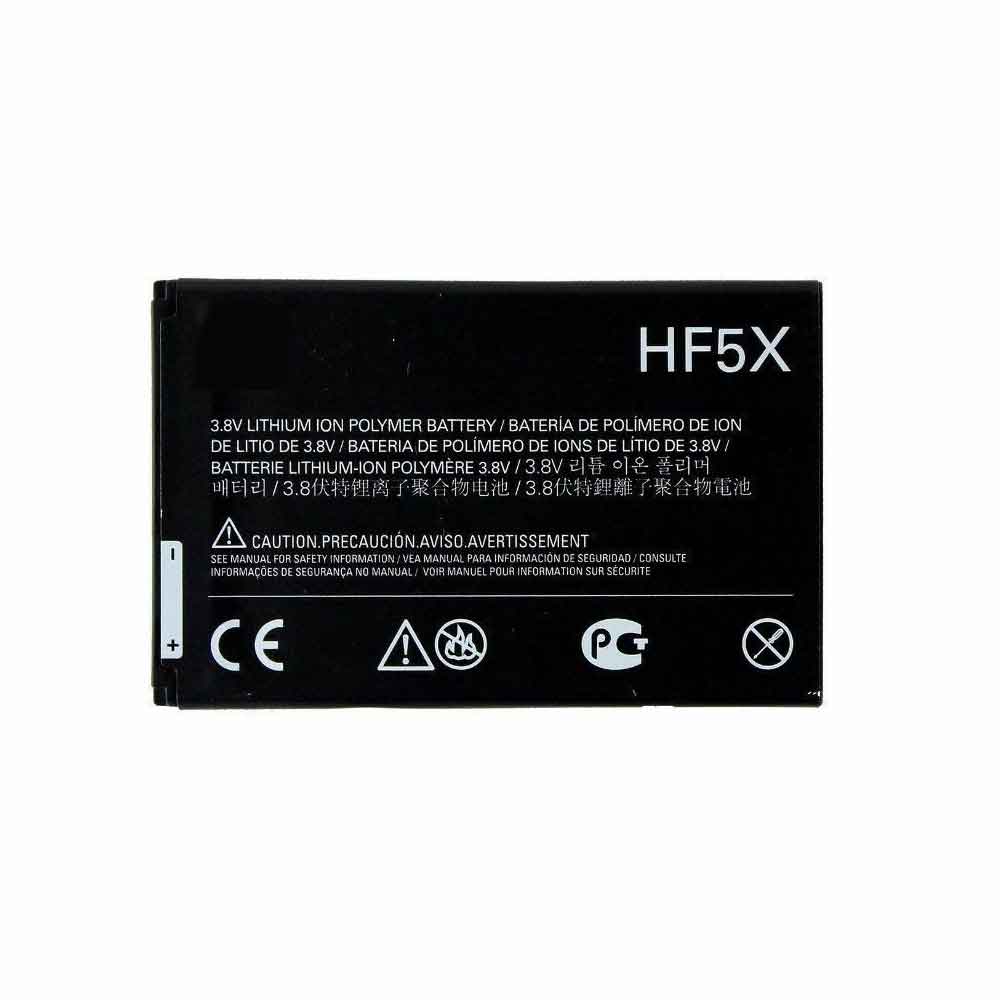
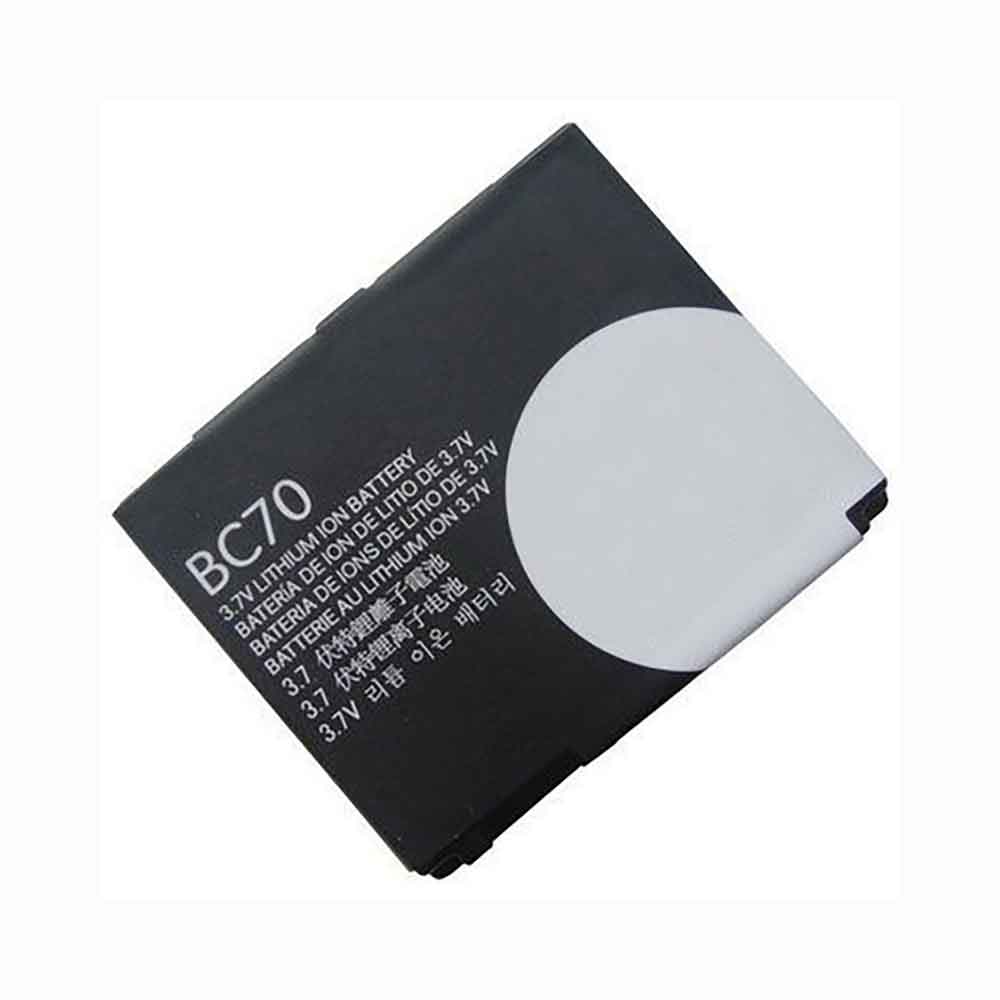
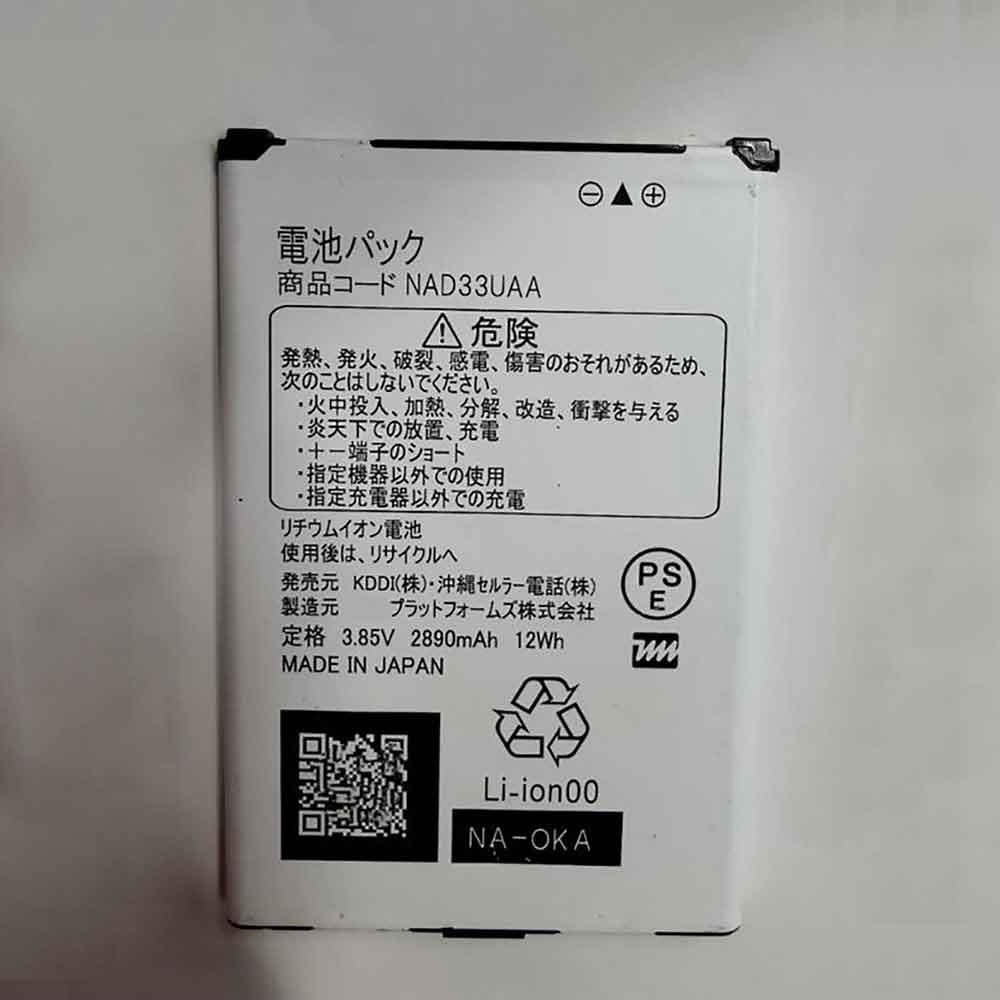
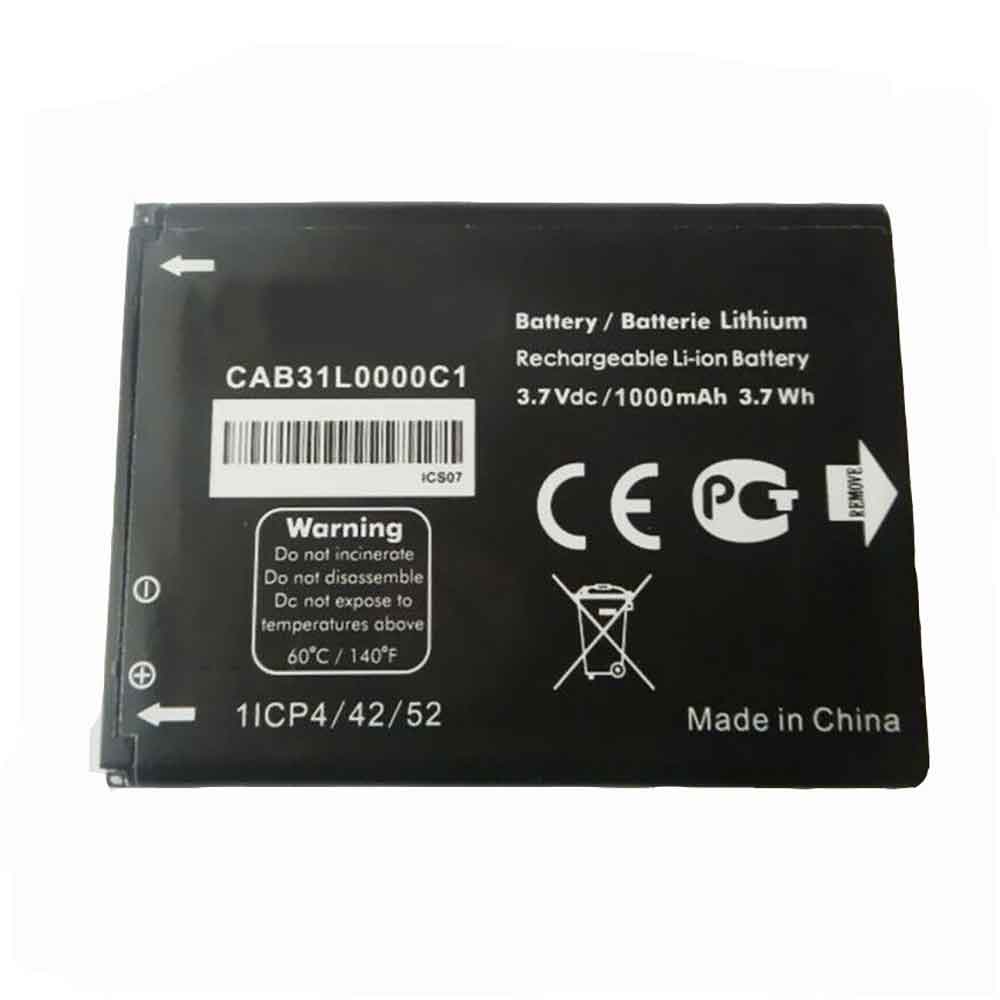
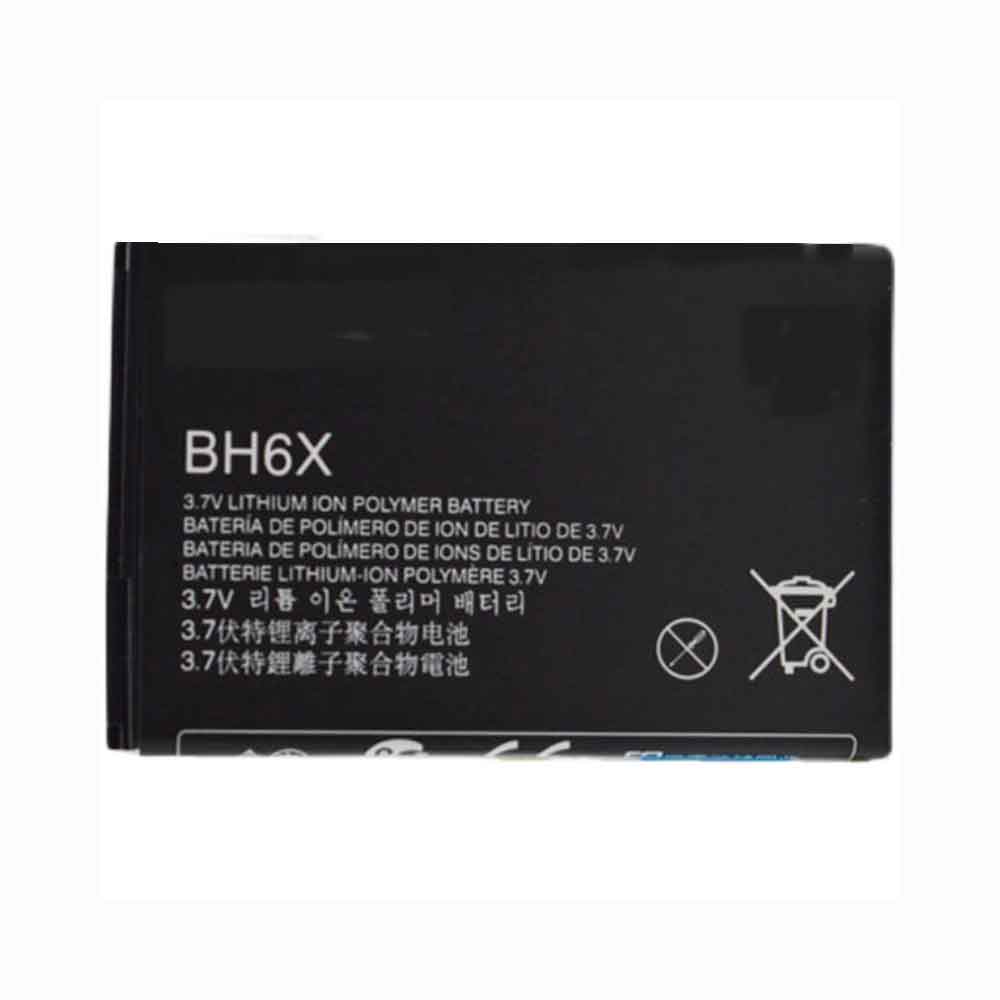
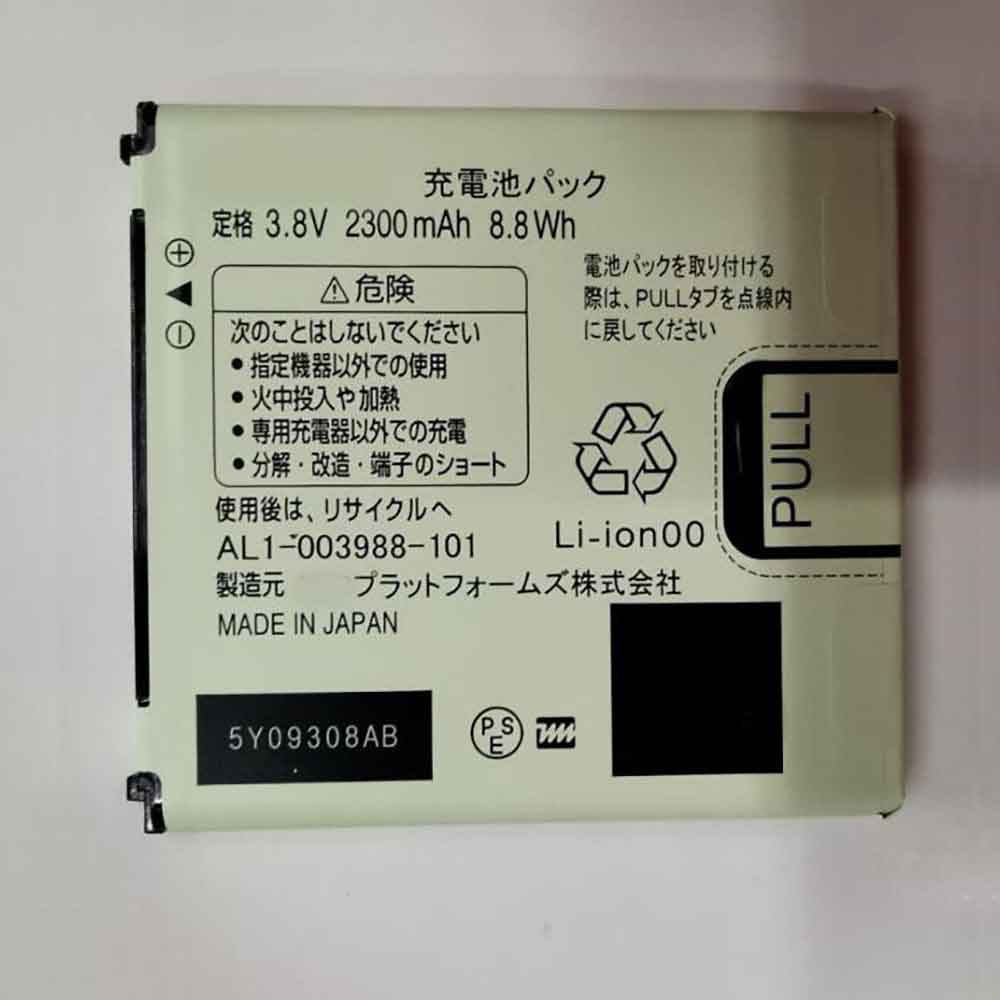
710mAh/2.7WH 3.7V Sharp SHBCC1 Li-ion Battery for Sharp 936SH 934SH 933SH

710mAh/2.7WH 3.7V Sharp SHBCC1 Batteries for Sharp 936SH 934SH 933SH, Sharp SHBCC1 Cell Phone battery is a brand new,100% Compatible original and replacement Phone battery,Purchase wholesale and retail SHBCC1 with high quality and low price!

Find ou your original model number or part number(P/N), and move your eyes on the tag of battery
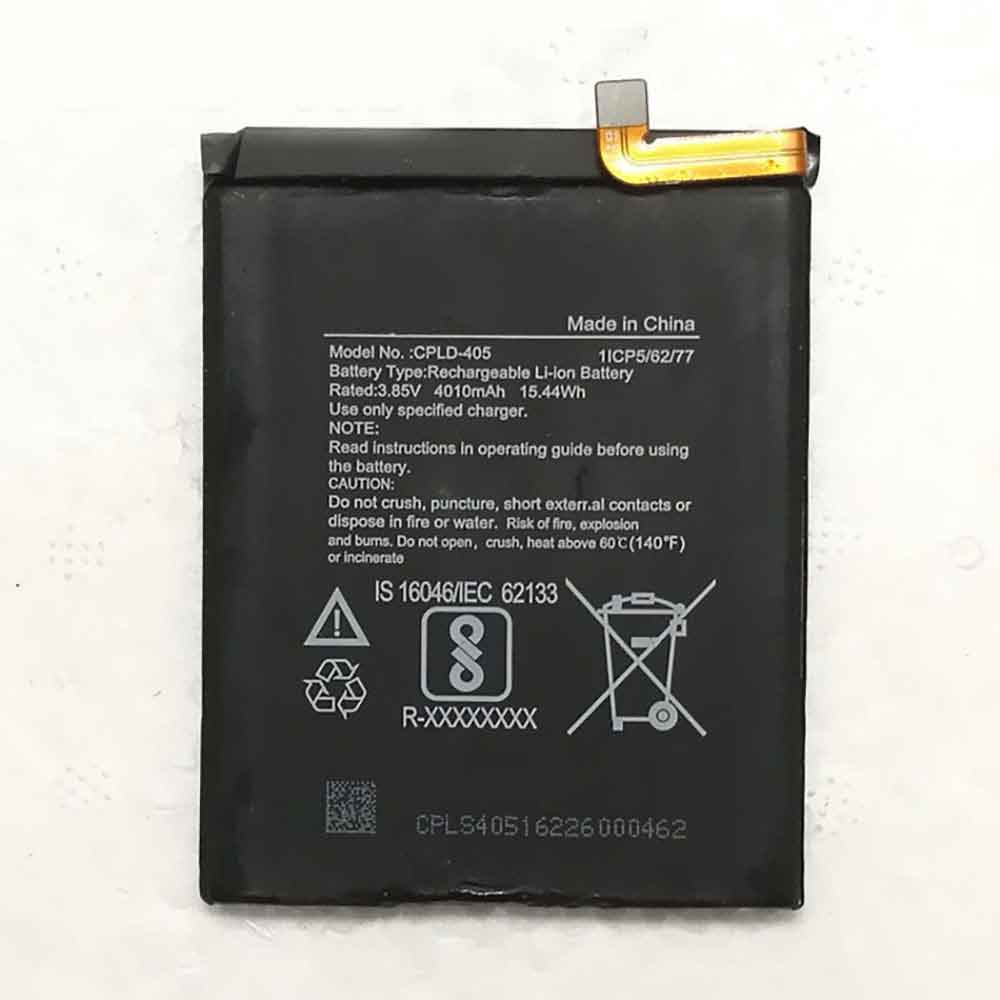
SHBCC1

Specifications

  • Brand:Sharp
  • Capacity :710mAh/2.7WH
  • Voltage :3.7V
  • Type :Li-ion
  • Battery Cell Quality: Grade A
  • Descriptive: Replacement Battery – 1 Year Warranty
  • Description: Brand New, 1 Year Warranty! 30-Days Money Back! Fast Shipping!

How we test this Sharp SHBCC1 Battery
Step 1: Make sure customer bought the correct battery.
Step 2: Check battery’s appearance and interface.
Step 3: Test battery charger and recharger function.
Step 4: Charger the battery to 100% and recharger to 0% to get real battery capacity
Step 5: Use Ev2300 to check the voltage difference of each goroup cells.
Step 6: Charger battery power more than 30%.
Step 7: Package battery carefully and send out

Compatible Part Numbers:
SHBCC1

Compatible Model Numbers:
Sharp 936SH 934SH 933SH

How much do you know about how to run laptop well as any place? The follow Tips cut way back on protecting battery life.


1). Please recharge or change your Cell Phone battery when battery power low.
2). Using Li-Ion Replacement Sharp SHBCC1 Cell Phone Battery for your notebook which can work longer time than Non Li-ion one.
3). It is better to defragmentation regularly for your Cell Phone battery life.
4). In order to reduce the laptop power consumpition, you can use some optical drive spin-down and hard drive in your Cell Phone .
5). Please keep your laptop in sleep or standby model without long time using, which both save the Replacement Sharp SHBCC1 Cell Phone Battery power and extend battery using life.
6). Leave your battery in a dry and cool condition when without using.
7). When you rarely or generally plugged in fixed power using, Please take down your battery to avoid hurting battery life.

Hot Products

740mAh 2.6WH FUJIFILM NP-45S for Fujifilm FinePix XP140 XP90 D-280mAh/1.04Wh GOLF K372731 for Golf Buddy Voice, Voice+, VS4,1400mAh/5.2Wh NINTENDO KTR-003 for Nintendo 3DS N3DS2680mah MOTOROLA GK40 for motorola GK40 Motorola Moto G44020mAh/15.48WH ASUS C11P1609 for ASUS ZenFone 3 Max ZC553KL X003000mAh 11.4WH VSUN SATURN-Selfie for Vsun SATURN-Selfie2300MAH/8.6WH SONY LIS1509ERPC for Sony Ericsson Xperia SP M35H C2500mAh/9.5WH ZTE Li3825T43P3h736037 for ZTE V08401500mAh/11WH FUJIFILM NP-150 for Fujifilm S5 S8 Pro/IS Pro3500mAh BLACKVIEW V575868P for Blackview BV7000 Phone

1200mAh/4.44WH 3.7V 4.2V Nokia BL-5K Li-ion Battery for Nokia C7

1200mAh/4.44WH 3.7V 4.2V Nokia BL-5K Batteries for Nokia C7, Nokia BL-5K Cell Phone battery is a brand new,100% Compatible original and replacement Phone battery,Purchase wholesale and retail BL-5K with high quality and low price!

Find ou your original model number or part number(P/N), and move your eyes on the tag of battery

BL-5K

Specifications

  • Brand:Nokia
  • Capacity :1200mAh/4.44WH
  • Voltage :3.7V 4.2V
  • Type :Li-ion
  • Battery Cell Quality: Grade A
  • Descriptive: Replacement Battery – 1 Year Warranty
  • Description: Brand New, 1 Year Warranty! 30-Days Money Back! Fast Shipping!

How we test this Nokia BL-5K Battery
Step 1: Make sure customer bought the correct battery.
Step 2: Check battery’s appearance and interface.
Step 3: Test battery charger and recharger function.
Step 4: Charger the battery to 100% and recharger to 0% to get real battery capacity
Step 5: Use Ev2300 to check the voltage difference of each goroup cells.
Step 6: Charger battery power more than 30%.
Step 7: Package battery carefully and send out

Compatible Part Numbers:
BL-5K

Compatible Model Numbers:
Nokia C7

How much do you know about how to run laptop well as any place? The follow Tips cut way back on protecting battery life.


1). Please recharge or change your Cell Phone battery when battery power low.
2). Using Li-Ion Replacement Nokia BL-5K Cell Phone Battery for your notebook which can work longer time than Non Li-ion one.
3). It is better to defragmentation regularly for your Cell Phone battery life.
4). In order to reduce the laptop power consumpition, you can use some optical drive spin-down and hard drive in your Cell Phone .
5). Please keep your laptop in sleep or standby model without long time using, which both save the Replacement Nokia BL-5K Cell Phone Battery power and extend battery using life.
6). Leave your battery in a dry and cool condition when without using.
7). When you rarely or generally plugged in fixed power using, Please take down your battery to avoid hurting battery life.

Hot Products

740mAh 2.6WH FUJIFILM NP-45S for Fujifilm FinePix XP140 XP90 D-280mAh/1.04Wh GOLF K372731 for Golf Buddy Voice, Voice+, VS4,1400mAh/5.2Wh NINTENDO KTR-003 for Nintendo 3DS N3DS2680mah MOTOROLA GK40 for motorola GK40 Motorola Moto G44020mAh/15.48WH ASUS C11P1609 for ASUS ZenFone 3 Max ZC553KL X003000mAh 11.4WH VSUN SATURN-Selfie for Vsun SATURN-Selfie2300MAH/8.6WH SONY LIS1509ERPC for Sony Ericsson Xperia SP M35H C2500mAh/9.5WH ZTE Li3825T43P3h736037 for ZTE V08401500mAh/11WH FUJIFILM NP-150 for Fujifilm S5 S8 Pro/IS Pro3500mAh BLACKVIEW V575868P for Blackview BV7000 Phone

4.6Ah 17Wh 3.7V Hp HSTNH-B15C-S Li-ion Battery for HP 739002-001 739587-001

4.6Ah 17Wh 3.7V Hp HSTNH-B15C-S Batteries for HP 739002-001 739587-001, Hp HSTNH-B15C-S Laptop battery is a brand new,100% Compatible original and replacement Laptop battery,Purchase wholesale and retail HSTNH-B15C-S with high quality and low price!

Find ou your original model number or part number(P/N), and move your eyes on the tag of battery

HSTNH-B15C-S

Specifications

  • Brand:HP
  • Capacity :4.6Ah 17Wh
  • Voltage :3.7V
  • Type :Li-ion
  • Battery Cell Quality: Grade A
  • Descriptive: Replacement Battery – 1 Year Warranty
  • Description: Brand New, 1 Year Warranty! 30-Days Money Back! Fast Shipping!

How we test this Hp HSTNH-B15C-S Battery
Step 1: Make sure customer bought the correct battery.
Step 2: Check battery’s appearance and interface.
Step 3: Test battery charger and recharger function.
Step 4: Charger the battery to 100% and recharger to 0% to get real battery capacity
Step 5: Use Ev2300 to check the voltage difference of each goroup cells.
Step 6: Charger battery power more than 30%.
Step 7: Package battery carefully and send out

Compatible Part Numbers:
HSTNH-B15C-S

Compatible Model Numbers:
HP 739002-001 739587-001

How much do you know about how to run laptop well as any place? The follow Tips cut way back on protecting battery life.


1). Please recharge or change your Laptop battery when battery power low.
2). Using Li-Ion Replacement Hp HSTNH-B15C-S Laptop Battery for your notebook which can work longer time than Non Li-ion one.
3). It is better to defragmentation regularly for your Laptop battery life.
4). In order to reduce the laptop power consumpition, you can use some optical drive spin-down and hard drive in your Laptop .
5). Please keep your laptop in sleep or standby model without long time using, which both save the Replacement Hp HSTNH-B15C-S Laptop Battery power and extend battery using life.
6). Leave your battery in a dry and cool condition when without using.
7). When you rarely or generally plugged in fixed power using, Please take down your battery to avoid hurting battery life.

Hot Products

740mAh 2.6WH FUJIFILM NP-45S for Fujifilm FinePix XP140 XP90 D-280mAh/1.04Wh GOLF K372731 for Golf Buddy Voice, Voice+, VS4,1400mAh/5.2Wh NINTENDO KTR-003 for Nintendo 3DS N3DS2680mah MOTOROLA GK40 for motorola GK40 Motorola Moto G44020mAh/15.48WH ASUS C11P1609 for ASUS ZenFone 3 Max ZC553KL X003000mAh 11.4WH VSUN SATURN-Selfie for Vsun SATURN-Selfie2300MAH/8.6WH SONY LIS1509ERPC for Sony Ericsson Xperia SP M35H C2500mAh/9.5WH ZTE Li3825T43P3h736037 for ZTE V08401500mAh/11WH FUJIFILM NP-150 for Fujifilm S5 S8 Pro/IS Pro3500mAh BLACKVIEW V575868P for Blackview BV7000 Phone

Warning signs of a possible problem with your Mac and how to fix them

 Does it bother you when your Mac crashes? If your Mac is experiencing these conditions, such as: freezes and app crashes, your Mac won’t boot, unstable fans, strange LED behavior, and power issues, it’s a reminder that your hemp cart may be crashing in the near future or errors, etc. How should these situations be resolved? Let’s take a look below!

Freezes and app crashes

Do you often see the spinning pinwheels of death? Is the application unresponsive, slow, or completely crashing? Did your Mac suddenly freeze for no apparent reason?

Many things can cause these problems, but some are more common than others. Running out of disk space can often cause performance issues, especially when you wake your Mac from sleep mode. Memory and storage issues, or simply a machine biting more than it can chew, could also be to blame.

If you encounter these issues, try the following possible fixes:

1. Create more disk space.

You might just need to give macOS some breathing room. Try to keep about 10 GB of free space on the drive for macOS housekeeping. You can delete and move files to free up more space on your Mac.

2. Run memtest86 to check your Mac‘s memory for problems.

You can also hold down the D key while your Mac starts up to run Apple Diagnostics and scan for other hardware problems.

3. Run Disk Utility.

If your machine has a hard drive, launch Disk Utility, select the drive, and click Verify Disk. If you see any errors, click Repair Disk. This isolates bad sectors, so macOS knows not to store data in these parts of the drive (a common cause of freezes).

4. Reinstall macOS.

 This will eliminate any software related issues and free up a lot of space. Then your Mac should run as fast as it can manage.

5. Remove resource-intensive applications.

If you suspect that these problems are caused by aging hardware, ditch apps like Chrome and opt for lighter options like Safari. Try SimpleNote and GIMP instead of Evernote and Photoshop.

Your Mac won’t start

Many of us panic when our computer fails to boot properly. You may see a solid black or gray screen, a black screen with question marks, or an error message about a problem with your machine. As with system crashes, there are a number of reasons why a Mac can have DOA. This could be a problem with cables, SMC, software updates, or a botched OS upgrade.

If your Mac won’t start up properly, try the following possible fixes:

1. Check the cables.

Make sure everything is plugged in and the wall outlet is turned on (if applicable). It’s always worth checking first.

2. Boot into safe mode.

To do this, hold down the Shift key while your Mac starts up. Safe Mode will verify your disk and then boot your machine with the bare minimum required to run. Then you can try to restart normally.

3. Reinstall macOS.

When all else fails, you can boot into recovery mode and reinstall the operating system from scratch.

Unstable fans, strange LED behavior, and power issues

The System Management Controller (SMC) is responsible for low-level operations that do not necessarily depend on the main operating system. These operations happen even before the operating system starts, and on Intel-based Macs, the SMC chip controls them.

If there is a problem with the SMC, you may experience a constantly running fan, a misbehaving battery and indicator LEDs, or a keyboard backlight that doesn’t respond to controls. You may also experience power issues such as sudden shutdowns and refusal to power on.

Even under low CPU load, the SMC can cause issues such as battery charging, undetected external peripherals, and poor performance. Most of these problems are just annoying, but some can seriously affect the way you use your machine.

Fortunately, the solution to this problem is relatively simple; just follow the instructions to reset your Mac’s SMC.

>>>>>>>>>>>>>>>Mac battery

Thanks for reading, hope it helps!

Friendly reminder: If you need to replace your phone battery, this battery store will be a good choice: www.batteryforpc.co.uk

iPadOS 16 can make your iPad more like a laptop

 Apple is expected to redesign multitasking on iPadOS 16, improving the tablet experience to make it more akin to a laptop running macOS or Windows.

That’s according to Bloomberg’s usually reliable Mark Gurman, who says the updated tablet OS will introduce aspects of multitasking to match the Mac, including floating, windowed apps.

Gurman said the “significant changes” will make it easier for users to view currently open apps and quickly switch between apps. Apparently there is also an option to resize the application window.

greater flexibility

Currently, iPadOS allows you to multitask using a split-screen view called Split View or a rigid floating app view called Slide Over. While these jobs are pretty good, Apple seems to want to go further.

Not only does the iPad have more screen real estate than the iPhone (iPadOS was split from iOS in 2019), but the latest and most expensive models also run the same M1 chip that’s inside the Mac. These tablets are already more like laptops than phones.

At Monday’s Worldwide Developers Conference, Apple CEO Tim Cook is expected to announce changes to new versions of iOS, tvOS, watchOS and macOS and everything we mentioned in iPadOS.

What is a computer?

Apple’s pitching of the iPad as a laptop replacement isn’t new — you’ve probably seen its “What’s a computer?” ad — but it’s now looking to take it a step further, positioning its tablet as something you can take anywhere mature computer.

iPad devices are lightweight, portable, fast, and have a huge selection of accessories. Not only that, but they also feature something Macs and MacBooks don’t: touchscreens. Add top-notch interiors and there’s a lot of potential here.

However, power users are disappointed by some of the limitations of the iPad in its current form – it’s not ready to do everything a laptop can, and iPadOS 16 may change that. Being able to switch between app and location windows like on macOS would certainly help.

>>>>>>>>>>>>>>Apple battery

680mAh/2.6WH 3.7V 4.2V Sharp XN-1BT22 Li-ion Battery for Sharp 934SH 813SH 913SH 930SH 933SH

680mAh/2.6WH 3.7V 4.2V Sharp XN-1BT22 Batteries for Sharp 934SH 813SH 913SH 930SH 933SH, Sharp XN-1BT22 Cell Phone battery is a brand new,100% Compatible original and replacement Phone battery,Purchase wholesale and retail XN-1BT22 with high quality and low price!

Find ou your original model number or part number(P/N), and move your eyes on the tag of battery

XN-1BT22

Specifications

  • Brand:Sharp
  • Capacity :680mAh/2.6WH
  • Voltage :3.7V 4.2V
  • Type :Li-ion
  • Battery Cell Quality: Grade A
  • Descriptive: Replacement Battery – 1 Year Warranty
  • Description: Brand New, 1 Year Warranty! 30-Days Money Back! Fast Shipping!

How we test this Sharp XN-1BT22 Battery
Step 1: Make sure customer bought the correct battery.
Step 2: Check battery’s appearance and interface.
Step 3: Test battery charger and recharger function.
Step 4: Charger the battery to 100% and recharger to 0% to get real battery capacity
Step 5: Use Ev2300 to check the voltage difference of each goroup cells.
Step 6: Charger battery power more than 30%.
Step 7: Package battery carefully and send out

Compatible Part Numbers:
XN-1BT22

Compatible Model Numbers:
Sharp 934SH 813SH 913SH 930SH 933SH

How much do you know about how to run laptop well as any place? The follow Tips cut way back on protecting battery life.


1). Please recharge or change your Cell Phone battery when battery power low.
2). Using Li-Ion Replacement Sharp XN-1BT22 Cell Phone Battery for your notebook which can work longer time than Non Li-ion one.
3). It is better to defragmentation regularly for your Cell Phone battery life.
4). In order to reduce the laptop power consumpition, you can use some optical drive spin-down and hard drive in your Cell Phone .
5). Please keep your laptop in sleep or standby model without long time using, which both save the Replacement Sharp XN-1BT22 Cell Phone Battery power and extend battery using life.
6). Leave your battery in a dry and cool condition when without using.
7). When you rarely or generally plugged in fixed power using, Please take down your battery to avoid hurting battery life.

Hot Products

740mAh 2.6WH FUJIFILM NP-45S for Fujifilm FinePix XP140 XP90 D-280mAh/1.04Wh GOLF K372731 for Golf Buddy Voice, Voice+, VS4,1400mAh/5.2Wh NINTENDO KTR-003 for Nintendo 3DS N3DS2680mah MOTOROLA GK40 for motorola GK40 Motorola Moto G44020mAh/15.48WH ASUS C11P1609 for ASUS ZenFone 3 Max ZC553KL X003000mAh 11.4WH VSUN SATURN-Selfie for Vsun SATURN-Selfie2300MAH/8.6WH SONY LIS1509ERPC for Sony Ericsson Xperia SP M35H C2500mAh/9.5WH ZTE Li3825T43P3h736037 for ZTE V08401500mAh/11WH FUJIFILM NP-150 for Fujifilm S5 S8 Pro/IS Pro3500mAh BLACKVIEW V575868P for Blackview BV7000 Phone

410mAh/1.56WH 3.82V 4.4V Huawei HB681636ECW Li-ion Battery for Huawei FreeBuds 3

410mAh/1.56WH 3.82V 4.4V Huawei HB681636ECW Batteries for Huawei FreeBuds 3, Huawei HB681636ECW Other battery is a brand new,100% Compatible original and replacement battery,Purchase wholesale and retail HB681636ECW with high quality and low price!

Find ou your original model number or part number(P/N), and move your eyes on the tag of battery

HB681636ECW

Specifications

  • Brand:Huawei
  • Capacity :410mAh/1.56WH
  • Voltage :3.82V 4.4V
  • Type :Li-ion
  • Battery Cell Quality: Grade A
  • Descriptive: Replacement Battery – 1 Year Warranty
  • Description: Brand New, 1 Year Warranty! 30-Days Money Back! Fast Shipping!

How we test this Huawei HB681636ECW Battery
Step 1: Make sure customer bought the correct battery.
Step 2: Check battery’s appearance and interface.
Step 3: Test battery charger and recharger function.
Step 4: Charger the battery to 100% and recharger to 0% to get real battery capacity
Step 5: Use Ev2300 to check the voltage difference of each goroup cells.
Step 6: Charger battery power more than 30%.
Step 7: Package battery carefully and send out

Compatible Part Numbers:
HB681636ECW

Compatible Model Numbers:
Huawei FreeBuds 3

How much do you know about how to run laptop well as any place? The follow Tips cut way back on protecting battery life.


1). Please recharge or change your Other battery when battery power low.
2). Using Li-Ion Replacement Huawei HB681636ECW Other Battery for your notebook which can work longer time than Non Li-ion one.
3). It is better to defragmentation regularly for your Other battery life.
4). In order to reduce the laptop power consumpition, you can use some optical drive spin-down and hard drive in your Other .
5). Please keep your laptop in sleep or standby model without long time using, which both save the Replacement Huawei HB681636ECW Other Battery power and extend battery using life.
6). Leave your battery in a dry and cool condition when without using.
7). When you rarely or generally plugged in fixed power using, Please take down your battery to avoid hurting battery life.

Hot Products

740mAh 2.6WH FUJIFILM NP-45S for Fujifilm FinePix XP140 XP90 D-280mAh/1.04Wh GOLF K372731 for Golf Buddy Voice, Voice+, VS4,1400mAh/5.2Wh NINTENDO KTR-003 for Nintendo 3DS N3DS2680mah MOTOROLA GK40 for motorola GK40 Motorola Moto G44020mAh/15.48WH ASUS C11P1609 for ASUS ZenFone 3 Max ZC553KL X003000mAh 11.4WH VSUN SATURN-Selfie for Vsun SATURN-Selfie2300MAH/8.6WH SONY LIS1509ERPC for Sony Ericsson Xperia SP M35H C2500mAh/9.5WH ZTE Li3825T43P3h736037 for ZTE V08401500mAh/11WH FUJIFILM NP-150 for Fujifilm S5 S8 Pro/IS Pro3500mAh BLACKVIEW V575868P for Blackview BV7000 Phone

3010mAh/11.4WH 3.8V 4.4V Motorola JT40 Li-ion Battery for Motorola Moto G6 Plus XT1926 XT1926-1 XT1926-8

3010mAh/11.4WH 3.8V 4.4V Motorola JT40 Batteries for Motorola Moto G6 Plus XT1926 XT1926-1 XT1926-8, Motorola JT40 Cell Phone battery is a brand new,100% Compatible original and replacement Phone battery,Purchase wholesale and retail JT40 with high quality and low price!

Find ou your original model number or part number(P/N), and move your eyes on the tag of battery.

JT40

Specifications

  • Brand:Motorola
  • Capacity :3010mAh/11.4WH
  • Voltage :3.8V 4.4V
  • Type :Li-ion
  • Battery Cell Quality: Grade A
  • Descriptive: Replacement Battery – 1 Year Warranty
  • Description: Brand New, 1 Year Warranty! 30-Days Money Back! Fast Shipping!

How we test this Motorola JT40 Battery
Step 1: Make sure customer bought the correct battery.
Step 2: Check battery’s appearance and interface.
Step 3: Test battery charger and recharger function.
Step 4: Charger the battery to 100% and recharger to 0% to get real battery capacity
Step 5: Use Ev2300 to check the voltage difference of each goroup cells.
Step 6: Charger battery power more than 30%.
Step 7: Package battery carefully and send out

Compatible Part Numbers:
JT40

Compatible Model Numbers:
Motorola Moto G6 Plus XT1926 XT1926-1 XT1926-8

How much do you know about how to run laptop well as any place? The follow Tips cut way back on protecting battery life.


1). Please recharge or change your Cell Phone battery when battery power low.
2). Using Li-Ion Replacement Motorola JT40 Cell Phone Battery for your notebook which can work longer time than Non Li-ion one.
3). It is better to defragmentation regularly for your Cell Phone battery life.
4). In order to reduce the laptop power consumpition, you can use some optical drive spin-down and hard drive in your Cell Phone .
5). Please keep your laptop in sleep or standby model without long time using, which both save the Replacement Motorola JT40 Cell Phone Battery power and extend battery using life.
6). Leave your battery in a dry and cool condition when without using.
7). When you rarely or generally plugged in fixed power using, Please take down your battery to avoid hurting battery life.

Hot Products

740mAh 2.6WH FUJIFILM NP-45S for Fujifilm FinePix XP140 XP90 D-280mAh/1.04Wh GOLF K372731 for Golf Buddy Voice, Voice+, VS4,1400mAh/5.2Wh NINTENDO KTR-003 for Nintendo 3DS N3DS2680mah MOTOROLA GK40 for motorola GK40 Motorola Moto G44020mAh/15.48WH ASUS C11P1609 for ASUS ZenFone 3 Max ZC553KL X003000mAh 11.4WH VSUN SATURN-Selfie for Vsun SATURN-Selfie2300MAH/8.6WH SONY LIS1509ERPC for Sony Ericsson Xperia SP M35H C2500mAh/9.5WH ZTE Li3825T43P3h736037 for ZTE V08401500mAh/11WH FUJIFILM NP-150 for Fujifilm S5 S8 Pro/IS Pro3500mAh BLACKVIEW V575868P for Blackview BV7000 Phone

4000mAh/15.40WH 3.85V 4.4V Meizu BA721 Li-ion Battery for Meizu M6 Note M721Q

4000mAh/15.40WH 3.85V 4.4V Meizu BA721 Batteries for Meizu M6 Note M721Q, Meizu BA721 Cell Phone battery is a brand new,100% Compatible original and replacement Phone battery,Purchase wholesale and retail BA721 with high quality and low price!

Find ou your original model number or part number(P/N), and move your eyes on the tag of battery.

BA721

Specifications

  • Brand:Meizu
  • Capacity :4000mAh/15.40WH
  • Voltage :3.85V 4.4V
  • Type :Li-ion
  • Battery Cell Quality: Grade A
  • Descriptive: Replacement Battery – 1 Year Warranty
  • Description: Brand New, 1 Year Warranty! 30-Days Money Back! Fast Shipping!

How we test this Meizu BA721 Battery
Step 1: Make sure customer bought the correct battery.
Step 2: Check battery’s appearance and interface.
Step 3: Test battery charger and recharger function.
Step 4: Charger the battery to 100% and recharger to 0% to get real battery capacity
Step 5: Use Ev2300 to check the voltage difference of each goroup cells.
Step 6: Charger battery power more than 30%.
Step 7: Package battery carefully and send out

Compatible Part Numbers:
BA721

Compatible Model Numbers:
Meizu M6 Note M721Q

How much do you know about how to run laptop well as any place? The follow Tips cut way back on protecting battery life.


1). Please recharge or change your Cell Phone battery when battery power low.
2). Using Li-Ion Replacement Meizu BA721 Cell Phone Battery for your notebook which can work longer time than Non Li-ion one.
3). It is better to defragmentation regularly for your Cell Phone battery life.
4). In order to reduce the laptop power consumpition, you can use some optical drive spin-down and hard drive in your Cell Phone .
5). Please keep your laptop in sleep or standby model without long time using, which both save the Replacement Meizu BA721 Cell Phone Battery power and extend battery using life.
6). Leave your battery in a dry and cool condition when without using.
7). When you rarely or generally plugged in fixed power using, Please take down your battery to avoid hurting battery life.

Hot Products

740mAh 2.6WH FUJIFILM NP-45S for Fujifilm FinePix XP140 XP90 D-280mAh/1.04Wh GOLF K372731 for Golf Buddy Voice, Voice+, VS4,1400mAh/5.2Wh NINTENDO KTR-003 for Nintendo 3DS N3DS2680mah MOTOROLA GK40 for motorola GK40 Motorola Moto G44020mAh/15.48WH ASUS C11P1609 for ASUS ZenFone 3 Max ZC553KL X003000mAh 11.4WH VSUN SATURN-Selfie for Vsun SATURN-Selfie2300MAH/8.6WH SONY LIS1509ERPC for Sony Ericsson Xperia SP M35H C2500mAh/9.5WH ZTE Li3825T43P3h736037 for ZTE V08401500mAh/11WH FUJIFILM NP-150 for Fujifilm S5 S8 Pro/IS Pro3500mAh BLACKVIEW V575868P for Blackview BV7000 Phone

Causes and solutions for Mac’s frequent restarts and battery drop

 Sudden and frequent Mac restarts, especially those accompanied by on-screen warnings, are known as kernel panics. This is the Microsoft equivalent of the Blue Screen of Death, and you’ll often see the “Your computer restarted because something went wrong” error when your machine restarts.

Many things can cause a kernel panic. It may indicate a hardware problem, such as RAM or CPU. Unreliable peripherals you connect to your Mac could also cause a kernel panic, or it could just be a case of running out of disk space. Kernel panics happen occasionally, but if you don’t encounter them often, you shouldn’t worry too much about it.

If your Mac experiences frequent kernel crashes, try the following possible fixes:

1. Remove any peripherals that may be causing the problem.

For example, if the panic only happens when your webcam is plugged in, run your machine without it for a week and see how it goes.

2. Check if you have enough free space.

 If you need more space, you can delete files to create more

3. Run memtest86 to test your Mac’s memory.

You need to create a bootable USB flash drive and test your computer’s memory outside of the macOS environment. If you notice any problems with the RAM, you can try to replace it if possible.

4. Run the Apple Diagnostics.

To do this, hold down the D key while starting up your Mac and see if any hardware issues are detected.

5. Boot into Safe Mode.

 Hold down the Shift key as the system starts to boot into Safe Mode. See if the problem still exists. Safe Mode excludes any third-party kernel extensions that might cause problems. It will also scan your volume for errors and fix anything it finds.

6. Reinstall macOS from scratch.

This is the nuclear option, but it may clear any software that is causing the problem.

battery life drops

Batteries don’t last forever. They all show signs of aging over time. Power issues can also indicate a problem with the System Management Controller (SMC). This chip in Intel-based Macs is responsible for low-level operations, including charging LED behavior and fan control.

If you notice battery issues, try the following possible fixes:

1. Check the health of the battery.

The most common cause of poor battery life is poor battery condition. Fortunately, macOS can tell you exactly the condition of your battery, how many charge and discharge cycles it has gone through, and whether it needs to be replaced.

2. Reset the System Management Controller (SMC).

If the battery is in good condition, resetting the SMC may resolve some power-related issues, such as a Mac that won’t charge.

3. Extend the battery power of your Mac.

 This is a good idea if you frequently use your Mac for extended periods of time without mains power.

4. Adjust your habits when using battery power.

Launch Activity Monitor and click the Energy tab to see which apps are using your battery. Perform tasks like video and photo editing only when your Mac is plugged in. Use Safari to browse the web – it’s more efficient than Chrome or Firefox.

>>>>>>>>>>>>Mac battery

Thanks for reading, hope it helps!

Friendly reminder: If you need to replace the battery of your device, this battery store will be a good choice: www.batteryforpc.co.uk