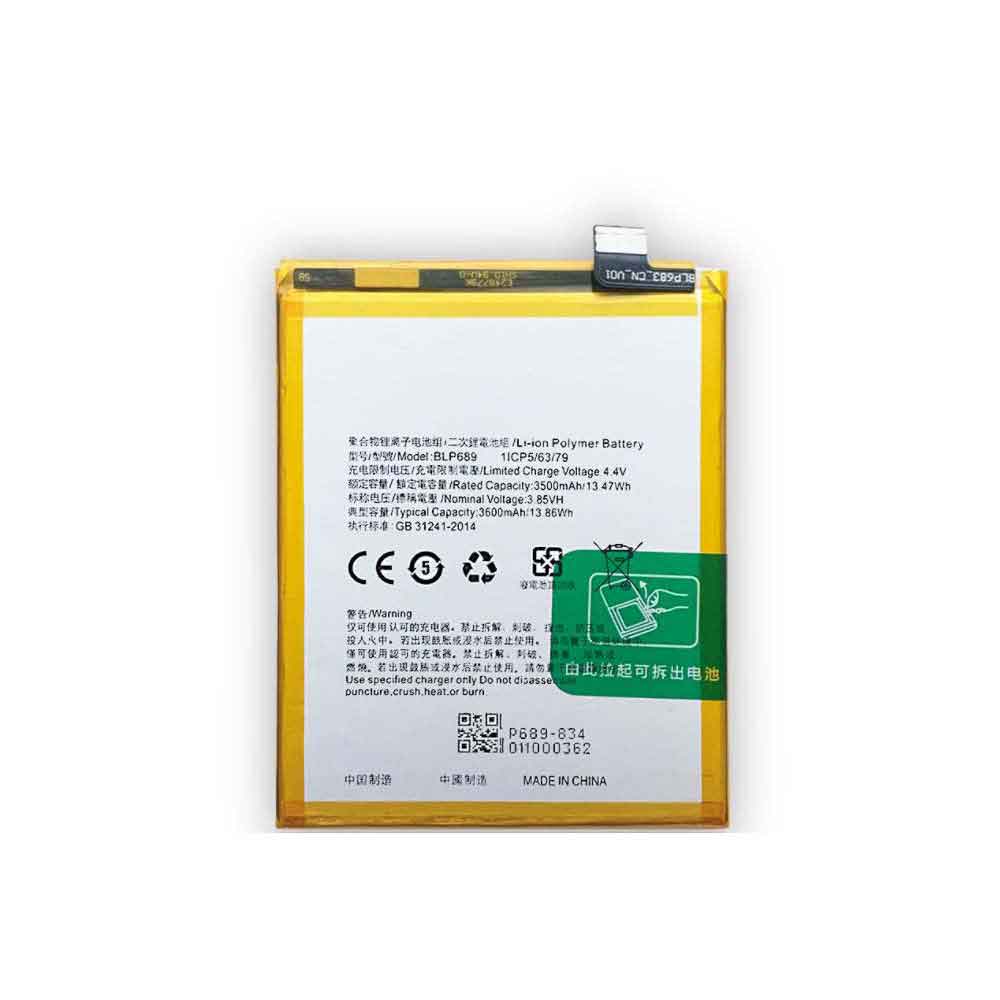
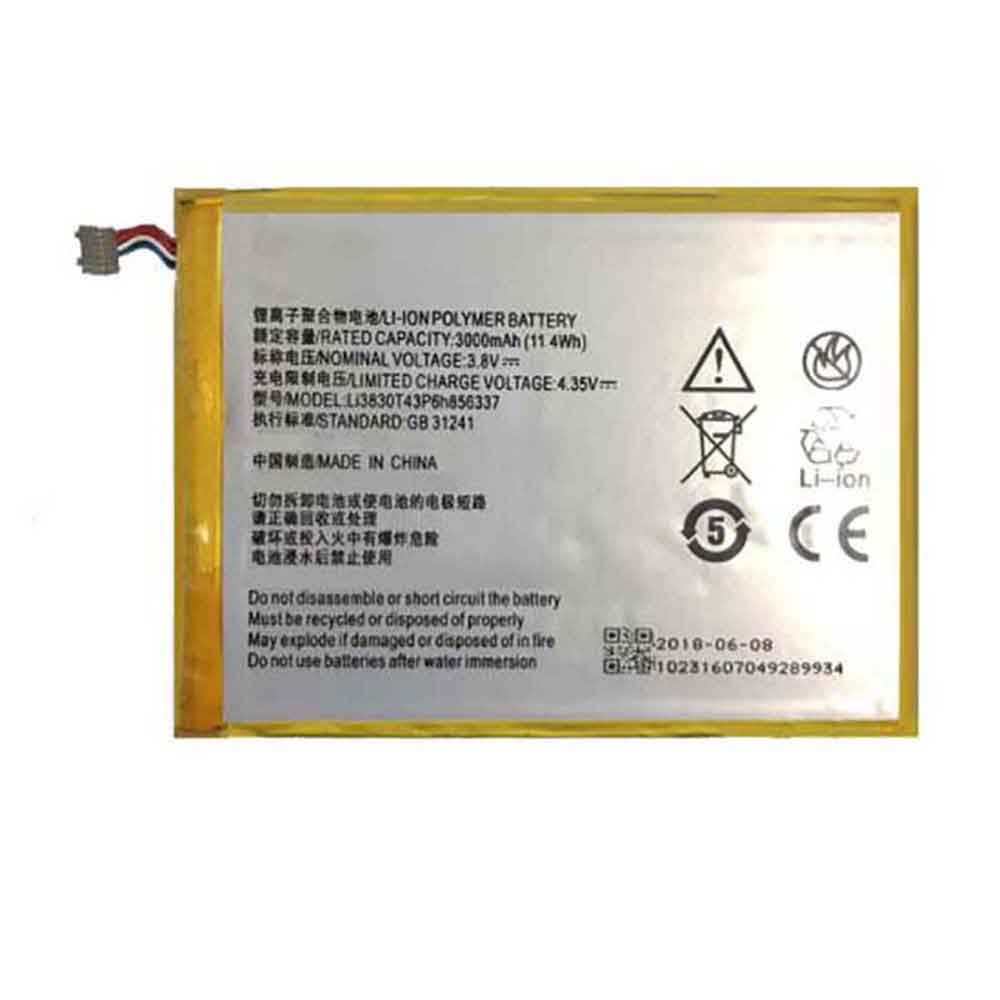
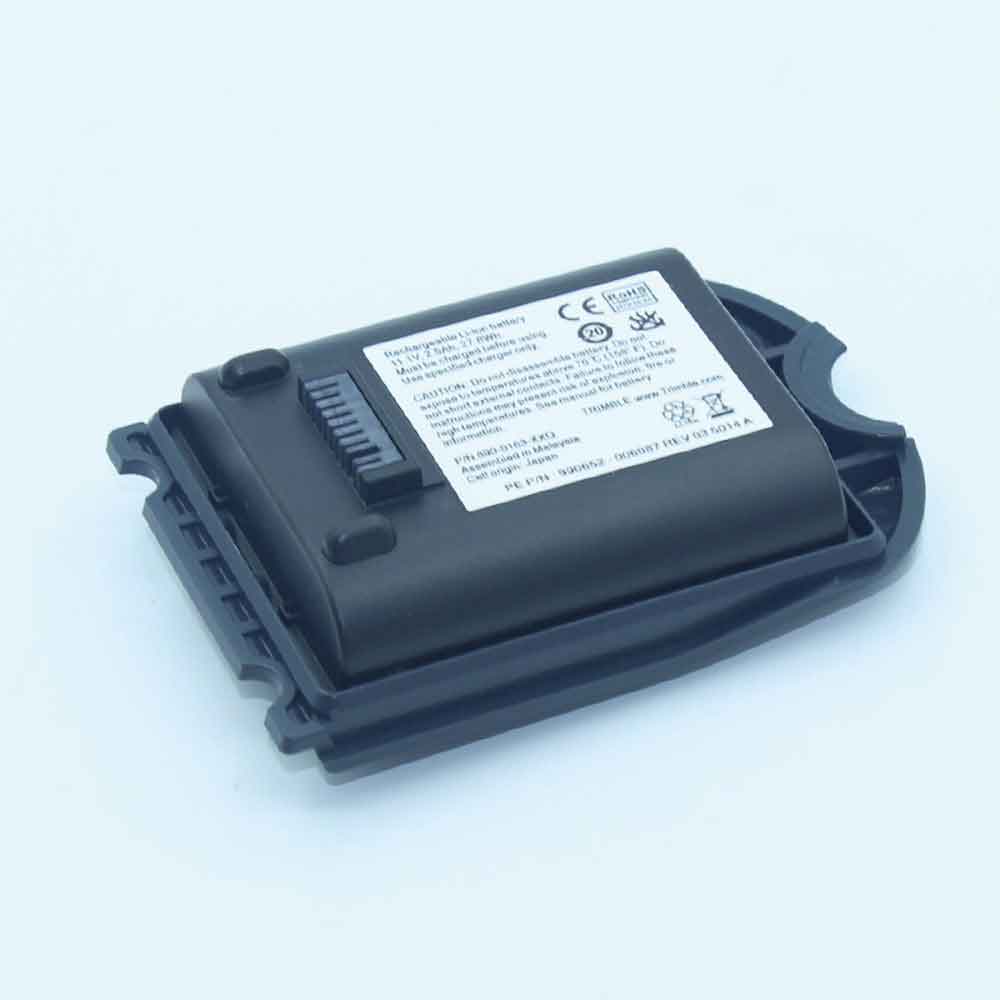
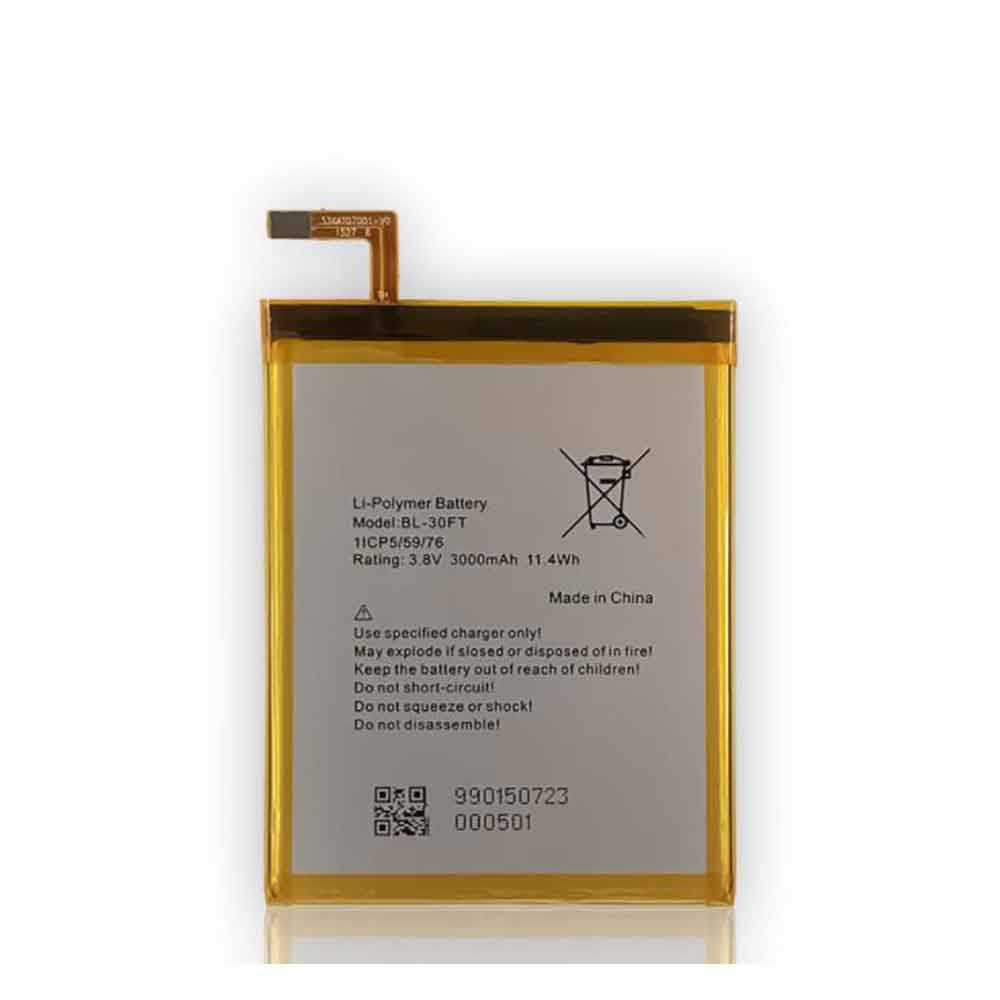
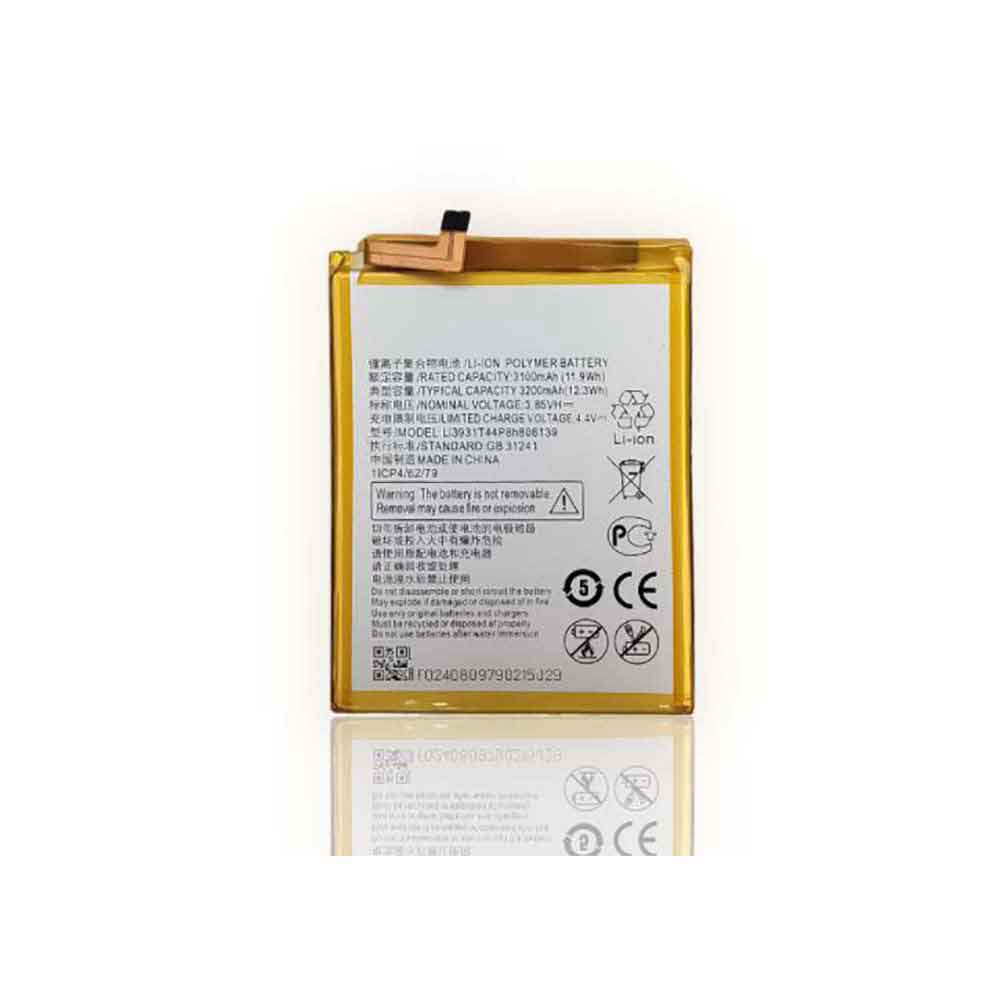
2500mAh/9.5WH 3.8V General GM5 Li-ion Battery for General GM5

2500mAh/9.5WH 3.8V General GM5 Batteries for General GM5, General GM5 Cell Phone battery is a brand new,100% Compatible original and replacement Phone battery,Purchase wholesale and retail GM5 with high quality and low price!

Find ou your original model number or part number(P/N), and move your eyes on the tag of battery
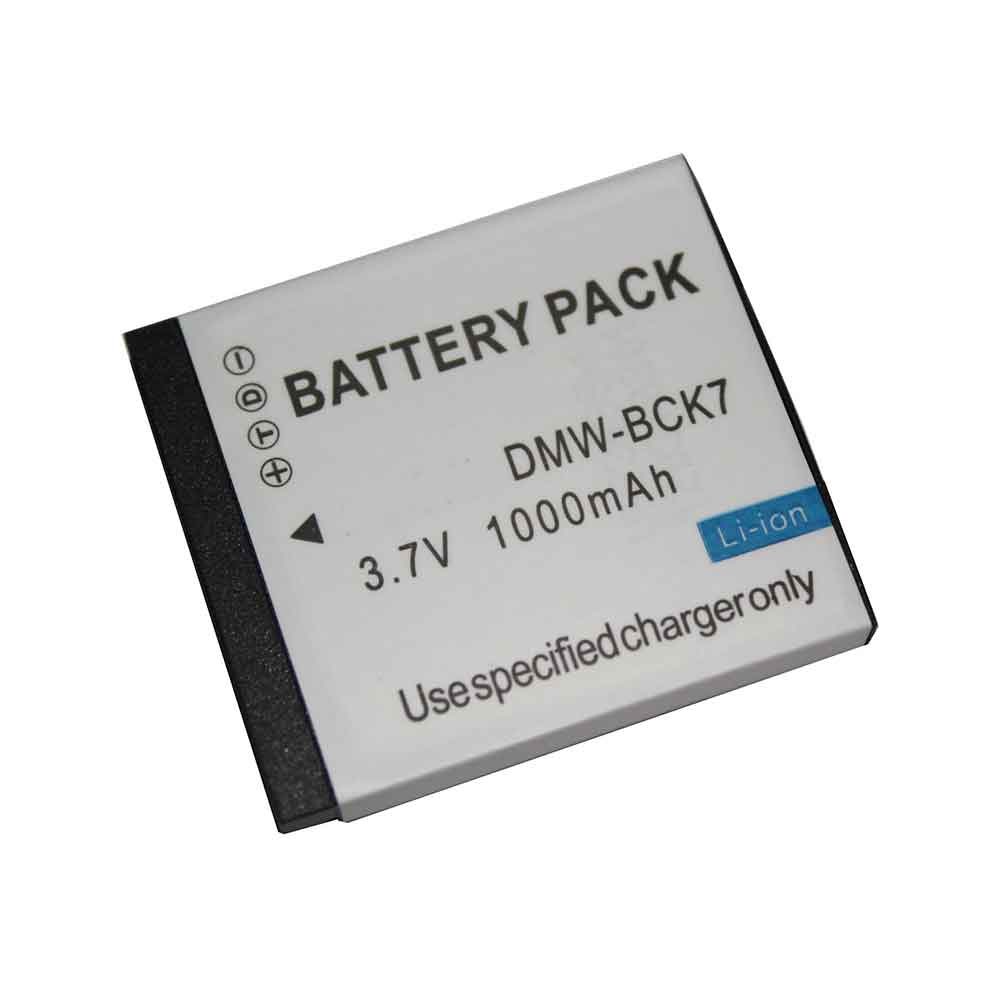
GM5

Specifications

  • Brand:General
  • Capacity :2500mAh/9.5WH
  • Voltage :3.8V
  • Type :Li-ion
  • Battery Cell Quality: Grade A
  • Descriptive: Replacement Battery – 1 Year Warranty
  • Description: Brand New, 1 Year Warranty! 30-Days Money Back! Fast Shipping!

How we test this General GM5 Battery
Step 1: Make sure customer bought the correct battery.
Step 2: Check battery’s appearance and interface.
Step 3: Test battery charger and recharger function.
Step 4: Charger the battery to 100% and recharger to 0% to get real battery capacity
Step 5: Use Ev2300 to check the voltage difference of each goroup cells.
Step 6: Charger battery power more than 30%.
Step 7: Package battery carefully and send out

Compatible Part Numbers:
GM5

Compatible Model Numbers:
General GM5

How much do you know about how to run laptop well as any place? The follow Tips cut way back on protecting battery life.


1). Please recharge or change your Cell Phone battery when battery power low.
2). Using Li-Ion Replacement General GM5 Cell Phone Battery for your notebook which can work longer time than Non Li-ion one.
3). It is better to defragmentation regularly for your Cell Phone battery life.
4). In order to reduce the laptop power consumpition, you can use some optical drive spin-down and hard drive in your Cell Phone .
5). Please keep your laptop in sleep or standby model without long time using, which both save the Replacement General GM5 Cell Phone Battery power and extend battery using life.
6). Leave your battery in a dry and cool condition when without using.
7). When you rarely or generally plugged in fixed power using, Please take down your battery to avoid hurting battery life.

Hot Products

7.6V DELL 4GVMP for Dell Latitude 5400 55004900mAh/18.87WH SAMSUNG HQ-50S for Samsung Galaxy A02S4120mAh/45Wh LENOVO L17M3P52 for Lenovo 01AV447 SB10K97608 Seri5280mAh 20.43WH BLACKVIEW Li566376HTT for Blackview Bl6000 Pro1000mAh NOKIA BPS-2 for Nokia 6310i 5130 5110 6210 71151Wh/3321mAh LENOVO L18L4P71 for Lenovo ThinkPad X1 Carbon 7th1950mAh APPLE A1672 for Apple Magic Mouse 22800mAh/10.64WH NOKIA V3760T for Nokia Cell Phone4400mAh ADVENT L51-3S4400-C1S5 for Advent 7109B 8111 8115 8215 926600mAh MEDION BP-DRAGON-GT(P) for Medion MAM2100 MIM2300 Akoya E

2500mAh/9.5WH 3.8V Blu C975339250P Li-ion Battery for BLU C975339250P

2500mAh/9.5WH 3.8V Blu C975339250P Batteries for BLU C975339250P, Blu C975339250P Cell Phone battery is a brand new,100% Compatible original and replacement Phone battery,Purchase wholesale and retail C975339250P with high quality and low price!

Find ou your original model number or part number(P/N), and move your eyes on the tag of battery

C975339250P

Specifications

  • Brand:BLU
  • Capacity :2500mAh/9.5WH
  • Voltage :3.8V
  • Type :Li-ion
  • Battery Cell Quality: Grade A
  • Descriptive: Replacement Battery – 1 Year Warranty
  • Description: Brand New, 1 Year Warranty! 30-Days Money Back! Fast Shipping!

How we test this Blu C975339250P Battery
Step 1: Make sure customer bought the correct battery.
Step 2: Check battery’s appearance and interface.
Step 3: Test battery charger and recharger function.
Step 4: Charger the battery to 100% and recharger to 0% to get real battery capacity
Step 5: Use Ev2300 to check the voltage difference of each goroup cells.
Step 6: Charger battery power more than 30%.
Step 7: Package battery carefully and send out

Compatible Part Numbers:
C975339250P

Compatible Model Numbers:
BLU C975339250P

How much do you know about how to run laptop well as any place? The follow Tips cut way back on protecting battery life.


1). Please recharge or change your Cell Phone battery when battery power low.
2). Using Li-Ion Replacement Blu C975339250P Cell Phone Battery for your notebook which can work longer time than Non Li-ion one.
3). It is better to defragmentation regularly for your Cell Phone battery life.
4). In order to reduce the laptop power consumpition, you can use some optical drive spin-down and hard drive in your Cell Phone .
5). Please keep your laptop in sleep or standby model without long time using, which both save the Replacement Blu C975339250P Cell Phone Battery power and extend battery using life.
6). Leave your battery in a dry and cool condition when without using.
7). When you rarely or generally plugged in fixed power using, Please take down your battery to avoid hurting battery life.

Hot Products

7.6V DELL 4GVMP for Dell Latitude 5400 55004900mAh/18.87WH SAMSUNG HQ-50S for Samsung Galaxy A02S4120mAh/45Wh LENOVO L17M3P52 for Lenovo 01AV447 SB10K97608 Seri5280mAh 20.43WH BLACKVIEW Li566376HTT for Blackview Bl6000 Pro1000mAh NOKIA BPS-2 for Nokia 6310i 5130 5110 6210 71151Wh/3321mAh LENOVO L18L4P71 for Lenovo ThinkPad X1 Carbon 7th1950mAh APPLE A1672 for Apple Magic Mouse 22800mAh/10.64WH NOKIA V3760T for Nokia Cell Phone4400mAh ADVENT L51-3S4400-C1S5 for Advent 7109B 8111 8115 8215 926600mAh MEDION BP-DRAGON-GT(P) for Medion MAM2100 MIM2300 Akoya E

5000mAh/19.35WH 3.87V 4.45V Vivo B-Q7 Li-ion Battery for Vivo Y53

5000mAh/19.35WH 3.87V 4.45V Vivo B-Q7 Batteries for Vivo Y53, Vivo B-Q7 Cell Phone battery is a brand new,100% Compatible original and replacement Phone battery,Purchase wholesale and retail B-Q7 with high quality and low price!

Find ou your original model number or part number(P/N), and move your eyes on the tag of battery

B-Q7

Specifications

  • Brand:Vivo
  • Capacity :5000mAh/19.35WH
  • Voltage :3.87V 4.45V
  • Type :Li-ion
  • Battery Cell Quality: Grade A
  • Descriptive: Replacement Battery – 1 Year Warranty
  • Description: Brand New, 1 Year Warranty! 30-Days Money Back! Fast Shipping!

How we test this Vivo B-Q7 Battery
Step 1: Make sure customer bought the correct battery.
Step 2: Check battery’s appearance and interface.
Step 3: Test battery charger and recharger function.
Step 4: Charger the battery to 100% and recharger to 0% to get real battery capacity
Step 5: Use Ev2300 to check the voltage difference of each goroup cells.
Step 6: Charger battery power more than 30%.
Step 7: Package battery carefully and send out

Compatible Part Numbers:
B-Q7

Compatible Model Numbers:
Vivo Y53

How much do you know about how to run laptop well as any place? The follow Tips cut way back on protecting battery life.


1). Please recharge or change your Cell Phone battery when battery power low.
2). Using Li-Ion Replacement Vivo B-Q7 Cell Phone Battery for your notebook which can work longer time than Non Li-ion one.
3). It is better to defragmentation regularly for your Cell Phone battery life.
4). In order to reduce the laptop power consumpition, you can use some optical drive spin-down and hard drive in your Cell Phone .
5). Please keep your laptop in sleep or standby model without long time using, which both save the Replacement Vivo B-Q7 Cell Phone Battery power and extend battery using life.
6). Leave your battery in a dry and cool condition when without using.
7). When you rarely or generally plugged in fixed power using, Please take down your battery to avoid hurting battery life.

Hot Products

7.6V DELL 4GVMP for Dell Latitude 5400 55004900mAh/18.87WH SAMSUNG HQ-50S for Samsung Galaxy A02S4120mAh/45Wh LENOVO L17M3P52 for Lenovo 01AV447 SB10K97608 Seri5280mAh 20.43WH BLACKVIEW Li566376HTT for Blackview Bl6000 Pro1000mAh NOKIA BPS-2 for Nokia 6310i 5130 5110 6210 71151Wh/3321mAh LENOVO L18L4P71 for Lenovo ThinkPad X1 Carbon 7th1950mAh APPLE A1672 for Apple Magic Mouse 22800mAh/10.64WH NOKIA V3760T for Nokia Cell Phone4400mAh ADVENT L51-3S4400-C1S5 for Advent 7109B 8111 8115 8215 926600mAh MEDION BP-DRAGON-GT(P) for Medion MAM2100 MIM2300 Akoya E

4250mAh/16.44WH 3.87V 4.45V Vivo B-N3 Li-ion Battery for Vivo X50 Pro

4250mAh/16.44WH 3.87V 4.45V Vivo B-N3 Batteries for Vivo X50 Pro, Vivo B-N3 Cell Phone battery is a brand new,100% Compatible original and replacement Phone battery,Purchase wholesale and retail B-N3 with high quality and low price!

Find ou your original model number or part number(P/N), and move your eyes on the tag of battery

B-N3

Specifications

  • Brand:Vivo
  • Capacity :4250mAh/16.44WH
  • Voltage :3.87V 4.45V
  • Type :Li-ion
  • Battery Cell Quality: Grade A
  • Descriptive: Replacement Battery – 1 Year Warranty
  • Description: Brand New, 1 Year Warranty! 30-Days Money Back! Fast Shipping!

How we test this Vivo B-N3 Battery
Step 1: Make sure customer bought the correct battery.
Step 2: Check battery’s appearance and interface.
Step 3: Test battery charger and recharger function.
Step 4: Charger the battery to 100% and recharger to 0% to get real battery capacity
Step 5: Use Ev2300 to check the voltage difference of each goroup cells.
Step 6: Charger battery power more than 30%.
Step 7: Package battery carefully and send out

Compatible Part Numbers:
B-N3

Compatible Model Numbers:
Vivo X50 Pro

How much do you know about how to run laptop well as any place? The follow Tips cut way back on protecting battery life.


1). Please recharge or change your Cell Phone battery when battery power low.
2). Using Li-Ion Replacement Vivo B-N3 Cell Phone Battery for your notebook which can work longer time than Non Li-ion one.
3). It is better to defragmentation regularly for your Cell Phone battery life.
4). In order to reduce the laptop power consumpition, you can use some optical drive spin-down and hard drive in your Cell Phone .
5). Please keep your laptop in sleep or standby model without long time using, which both save the Replacement Vivo B-N3 Cell Phone Battery power and extend battery using life.
6). Leave your battery in a dry and cool condition when without using.
7). When you rarely or generally plugged in fixed power using, Please take down your battery to avoid hurting battery life.

Hot Products

7.6V DELL 4GVMP for Dell Latitude 5400 55004900mAh/18.87WH SAMSUNG HQ-50S for Samsung Galaxy A02S4120mAh/45Wh LENOVO L17M3P52 for Lenovo 01AV447 SB10K97608 Seri5280mAh 20.43WH BLACKVIEW Li566376HTT for Blackview Bl6000 Pro1000mAh NOKIA BPS-2 for Nokia 6310i 5130 5110 6210 71151Wh/3321mAh LENOVO L18L4P71 for Lenovo ThinkPad X1 Carbon 7th1950mAh APPLE A1672 for Apple Magic Mouse 22800mAh/10.64WH NOKIA V3760T for Nokia Cell Phone4400mAh ADVENT L51-3S4400-C1S5 for Advent 7109B 8111 8115 8215 926600mAh MEDION BP-DRAGON-GT(P) for Medion MAM2100 MIM2300 Akoya E

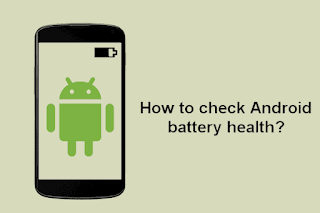
Battery Health Check: Preventing the Dangers of Battery Aging

 Batteries are everywhere in our lives, in your cell phone, laptop, TV, radio, and more. But do you know if your battery is healthy? There are several signs that will tell you your battery is in good condition. Therefore, you need to be acutely aware of changes in normal working conditions. Batteries degrade over time; therefore, it is a good idea to consider the age of the battery when checking its health. You don’t need a lot of battery knowledge to distinguish a healthy battery from a faulty one.

If you need to know if your phone’s battery is healthy, carefully remove it from your phone. This only applies to those phones with removable batteries. You should then look for signs of corrosion, bulges, and green or white stains. But if your battery shows no such sign, then your battery is fine now. Also, a healthy battery won’t drain faster than usual. It’s a good idea to always monitor how fast your battery is dropping. If you see at least a 2% drop in your phone’s battery, your battery is unhealthy.

To find out if your battery is healthy, you can perform a spin test. Place the phone battery on a flat surface, which should be dry. Spin the battery and watch what happens. If your battery can spin, it’s probably not healthy. Let’s take a look at how to check the health of your phone’s battery!

How to check battery health?

Checking the health of your battery is essential for every phone user. It is quite useful to know how we diagnose cell phone battery. Not knowing your battery status can get you into trouble when you need your phone the most.

The various methods we can use to check the health of our phone’s battery are as follows:

Diagnose the battery

This is the easiest method available to all phone users. In this method, you can check the apps on your phone. Some phone users have many power-hungry apps that can damage the battery. Straining the battery for extended periods of time will make it die faster. So it’s best to take a closer look at the app you’re using.

You also need to see what the battery looks like. You should check for signs of danger, including swollen terminals, bulges, corrosive substances, and more.

Use Android to hide menus

Android phones have a hidden menu that helps users get information about their battery condition. You can get the hidden menu by dialing *#*#4636#*#*. This will open a hidden android test menu for troubleshooting. Once you get the hidden menu, tap on the “Battery info” option. This will show you all the battery details: charge status, power source, charge level and temperature.

Do you need tools to check your battery health?

Checking the battery health of your phone’s battery requires no physical tools. Some apps are designed to help us understand the state of our battery. These apps can only be used in smartphones to provide accurate information. These applications include:

Primary battery analyzer

Use the native battery analyzer to test cell phone batteries. Android phones come with an easy-to-install app that determines which apps are draining your battery. This can help you remove apps that are useless at all. You can find this analyzer by navigating to Settings > Devices > Battery on your Android phone.

GSAM Monitor

This is a third-party app that helps you monitor the app’s battery usage since the last charge, since the screen went to sleep. This monitor can be used to provide battery health status and monitor battery overuse applications.

cleanup master

This is another great battery health tool. This application can provide notifications about the status of your phone’s battery life. Using this app can give you an idea of ​​what could be damaging your battery. You can fix the problem before it gets worse. You should understand that the faster an application drains your battery, the faster your battery life will decrease. This app also shows daily battery usage and how usage affects your battery. This helps prolong the life of the battery and phone.

>>>>>>>>>>>>Phone battery

Thanks for reading, hope it helps!

Friendly reminder: If you need to replace the battery, this battery store will be a good choice: www.batteryforpc.co.uk

Apple: In iOS 15.4, Face ID can be used to unlock your iPhone

 If you own an iPhone, you can use Face ID to unlock your phone or use Apple Pay. But the pandemic has made Face ID almost useless in public, because it doesn’t work when you’re wearing a mask, which covers almost half of your face.

Usually this leaves you with one of two options: put on the mask and manually enter the passcode, or take off the mask and let Face ID work that way. Neither option is perfect, which is why Apple’s upcoming iPhone software update is an improvement. Thanks to iOS 15.4 coming next week, you can finally use Face ID while wearing a mask.

As long as you have an iPhone 12 or iPhone 13 running iOS 15.4, you can easily go into your phone’s settings and open a new setting that uses features around your eyes to verify that you’re really you, even if you’re wearing a mask.

But if you have an older iPhone model, or just don’t want to update to iOS 15.4 for a while, there’s another way to unlock your iPhone while wearing a mask—with the Apple Watch. Let’s take a look at how to use it!

How to use Face ID with a mask

This new feature is exclusive to iOS 15.4 ‌‌ and only available on iPhone 12‌‌, 12 Mini, 12 Pro and 12 Pro Max and iPhone 13, 13 Mini, 13 Pro and 13 Pro Max. If you have both software and hardware, do the following to use Face ID with a mask:

1. On your iPhone, open the Settings app.

2. Next, go to Face ID & Passcode and enter your passcode.

3. Toggle Use Face ID with a mask.

4. On the next page, select the Use Face ID with mask option.

5. Wear a mask to set up Face ID.

Setting up Face ID with a mask is almost the same as setting up regular Face ID, but the emphasis is on verifying the unique features around the eyes. Once set up, which takes about a minute or so, you can unlock your iPhone masked (and unmasked).

How to Unlock Your iPhone with Apple Watch

If you don’t have iOS 15.4 or an iPhone 12 or 13, you can still unlock your iPhone with your Apple Watch. To do this, you need to be running iOS 14.5 or later and WatchOS 7.4 or later. To set up this function:

1. Open the Settings app on your iPhone.

2. Select Face ID & Passcode and enter your passcode.

3. Scroll down to Unlock with Apple Watch, find your Apple Watch and turn on the feature.

Now, when you’re wearing a mask, all you have to do is raise your phone as usual and unlock it with Face ID. You’ll feel a touch on your wrist letting you know your watch has been used to unlock your phone.

The alert on the watch goes beyond just confirming that your phone is unlocked, though. It includes a button to lock the phone in case it’s unlocked by someone else. This is a safety feature that ensures that others cannot pick up your phone and unlock it while wearing a mask. While this is unlikely to happen, it’s a reassuring fallback to keep your data more secure.

>>>>>>>>>Apple battery

800mAh/3.0WH 3.7V Kyocera LB07KC Li-ion Battery for Kyocera LB07KC

800mAh/3.0WH 3.7V Kyocera LB07KC Batteries for Kyocera LB07KC, Kyocera LB07KC Cell Phone battery is a brand new,100% Compatible original and replacement Phone battery,Purchase wholesale and retail LB07KC with high quality and low price!

Find ou your original model number or part number(P/N), and move your eyes on the tag of battery

LB07KC

Specifications

  • Brand:Kyocera
  • Capacity :800mAh/3.0WH
  • Voltage :3.7V
  • Type :Li-ion
  • Battery Cell Quality: Grade A
  • Descriptive: Replacement Battery – 1 Year Warranty
  • Description: Brand New, 1 Year Warranty! 30-Days Money Back! Fast Shipping!

How we test this Kyocera LB07KC Battery
Step 1: Make sure customer bought the correct battery.
Step 2: Check battery’s appearance and interface.
Step 3: Test battery charger and recharger function.
Step 4: Charger the battery to 100% and recharger to 0% to get real battery capacity
Step 5: Use Ev2300 to check the voltage difference of each goroup cells.
Step 6: Charger battery power more than 30%.
Step 7: Package battery carefully and send out

Compatible Part Numbers:
LB07KC

Compatible Model Numbers:
Kyocera LB07KC

How much do you know about how to run laptop well as any place? The follow Tips cut way back on protecting battery life.


1). Please recharge or change your Cell Phone battery when battery power low.
2). Using Li-Ion Replacement Kyocera LB07KC Cell Phone Battery for your notebook which can work longer time than Non Li-ion one.
3). It is better to defragmentation regularly for your Cell Phone battery life.
4). In order to reduce the laptop power consumpition, you can use some optical drive spin-down and hard drive in your Cell Phone .
5). Please keep your laptop in sleep or standby model without long time using, which both save the Replacement Kyocera LB07KC Cell Phone Battery power and extend battery using life.
6). Leave your battery in a dry and cool condition when without using.
7). When you rarely or generally plugged in fixed power using, Please take down your battery to avoid hurting battery life.

Hot Products

4900mAh/18.87WH SAMSUNG HQ-50S for Samsung Galaxy A02S4120mAh/45Wh LENOVO L17M3P52 for Lenovo 01AV447 SB10K97608 Seri5280mAh 20.43WH BLACKVIEW Li566376HTT for Blackview Bl6000 Pro1000mAh NOKIA BPS-2 for Nokia 6310i 5130 5110 6210 71151Wh/3321mAh LENOVO L18L4P71 for Lenovo ThinkPad X1 Carbon 7th1950mAh APPLE A1672 for Apple Magic Mouse 22800mAh/10.64WH NOKIA V3760T for Nokia Cell Phone4400mAh ADVENT L51-3S4400-C1S5 for Advent 7109B 8111 8115 8215 926600mAh MEDION BP-DRAGON-GT(P) for Medion MAM2100 MIM2300 Akoya E4000mAh ACER TM00741 for Acer Extensa 5620G 5210 5220 5

2300mAh 3.7V 4.2V Pixus Hit Li-ion Battery for Pixus Hit

2300mAh 3.7V 4.2V Pixus Hit Batteries for Pixus Hit, Pixus Hit Cell Phone battery is a brand new,100% Compatible original and replacement Phone battery,Purchase wholesale and retail Hit with high quality and low price!

Find ou your original model number or part number(P/N), and move your eyes on the tag of battery

Hit

Specifications

  • Brand:Pixus
  • Capacity :2300mAh
  • Voltage :3.7V 4.2V
  • Type :Li-ion
  • Battery Cell Quality: Grade A
  • Descriptive: Replacement Battery – 1 Year Warranty
  • Description: Brand New, 1 Year Warranty! 30-Days Money Back! Fast Shipping!

How we test this Pixus Hit Battery
Step 1: Make sure customer bought the correct battery.
Step 2: Check battery’s appearance and interface.
Step 3: Test battery charger and recharger function.
Step 4: Charger the battery to 100% and recharger to 0% to get real battery capacity
Step 5: Use Ev2300 to check the voltage difference of each goroup cells.
Step 6: Charger battery power more than 30%.
Step 7: Package battery carefully and send out

Compatible Part Numbers:
Hit

Compatible Model Numbers:
Pixus Hit

How much do you know about how to run laptop well as any place? The follow Tips cut way back on protecting battery life.


1). Please recharge or change your Cell Phone battery when battery power low.
2). Using Li-Ion Replacement Pixus Hit Cell Phone Battery for your notebook which can work longer time than Non Li-ion one.
3). It is better to defragmentation regularly for your Cell Phone battery life.
4). In order to reduce the laptop power consumpition, you can use some optical drive spin-down and hard drive in your Cell Phone .
5). Please keep your laptop in sleep or standby model without long time using, which both save the Replacement Pixus Hit Cell Phone Battery power and extend battery using life.
6). Leave your battery in a dry and cool condition when without using.
7). When you rarely or generally plugged in fixed power using, Please take down your battery to avoid hurting battery life.

Hot Products

4900mAh/18.87WH SAMSUNG HQ-50S for Samsung Galaxy A02S4120mAh/45Wh LENOVO L17M3P52 for Lenovo 01AV447 SB10K97608 Seri5280mAh 20.43WH BLACKVIEW Li566376HTT for Blackview Bl6000 Pro1000mAh NOKIA BPS-2 for Nokia 6310i 5130 5110 6210 71151Wh/3321mAh LENOVO L18L4P71 for Lenovo ThinkPad X1 Carbon 7th1950mAh APPLE A1672 for Apple Magic Mouse 22800mAh/10.64WH NOKIA V3760T for Nokia Cell Phone4400mAh ADVENT L51-3S4400-C1S5 for Advent 7109B 8111 8115 8215 926600mAh MEDION BP-DRAGON-GT(P) for Medion MAM2100 MIM2300 Akoya E4000mAh ACER TM00741 for Acer Extensa 5620G 5210 5220 5

1800mAh/6.66WH 3.7V 4.2V Hisense Li38180 Li-ion Battery for Hisense M20-T

1800mAh/6.66WH 3.7V 4.2V Hisense Li38180 Batteries for Hisense M20-T, Hisense Li38180 Cell Phone battery is a brand new,100% Compatible original and replacement Phone battery,Purchase wholesale and retail Li38180 with high quality and low price!

Find ou your original model number or part number(P/N), and move your eyes on the tag of battery

Li38180

Specifications

  • Brand:Hisense
  • Capacity :1800mAh/6.66WH
  • Voltage :3.7V 4.2V
  • Type :Li-ion
  • Battery Cell Quality: Grade A
  • Descriptive: Replacement Battery – 1 Year Warranty
  • Description: Brand New, 1 Year Warranty! 30-Days Money Back! Fast Shipping!

How we test this Hisense Li38180 Battery
Step 1: Make sure customer bought the correct battery.
Step 2: Check battery’s appearance and interface.
Step 3: Test battery charger and recharger function.
Step 4: Charger the battery to 100% and recharger to 0% to get real battery capacity
Step 5: Use Ev2300 to check the voltage difference of each goroup cells.
Step 6: Charger battery power more than 30%.
Step 7: Package battery carefully and send out

Compatible Part Numbers:
Li38180

Compatible Model Numbers:
Hisense M20-T

How much do you know about how to run laptop well as any place? The follow Tips cut way back on protecting battery life.


1). Please recharge or change your Cell Phone battery when battery power low.
2). Using Li-Ion Replacement Hisense Li38180 Cell Phone Battery for your notebook which can work longer time than Non Li-ion one.
3). It is better to defragmentation regularly for your Cell Phone battery life.
4). In order to reduce the laptop power consumpition, you can use some optical drive spin-down and hard drive in your Cell Phone .
5). Please keep your laptop in sleep or standby model without long time using, which both save the Replacement Hisense Li38180 Cell Phone Battery power and extend battery using life.
6). Leave your battery in a dry and cool condition when without using.
7). When you rarely or generally plugged in fixed power using, Please take down your battery to avoid hurting battery life.

Hot Products

4900mAh/18.87WH SAMSUNG HQ-50S for Samsung Galaxy A02S4120mAh/45Wh LENOVO L17M3P52 for Lenovo 01AV447 SB10K97608 Seri5280mAh 20.43WH BLACKVIEW Li566376HTT for Blackview Bl6000 Pro1000mAh NOKIA BPS-2 for Nokia 6310i 5130 5110 6210 71151Wh/3321mAh LENOVO L18L4P71 for Lenovo ThinkPad X1 Carbon 7th1950mAh APPLE A1672 for Apple Magic Mouse 22800mAh/10.64WH NOKIA V3760T for Nokia Cell Phone4400mAh ADVENT L51-3S4400-C1S5 for Advent 7109B 8111 8115 8215 926600mAh MEDION BP-DRAGON-GT(P) for Medion MAM2100 MIM2300 Akoya E4000mAh ACER TM00741 for Acer Extensa 5620G 5210 5220 5

2150mAh/8.2WH 3.8V Sky BAT-7600M Li-ion Battery for SKY VEGA A870S 870L 870K

2150mAh/8.2WH 3.8V Sky BAT-7600M Batteries for SKY VEGA A870S 870L 870K, Sky BAT-7600M Cell Phone battery is a brand new,100% Compatible original and replacement Phone battery,Purchase wholesale and retail BAT-7600M with high quality and low price!

Find ou your original model number or part number(P/N), and move your eyes on the tag of battery

BAT-7600M

Specifications

  • Brand:SKY
  • Capacity :2150mAh/8.2WH
  • Voltage :3.8V
  • Type :Li-ion
  • Battery Cell Quality: Grade A
  • Descriptive: Replacement Battery – 1 Year Warranty
  • Description: Brand New, 1 Year Warranty! 30-Days Money Back! Fast Shipping!

How we test this Sky BAT-7600M Battery
Step 1: Make sure customer bought the correct battery.
Step 2: Check battery’s appearance and interface.
Step 3: Test battery charger and recharger function.
Step 4: Charger the battery to 100% and recharger to 0% to get real battery capacity
Step 5: Use Ev2300 to check the voltage difference of each goroup cells.
Step 6: Charger battery power more than 30%.
Step 7: Package battery carefully and send out

Compatible Part Numbers:
BAT-7600M

Compatible Model Numbers:
SKY VEGA A870S 870L 870K

How much do you know about how to run laptop well as any place? The follow Tips cut way back on protecting battery life.


1). Please recharge or change your Cell Phone battery when battery power low.
2). Using Li-Ion Replacement Sky BAT-7600M Cell Phone Battery for your notebook which can work longer time than Non Li-ion one.
3). It is better to defragmentation regularly for your Cell Phone battery life.
4). In order to reduce the laptop power consumpition, you can use some optical drive spin-down and hard drive in your Cell Phone .
5). Please keep your laptop in sleep or standby model without long time using, which both save the Replacement Sky BAT-7600M Cell Phone Battery power and extend battery using life.
6). Leave your battery in a dry and cool condition when without using.
7). When you rarely or generally plugged in fixed power using, Please take down your battery to avoid hurting battery life.

Hot Products

4900mAh/18.87WH SAMSUNG HQ-50S for Samsung Galaxy A02S4120mAh/45Wh LENOVO L17M3P52 for Lenovo 01AV447 SB10K97608 Seri5280mAh 20.43WH BLACKVIEW Li566376HTT for Blackview Bl6000 Pro1000mAh NOKIA BPS-2 for Nokia 6310i 5130 5110 6210 71151Wh/3321mAh LENOVO L18L4P71 for Lenovo ThinkPad X1 Carbon 7th1950mAh APPLE A1672 for Apple Magic Mouse 22800mAh/10.64WH NOKIA V3760T for Nokia Cell Phone4400mAh ADVENT L51-3S4400-C1S5 for Advent 7109B 8111 8115 8215 926600mAh MEDION BP-DRAGON-GT(P) for Medion MAM2100 MIM2300 Akoya E4000mAh ACER TM00741 for Acer Extensa 5620G 5210 5220 5