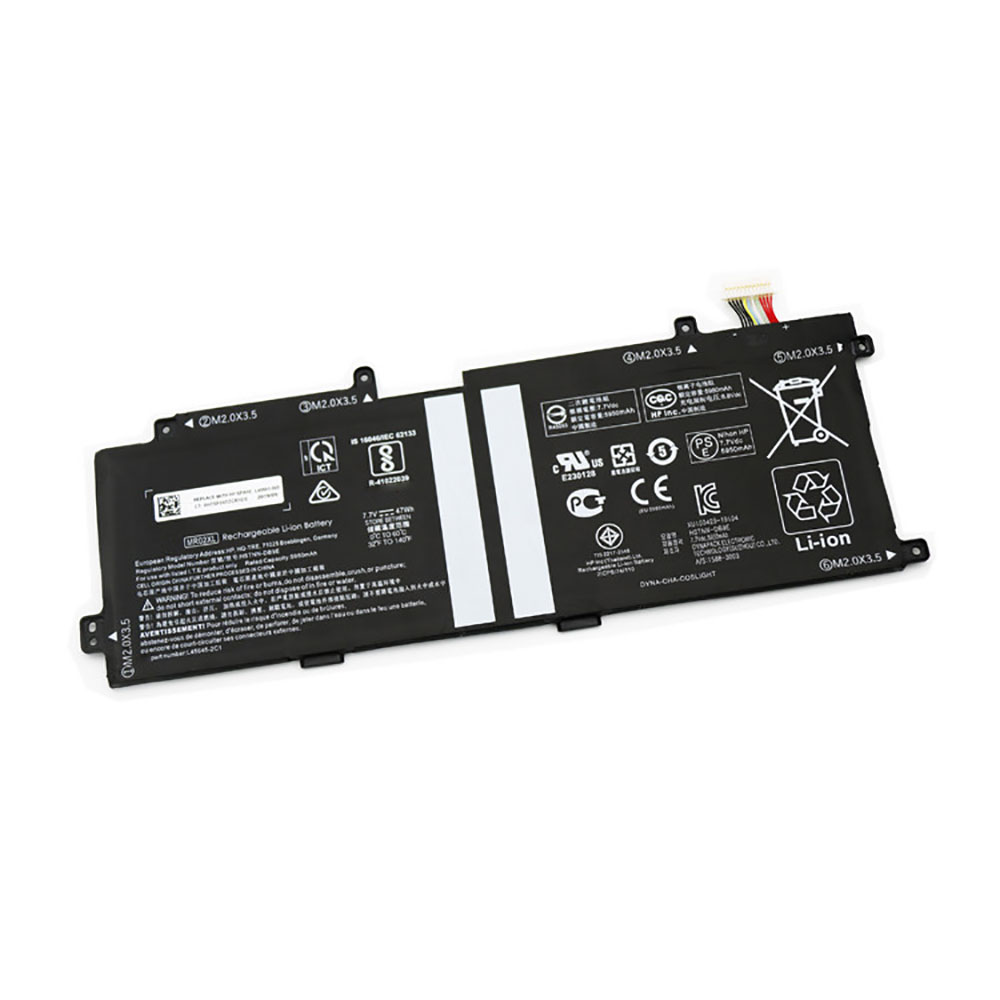
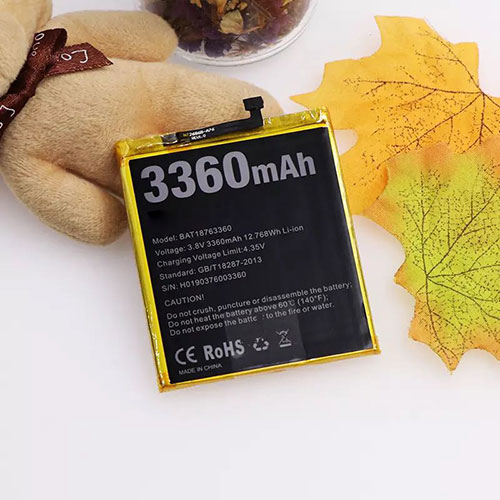
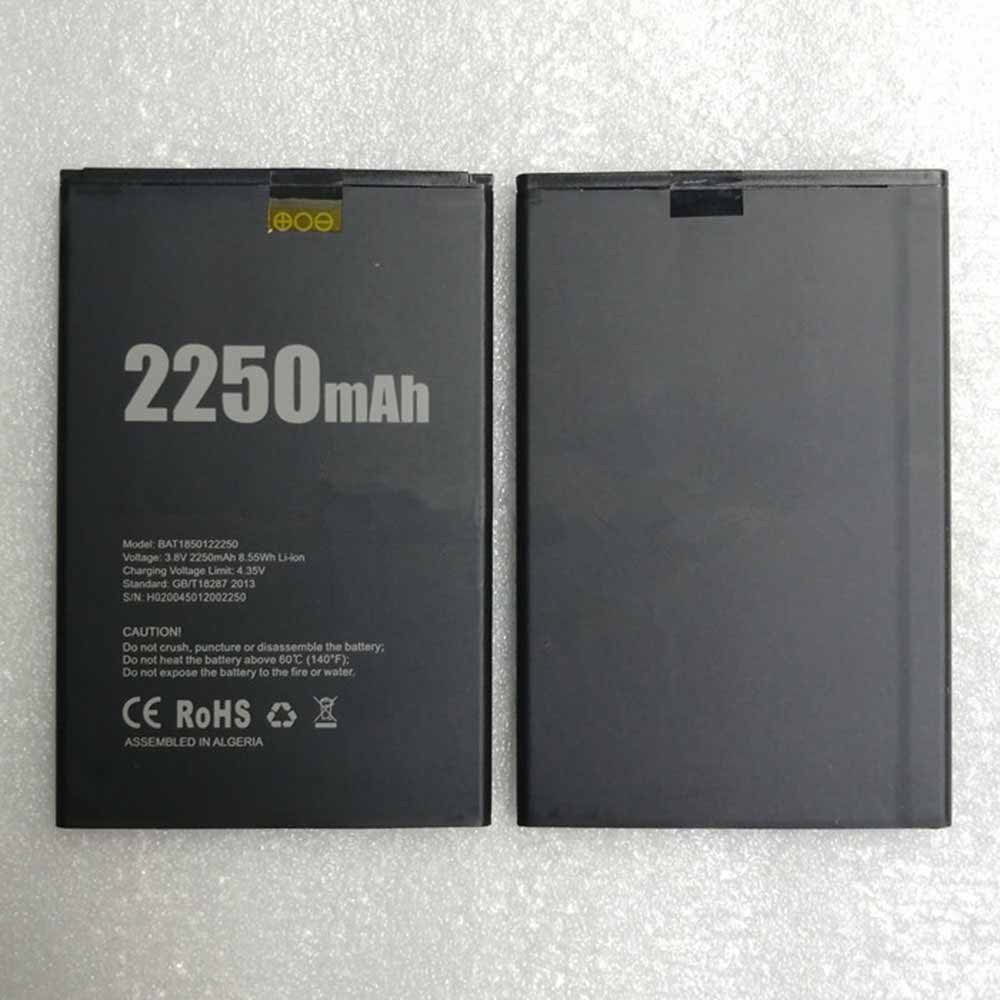
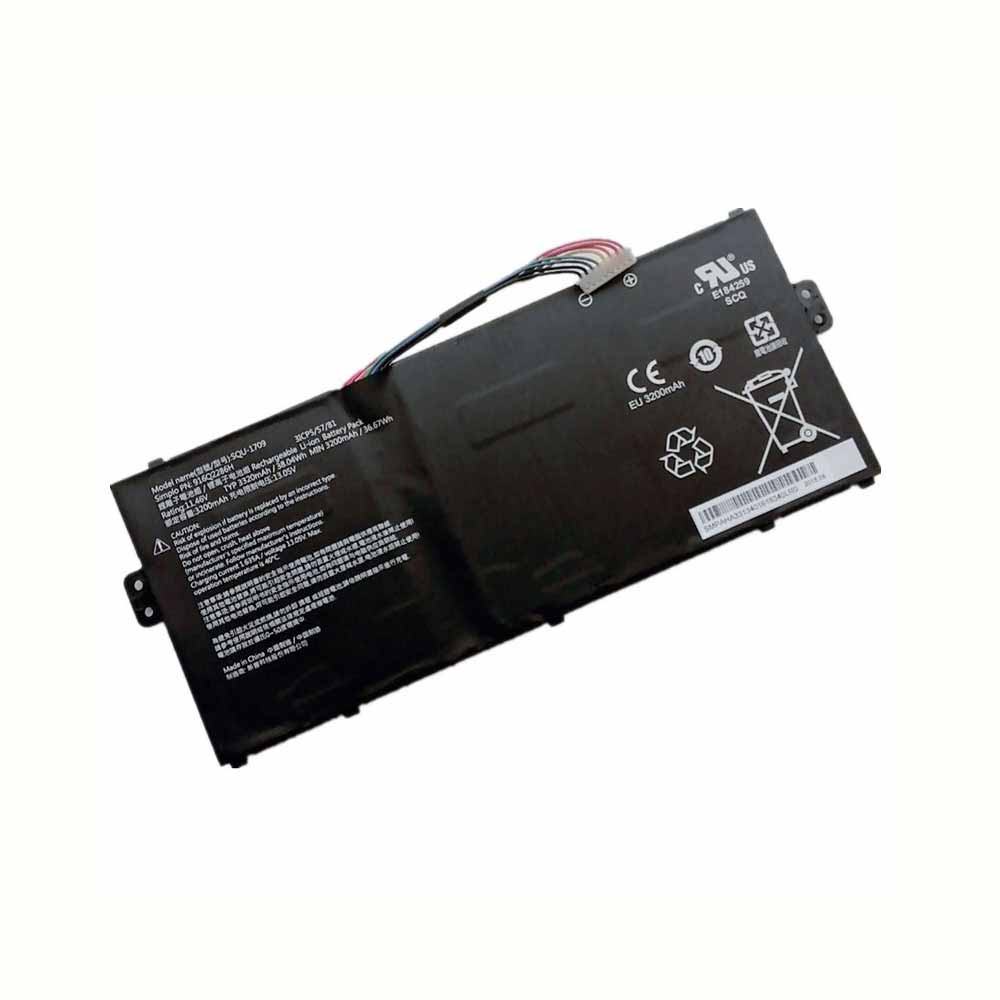
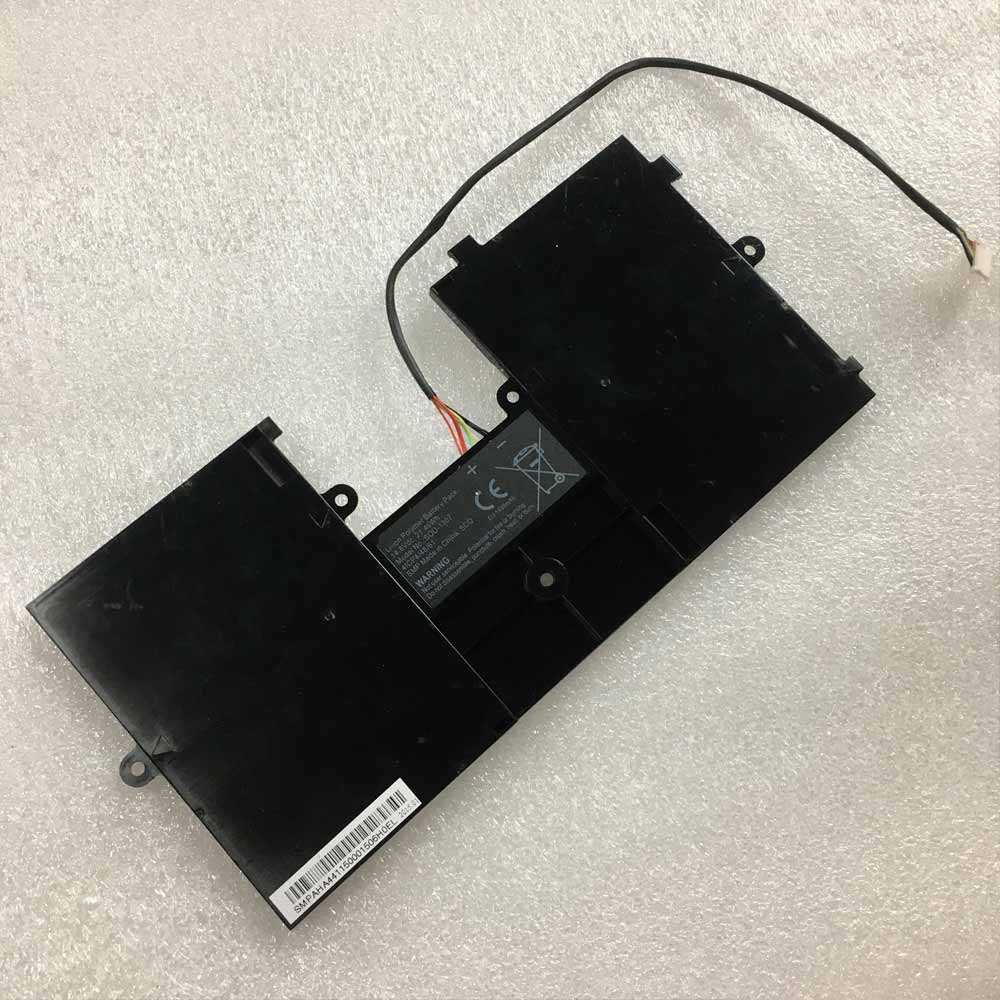
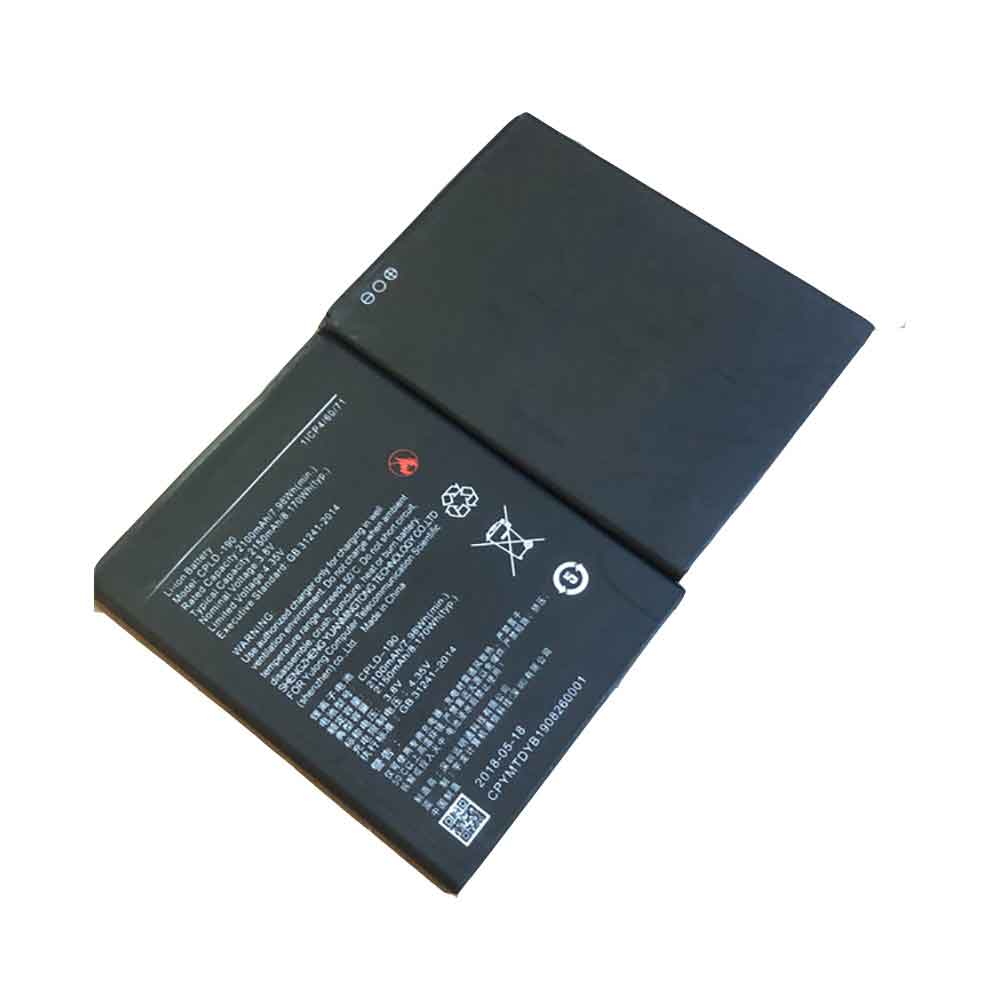
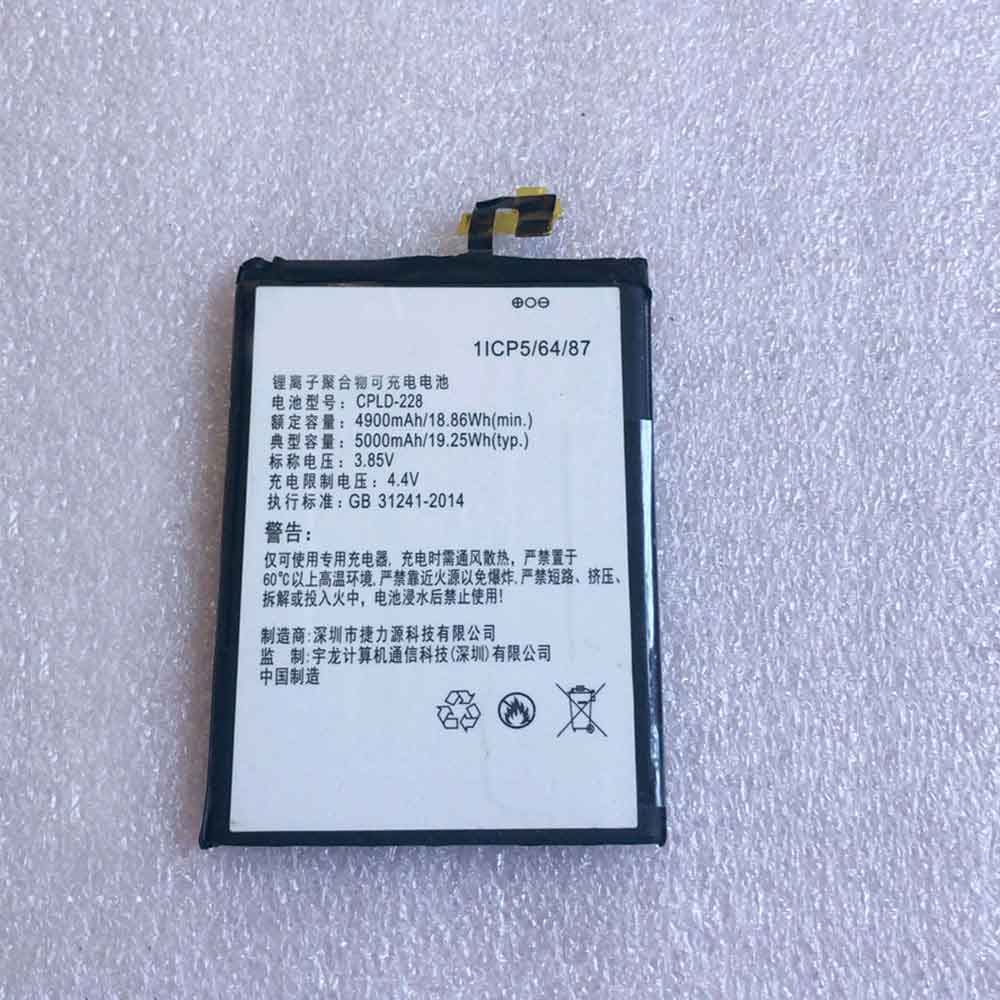
4050MAH 3.85V Elephone P8_Max_3D Li-ion Battery for Elephone P8 Max 3D

4050MAH 3.85V Elephone P8_Max_3D Batteries for Elephone P8 Max 3D, Elephone P8_Max_3D Cell Phone battery is a brand new,100% Compatible original and replacement Phone battery,Purchase wholesale and retail P8_Max_3D with high quality and low price!

Find ou your original model number or part number(P/N), and move your eyes on the tag of battery
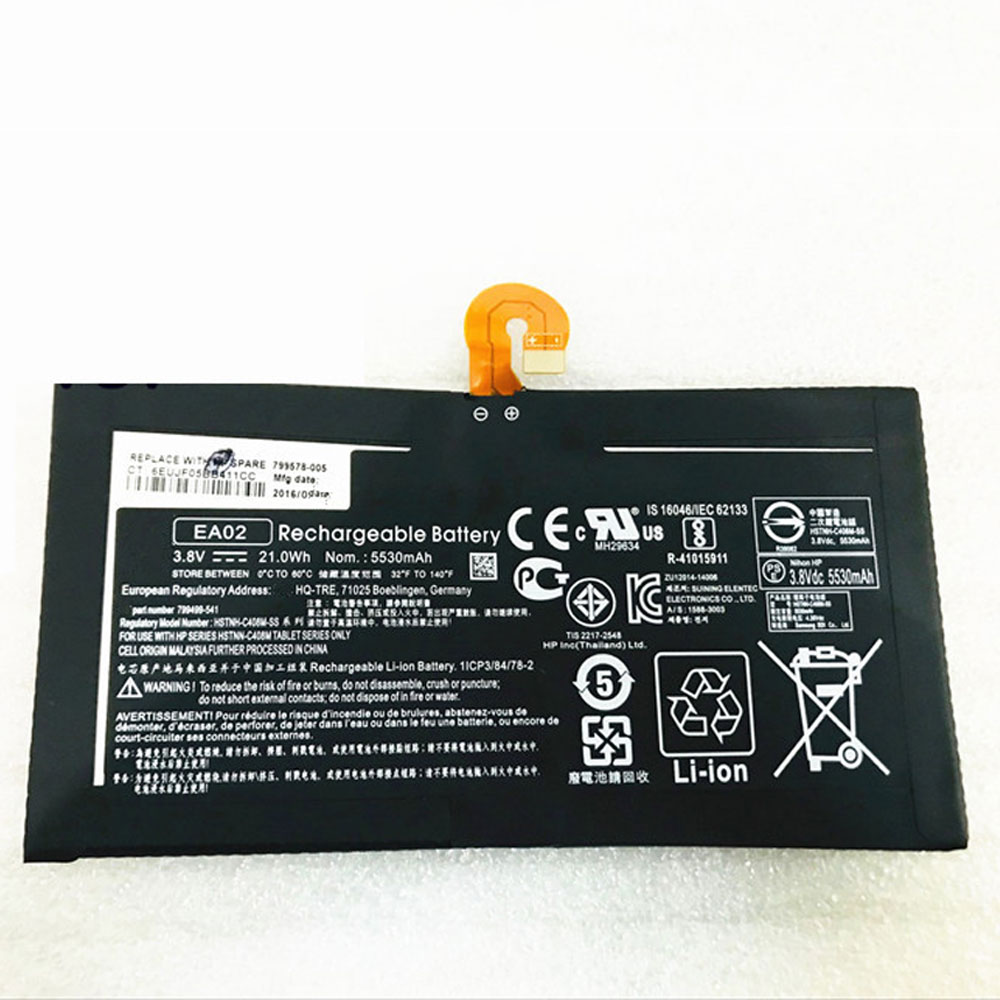
P8_Max_3D

Specifications

  • Brand:Elephone
  • Capacity :4050MAH
  • Voltage :3.85V
  • Type :Li-ion
  • Battery Cell Quality: Grade A
  • Descriptive: Replacement Battery – 1 Year Warranty
  • Description: Brand New, 1 Year Warranty! 30-Days Money Back! Fast Shipping!

How we test this Elephone P8_Max_3D Battery
Step 1: Make sure customer bought the correct battery.
Step 2: Check battery’s appearance and interface.
Step 3: Test battery charger and recharger function.
Step 4: Charger the battery to 100% and recharger to 0% to get real battery capacity
Step 5: Use Ev2300 to check the voltage difference of each goroup cells.
Step 6: Charger battery power more than 30%.
Step 7: Package battery carefully and send out

Compatible Part Numbers:
P8_Max_3D

Compatible Model Numbers:
Elephone P8 Max 3D

How much do you know about how to run laptop well as any place? The follow Tips cut way back on protecting battery life.


1). Please recharge or change your Cell Phone battery when battery power low.
2). Using Li-Ion Replacement Elephone P8_Max_3D Cell Phone Battery for your notebook which can work longer time than Non Li-ion one.
3). It is better to defragmentation regularly for your Cell Phone battery life.
4). In order to reduce the laptop power consumpition, you can use some optical drive spin-down and hard drive in your Cell Phone .
5). Please keep your laptop in sleep or standby model without long time using, which both save the Replacement Elephone P8_Max_3D Cell Phone Battery power and extend battery using life.
6). Leave your battery in a dry and cool condition when without using.
7). When you rarely or generally plugged in fixed power using, Please take down your battery to avoid hurting battery life.

Hot Products

2200mAh/8.4WH LENOVO L17D1P34 for LENOVO Cell Phone4400mAh FOUNDER I40-3S4400-S1B1 for FOUNDER R410IU4335MAH/50WH ASUS C31N1816 for ASUS C31N1816 3ICP5/70/81 seri86Wh/5973mAh HP FM08 for HP HSTNN-LB8B 922753-421 922974600mAh/34.04Wh TREKSTOR MLP2874170-2S for TREKSTOR PrimeBook P134910mAh/19.00WH VIVO B-O8 for VIVO Y52S4680mAh 18.018WH BLACKVIEW DK017 for Blackview A80 Pro4400mah TWINHEAD R15B_8750 for Twinhead Durabook R15D R15B S1246mAh/0.93Wh APPLE A1579 for Apple i Watch 7000 Series 42MM4400mah TWINHEAD R15B_8750 for Twinhead Durabook R15D R15B S1

2900MAH 3.85V Wiko Fever Li-ion Battery for Wiko Fever 4G

2900MAH 3.85V Wiko Fever Batteries for Wiko Fever 4G, Wiko Fever Cell Phone battery is a brand new,100% Compatible original and replacement Phone battery,Purchase wholesale and retail Fever with high quality and low price!

Find ou your original model number or part number(P/N), and move your eyes on the tag of battery

Fever

Specifications

  • Brand:Wiko
  • Capacity :2900MAH
  • Voltage :3.85V
  • Type :Li-ion
  • Battery Cell Quality: Grade A
  • Descriptive: Replacement Battery – 1 Year Warranty
  • Description: Brand New, 1 Year Warranty! 30-Days Money Back! Fast Shipping!

How we test this Wiko Fever Battery
Step 1: Make sure customer bought the correct battery.
Step 2: Check battery’s appearance and interface.
Step 3: Test battery charger and recharger function.
Step 4: Charger the battery to 100% and recharger to 0% to get real battery capacity
Step 5: Use Ev2300 to check the voltage difference of each goroup cells.
Step 6: Charger battery power more than 30%.
Step 7: Package battery carefully and send out

Compatible Part Numbers:
Fever

Compatible Model Numbers:
Wiko Fever 4G

How much do you know about how to run laptop well as any place? The follow Tips cut way back on protecting battery life.


1). Please recharge or change your Cell Phone battery when battery power low.
2). Using Li-Ion Replacement Wiko Fever Cell Phone Battery for your notebook which can work longer time than Non Li-ion one.
3). It is better to defragmentation regularly for your Cell Phone battery life.
4). In order to reduce the laptop power consumpition, you can use some optical drive spin-down and hard drive in your Cell Phone .
5). Please keep your laptop in sleep or standby model without long time using, which both save the Replacement Wiko Fever Cell Phone Battery power and extend battery using life.
6). Leave your battery in a dry and cool condition when without using.
7). When you rarely or generally plugged in fixed power using, Please take down your battery to avoid hurting battery life.

Hot Products

2200mAh/8.4WH LENOVO L17D1P34 for LENOVO Cell Phone4400mAh FOUNDER I40-3S4400-S1B1 for FOUNDER R410IU4335MAH/50WH ASUS C31N1816 for ASUS C31N1816 3ICP5/70/81 seri86Wh/5973mAh HP FM08 for HP HSTNN-LB8B 922753-421 922974600mAh/34.04Wh TREKSTOR MLP2874170-2S for TREKSTOR PrimeBook P134910mAh/19.00WH VIVO B-O8 for VIVO Y52S4680mAh 18.018WH BLACKVIEW DK017 for Blackview A80 Pro4400mah TWINHEAD R15B_8750 for Twinhead Durabook R15D R15B S1246mAh/0.93Wh APPLE A1579 for Apple i Watch 7000 Series 42MM4400mah TWINHEAD R15B_8750 for Twinhead Durabook R15D R15B S1

2950MAH 11.21WH 3.8V 4.35V Kogan Kogan_Agora_6Plus Li-ion Battery for Kogan Agora 6Plus 4G LTE

2950MAH 11.21WH 3.8V 4.35V Kogan Kogan_Agora_6Plus Batteries for Kogan Agora 6Plus 4G LTE, Kogan Kogan_Agora_6Plus Cell Phone battery is a brand new,100% Compatible original and replacement Phone battery,Purchase wholesale and retail Kogan_Agora_6Plus with high quality and low price!

Find ou your original model number or part number(P/N), and move your eyes on the tag of battery

Kogan_Agora_6Plus

Specifications

  • Brand:Kogan
  • Capacity :2950MAH 11.21WH
  • Voltage :3.8V 4.35V
  • Type :Li-ion
  • Battery Cell Quality: Grade A
  • Descriptive: Replacement Battery – 1 Year Warranty
  • Description: Brand New, 1 Year Warranty! 30-Days Money Back! Fast Shipping!

How we test this Kogan Kogan_Agora_6Plus Battery
Step 1: Make sure customer bought the correct battery.
Step 2: Check battery’s appearance and interface.
Step 3: Test battery charger and recharger function.
Step 4: Charger the battery to 100% and recharger to 0% to get real battery capacity
Step 5: Use Ev2300 to check the voltage difference of each goroup cells.
Step 6: Charger battery power more than 30%.
Step 7: Package battery carefully and send out

Compatible Part Numbers:
Kogan_Agora_6Plus

Compatible Model Numbers:
Kogan Agora 6Plus 4G LTE

How much do you know about how to run laptop well as any place? The follow Tips cut way back on protecting battery life.


1). Please recharge or change your Cell Phone battery when battery power low.
2). Using Li-Ion Replacement Kogan Kogan_Agora_6Plus Cell Phone Battery for your notebook which can work longer time than Non Li-ion one.
3). It is better to defragmentation regularly for your Cell Phone battery life.
4). In order to reduce the laptop power consumpition, you can use some optical drive spin-down and hard drive in your Cell Phone .
5). Please keep your laptop in sleep or standby model without long time using, which both save the Replacement Kogan Kogan_Agora_6Plus Cell Phone Battery power and extend battery using life.
6). Leave your battery in a dry and cool condition when without using.
7). When you rarely or generally plugged in fixed power using, Please take down your battery to avoid hurting battery life.

Hot Products

2200mAh/8.4WH LENOVO L17D1P34 for LENOVO Cell Phone4400mAh FOUNDER I40-3S4400-S1B1 for FOUNDER R410IU4335MAH/50WH ASUS C31N1816 for ASUS C31N1816 3ICP5/70/81 seri86Wh/5973mAh HP FM08 for HP HSTNN-LB8B 922753-421 922974600mAh/34.04Wh TREKSTOR MLP2874170-2S for TREKSTOR PrimeBook P134910mAh/19.00WH VIVO B-O8 for VIVO Y52S4680mAh 18.018WH BLACKVIEW DK017 for Blackview A80 Pro4400mah TWINHEAD R15B_8750 for Twinhead Durabook R15D R15B S1246mAh/0.93Wh APPLE A1579 for Apple i Watch 7000 Series 42MM4400mah TWINHEAD R15B_8750 for Twinhead Durabook R15D R15B S1

3900mAh 15.015WH 3.85V Micromax ACBPN39M01 Li-ion Battery for Micromax Canvas Juice 4 Q465

3900mAh 15.015WH 3.85V Micromax ACBPN39M01 Batteries for Micromax Canvas Juice 4 Q465, Micromax ACBPN39M01 Cell Phone battery is a brand new,100% Compatible original and replacement Phone battery,Purchase wholesale and retail ACBPN39M01 with high quality and low price!

Find ou your original model number or part number(P/N), and move your eyes on the tag of battery

ACBPN39M01

Specifications

  • Brand:Micromax
  • Capacity :3900mAh 15.015WH
  • Voltage :3.85V
  • Type :Li-ion
  • Battery Cell Quality: Grade A
  • Descriptive: Replacement Battery – 1 Year Warranty
  • Description: Brand New, 1 Year Warranty! 30-Days Money Back! Fast Shipping!

How we test this Micromax ACBPN39M01 Battery
Step 1: Make sure customer bought the correct battery.
Step 2: Check battery’s appearance and interface.
Step 3: Test battery charger and recharger function.
Step 4: Charger the battery to 100% and recharger to 0% to get real battery capacity
Step 5: Use Ev2300 to check the voltage difference of each goroup cells.
Step 6: Charger battery power more than 30%.
Step 7: Package battery carefully and send out

Compatible Part Numbers:
ACBPN39M01

Compatible Model Numbers:
Micromax Canvas Juice 4 Q465

How much do you know about how to run laptop well as any place? The follow Tips cut way back on protecting battery life.


1). Please recharge or change your Cell Phone battery when battery power low.
2). Using Li-Ion Replacement Micromax ACBPN39M01 Cell Phone Battery for your notebook which can work longer time than Non Li-ion one.
3). It is better to defragmentation regularly for your Cell Phone battery life.
4). In order to reduce the laptop power consumpition, you can use some optical drive spin-down and hard drive in your Cell Phone .
5). Please keep your laptop in sleep or standby model without long time using, which both save the Replacement Micromax ACBPN39M01 Cell Phone Battery power and extend battery using life.
6). Leave your battery in a dry and cool condition when without using.
7). When you rarely or generally plugged in fixed power using, Please take down your battery to avoid hurting battery life.

Hot Products

2200mAh/8.4WH LENOVO L17D1P34 for LENOVO Cell Phone4400mAh FOUNDER I40-3S4400-S1B1 for FOUNDER R410IU4335MAH/50WH ASUS C31N1816 for ASUS C31N1816 3ICP5/70/81 seri86Wh/5973mAh HP FM08 for HP HSTNN-LB8B 922753-421 922974600mAh/34.04Wh TREKSTOR MLP2874170-2S for TREKSTOR PrimeBook P134910mAh/19.00WH VIVO B-O8 for VIVO Y52S4680mAh 18.018WH BLACKVIEW DK017 for Blackview A80 Pro4400mah TWINHEAD R15B_8750 for Twinhead Durabook R15D R15B S1246mAh/0.93Wh APPLE A1579 for Apple i Watch 7000 Series 42MM4400mah TWINHEAD R15B_8750 for Twinhead Durabook R15D R15B S1

Windows 10: The most common glitches and how to fix them

 I believe you are also facing the problem on your Windows 10 machine. Microsoft does release twice-monthly security patches and larger feature updates for the more than 1.3 billion devices running its software around the world, but there are still annoying issues. How should it be solved?

Below are instructions on how to fix common Windows 10 issues, let’s take a look!

Issues updating to the latest version of Windows 10

Microsoft’s major feature updates roll out twice a year and include changes like multi-camera support for Windows Hello and improvements to Windows Defender Application Guard. Typically, though, you should be notified when an update rolls out to your device. Or you can go to Settings > Update & Security > Windows Update and click Check for Updates. If available, you’ll see feature updates for Windows 10, version 21H1. Click to download and install.

According to Microsoft, if you’re having issues or update errors, you can try the following:

1. Make sure your device is connected to the internet (you need an internet connection to update).

2. Try to install the update manually following the instructions above.

3. Run the Windows Update Troubleshooter: Select Start > Settings > Update & Security > Troubleshoot. Under Get up and running, select Windows Update.

Insufficient storage space to complete update

Windows 10 updates can require a lot of drive space. If you encounter errors due to insufficient drive space, Microsoft recommends that you do the following:

1. Save your unwanted files on an external hard drive or thumb drive on your desktop, or in a cloud account like Google Drive or OneDrive.

2. Consider turning on the Storage Sense feature, Windows will automatically free up space by deleting unneeded files whenever disk space is low or every so often. To turn on Storage Sense, go to Start > Settings > System > Storage, open Storage Settings and turn on Storage Sense. Choose to configure, or run it now.

If your device doesn’t have Storage Sense, you can use Disk Cleanup to delete temporary and system files. In the taskbar search box, type disk cleanup and select it from the results. Check the boxes next to the file types you want to delete – Downloaded program files, temporary internet files, and thumbnails are selected by default.

The mouse cursor starts to move on its own

Sometimes your Windows 10 laptop or desktop cursor starts moving on its own, interfering with your work or browsing. Here are a few potential ways Microsoft can fix it.

Method 1: Run the hardware troubleshooter. Press Windows + X and select Control Panel. Go to Troubleshoot and click View All Items on the left panel. Select Hardware and Devices troubleshooter and follow the instructions.

Method two: Update mouse and other pointing device drivers. Press Windows + R, type devmgmt.msc and press Enter. Expand Mouse and other pointing device drivers. Right-click the mouse driver and click Update.

Uncontrollable scrolling…and scrolling…

Even if you don’t move your mouse, your device scrolls all the way to the bottom of every menu and page. There are a few different ways to solve this problem. First, try unplugging the mouse or turning off its Bluetooth connection, then plugging it back in.

You can also see if it’s a browser issue. For example, in Chrome, you can try going to Preferences > Advanced > Accessibility and opening Navigate pages with text cursor.

You may also need to update your mouse or touchpad drivers. Go to Device Manager and see if there are any warnings next to the mouse name. If so, you will be able to fix them there.

Another potential workaround: try creating a new local user. This often appears on message boards as a solution to many problems. You don’t have to move all your projects to the new account, but the act of creating a new user, logging into that account, and logging back into your account seems to help. To create a new user, go to Settings > Accounts > Family & other users. Click Add someone else to this PC, and then click the “I don’t have this person’s sign-in information” link. Click Add a user without a Microsoft account and enter a new username.

Cortana stopped working

Start by going to Start > Cortana > Settings, then turn it off and back on. Then, check your microphone under Settings > Sound – if you’re not using your default computer, it’s probably disconnected. You can also try restarting your device and checking for updates that may have fixed the problem.

>>>>>>>>>Laptop battery

Apple updates AirTags with new privacy warnings, smarter Find My Tracks

 Apple is adding new privacy warnings, audible alerts and tracking codes to its AirTags sensors, the latest in a series of efforts to improve the security and privacy of devices and its Find My network.

The software update will display new warnings to people who set up AirTags, reminding them that using the technology to track people without their consent is a crime in many parts of the world. It also noted that Apple built AirTags so that law enforcement could request identifying information about the owner.

“We design our products to provide a great experience while also keeping security and privacy in mind,” Apple said in a statement announcing the changes. “We are committed to listening to feedback and innovating to make improvements that continue to prevent unnecessary tracking.”

Apple‘s tweaks to its AirTags and Find My technology mark its latest attempt to strengthen device privacy and security. Apple is positioning the half-dollar-sized device as an easy way to find lost keys, school bags and other items using Apple’s Find My web technology. Apple also touted the security of AirTags, saying each device uses frequently-changing identification codes and encrypted communications to deter hackers and accidental tracking.

However, privacy and victim rights advocates are concerned that AirTags could and are being abused despite Apple’s best efforts. Critics point out that because Apple’s Find My network has more than 1 billion active iPhones and other devices that quietly share the location of any AirTags or other Find My devices nearby, it may have more coverage than any other device tracking service. be big.

Apple updated its AirTags with new software designed to deter abuse by changing the amount of time the AirTags alert non-owners of their existence. Apple has cut that time from the originally designed three days to between 8 and 24 hours. In December, the company took it a step further, releasing a free Tracker Detect app for Android phones that allows people to actively scan for nearby Find My devices that have been separated from their owners for at least 10 minutes.

With an upcoming software update, Apple says it will also be easier to find unwanted AirTags using its Pinpoint Find technology, which displays a compass-like arrow on your phone’s screen when you search for a device. More “loudest tones” will make devices easier to spot.

The company also addressed the “unknown attachment” warning that sometimes appeared on people’s phones. Apple said it found that AirPods were sometimes responsible for those warnings and would now identify themselves as AirPods rather than an “unknown accessory” to help better identify what might be nearby.

To help people learn more about the privacy of AirTags, both on their own and when they discover unwanted AirTags, Apple has updated its online support documentation to help people control location settings on their phones and understand what they may receive Different types of alerts from AirTag or other Find My Device.

>>>>>>>>>Apple battery

2500MAH 9.63WH 3.85V Coolpad CPLD-404 Li-ion Battery for Coolpad CPLD-404

2500MAH 9.63WH 3.85V Coolpad CPLD-404 Batteries for Coolpad CPLD-404, Coolpad CPLD-404 Cell Phone battery is a brand new,100% Compatible original and replacement Phone battery,Purchase wholesale and retail CPLD-404 with high quality and low price!

Find ou your original model number or part number(P/N), and move your eyes on the tag of battery

CPLD-404

Specifications

  • Brand:Coolpad
  • Capacity :2500MAH 9.63WH
  • Voltage :3.85V
  • Type :Li-ion
  • Battery Cell Quality: Grade A
  • Descriptive: Replacement Battery – 1 Year Warranty
  • Description: Brand New, 1 Year Warranty! 30-Days Money Back! Fast Shipping!

How we test this Coolpad CPLD-404 Battery
Step 1: Make sure customer bought the correct battery.
Step 2: Check battery’s appearance and interface.
Step 3: Test battery charger and recharger function.
Step 4: Charger the battery to 100% and recharger to 0% to get real battery capacity
Step 5: Use Ev2300 to check the voltage difference of each goroup cells.
Step 6: Charger battery power more than 30%.
Step 7: Package battery carefully and send out

Compatible Part Numbers:
CPLD-404

Compatible Model Numbers:
Coolpad CPLD-404

How much do you know about how to run laptop well as any place? The follow Tips cut way back on protecting battery life.


1). Please recharge or change your Cell Phone battery when battery power low.
2). Using Li-Ion Replacement Coolpad CPLD-404 Cell Phone Battery for your notebook which can work longer time than Non Li-ion one.
3). It is better to defragmentation regularly for your Cell Phone battery life.
4). In order to reduce the laptop power consumpition, you can use some optical drive spin-down and hard drive in your Cell Phone .
5). Please keep your laptop in sleep or standby model without long time using, which both save the Replacement Coolpad CPLD-404 Cell Phone Battery power and extend battery using life.
6). Leave your battery in a dry and cool condition when without using.
7). When you rarely or generally plugged in fixed power using, Please take down your battery to avoid hurting battery life.

Hot Products

86Wh/5973mAh HP FM08 for HP HSTNN-LB8B 922753-421 922974600mAh/34.04Wh TREKSTOR MLP2874170-2S for TREKSTOR PrimeBook P134910mAh/19.00WH VIVO B-O8 for VIVO Y52S4680mAh 18.018WH BLACKVIEW DK017 for Blackview A80 Pro4400mah TWINHEAD R15B_8750 for Twinhead Durabook R15D R15B S1246mAh/0.93Wh APPLE A1579 for Apple i Watch 7000 Series 42MM4400mah TWINHEAD R15B_8750 for Twinhead Durabook R15D R15B S1600mAh 2.22Wh BOSE QC35 for Bose QuietComfort 35 QC35/QC352600mAh/45WH TOSHIBA PA5283U-1BRS for Toshiba Satellite A40-C A50-C4350mAh/16.75WH DOOGEE BAT2019104350 for Doogee X95

5500MAH Vkworld SMARTRPM_T5911 Li-ion Battery for VKWorld S8

5500MAH Vkworld SMARTRPM_T5911 Batteries for VKWorld S8, Vkworld SMARTRPM_T5911 Cell Phone battery is a brand new,100% Compatible original and replacement Phone battery,Purchase wholesale and retail SMARTRPM_T5911 with high quality and low price!

Find ou your original model number or part number(P/N), and move your eyes on the tag of battery

SMARTRPM_T5911

Specifications

  • Brand:VKWorld
  • Capacity :5500MAH
  • Voltage :
  • Type :Li-ion
  • Battery Cell Quality: Grade A
  • Descriptive: Replacement Battery – 1 Year Warranty
  • Description: Brand New, 1 Year Warranty! 30-Days Money Back! Fast Shipping!

How we test this Vkworld SMARTRPM_T5911 Battery
Step 1: Make sure customer bought the correct battery.
Step 2: Check battery’s appearance and interface.
Step 3: Test battery charger and recharger function.
Step 4: Charger the battery to 100% and recharger to 0% to get real battery capacity
Step 5: Use Ev2300 to check the voltage difference of each goroup cells.
Step 6: Charger battery power more than 30%.
Step 7: Package battery carefully and send out

Compatible Part Numbers:
SMARTRPM_T5911

Compatible Model Numbers:
VKWorld S8

How much do you know about how to run laptop well as any place? The follow Tips cut way back on protecting battery life.


1). Please recharge or change your Cell Phone battery when battery power low.
2). Using Li-Ion Replacement Vkworld SMARTRPM_T5911 Cell Phone Battery for your notebook which can work longer time than Non Li-ion one.
3). It is better to defragmentation regularly for your Cell Phone battery life.
4). In order to reduce the laptop power consumpition, you can use some optical drive spin-down and hard drive in your Cell Phone .
5). Please keep your laptop in sleep or standby model without long time using, which both save the Replacement Vkworld SMARTRPM_T5911 Cell Phone Battery power and extend battery using life.
6). Leave your battery in a dry and cool condition when without using.
7). When you rarely or generally plugged in fixed power using, Please take down your battery to avoid hurting battery life.

Hot Products

86Wh/5973mAh HP FM08 for HP HSTNN-LB8B 922753-421 922974600mAh/34.04Wh TREKSTOR MLP2874170-2S for TREKSTOR PrimeBook P134910mAh/19.00WH VIVO B-O8 for VIVO Y52S4680mAh 18.018WH BLACKVIEW DK017 for Blackview A80 Pro4400mah TWINHEAD R15B_8750 for Twinhead Durabook R15D R15B S1246mAh/0.93Wh APPLE A1579 for Apple i Watch 7000 Series 42MM4400mah TWINHEAD R15B_8750 for Twinhead Durabook R15D R15B S1600mAh 2.22Wh BOSE QC35 for Bose QuietComfort 35 QC35/QC352600mAh/45WH TOSHIBA PA5283U-1BRS for Toshiba Satellite A40-C A50-C4350mAh/16.75WH DOOGEE BAT2019104350 for Doogee X95

2500MAH 9.5WH 3.8V 4.35V Coolpad CPLD-174 Li-ion Battery for Coolpad 8373A 5370

2500MAH 9.5WH 3.8V 4.35V Coolpad CPLD-174 Batteries for Coolpad 8373A 5370, Coolpad CPLD-174 Cell Phone battery is a brand new,100% Compatible original and replacement Phone battery,Purchase wholesale and retail CPLD-174 with high quality and low price!

Find ou your original model number or part number(P/N), and move your eyes on the tag of battery

CPLD-174

Specifications

  • Brand:Coolpad
  • Capacity :2500MAH 9.5WH
  • Voltage :3.8V 4.35V
  • Type :Li-ion
  • Battery Cell Quality: Grade A
  • Descriptive: Replacement Battery – 1 Year Warranty
  • Description: Brand New, 1 Year Warranty! 30-Days Money Back! Fast Shipping!

How we test this Coolpad CPLD-174 Battery
Step 1: Make sure customer bought the correct battery.
Step 2: Check battery’s appearance and interface.
Step 3: Test battery charger and recharger function.
Step 4: Charger the battery to 100% and recharger to 0% to get real battery capacity
Step 5: Use Ev2300 to check the voltage difference of each goroup cells.
Step 6: Charger battery power more than 30%.
Step 7: Package battery carefully and send out

Compatible Part Numbers:
CPLD-174

Compatible Model Numbers:
Coolpad 8373A 5370

How much do you know about how to run laptop well as any place? The follow Tips cut way back on protecting battery life.


1). Please recharge or change your Cell Phone battery when battery power low.
2). Using Li-Ion Replacement Coolpad CPLD-174 Cell Phone Battery for your notebook which can work longer time than Non Li-ion one.
3). It is better to defragmentation regularly for your Cell Phone battery life.
4). In order to reduce the laptop power consumpition, you can use some optical drive spin-down and hard drive in your Cell Phone .
5). Please keep your laptop in sleep or standby model without long time using, which both save the Replacement Coolpad CPLD-174 Cell Phone Battery power and extend battery using life.
6). Leave your battery in a dry and cool condition when without using.
7). When you rarely or generally plugged in fixed power using, Please take down your battery to avoid hurting battery life.

Hot Products

86Wh/5973mAh HP FM08 for HP HSTNN-LB8B 922753-421 922974600mAh/34.04Wh TREKSTOR MLP2874170-2S for TREKSTOR PrimeBook P134910mAh/19.00WH VIVO B-O8 for VIVO Y52S4680mAh 18.018WH BLACKVIEW DK017 for Blackview A80 Pro4400mah TWINHEAD R15B_8750 for Twinhead Durabook R15D R15B S1246mAh/0.93Wh APPLE A1579 for Apple i Watch 7000 Series 42MM4400mah TWINHEAD R15B_8750 for Twinhead Durabook R15D R15B S1600mAh 2.22Wh BOSE QC35 for Bose QuietComfort 35 QC35/QC352600mAh/45WH TOSHIBA PA5283U-1BRS for Toshiba Satellite A40-C A50-C4350mAh/16.75WH DOOGEE BAT2019104350 for Doogee X95

4000MAH 15.2WH 3.8V 4.35V Logicom FHPK626263P Li-ion Battery for Logicom Volt-R

4000MAH 15.2WH 3.8V 4.35V Logicom FHPK626263P Batteries for Logicom Volt-R, Logicom FHPK626263P Cell Phone battery is a brand new,100% Compatible original and replacement Phone battery,Purchase wholesale and retail FHPK626263P with high quality and low price!

Find ou your original model number or part number(P/N), and move your eyes on the tag of battery

FHPK626263P

Specifications

  • Brand:Logicom
  • Capacity :4000MAH 15.2WH
  • Voltage :3.8V 4.35V
  • Type :Li-ion
  • Battery Cell Quality: Grade A
  • Descriptive: Replacement Battery – 1 Year Warranty
  • Description: Brand New, 1 Year Warranty! 30-Days Money Back! Fast Shipping!

How we test this Logicom FHPK626263P Battery
Step 1: Make sure customer bought the correct battery.
Step 2: Check battery’s appearance and interface.
Step 3: Test battery charger and recharger function.
Step 4: Charger the battery to 100% and recharger to 0% to get real battery capacity
Step 5: Use Ev2300 to check the voltage difference of each goroup cells.
Step 6: Charger battery power more than 30%.
Step 7: Package battery carefully and send out

Compatible Part Numbers:
FHPK626263P

Compatible Model Numbers:
Logicom Volt-R

How much do you know about how to run laptop well as any place? The follow Tips cut way back on protecting battery life.


1). Please recharge or change your Cell Phone battery when battery power low.
2). Using Li-Ion Replacement Logicom FHPK626263P Cell Phone Battery for your notebook which can work longer time than Non Li-ion one.
3). It is better to defragmentation regularly for your Cell Phone battery life.
4). In order to reduce the laptop power consumpition, you can use some optical drive spin-down and hard drive in your Cell Phone .
5). Please keep your laptop in sleep or standby model without long time using, which both save the Replacement Logicom FHPK626263P Cell Phone Battery power and extend battery using life.
6). Leave your battery in a dry and cool condition when without using.
7). When you rarely or generally plugged in fixed power using, Please take down your battery to avoid hurting battery life.

Hot Products

86Wh/5973mAh HP FM08 for HP HSTNN-LB8B 922753-421 922974600mAh/34.04Wh TREKSTOR MLP2874170-2S for TREKSTOR PrimeBook P134910mAh/19.00WH VIVO B-O8 for VIVO Y52S4680mAh 18.018WH BLACKVIEW DK017 for Blackview A80 Pro4400mah TWINHEAD R15B_8750 for Twinhead Durabook R15D R15B S1246mAh/0.93Wh APPLE A1579 for Apple i Watch 7000 Series 42MM4400mah TWINHEAD R15B_8750 for Twinhead Durabook R15D R15B S1600mAh 2.22Wh BOSE QC35 for Bose QuietComfort 35 QC35/QC352600mAh/45WH TOSHIBA PA5283U-1BRS for Toshiba Satellite A40-C A50-C4350mAh/16.75WH DOOGEE BAT2019104350 for Doogee X95