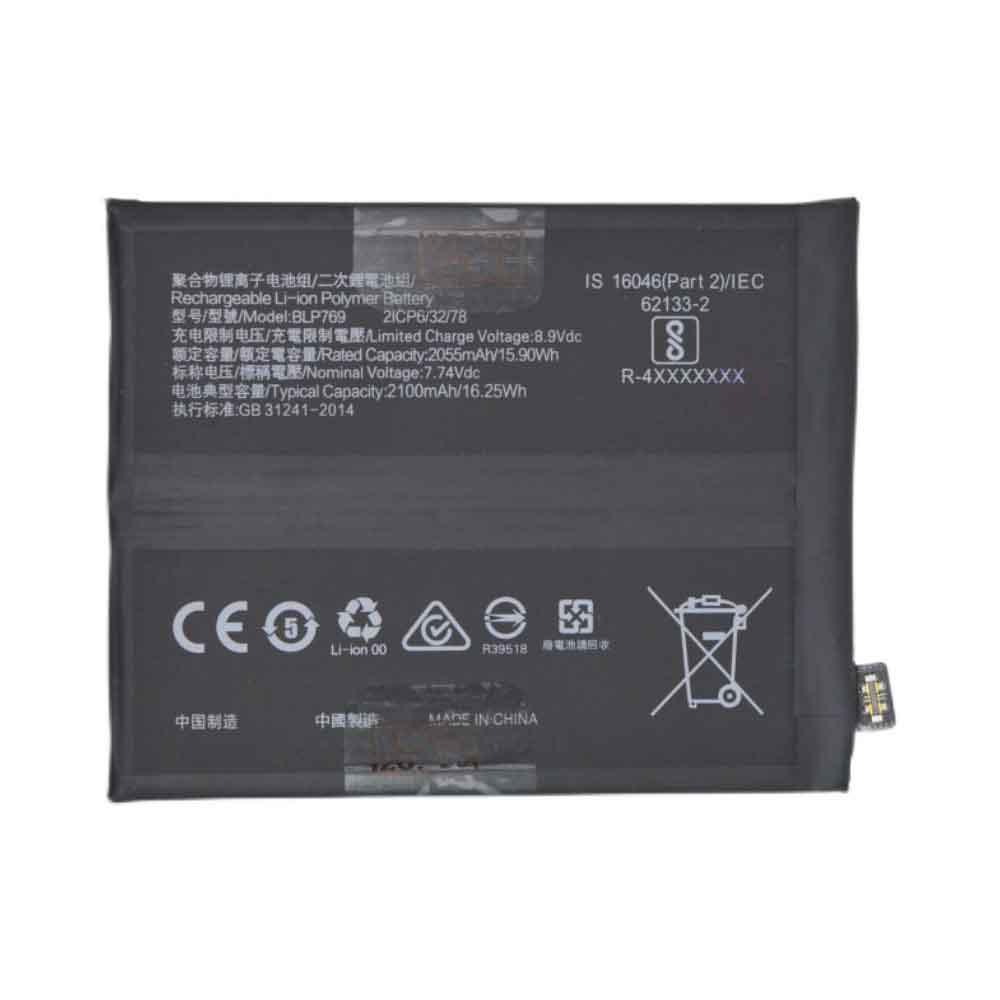
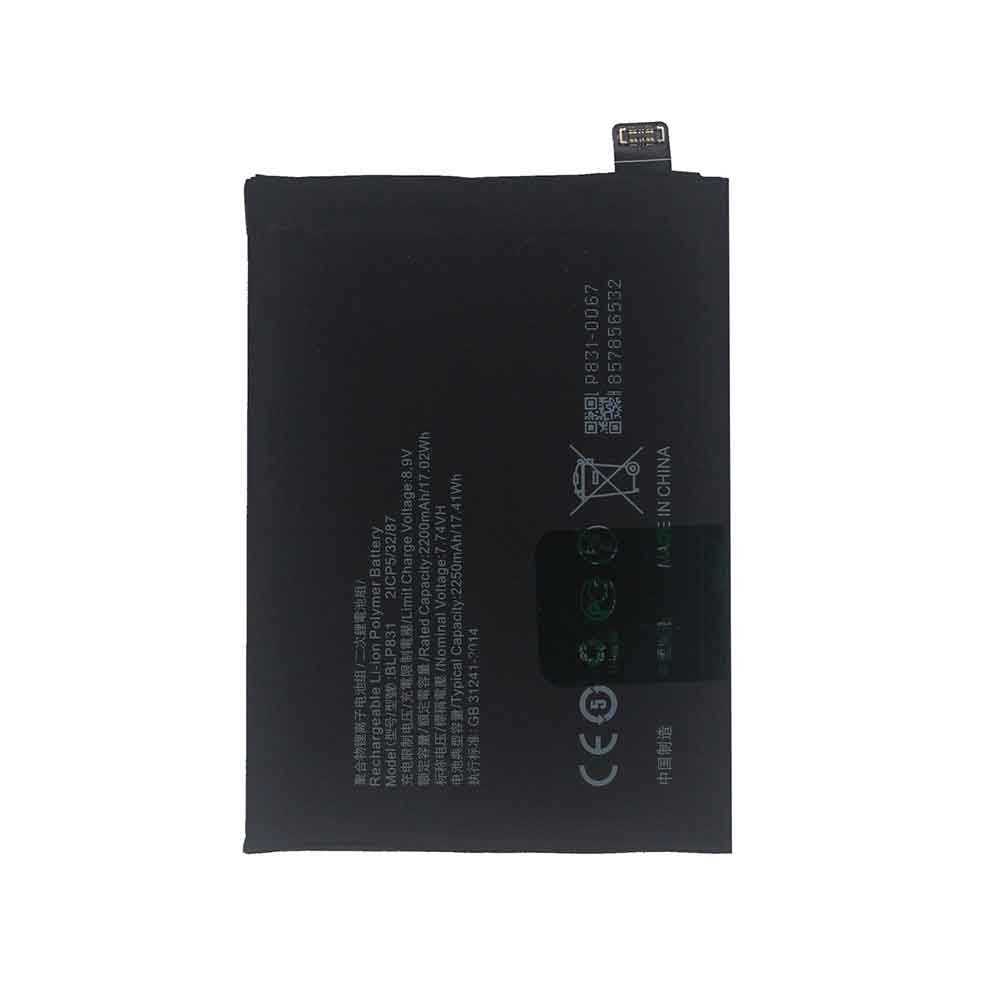
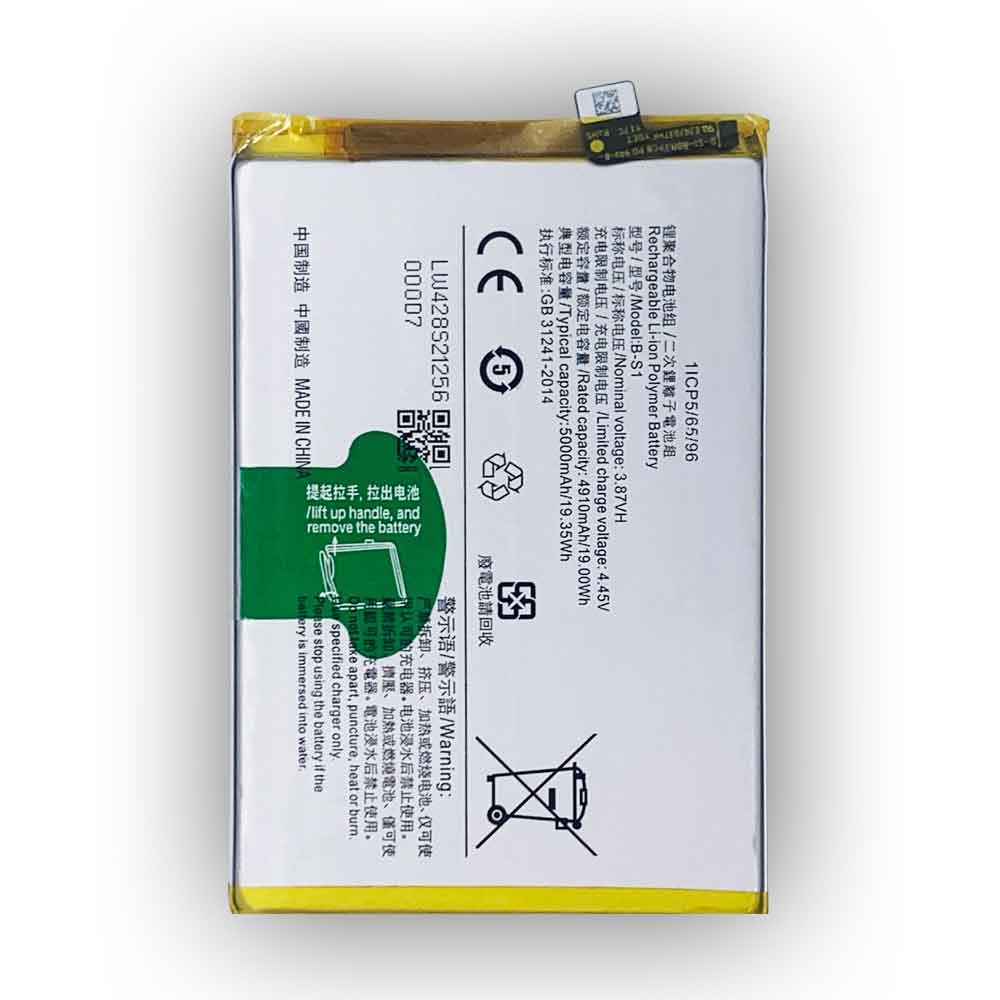
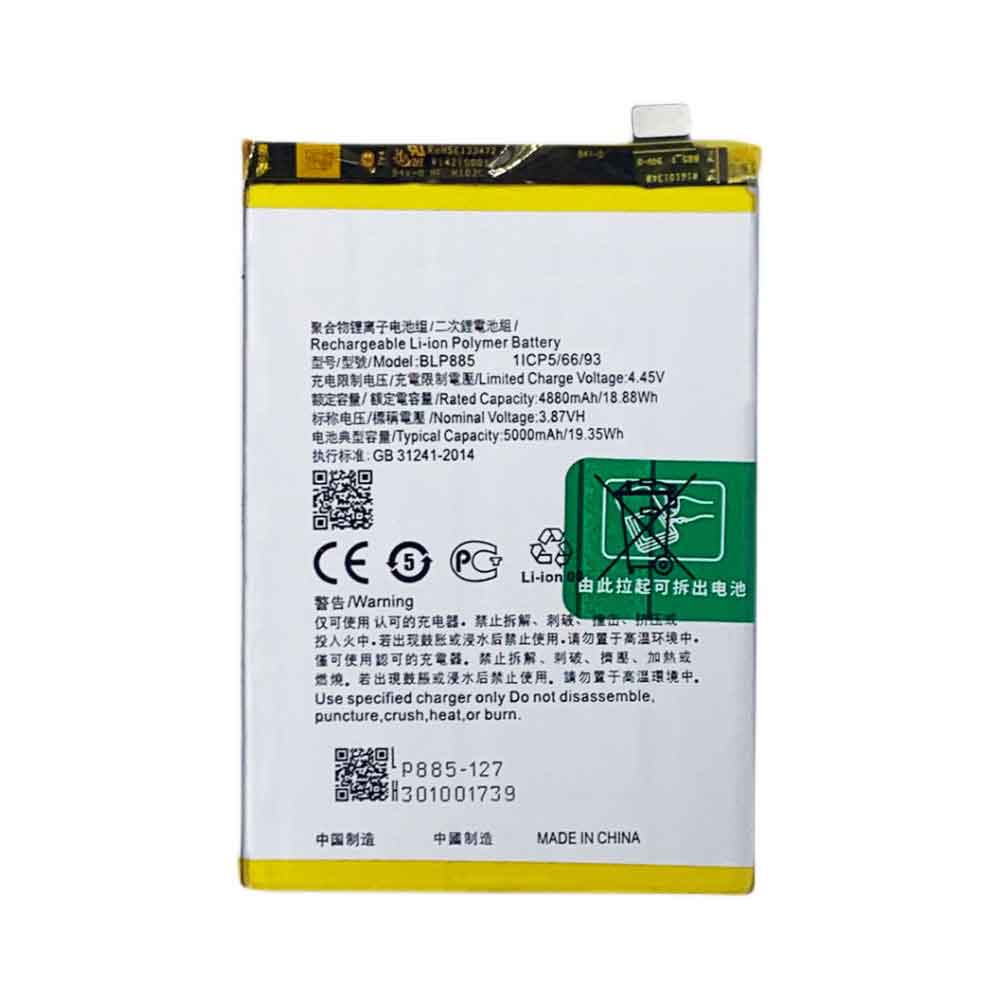
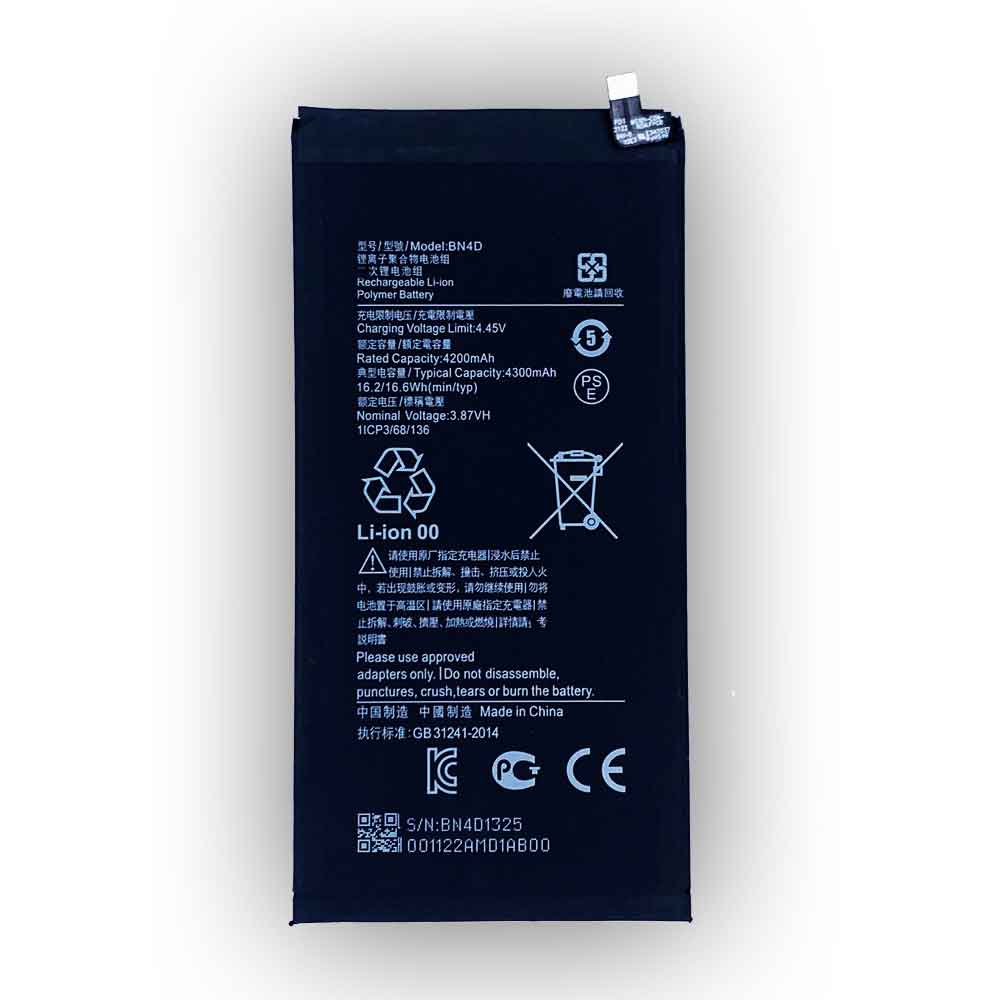
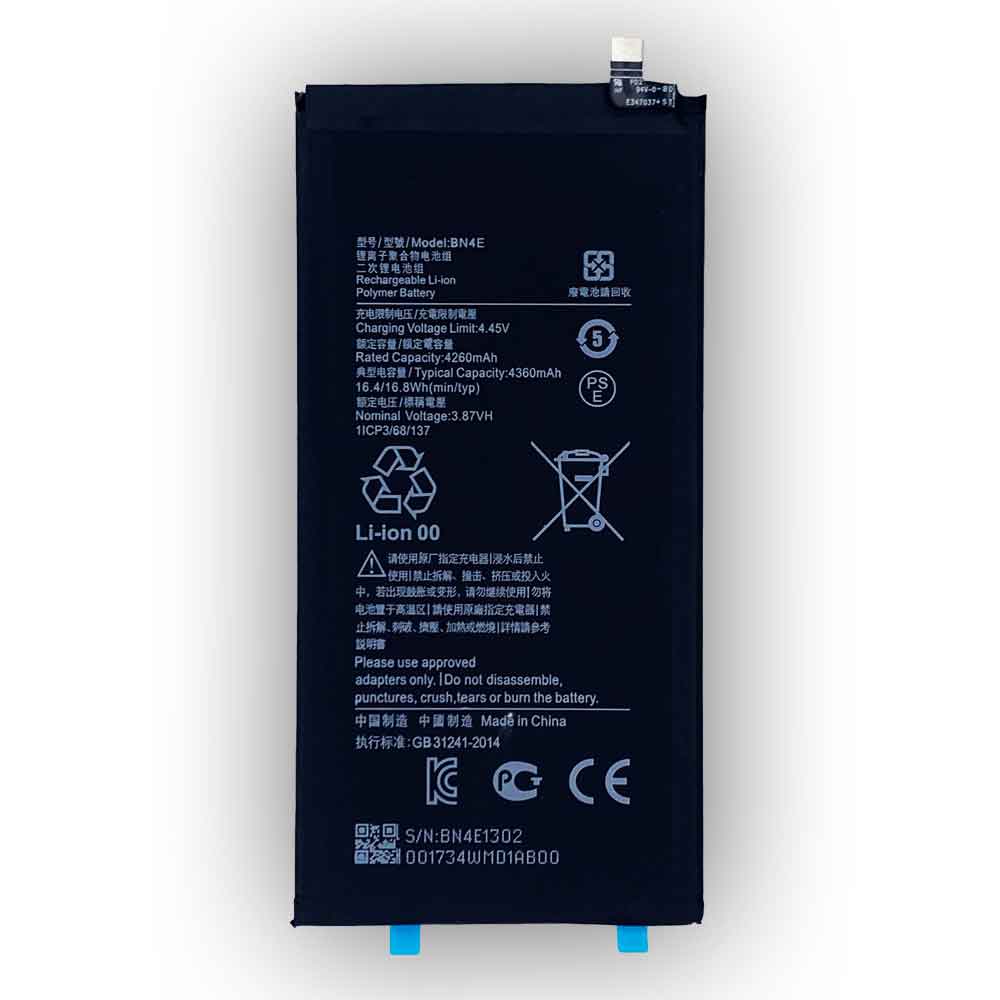
4400mAh 16.94WH 3.85V 4.4V Samsung EB-BA705ABU Li-ion Cell Phone battery for Samsung Galaxy A70 A705 SM-A705

4400mAh 16.94WH 3.85V 4.4V Samsung EB-BA705ABU Batteries for Samsung Galaxy A70 A705 SM-A705, Samsung EB-BA705ABU Cell Phone battery is a brand new,100% Compatible original and replacement Phone battery,Purchase wholesale and retail EB-BA705ABU with high quality and low price!

Find ou your original model number or part number(P/N), and move your eyes on the tag of battery

EB-BA705ABU

Specifications

  • Brand:Samsung
  • Capacity :4400mAh 16.94WH
  • Voltage :3.85V 4.4V
  • Type :Li-ion
  • Battery Cell Quality: Grade A
  • Descriptive: Replacement Battery – 1 Year Warranty
  • Description: Brand New, 1 Year Warranty! 30-Days Money Back! Fast Shipping!

How we test this Samsung EB-BA705ABU Battery
Step 1: Make sure customer bought the correct battery.
Step 2: Check battery’s appearance and interface.
Step 3: Test battery charger and recharger function.
Step 4: Charger the battery to 100% and recharger to 0% to get real battery capacity
Step 5: Use Ev2300 to check the voltage difference of each goroup cells.
Step 6: Charger battery power more than 30%.
Step 7: Package battery carefully and send out

Compatible Part Numbers:
EB-BA705ABU

Compatible Model Numbers:
Samsung Galaxy A70 A705 SM-A705

How much do you know about how to run laptop well as any place? The follow Tips cut way back on protecting battery life.


1). Please recharge or change your Cell Phone battery when battery power low.
2). Using Li-Ion Replacement Samsung EB-BA705ABU Cell Phone Battery for your notebook which can work longer time than Non Li-ion one.
3). It is better to defragmentation regularly for your Cell Phone battery life.
4). In order to reduce the laptop power consumpition, you can use some optical drive spin-down and hard drive in your Cell Phone .
5). Please keep your laptop in sleep or standby model without long time using, which both save the Replacement Samsung EB-BA705ABU Cell Phone Battery power and extend battery using life.
6). Leave your battery in a dry and cool condition when without using.
7). When you rarely or generally plugged in fixed power using, Please take down your battery to avoid hurting battery life.

Hot Products

3900mAh/15.0WH XIAOMI BN4A for Xiaomi Redmi Note7 Note 7 M1903860mAh/14.85WH ALCATEL TLp038C7 for Alcatel TLp038C71000mAh NOKIA BPS-2 for Nokia 6310i 5130 5110 6210 7116000mAh JBL GSP1029102 for JBL Charge 3 Bluetooth Audio O2100mAh/8.0WH BLACKBERRY BAT-52961-003 for BlackBerry Q102200mAh/8.36WH BLACKVIEW Zeta for Blackview Zeta3500mAh /26.6WH JUMPER H-30137162P for JUMPER Teclast F5 MaxBook Y112000mAh/7.6WH ALCATEL TLp020K2 for ALCATEL One Touch 6039H 6039Y4000mAh/15.4WH BLU C876345400P for BLU G8 G01702300mAh /8.74Wh KYOCERA SCP-64LBPS for Kyocera Hydro Wave C6740 C6740

3000MAH 11.55Wh 3.85V 4.4V Samsung EB-BG950ABE Li-ion Cell Phone battery for Samsung Galaxy S8 G950A

3000MAH 11.55Wh 3.85V 4.4V Samsung EB-BG950ABE Batteries for Samsung Galaxy S8 G950A, Samsung EB-BG950ABE Cell Phone battery is a brand new,100% Compatible original and replacement Phone battery,Purchase wholesale and retail EB-BG950ABE with high quality and low price!

Find ou your original model number or part number(P/N), and move your eyes on the tag of battery

EB-BG950ABE

Specifications

  • Brand:Samsung
  • Capacity :3000MAH 11.55Wh
  • Voltage :3.85V 4.4V
  • Type :Li-ion
  • Battery Cell Quality: Grade A
  • Descriptive: Replacement Battery – 1 Year Warranty
  • Description: Brand New, 1 Year Warranty! 30-Days Money Back! Fast Shipping!

How we test this Samsung EB-BG950ABE Battery
Step 1: Make sure customer bought the correct battery.
Step 2: Check battery’s appearance and interface.
Step 3: Test battery charger and recharger function.
Step 4: Charger the battery to 100% and recharger to 0% to get real battery capacity
Step 5: Use Ev2300 to check the voltage difference of each goroup cells.
Step 6: Charger battery power more than 30%.
Step 7: Package battery carefully and send out

Compatible Part Numbers:
EB-BG950ABE

Compatible Model Numbers:
Samsung Galaxy S8 G950A

How much do you know about how to run laptop well as any place? The follow Tips cut way back on protecting battery life.


1). Please recharge or change your Cell Phone battery when battery power low.
2). Using Li-Ion Replacement Samsung EB-BG950ABE Cell Phone Battery for your notebook which can work longer time than Non Li-ion one.
3). It is better to defragmentation regularly for your Cell Phone battery life.
4). In order to reduce the laptop power consumpition, you can use some optical drive spin-down and hard drive in your Cell Phone .
5). Please keep your laptop in sleep or standby model without long time using, which both save the Replacement Samsung EB-BG950ABE Cell Phone Battery power and extend battery using life.
6). Leave your battery in a dry and cool condition when without using.
7). When you rarely or generally plugged in fixed power using, Please take down your battery to avoid hurting battery life.

Hot Products

3900mAh/15.0WH XIAOMI BN4A for Xiaomi Redmi Note7 Note 7 M1903860mAh/14.85WH ALCATEL TLp038C7 for Alcatel TLp038C71000mAh NOKIA BPS-2 for Nokia 6310i 5130 5110 6210 7116000mAh JBL GSP1029102 for JBL Charge 3 Bluetooth Audio O2100mAh/8.0WH BLACKBERRY BAT-52961-003 for BlackBerry Q102200mAh/8.36WH BLACKVIEW Zeta for Blackview Zeta3500mAh /26.6WH JUMPER H-30137162P for JUMPER Teclast F5 MaxBook Y112000mAh/7.6WH ALCATEL TLp020K2 for ALCATEL One Touch 6039H 6039Y4000mAh/15.4WH BLU C876345400P for BLU G8 G01702300mAh /8.74Wh KYOCERA SCP-64LBPS for Kyocera Hydro Wave C6740 C6740

3900mAh 15.02WH 3.85V 4.4V Samsung EB-BA505ABU Li-ion Cell Phone battery for Samsung Galaxy A50 A505F SM-A505F

3900mAh 15.02WH 3.85V 4.4V Samsung EB-BA505ABU Batteries for Samsung Galaxy A50 A505F SM-A505F, Samsung EB-BA505ABU Cell Phone battery is a brand new,100% Compatible original and replacement Phone battery,Purchase wholesale and retail EB-BA505ABU with high quality and low price!

Find ou your original model number or part number(P/N), and move your eyes on the tag of battery

EB-BA505ABU

Specifications

  • Brand:Samsung
  • Capacity :3900mAh 15.02WH
  • Voltage :3.85V 4.4V
  • Type :Li-ion
  • Battery Cell Quality: Grade A
  • Descriptive: Replacement Battery – 1 Year Warranty
  • Description: Brand New, 1 Year Warranty! 30-Days Money Back! Fast Shipping!

How we test this Samsung EB-BA505ABU Battery
Step 1: Make sure customer bought the correct battery.
Step 2: Check battery’s appearance and interface.
Step 3: Test battery charger and recharger function.
Step 4: Charger the battery to 100% and recharger to 0% to get real battery capacity
Step 5: Use Ev2300 to check the voltage difference of each goroup cells.
Step 6: Charger battery power more than 30%.
Step 7: Package battery carefully and send out

Compatible Part Numbers:
EB-BA505ABU

Compatible Model Numbers:
Samsung Galaxy A50 A505F SM-A505F

How much do you know about how to run laptop well as any place? The follow Tips cut way back on protecting battery life.


1). Please recharge or change your Cell Phone battery when battery power low.
2). Using Li-Ion Replacement Samsung EB-BA505ABU Cell Phone Battery for your notebook which can work longer time than Non Li-ion one.
3). It is better to defragmentation regularly for your Cell Phone battery life.
4). In order to reduce the laptop power consumpition, you can use some optical drive spin-down and hard drive in your Cell Phone .
5). Please keep your laptop in sleep or standby model without long time using, which both save the Replacement Samsung EB-BA505ABU Cell Phone Battery power and extend battery using life.
6). Leave your battery in a dry and cool condition when without using.
7). When you rarely or generally plugged in fixed power using, Please take down your battery to avoid hurting battery life.

Hot Products

3900mAh/15.0WH XIAOMI BN4A for Xiaomi Redmi Note7 Note 7 M1903860mAh/14.85WH ALCATEL TLp038C7 for Alcatel TLp038C71000mAh NOKIA BPS-2 for Nokia 6310i 5130 5110 6210 7116000mAh JBL GSP1029102 for JBL Charge 3 Bluetooth Audio O2100mAh/8.0WH BLACKBERRY BAT-52961-003 for BlackBerry Q102200mAh/8.36WH BLACKVIEW Zeta for Blackview Zeta3500mAh /26.6WH JUMPER H-30137162P for JUMPER Teclast F5 MaxBook Y112000mAh/7.6WH ALCATEL TLp020K2 for ALCATEL One Touch 6039H 6039Y4000mAh/15.4WH BLU C876345400P for BLU G8 G01702300mAh /8.74Wh KYOCERA SCP-64LBPS for Kyocera Hydro Wave C6740 C6740

2920mAh 11.24WH 3.85V 4.4V Samsung EB-BA202ABU Li-ion Cell Phone battery for Samsung Galaxy A20e

2920mAh 11.24WH 3.85V 4.4V Samsung EB-BA202ABU Batteries for Samsung Galaxy A20e, Samsung EB-BA202ABU Cell Phone battery is a brand new,100% Compatible original and replacement Phone battery,Purchase wholesale and retail EB-BA202ABU with high quality and low price!

Find ou your original model number or part number(P/N), and move your eyes on the tag of battery

EB-BA202ABU

Specifications

  • Brand:Samsung
  • Capacity :2920mAh 11.24WH
  • Voltage :3.85V 4.4V
  • Type :Li-ion
  • Battery Cell Quality: Grade A
  • Descriptive: Replacement Battery – 1 Year Warranty
  • Description: Brand New, 1 Year Warranty! 30-Days Money Back! Fast Shipping!

How we test this Samsung EB-BA202ABU Battery
Step 1: Make sure customer bought the correct battery.
Step 2: Check battery’s appearance and interface.
Step 3: Test battery charger and recharger function.
Step 4: Charger the battery to 100% and recharger to 0% to get real battery capacity
Step 5: Use Ev2300 to check the voltage difference of each goroup cells.
Step 6: Charger battery power more than 30%.
Step 7: Package battery carefully and send out

Compatible Part Numbers:
EB-BA202ABU

Compatible Model Numbers:
Samsung Galaxy A20e

How much do you know about how to run laptop well as any place? The follow Tips cut way back on protecting battery life.


1). Please recharge or change your Cell Phone battery when battery power low.
2). Using Li-Ion Replacement Samsung EB-BA202ABU Cell Phone Battery for your notebook which can work longer time than Non Li-ion one.
3). It is better to defragmentation regularly for your Cell Phone battery life.
4). In order to reduce the laptop power consumpition, you can use some optical drive spin-down and hard drive in your Cell Phone .
5). Please keep your laptop in sleep or standby model without long time using, which both save the Replacement Samsung EB-BA202ABU Cell Phone Battery power and extend battery using life.
6). Leave your battery in a dry and cool condition when without using.
7). When you rarely or generally plugged in fixed power using, Please take down your battery to avoid hurting battery life.

Hot Products

3900mAh/15.0WH XIAOMI BN4A for Xiaomi Redmi Note7 Note 7 M1903860mAh/14.85WH ALCATEL TLp038C7 for Alcatel TLp038C71000mAh NOKIA BPS-2 for Nokia 6310i 5130 5110 6210 7116000mAh JBL GSP1029102 for JBL Charge 3 Bluetooth Audio O2100mAh/8.0WH BLACKBERRY BAT-52961-003 for BlackBerry Q102200mAh/8.36WH BLACKVIEW Zeta for Blackview Zeta3500mAh /26.6WH JUMPER H-30137162P for JUMPER Teclast F5 MaxBook Y112000mAh/7.6WH ALCATEL TLp020K2 for ALCATEL One Touch 6039H 6039Y4000mAh/15.4WH BLU C876345400P for BLU G8 G01702300mAh /8.74Wh KYOCERA SCP-64LBPS for Kyocera Hydro Wave C6740 C6740

How to transfer data between iPhones-4 simple methods

 When you pick up your new iPhone, are you very happy? Just want to experience it right away! But don’t worry, you should first set up your new iPhone, and it’s also important to transfer some of your previous iPhone data to the new iPhone. If there is no important data to be transferred, then you can experience the joy of the new iPhone after finishing the settings. However, I think you should know the transfer method between iPhones, because this will help you! Depending on your situation, Apple provides a variety of options for transferring data from iPhone to iPhone. Below we will explain four different ways to restore the phone from the most recent backup of the current iPhone. Let’s take a look!

1. Restore the most recent iCloud backup to your new iPhone

The easiest and fastest way to set up a new iPhone is to restore from a recent iCloud backup. When you complete the initial setup process, tap “Restore from iCloud Backup”, sign in with your Apple ID, and select the latest backup of your old iPhone.

If the backup is more than a day or two, I suggest you take a few more minutes to create a new backup. To do this, open the “Settings” app on your old phone and search for “iCloud Backup”, then select “Back Up Now.” When finished, go back to your new iPhone and select the backup you just created as the backup you want to use for recovery. Then, your phone will restore your settings and preferences while it finishes downloading the applications you have installed.

After everything is restored, you need to log in again to any account you added to your phone, and check your application to make sure you are still logged in.

2. Use Apple’s direct transfer method

During the setup process, you will be asked if you want to transfer the applications and information from the old iPhone directly to the new iPhone. The tool is easy to use. Make sure you have two phones, it is best to plug in and charge to ensure that they do not drain the battery, Wi-Fi connection and enough time to complete the process. The more information on your phone, the longer it will take. When the transmission starts, the phone will display a time estimate.

3. Use Mac or PC to transfer your data to iPhone

The method I personally use on every new iPhone is to use a Mac or PC to restore from an encrypted backup. Not only will this process transfer all of your apps, settings, and preferences, it also means that you don’t need to log in to countless apps on your phone. Before using this method, you need to create an encrypted backup of the current iPhone.

On Mac, you will use Finder to back up your old iPhone. We outlined the steps when Apple killed iTunes. Just make sure to check the “Encrypted Backup” box and enter the password you will remember when prompted. Let your Mac start to work and create a backup file. It will notify you when it is complete.

On a PC, you need to use iTunes to create a backup. The process is explained here. Again, you need to make sure to check the box for encrypted backup and enter the password.

To restore a new phone, open Finder or iTunes, and connect the phone to the computer. When prompted, click Trust, and then follow the prompts to select the backup you just created as the backup you want to use to restore your phone. Before this process starts, you need to enter the backup password.

When it’s done, your new phone will be an exact copy of the old phone, and you don’t need to spend any time logging in to the app or random account.

4. Android users? This app is your answer

Apple does not list many Android apps in the Google Play store, but Move to iOS is one of them. This free application connects your Android phone to a new iPhone and allows you to transfer the most important information from one phone to another.

>>>>>>>>>>>>Apple battery

Thank you for reading, and hope to help you!

Friendly reminder: If you need to buy batteries, this battery store will be your good choice: www.batteryforpc.co.uk
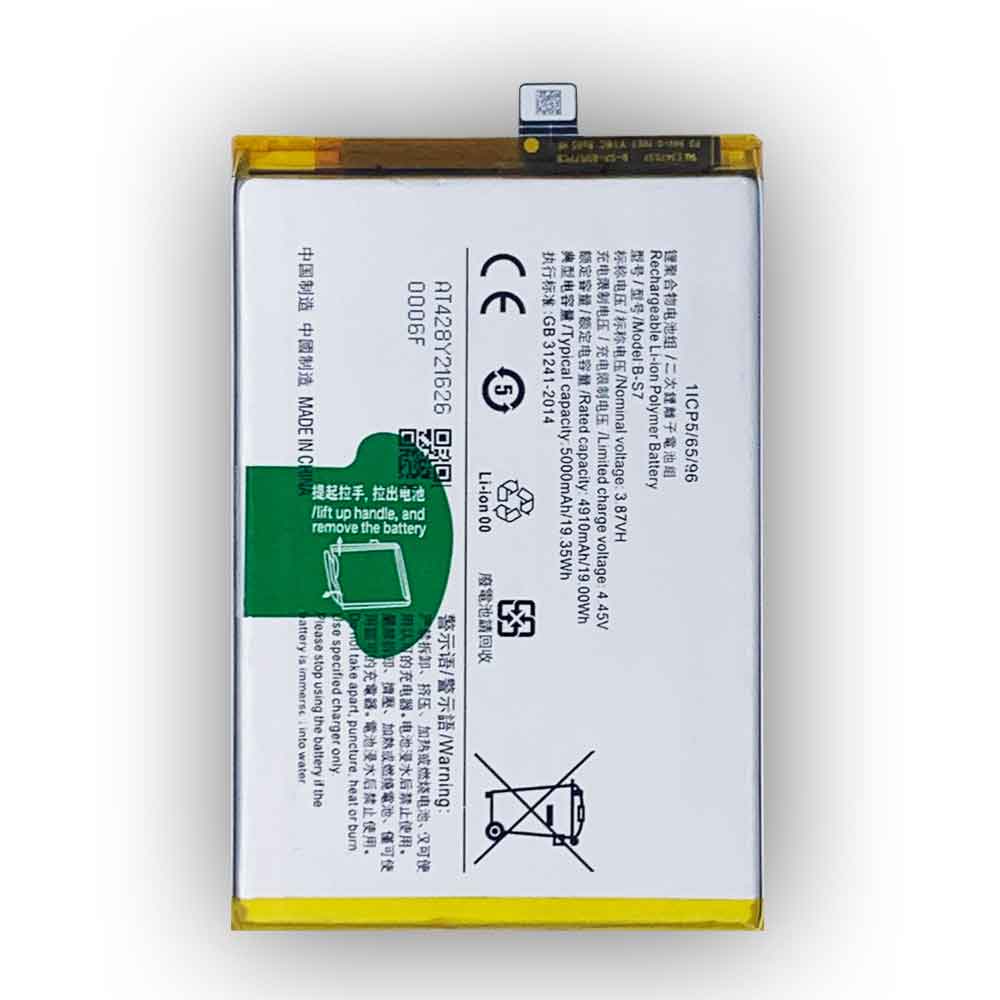
4000mAh 15.40WH 3.85V 4.4V Samsung EB-BN965ABU Li-ion Cell Phone battery for Samsung Galaxy Note 9 SM-N9600 N9600

4000mAh 15.40WH 3.85V 4.4V Samsung EB-BN965ABU Batteries for Samsung Galaxy Note 9 SM-N9600 N9600, Samsung EB-BN965ABU Cell Phone battery is a brand new,100% Compatible original and replacement Phone battery,Purchase wholesale and retail EB-BN965ABU with high quality and low price!

Find ou your original model number or part number(P/N), and move your eyes on the tag of battery

EB-BN965ABU

Specifications

  • Brand:Samsung
  • Capacity :4000mAh 15.40WH
  • Voltage :3.85V 4.4V
  • Type :Li-ion
  • Battery Cell Quality: Grade A
  • Descriptive: Replacement Battery – 1 Year Warranty
  • Description: Brand New, 1 Year Warranty! 30-Days Money Back! Fast Shipping!

How we test this Samsung EB-BN965ABU Battery
Step 1: Make sure customer bought the correct battery.
Step 2: Check battery’s appearance and interface.
Step 3: Test battery charger and recharger function.
Step 4: Charger the battery to 100% and recharger to 0% to get real battery capacity
Step 5: Use Ev2300 to check the voltage difference of each goroup cells.
Step 6: Charger battery power more than 30%.
Step 7: Package battery carefully and send out

Compatible Part Numbers:
EB-BN965ABU

Compatible Model Numbers:
Samsung Galaxy Note 9 SM-N9600 N9600

How much do you know about how to run laptop well as any place? The follow Tips cut way back on protecting battery life.


1). Please recharge or change your Cell Phone battery when battery power low.
2). Using Li-Ion Replacement Samsung EB-BN965ABU Cell Phone Battery for your notebook which can work longer time than Non Li-ion one.
3). It is better to defragmentation regularly for your Cell Phone battery life.
4). In order to reduce the laptop power consumpition, you can use some optical drive spin-down and hard drive in your Cell Phone .
5). Please keep your laptop in sleep or standby model without long time using, which both save the Replacement Samsung EB-BN965ABU Cell Phone Battery power and extend battery using life.
6). Leave your battery in a dry and cool condition when without using.
7). When you rarely or generally plugged in fixed power using, Please take down your battery to avoid hurting battery life.

Hot Products

3900mAh/15.0WH XIAOMI BN4A for Xiaomi Redmi Note7 Note 7 M1903860mAh/14.85WH ALCATEL TLp038C7 for Alcatel TLp038C71000mAh NOKIA BPS-2 for Nokia 6310i 5130 5110 6210 7116000mAh JBL GSP1029102 for JBL Charge 3 Bluetooth Audio O2100mAh/8.0WH BLACKBERRY BAT-52961-003 for BlackBerry Q102200mAh/8.36WH BLACKVIEW Zeta for Blackview Zeta3500mAh /26.6WH JUMPER H-30137162P for JUMPER Teclast F5 MaxBook Y112000mAh/7.6WH ALCATEL TLp020K2 for ALCATEL One Touch 6039H 6039Y4000mAh/15.4WH BLU C876345400P for BLU G8 G01702300mAh /8.74Wh KYOCERA SCP-64LBPS for Kyocera Hydro Wave C6740 C6740

2920mAh 11.15WH 3.82V 4.4V Huawei HB405979ECW Li-ion Cell Phone battery for Huawei Nova CAZ-AL10 CAZ-TL00

2920mAh 11.15WH 3.82V 4.4V Huawei HB405979ECW Batteries for Huawei Nova CAZ-AL10 CAZ-TL00, Huawei HB405979ECW Cell Phone battery is a brand new,100% Compatible original and replacement Phone battery,Purchase wholesale and retail HB405979ECW with high quality and low price!

Find ou your original model number or part number(P/N), and move your eyes on the tag of battery

HB405979ECW

Specifications

  • Brand:Huawei
  • Capacity :2920mAh 11.15WH
  • Voltage :3.82V 4.4V
  • Type :Li-ion
  • Battery Cell Quality: Grade A
  • Descriptive: Replacement Battery – 1 Year Warranty
  • Description: Brand New, 1 Year Warranty! 30-Days Money Back! Fast Shipping!

How we test this Huawei HB405979ECW Battery
Step 1: Make sure customer bought the correct battery.
Step 2: Check battery’s appearance and interface.
Step 3: Test battery charger and recharger function.
Step 4: Charger the battery to 100% and recharger to 0% to get real battery capacity
Step 5: Use Ev2300 to check the voltage difference of each goroup cells.
Step 6: Charger battery power more than 30%.
Step 7: Package battery carefully and send out

Compatible Part Numbers:
HB405979ECW

Compatible Model Numbers:
Huawei Nova CAZ-AL10 CAZ-TL00

How much do you know about how to run laptop well as any place? The follow Tips cut way back on protecting battery life.


1). Please recharge or change your Cell Phone battery when battery power low.
2). Using Li-Ion Replacement Huawei HB405979ECW Cell Phone Battery for your notebook which can work longer time than Non Li-ion one.
3). It is better to defragmentation regularly for your Cell Phone battery life.
4). In order to reduce the laptop power consumpition, you can use some optical drive spin-down and hard drive in your Cell Phone .
5). Please keep your laptop in sleep or standby model without long time using, which both save the Replacement Huawei HB405979ECW Cell Phone Battery power and extend battery using life.
6). Leave your battery in a dry and cool condition when without using.
7). When you rarely or generally plugged in fixed power using, Please take down your battery to avoid hurting battery life.

Hot Products

3900mAh/15.0WH XIAOMI BN4A for Xiaomi Redmi Note7 Note 7 M1903860mAh/14.85WH ALCATEL TLp038C7 for Alcatel TLp038C71000mAh NOKIA BPS-2 for Nokia 6310i 5130 5110 6210 7116000mAh JBL GSP1029102 for JBL Charge 3 Bluetooth Audio O2100mAh/8.0WH BLACKBERRY BAT-52961-003 for BlackBerry Q102200mAh/8.36WH BLACKVIEW Zeta for Blackview Zeta3500mAh /26.6WH JUMPER H-30137162P for JUMPER Teclast F5 MaxBook Y112000mAh/7.6WH ALCATEL TLp020K2 for ALCATEL One Touch 6039H 6039Y4000mAh/15.4WH BLU C876345400P for BLU G8 G01702300mAh /8.74Wh KYOCERA SCP-64LBPS for Kyocera Hydro Wave C6740 C6740

3880mAh 14.93WH 3.85V 4.4V Oneplus BLP699 Li-ion Cell Phone battery for OnePlus 7/7Pro

3880mAh 14.93WH 3.85V 4.4V Oneplus BLP699 Batteries for OnePlus 7/7Pro, Oneplus BLP699 Cell Phone battery is a brand new,100% Compatible original and replacement Phone battery,Purchase wholesale and retail BLP699 with high quality and low price!

Find ou your original model number or part number(P/N), and move your eyes on the tag of battery.

BLP699

Specifications

  • Brand:OnePlus
  • Capacity :3880mAh 14.93WH
  • Voltage :3.85V 4.4V
  • Type :Li-ion
  • Battery Cell Quality: Grade A
  • Descriptive: Replacement Battery – 1 Year Warranty
  • Description: Brand New, 1 Year Warranty! 30-Days Money Back! Fast Shipping!

How we test this Oneplus BLP699 Battery
Step 1: Make sure customer bought the correct battery.
Step 2: Check battery’s appearance and interface.
Step 3: Test battery charger and recharger function.
Step 4: Charger the battery to 100% and recharger to 0% to get real battery capacity
Step 5: Use Ev2300 to check the voltage difference of each goroup cells.
Step 6: Charger battery power more than 30%.
Step 7: Package battery carefully and send out

Compatible Part Numbers:
BLP699

Compatible Model Numbers:
OnePlus 7/7Pro

How much do you know about how to run laptop well as any place? The follow Tips cut way back on protecting battery life.


1). Please recharge or change your Cell Phone battery when battery power low.
2). Using Li-Ion Replacement Oneplus BLP699 Cell Phone Battery for your notebook which can work longer time than Non Li-ion one.
3). It is better to defragmentation regularly for your Cell Phone battery life.
4). In order to reduce the laptop power consumpition, you can use some optical drive spin-down and hard drive in your Cell Phone .
5). Please keep your laptop in sleep or standby model without long time using, which both save the Replacement Oneplus BLP699 Cell Phone Battery power and extend battery using life.
6). Leave your battery in a dry and cool condition when without using.
7). When you rarely or generally plugged in fixed power using, Please take down your battery to avoid hurting battery life.

Hot Products

3900mAh/15.0WH XIAOMI BN4A for Xiaomi Redmi Note7 Note 7 M1903860mAh/14.85WH ALCATEL TLp038C7 for Alcatel TLp038C71000mAh NOKIA BPS-2 for Nokia 6310i 5130 5110 6210 7116000mAh JBL GSP1029102 for JBL Charge 3 Bluetooth Audio O2100mAh/8.0WH BLACKBERRY BAT-52961-003 for BlackBerry Q102200mAh/8.36WH BLACKVIEW Zeta for Blackview Zeta3500mAh /26.6WH JUMPER H-30137162P for JUMPER Teclast F5 MaxBook Y112000mAh/7.6WH ALCATEL TLp020K2 for ALCATEL One Touch 6039H 6039Y4000mAh/15.4WH BLU C876345400P for BLU G8 G01702300mAh /8.74Wh KYOCERA SCP-64LBPS for Kyocera Hydro Wave C6740 C6740

5830mAh 22.45WH 3.85V 4.4V Samsung EB-BM207ABY Li-ion Cell Phone battery for Samsung Galaxy M30s SM-M3070

5830mAh 22.45WH 3.85V 4.4V Samsung EB-BM207ABY Batteries for Samsung Galaxy M30s SM-M3070, Samsung EB-BM207ABY Cell Phone battery is a brand new,100% Compatible original and replacement Phone battery,Purchase wholesale and retail EB-BM207ABY with high quality and low price!

Find ou your original model number or part number(P/N), and move your eyes on the tag of battery

EB-BM207ABY

Specifications

  • Brand:Samsung
  • Capacity :5830mAh 22.45WH
  • Voltage :3.85V 4.4V
  • Type :Li-ion
  • Battery Cell Quality: Grade A
  • Descriptive: Replacement Battery – 1 Year Warranty
  • Description: Brand New, 1 Year Warranty! 30-Days Money Back! Fast Shipping!

How we test this Samsung EB-BM207ABY Battery
Step 1: Make sure customer bought the correct battery.
Step 2: Check battery’s appearance and interface.
Step 3: Test battery charger and recharger function.
Step 4: Charger the battery to 100% and recharger to 0% to get real battery capacity
Step 5: Use Ev2300 to check the voltage difference of each goroup cells.
Step 6: Charger battery power more than 30%.
Step 7: Package battery carefully and send out

Compatible Part Numbers:
EB-BM207ABY

Compatible Model Numbers:
Samsung Galaxy M30s SM-M3070

How much do you know about how to run laptop well as any place? The follow Tips cut way back on protecting battery life.


1). Please recharge or change your Cell Phone battery when battery power low.
2). Using Li-Ion Replacement Samsung EB-BM207ABY Cell Phone Battery for your notebook which can work longer time than Non Li-ion one.
3). It is better to defragmentation regularly for your Cell Phone battery life.
4). In order to reduce the laptop power consumpition, you can use some optical drive spin-down and hard drive in your Cell Phone .
5). Please keep your laptop in sleep or standby model without long time using, which both save the Replacement Samsung EB-BM207ABY Cell Phone Battery power and extend battery using life.
6). Leave your battery in a dry and cool condition when without using.
7). When you rarely or generally plugged in fixed power using, Please take down your battery to avoid hurting battery life.

Hot Products

3900mAh/15.0WH XIAOMI BN4A for Xiaomi Redmi Note7 Note 7 M1903860mAh/14.85WH ALCATEL TLp038C7 for Alcatel TLp038C71000mAh NOKIA BPS-2 for Nokia 6310i 5130 5110 6210 7116000mAh JBL GSP1029102 for JBL Charge 3 Bluetooth Audio O2100mAh/8.0WH BLACKBERRY BAT-52961-003 for BlackBerry Q102200mAh/8.36WH BLACKVIEW Zeta for Blackview Zeta3500mAh /26.6WH JUMPER H-30137162P for JUMPER Teclast F5 MaxBook Y112000mAh/7.6WH ALCATEL TLp020K2 for ALCATEL One Touch 6039H 6039Y4000mAh/15.4WH BLU C876345400P for BLU G8 G01702300mAh /8.74Wh KYOCERA SCP-64LBPS for Kyocera Hydro Wave C6740 C6740

Do you know the Apple Watch app? And how to download and delete them?

 Do you know the Apple Watch app? Although we all know that Apple Watch is a great watch, so before you own it, you should know all the information about Apple Watch apps, including how to download and delete them. Because it will serve you better.

Here is what you need to know about the Apple Watch app.

Apple Watch third-party apps: The Apple Watch app is designed to let you get the information you need at a glance on a smaller screen. Some display quick news headlines, while others act as remote controls for streaming music or Apple TV, while others are the second screen of the iPhone app. They are essentially widgets that help you use iPhone to access features.

How to download apps on Apple Watch

But you can do it in several different ways below.

Here’s how to download apps from the App Store on your smartwatch:

1. Press the digital crown on the Apple Watch to bring up the home screen.

2. Click on the application store.

3. Tap Search to browse the applications.

4. Tap an app to learn more (.

5. After you find the application you need, click Get.

6. Apple Watch will prompt you to double-click the digital crown to download and install.

You can also get the Apple Watch app on your iPhone. That’s it:

1. Open the Watch app on the iPhone.

2. Click the My Watch tab.

3. You can add applications under the available applications section. After you find the app you want, tap it.

4. Click Install.

How to delete the Apple Watch app

Just as there are two ways to download the Apple Watch app, there are also two ways to delete the app.

Use Apple Watch to delete apps

1. Press the digital crown on the Apple Watch to bring up the home screen. When the home screen appears, please note whether your application is in grid view or list view.

2. Grid view: If the application is in the grid view, find the application you want to delete, press and hold until the application icon shakes. Click the X button to delete the application.

3. List view: Swipe left on the application you want to delete, and then tap Delete.

4. Press the digital crown to confirm and complete.

Use iPhone to delete apps

1. Open the Watch app on the iPhone.

2. Click the My Watch tab.

3. Under the Install section on Apple Watch, select the application you want to delete.

4. Tap the application you want to delete.

5. Close Show App on Apple Watch.

Can you delete the pre-installed Apple Watch app?

You may have noticed some of the built-in applications on the watch, such as music, voice memos, and contacts. However, if you don’t want them, you can delete these native apps from your watch or iPhone.

1. Touch and hold the application you want to delete until it shakes.

2. Click the X button to delete.

3. Press the home button (or digital crown, if you are operating on the watch) to complete the deletion.

What if I change my mind and want to reinstall the Apple Watch app? Here is how to retrieve it:

1. Go to the App Store on your device.

2. Search for applications.

3. After you find the application, you should see a cloud icon with a small arrow next to the application. Click on the cloud.

4. The application should be restored and you can find it on the iPhone home screen or the watch screen.

What is the best Apple Watch app?

Although you can find thousands of third-party Apple Watch apps from companies such as Amazon and TripAdvisor for download in the App Store, some of the most useful are the apps already built into the Apple Watch. Of course, what is best for you depends on your main purpose of using Watch.

>>>>>>>>>>>Apple battery

Thank you for reading, and hope to help you!

Friendly reminder: If you need to replace the battery, this battery shop will be a good choice for you: www.batteryforpc.co.uk