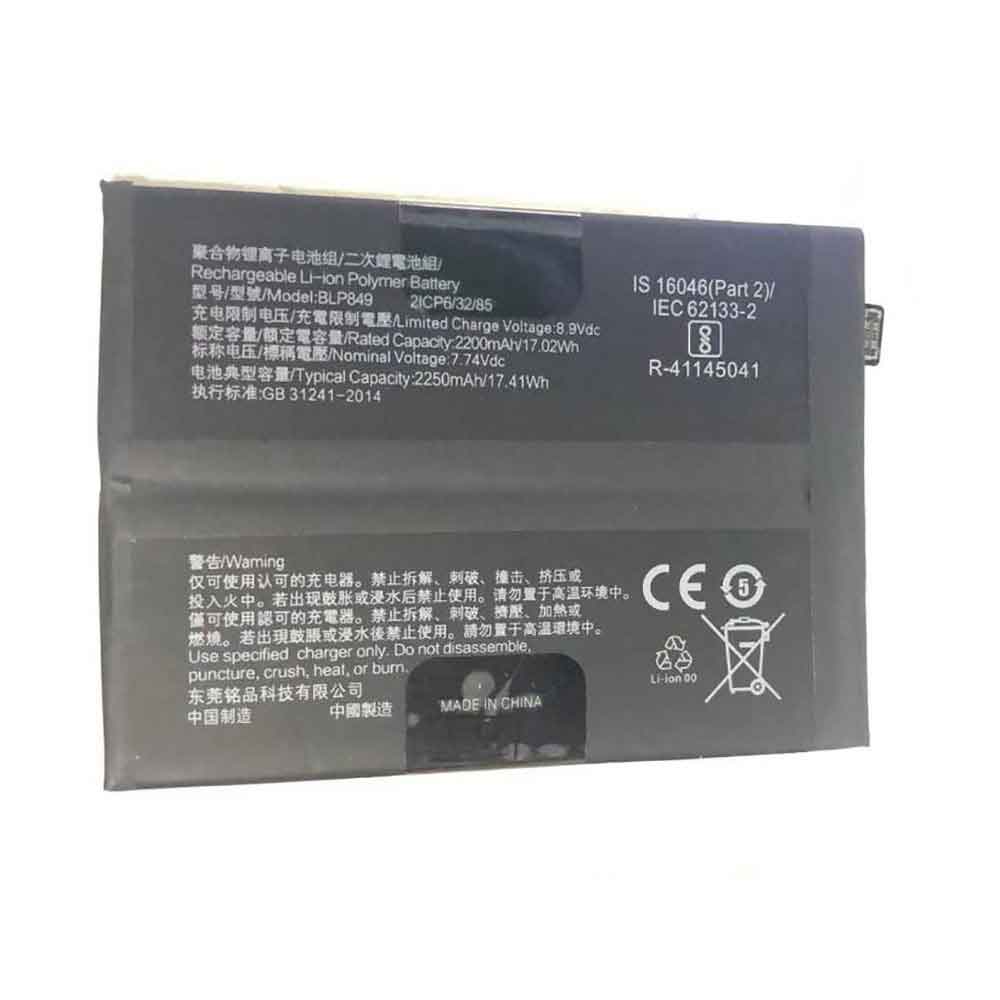
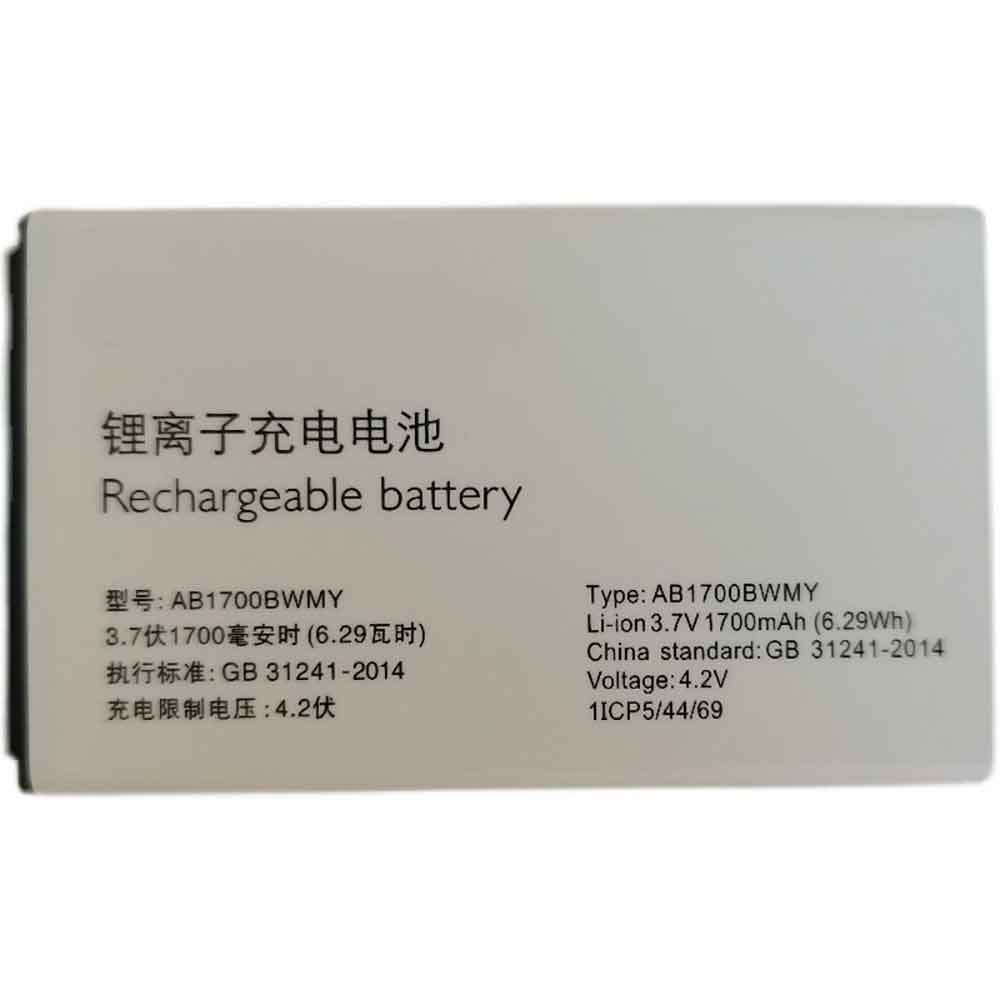
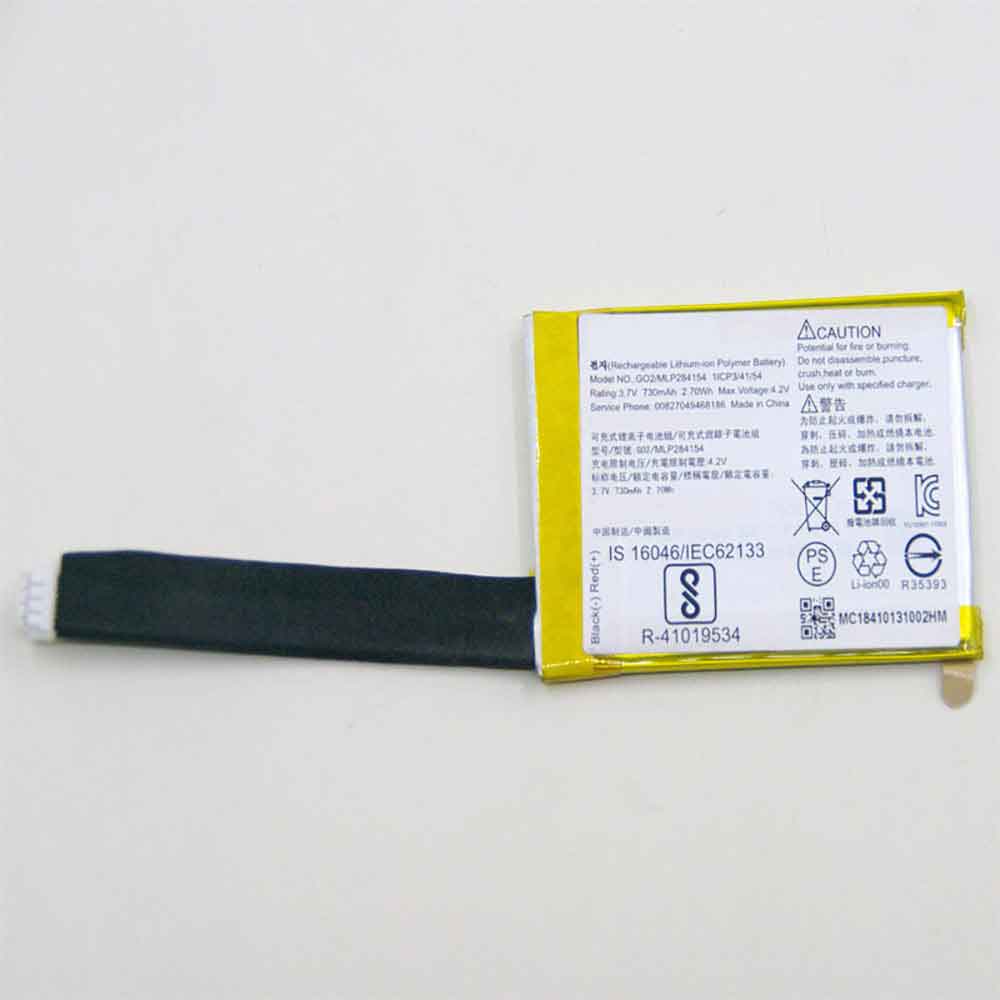
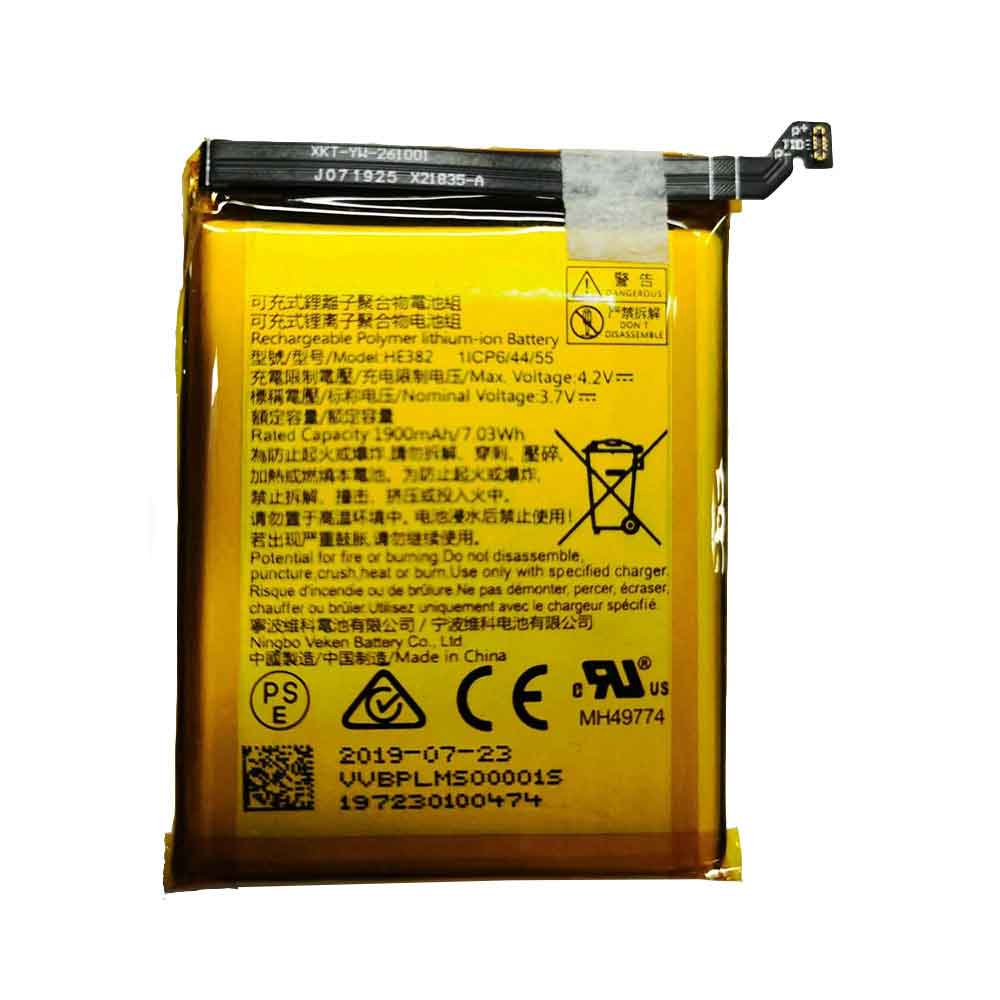
2500MAH 9.63WH 3.85V Coolpad CPLD-404 Li-ion Battery for Coolpad CPLD-404

2500MAH 9.63WH 3.85V Coolpad CPLD-404 Batteries for Coolpad CPLD-404, Coolpad CPLD-404 Cell Phone battery is a brand new,100% Compatible original and replacement Phone battery,Purchase wholesale and retail CPLD-404 with high quality and low price!

Find ou your original model number or part number(P/N), and move your eyes on the tag of battery

CPLD-404

Specifications

  • Brand:Coolpad
  • Capacity :2500MAH 9.63WH
  • Voltage :3.85V
  • Type :Li-ion
  • Battery Cell Quality: Grade A
  • Descriptive: Replacement Battery – 1 Year Warranty
  • Description: Brand New, 1 Year Warranty! 30-Days Money Back! Fast Shipping!

How we test this Coolpad CPLD-404 Battery
Step 1: Make sure customer bought the correct battery.
Step 2: Check battery’s appearance and interface.
Step 3: Test battery charger and recharger function.
Step 4: Charger the battery to 100% and recharger to 0% to get real battery capacity
Step 5: Use Ev2300 to check the voltage difference of each goroup cells.
Step 6: Charger battery power more than 30%.
Step 7: Package battery carefully and send out

Compatible Part Numbers:
CPLD-404

Compatible Model Numbers:
Coolpad CPLD-404

How much do you know about how to run laptop well as any place? The follow Tips cut way back on protecting battery life.


1). Please recharge or change your Cell Phone battery when battery power low.
2). Using Li-Ion Replacement Coolpad CPLD-404 Cell Phone Battery for your notebook which can work longer time than Non Li-ion one.
3). It is better to defragmentation regularly for your Cell Phone battery life.
4). In order to reduce the laptop power consumpition, you can use some optical drive spin-down and hard drive in your Cell Phone .
5). Please keep your laptop in sleep or standby model without long time using, which both save the Replacement Coolpad CPLD-404 Cell Phone Battery power and extend battery using life.
6). Leave your battery in a dry and cool condition when without using.
7). When you rarely or generally plugged in fixed power using, Please take down your battery to avoid hurting battery life.

Hot Products

86Wh/5973mAh HP FM08 for HP HSTNN-LB8B 922753-421 922974600mAh/34.04Wh TREKSTOR MLP2874170-2S for TREKSTOR PrimeBook P134910mAh/19.00WH VIVO B-O8 for VIVO Y52S4680mAh 18.018WH BLACKVIEW DK017 for Blackview A80 Pro4400mah TWINHEAD R15B_8750 for Twinhead Durabook R15D R15B S1246mAh/0.93Wh APPLE A1579 for Apple i Watch 7000 Series 42MM4400mah TWINHEAD R15B_8750 for Twinhead Durabook R15D R15B S1600mAh 2.22Wh BOSE QC35 for Bose QuietComfort 35 QC35/QC352600mAh/45WH TOSHIBA PA5283U-1BRS for Toshiba Satellite A40-C A50-C4350mAh/16.75WH DOOGEE BAT2019104350 for Doogee X95

5500MAH Vkworld SMARTRPM_T5911 Li-ion Battery for VKWorld S8

5500MAH Vkworld SMARTRPM_T5911 Batteries for VKWorld S8, Vkworld SMARTRPM_T5911 Cell Phone battery is a brand new,100% Compatible original and replacement Phone battery,Purchase wholesale and retail SMARTRPM_T5911 with high quality and low price!

Find ou your original model number or part number(P/N), and move your eyes on the tag of battery

SMARTRPM_T5911

Specifications

  • Brand:VKWorld
  • Capacity :5500MAH
  • Voltage :
  • Type :Li-ion
  • Battery Cell Quality: Grade A
  • Descriptive: Replacement Battery – 1 Year Warranty
  • Description: Brand New, 1 Year Warranty! 30-Days Money Back! Fast Shipping!

How we test this Vkworld SMARTRPM_T5911 Battery
Step 1: Make sure customer bought the correct battery.
Step 2: Check battery’s appearance and interface.
Step 3: Test battery charger and recharger function.
Step 4: Charger the battery to 100% and recharger to 0% to get real battery capacity
Step 5: Use Ev2300 to check the voltage difference of each goroup cells.
Step 6: Charger battery power more than 30%.
Step 7: Package battery carefully and send out

Compatible Part Numbers:
SMARTRPM_T5911

Compatible Model Numbers:
VKWorld S8

How much do you know about how to run laptop well as any place? The follow Tips cut way back on protecting battery life.


1). Please recharge or change your Cell Phone battery when battery power low.
2). Using Li-Ion Replacement Vkworld SMARTRPM_T5911 Cell Phone Battery for your notebook which can work longer time than Non Li-ion one.
3). It is better to defragmentation regularly for your Cell Phone battery life.
4). In order to reduce the laptop power consumpition, you can use some optical drive spin-down and hard drive in your Cell Phone .
5). Please keep your laptop in sleep or standby model without long time using, which both save the Replacement Vkworld SMARTRPM_T5911 Cell Phone Battery power and extend battery using life.
6). Leave your battery in a dry and cool condition when without using.
7). When you rarely or generally plugged in fixed power using, Please take down your battery to avoid hurting battery life.

Hot Products

86Wh/5973mAh HP FM08 for HP HSTNN-LB8B 922753-421 922974600mAh/34.04Wh TREKSTOR MLP2874170-2S for TREKSTOR PrimeBook P134910mAh/19.00WH VIVO B-O8 for VIVO Y52S4680mAh 18.018WH BLACKVIEW DK017 for Blackview A80 Pro4400mah TWINHEAD R15B_8750 for Twinhead Durabook R15D R15B S1246mAh/0.93Wh APPLE A1579 for Apple i Watch 7000 Series 42MM4400mah TWINHEAD R15B_8750 for Twinhead Durabook R15D R15B S1600mAh 2.22Wh BOSE QC35 for Bose QuietComfort 35 QC35/QC352600mAh/45WH TOSHIBA PA5283U-1BRS for Toshiba Satellite A40-C A50-C4350mAh/16.75WH DOOGEE BAT2019104350 for Doogee X95

2500MAH 9.5WH 3.8V 4.35V Coolpad CPLD-174 Li-ion Battery for Coolpad 8373A 5370

2500MAH 9.5WH 3.8V 4.35V Coolpad CPLD-174 Batteries for Coolpad 8373A 5370, Coolpad CPLD-174 Cell Phone battery is a brand new,100% Compatible original and replacement Phone battery,Purchase wholesale and retail CPLD-174 with high quality and low price!

Find ou your original model number or part number(P/N), and move your eyes on the tag of battery

CPLD-174

Specifications

  • Brand:Coolpad
  • Capacity :2500MAH 9.5WH
  • Voltage :3.8V 4.35V
  • Type :Li-ion
  • Battery Cell Quality: Grade A
  • Descriptive: Replacement Battery – 1 Year Warranty
  • Description: Brand New, 1 Year Warranty! 30-Days Money Back! Fast Shipping!

How we test this Coolpad CPLD-174 Battery
Step 1: Make sure customer bought the correct battery.
Step 2: Check battery’s appearance and interface.
Step 3: Test battery charger and recharger function.
Step 4: Charger the battery to 100% and recharger to 0% to get real battery capacity
Step 5: Use Ev2300 to check the voltage difference of each goroup cells.
Step 6: Charger battery power more than 30%.
Step 7: Package battery carefully and send out

Compatible Part Numbers:
CPLD-174

Compatible Model Numbers:
Coolpad 8373A 5370

How much do you know about how to run laptop well as any place? The follow Tips cut way back on protecting battery life.


1). Please recharge or change your Cell Phone battery when battery power low.
2). Using Li-Ion Replacement Coolpad CPLD-174 Cell Phone Battery for your notebook which can work longer time than Non Li-ion one.
3). It is better to defragmentation regularly for your Cell Phone battery life.
4). In order to reduce the laptop power consumpition, you can use some optical drive spin-down and hard drive in your Cell Phone .
5). Please keep your laptop in sleep or standby model without long time using, which both save the Replacement Coolpad CPLD-174 Cell Phone Battery power and extend battery using life.
6). Leave your battery in a dry and cool condition when without using.
7). When you rarely or generally plugged in fixed power using, Please take down your battery to avoid hurting battery life.

Hot Products

86Wh/5973mAh HP FM08 for HP HSTNN-LB8B 922753-421 922974600mAh/34.04Wh TREKSTOR MLP2874170-2S for TREKSTOR PrimeBook P134910mAh/19.00WH VIVO B-O8 for VIVO Y52S4680mAh 18.018WH BLACKVIEW DK017 for Blackview A80 Pro4400mah TWINHEAD R15B_8750 for Twinhead Durabook R15D R15B S1246mAh/0.93Wh APPLE A1579 for Apple i Watch 7000 Series 42MM4400mah TWINHEAD R15B_8750 for Twinhead Durabook R15D R15B S1600mAh 2.22Wh BOSE QC35 for Bose QuietComfort 35 QC35/QC352600mAh/45WH TOSHIBA PA5283U-1BRS for Toshiba Satellite A40-C A50-C4350mAh/16.75WH DOOGEE BAT2019104350 for Doogee X95

4000MAH 15.2WH 3.8V 4.35V Logicom FHPK626263P Li-ion Battery for Logicom Volt-R

4000MAH 15.2WH 3.8V 4.35V Logicom FHPK626263P Batteries for Logicom Volt-R, Logicom FHPK626263P Cell Phone battery is a brand new,100% Compatible original and replacement Phone battery,Purchase wholesale and retail FHPK626263P with high quality and low price!

Find ou your original model number or part number(P/N), and move your eyes on the tag of battery

FHPK626263P

Specifications

  • Brand:Logicom
  • Capacity :4000MAH 15.2WH
  • Voltage :3.8V 4.35V
  • Type :Li-ion
  • Battery Cell Quality: Grade A
  • Descriptive: Replacement Battery – 1 Year Warranty
  • Description: Brand New, 1 Year Warranty! 30-Days Money Back! Fast Shipping!

How we test this Logicom FHPK626263P Battery
Step 1: Make sure customer bought the correct battery.
Step 2: Check battery’s appearance and interface.
Step 3: Test battery charger and recharger function.
Step 4: Charger the battery to 100% and recharger to 0% to get real battery capacity
Step 5: Use Ev2300 to check the voltage difference of each goroup cells.
Step 6: Charger battery power more than 30%.
Step 7: Package battery carefully and send out

Compatible Part Numbers:
FHPK626263P

Compatible Model Numbers:
Logicom Volt-R

How much do you know about how to run laptop well as any place? The follow Tips cut way back on protecting battery life.


1). Please recharge or change your Cell Phone battery when battery power low.
2). Using Li-Ion Replacement Logicom FHPK626263P Cell Phone Battery for your notebook which can work longer time than Non Li-ion one.
3). It is better to defragmentation regularly for your Cell Phone battery life.
4). In order to reduce the laptop power consumpition, you can use some optical drive spin-down and hard drive in your Cell Phone .
5). Please keep your laptop in sleep or standby model without long time using, which both save the Replacement Logicom FHPK626263P Cell Phone Battery power and extend battery using life.
6). Leave your battery in a dry and cool condition when without using.
7). When you rarely or generally plugged in fixed power using, Please take down your battery to avoid hurting battery life.

Hot Products

86Wh/5973mAh HP FM08 for HP HSTNN-LB8B 922753-421 922974600mAh/34.04Wh TREKSTOR MLP2874170-2S for TREKSTOR PrimeBook P134910mAh/19.00WH VIVO B-O8 for VIVO Y52S4680mAh 18.018WH BLACKVIEW DK017 for Blackview A80 Pro4400mah TWINHEAD R15B_8750 for Twinhead Durabook R15D R15B S1246mAh/0.93Wh APPLE A1579 for Apple i Watch 7000 Series 42MM4400mah TWINHEAD R15B_8750 for Twinhead Durabook R15D R15B S1600mAh 2.22Wh BOSE QC35 for Bose QuietComfort 35 QC35/QC352600mAh/45WH TOSHIBA PA5283U-1BRS for Toshiba Satellite A40-C A50-C4350mAh/16.75WH DOOGEE BAT2019104350 for Doogee X95

Apple: Do AirPods work with Android?

 Apple’s AirPods line of true wireless earbuds and headphones is one of the most popular. This means that using AirPods with your iPhone, iPad or Mac is easy; but what if you want to use Apple headphones or earphones with your Android phone? Well, you’ll be happy to know it’s possible — but be warned, you might miss out on some AirPods features, like support for spatial audio and super-fast pairing.

Fortunately, there are some workarounds you can take advantage of, including apps that restore some AirPods features that Android users typically don’t have access to. Here’s everything you need to know about using AirPods with Android.

How to connect AirPods to an Android phone

If you’re using AirPods with your Android phone for the first time, you might be wondering how to pair earbuds or headphones with your device.

AirPods 2019, AirPods 3 and AirPods Pro

First, open your AirPods’ charging case, then open the Bluetooth settings on your Android phone by going to Settings > Connected Devices > Bluetooth. Make sure Bluetooth is turned on. Now press and hold the pairing button on the back of the AirPods case – the LED on the front of the case should flash white. Find your AirPods in the list of Bluetooth accessories and tap Pair. Your AirPods should now be connected to your Android phone.

AirPods Max

The pairing process for AirPods Max is exactly the same as for true wireless AirPods, except you need to press and hold the noise control button on the earphones instead of the pairing button on other AirPods charging cases. This button is on the top of the right earcup, on the side of the headband opposite the Digital Crown. The status light on the bottom of the earcups should flash white, and once the AirPods Max appears in the Bluetooth device list on your Android device, press Pair.

Which AirPods features don’t work with Android?

simple setup

Pairing AirPods with your Mac requires you to go into system settings and manually select AirPods. There’s no workaround to make pairing faster on Android devices – but luckily the process is pretty quick anyway.

Siri

Android devices don’t come with Apple’s voice assistant, so don’t expect to be able to summon Siri with your voice while wearing AirPods. However, you can download an app for free called Assistant Trigger, which lets you squeeze the lever on your AirPods to summon Google Assistant.

Check the battery

When you pair your AirPods with your iPhone, you’ll see an animation showing the battery status of the earbuds or headphones. While this won’t happen on Android, the aforementioned Assistant Trigger app can also display remaining playback time.

auto switch

You can automatically switch your AirPods between different iOS devices – so if you’re listening on your iPhone, all you have to do is start playing music on your iPad to switch to your tablet.

custom control

On iOS devices, you can change the function of double-tapping the AirPods’ touch case—for example, you can set it to skip music to the next track. This is not possible on Android devices.

dialogue enhancement

AirPods Pro can help you hear face-to-face conversations by boosting volume using computational audio and beamforming microphones. Android users won’t be able to use this feature because you need the latest version of iOS or iPadOS to use it.

>>>>>>>>>Apple battery

How to use Microsoft Office on a Chromebook

 I’m sure there’s still one thing you can’t use on Chromebooks: installing Windows or Mac software directly on them. That’s a big hurdle for people considering switching from a traditional Windows laptop or MacBook to a Chromebook. Especially if you want or need to use Microsoft Office, as the desktop version cannot be installed on Chromebooks.

Also, while Chromebooks have access to the Google Play Store and can run millions of Android apps, Chromebooks no longer support Android versions of Microsoft Office, Outlook, OneNote, and OneDrive. However, when Chromebooks stopped supporting Android apps, another option—and, in my opinion, a better one—replaced them. You can find Microsoft Office 365 PWAs including Outlook and OneDrive that work well on Chromebooks. Find and install them here so you can still use Office on your Chromebook.

Sign in to Office 365

Open a Chrome browser and go to Office.com, the landing page for Microsoft Office 365 Online. You can use any personal email you want for your account, and setting it up is a simple process: enter your email, set a password, verify your email, and prove you’re not a robot.

Install Office 365 PWAs

After you sign in to Office 365 in Chrome, the installation icon will appear in the upper right corner of the address bar. It looks like a computer monitor with a down arrow. Click on it and it will pop up a prompt to install Office 365. Also, if you only want one application, like Word or Outlook, the same installation options will appear in the address bar when you point your browser to a specific application. Installation is quick and takes only a few moments; a window opens that looks exactly like the online version of Office 365. It’s essentially a browser window, but with the functionality of the Microsoft Office mobile app.

ready to work

Because PWAs behave like installed software, you can do things like pin them to the taskbar, get notifications, work offline, and easily resize. The rest of the experience is the same as using the web version. Now, if you’re missing the look, feel, and tools of desktop software after using PWAs, you still can’t install them directly on your Chromebook. However, you have other options for running Windows software on your Chromebook.

>>>>>>>>Laptop battery

178MAH 0.68WH 3.82V 4.4V Huawei HB302527ECW Li-ion Battery for Huawei Honor Watch Magic GT

178MAH 0.68WH 3.82V 4.4V Huawei HB302527ECW Batteries for Huawei Honor Watch Magic GT, Huawei HB302527ECW Other battery is a brand new,100% Compatible original and replacement battery,Purchase wholesale and retail HB302527ECW with high quality and low price!

Find ou your original model number or part number(P/N), and move your eyes on the tag of battery

HB302527ECW

Specifications

  • Brand:Huawei
  • Capacity :178MAH 0.68WH
  • Voltage :3.82V 4.4V
  • Type :Li-ion
  • Battery Cell Quality: Grade A
  • Descriptive: Replacement Battery – 1 Year Warranty
  • Description: Brand New, 1 Year Warranty! 30-Days Money Back! Fast Shipping!

How we test this Huawei HB302527ECW Battery
Step 1: Make sure customer bought the correct battery.
Step 2: Check battery’s appearance and interface.
Step 3: Test battery charger and recharger function.
Step 4: Charger the battery to 100% and recharger to 0% to get real battery capacity
Step 5: Use Ev2300 to check the voltage difference of each goroup cells.
Step 6: Charger battery power more than 30%.
Step 7: Package battery carefully and send out

Compatible Part Numbers:
HB302527ECW

Compatible Model Numbers:
Huawei Honor Watch Magic GT

How much do you know about how to run laptop well as any place? The follow Tips cut way back on protecting battery life.


1). Please recharge or change your Other battery when battery power low.
2). Using Li-Ion Replacement Huawei HB302527ECW Other Battery for your notebook which can work longer time than Non Li-ion one.
3). It is better to defragmentation regularly for your Other battery life.
4). In order to reduce the laptop power consumpition, you can use some optical drive spin-down and hard drive in your Other .
5). Please keep your laptop in sleep or standby model without long time using, which both save the Replacement Huawei HB302527ECW Other Battery power and extend battery using life.
6). Leave your battery in a dry and cool condition when without using.
7). When you rarely or generally plugged in fixed power using, Please take down your battery to avoid hurting battery life.

Hot Products

4910mAh/19.00WH VIVO B-O8 for VIVO Y52S4680mAh 18.018WH BLACKVIEW DK017 for Blackview A80 Pro4400mah TWINHEAD R15B_8750 for Twinhead Durabook R15D R15B S1246mAh/0.93Wh APPLE A1579 for Apple i Watch 7000 Series 42MM4400mah TWINHEAD R15B_8750 for Twinhead Durabook R15D R15B S1600mAh 2.22Wh BOSE QC35 for Bose QuietComfort 35 QC35/QC352600mAh/45WH TOSHIBA PA5283U-1BRS for Toshiba Satellite A40-C A50-C4350mAh/16.75WH DOOGEE BAT2019104350 for Doogee X953400mAh/12.92WH DOOGEE BAT18783400 for Doogee Y84750mAh/36WH LENOVO 00HW010 for Lenovo Thinkpad Helix 2 series

3340MAH 12.859WH 3.85V 4.40V Homecare hw-v9 Li-ion Battery for Homecare hw-v9

3340MAH 12.859WH 3.85V 4.40V Homecare hw-v9 Batteries for Homecare hw-v9, Homecare hw-v9 Cell Phone battery is a brand new,100% Compatible original and replacement Phone battery,Purchase wholesale and retail hw-v9 with high quality and low price!

Find ou your original model number or part number(P/N), and move your eyes on the tag of battery

hw-v9

Specifications

  • Brand:Homecare
  • Capacity :3340MAH 12.859WH
  • Voltage :3.85V 4.40V
  • Type :Li-ion
  • Battery Cell Quality: Grade A
  • Descriptive: Replacement Battery – 1 Year Warranty
  • Description: Brand New, 1 Year Warranty! 30-Days Money Back! Fast Shipping!

How we test this Homecare hw-v9 Battery
Step 1: Make sure customer bought the correct battery.
Step 2: Check battery’s appearance and interface.
Step 3: Test battery charger and recharger function.
Step 4: Charger the battery to 100% and recharger to 0% to get real battery capacity
Step 5: Use Ev2300 to check the voltage difference of each goroup cells.
Step 6: Charger battery power more than 30%.
Step 7: Package battery carefully and send out

Compatible Part Numbers:
hw-v9

Compatible Model Numbers:
Homecare hw-v9

How much do you know about how to run laptop well as any place? The follow Tips cut way back on protecting battery life.


1). Please recharge or change your Cell Phone battery when battery power low.
2). Using Li-Ion Replacement Homecare hw-v9 Cell Phone Battery for your notebook which can work longer time than Non Li-ion one.
3). It is better to defragmentation regularly for your Cell Phone battery life.
4). In order to reduce the laptop power consumpition, you can use some optical drive spin-down and hard drive in your Cell Phone .
5). Please keep your laptop in sleep or standby model without long time using, which both save the Replacement Homecare hw-v9 Cell Phone Battery power and extend battery using life.
6). Leave your battery in a dry and cool condition when without using.
7). When you rarely or generally plugged in fixed power using, Please take down your battery to avoid hurting battery life.

Hot Products

4910mAh/19.00WH VIVO B-O8 for VIVO Y52S4680mAh 18.018WH BLACKVIEW DK017 for Blackview A80 Pro4400mah TWINHEAD R15B_8750 for Twinhead Durabook R15D R15B S1246mAh/0.93Wh APPLE A1579 for Apple i Watch 7000 Series 42MM4400mah TWINHEAD R15B_8750 for Twinhead Durabook R15D R15B S1600mAh 2.22Wh BOSE QC35 for Bose QuietComfort 35 QC35/QC352600mAh/45WH TOSHIBA PA5283U-1BRS for Toshiba Satellite A40-C A50-C4350mAh/16.75WH DOOGEE BAT2019104350 for Doogee X953400mAh/12.92WH DOOGEE BAT18783400 for Doogee Y84750mAh/36WH LENOVO 00HW010 for Lenovo Thinkpad Helix 2 series

3000MAH 11.36WH 3.85V Elephone A4 Li-ion Battery for Elephone A4/A4 Pro

3000MAH 11.36WH 3.85V Elephone A4 Batteries for Elephone A4/A4 Pro, Elephone A4 Cell Phone battery is a brand new,100% Compatible original and replacement Phone battery,Purchase wholesale and retail A4 with high quality and low price!

Find ou your original model number or part number(P/N), and move your eyes on the tag of battery

A4

Specifications

  • Brand:Elephone
  • Capacity :3000MAH 11.36WH
  • Voltage :3.85V
  • Type :Li-ion
  • Battery Cell Quality: Grade A
  • Descriptive: Replacement Battery – 1 Year Warranty
  • Description: Brand New, 1 Year Warranty! 30-Days Money Back! Fast Shipping!

How we test this Elephone A4 Battery
Step 1: Make sure customer bought the correct battery.
Step 2: Check battery’s appearance and interface.
Step 3: Test battery charger and recharger function.
Step 4: Charger the battery to 100% and recharger to 0% to get real battery capacity
Step 5: Use Ev2300 to check the voltage difference of each goroup cells.
Step 6: Charger battery power more than 30%.
Step 7: Package battery carefully and send out

Compatible Part Numbers:
A4

Compatible Model Numbers:
Elephone A4
Elephone A4 Pro

How much do you know about how to run laptop well as any place? The follow Tips cut way back on protecting battery life.


1). Please recharge or change your Cell Phone battery when battery power low.
2). Using Li-Ion Replacement Elephone A4 Cell Phone Battery for your notebook which can work longer time than Non Li-ion one.
3). It is better to defragmentation regularly for your Cell Phone battery life.
4). In order to reduce the laptop power consumpition, you can use some optical drive spin-down and hard drive in your Cell Phone .
5). Please keep your laptop in sleep or standby model without long time using, which both save the Replacement Elephone A4 Cell Phone Battery power and extend battery using life.
6). Leave your battery in a dry and cool condition when without using.
7). When you rarely or generally plugged in fixed power using, Please take down your battery to avoid hurting battery life.

Hot Products

4910mAh/19.00WH VIVO B-O8 for VIVO Y52S4680mAh 18.018WH BLACKVIEW DK017 for Blackview A80 Pro4400mah TWINHEAD R15B_8750 for Twinhead Durabook R15D R15B S1246mAh/0.93Wh APPLE A1579 for Apple i Watch 7000 Series 42MM4400mah TWINHEAD R15B_8750 for Twinhead Durabook R15D R15B S1600mAh 2.22Wh BOSE QC35 for Bose QuietComfort 35 QC35/QC352600mAh/45WH TOSHIBA PA5283U-1BRS for Toshiba Satellite A40-C A50-C4350mAh/16.75WH DOOGEE BAT2019104350 for Doogee X953400mAh/12.92WH DOOGEE BAT18783400 for Doogee Y84750mAh/36WH LENOVO 00HW010 for Lenovo Thinkpad Helix 2 series

4000mAh 3.85V Elephone A5 Li-ion Battery for Elephone A5

4000mAh 3.85V Elephone A5 Batteries for Elephone A5, Elephone A5 Cell Phone battery is a brand new,100% Compatible original and replacement Phone battery,Purchase wholesale and retail A5 with high quality and low price!

Find ou your original model number or part number(P/N), and move your eyes on the tag of battery

A5

Specifications

  • Brand:Elephone
  • Capacity :4000mAh
  • Voltage :3.85V
  • Type :Li-ion
  • Battery Cell Quality: Grade A
  • Descriptive: Replacement Battery – 1 Year Warranty
  • Description: Brand New, 1 Year Warranty! 30-Days Money Back! Fast Shipping!

How we test this Elephone A5 Battery
Step 1: Make sure customer bought the correct battery.
Step 2: Check battery’s appearance and interface.
Step 3: Test battery charger and recharger function.
Step 4: Charger the battery to 100% and recharger to 0% to get real battery capacity
Step 5: Use Ev2300 to check the voltage difference of each goroup cells.
Step 6: Charger battery power more than 30%.
Step 7: Package battery carefully and send out

Compatible Part Numbers:
A5

Compatible Model Numbers:
Elephone A5

How much do you know about how to run laptop well as any place? The follow Tips cut way back on protecting battery life.


1). Please recharge or change your Cell Phone battery when battery power low.
2). Using Li-Ion Replacement Elephone A5 Cell Phone Battery for your notebook which can work longer time than Non Li-ion one.
3). It is better to defragmentation regularly for your Cell Phone battery life.
4). In order to reduce the laptop power consumpition, you can use some optical drive spin-down and hard drive in your Cell Phone .
5). Please keep your laptop in sleep or standby model without long time using, which both save the Replacement Elephone A5 Cell Phone Battery power and extend battery using life.
6). Leave your battery in a dry and cool condition when without using.
7). When you rarely or generally plugged in fixed power using, Please take down your battery to avoid hurting battery life.

Hot Products

4910mAh/19.00WH VIVO B-O8 for VIVO Y52S4680mAh 18.018WH BLACKVIEW DK017 for Blackview A80 Pro4400mah TWINHEAD R15B_8750 for Twinhead Durabook R15D R15B S1246mAh/0.93Wh APPLE A1579 for Apple i Watch 7000 Series 42MM4400mah TWINHEAD R15B_8750 for Twinhead Durabook R15D R15B S1600mAh 2.22Wh BOSE QC35 for Bose QuietComfort 35 QC35/QC352600mAh/45WH TOSHIBA PA5283U-1BRS for Toshiba Satellite A40-C A50-C4350mAh/16.75WH DOOGEE BAT2019104350 for Doogee X953400mAh/12.92WH DOOGEE BAT18783400 for Doogee Y84750mAh/36WH LENOVO 00HW010 for Lenovo Thinkpad Helix 2 series