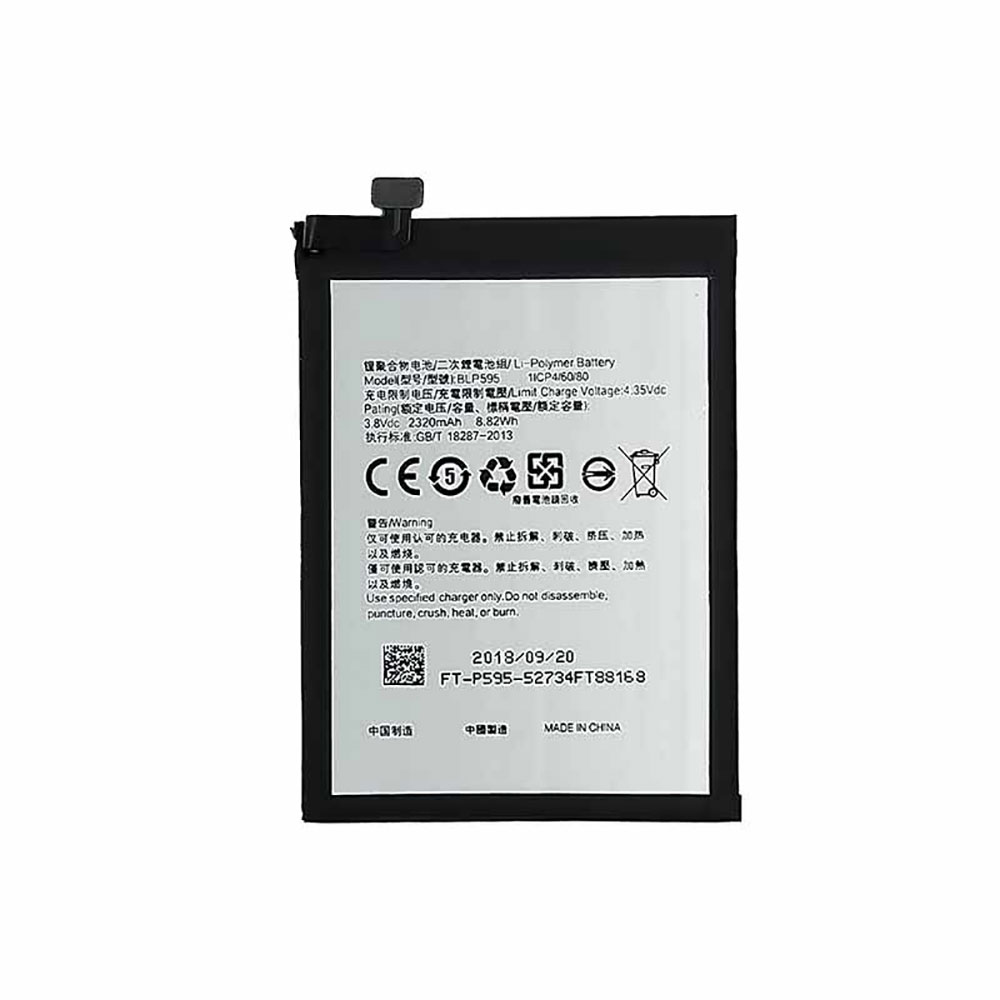
Cheap Oppo BLP595 Li-ion Cell Phone battery, Brand New BLP595 replacement battery for Oppo R7

2320mAh/8.82WH 3.8V/4.35V Oppo BLP595 Batteries for Oppo R7, Oppo BLP595 Cell Phone battery is a brand new,100% Compatible original and replacement Laptop battery,Purchase wholesale and retail BLP595 with high quality and low price!

BLP595 Battery oppo Li-ion 3.8V/4.35V 2320mAh/8.82WH

BLP595

Specifications

  • Brand:Oppo
  • Capacity :2320mAh/8.82WH
  • Voltage :3.8V/4.35V
  • Type :Li-ion
  • Battery Cell Quality: Grade A
  • Descriptive: Replacement Battery – 1 Year Warranty
  • Description: Brand New, 1 Year Warranty! 30-Days Money Back! Fast Shipping!

How we test this Oppo BLP595 Battery Li-ion 3.8V/4.35V 2320mAh/8.82WH

Step 1: Make sure customer bought the correct battery.
Step 2: Check battery’s appearance and interface.
Step 3: Test battery charger and recharger function.
Step 4: Charger the battery to 100% and recharger to 0% to get real battery capacity
Step 5: Use Ev2300 to check the voltage difference of each goroup cells.
Step 6: Charger battery power more than 30%.
Step 7: Package battery carefully and send out

Compatible Part Numbers:

BLP595

Compatible Model Numbers:

Oppo R7

How much do you know about how to run laptop well as any place? The follow Tips cut way back on protecting battery life.


1). Please recharge or change your Cell Phone battery when battery power low.
2). Using Li-Ion Replacement Oppo BLP595 Cell Phone Battery for your notebook which can work longer time than Non Li-ion one.
3). It is better to defragmentation regularly for your Cell Phone battery life.
4). In order to reduce the laptop power consumpition, you can use some optical drive spin-down and hard drive in your Cell Phone .
5). Please keep your laptop in sleep or standby model without long time using, which both save the Replacement Oppo BLP595 Cell Phone Battery power and extend battery using life.
6). Leave your battery in a dry and cool condition when without using.
7). When you rarely or generally plugged in fixed power using, Please take down your battery to avoid hurting battery life.

Hot Products

11.1V/12.4v 2300mah BOSE 404600 for Bose SOUNDLINK I II III7.4V 2230mAh/17Wh BOSE 063404 for 0634043.7V/4.2V 1750MAH/6.5WH AMAZON GP-S10-346392-0100 for AMAZON KINDLE 3 3G WIFI Kindle3.8V 6300mAh/23.94Wh AMAZON 2955C7 for Amazon Kindle Fire HD 10.1 7th15.4V 5209mAh RAZER RC30-0248 for RAZER Blade 15 2018 RZ09-023863.8 V 1300 mAh AMAZON MC-305070 for AMAZON Kindle Voyage3.85V/4.4V 3080MAH/11.86WH ALCATEL TLp030JC for Alcatel A3 XL 9008j7.7V 37Wh/4810mAh ACER AP16M5J for ACER A315-51-51SL N17Q1 SERIES7.4V 2230mAH/17Wh BOSE 061384 for BOSE SOUNDLINK Mini Series3.8V 2930mAh/11.1Wh NETGEAR W-7 for Netgear AirCard 790S 790SP 810

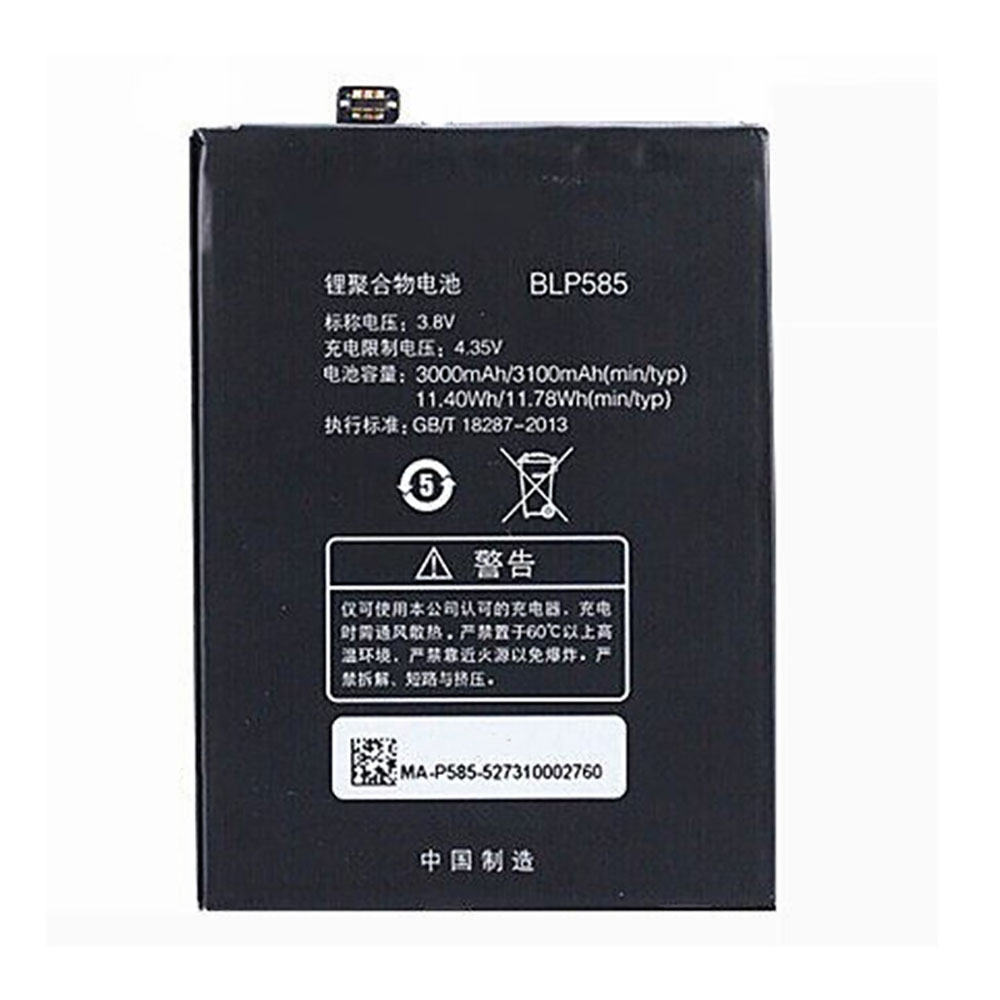
Cheap Oppo BLP585 Li-ion Cell Phone battery, Brand New BLP585 replacement battery for OPPO U3 R6607

3000mAh/11.40WH 3.8V/4.35V Oppo BLP585 Batteries for OPPO U3 R6607, Oppo BLP585 Cell Phone battery is a brand new,100% Compatible original and replacement Laptop battery,Purchase wholesale and retail BLP585 with high quality and low price!

BLP585 Battery oppo Li-ion 3.8V/4.35V 3000mAh/11.40WH

BLP585

Specifications

  • Brand:Oppo
  • Capacity :3000mAh/11.40WH
  • Voltage :3.8V/4.35V
  • Type :Li-ion
  • Battery Cell Quality: Grade A
  • Descriptive: Replacement Battery – 1 Year Warranty
  • Description: Brand New, 1 Year Warranty! 30-Days Money Back! Fast Shipping!

How we test this Oppo BLP585 Battery Li-ion 3.8V/4.35V 3000mAh/11.40WH

Step 1: Make sure customer bought the correct battery.
Step 2: Check battery’s appearance and interface.
Step 3: Test battery charger and recharger function.
Step 4: Charger the battery to 100% and recharger to 0% to get real battery capacity
Step 5: Use Ev2300 to check the voltage difference of each goroup cells.
Step 6: Charger battery power more than 30%.
Step 7: Package battery carefully and send out

Compatible Part Numbers:

BLP585

Compatible Model Numbers:

OPPO U3 R6607

How much do you know about how to run laptop well as any place? The follow Tips cut way back on protecting battery life.


1). Please recharge or change your Cell Phone battery when battery power low.
2). Using Li-Ion Replacement Oppo BLP585 Cell Phone Battery for your notebook which can work longer time than Non Li-ion one.
3). It is better to defragmentation regularly for your Cell Phone battery life.
4). In order to reduce the laptop power consumpition, you can use some optical drive spin-down and hard drive in your Cell Phone .
5). Please keep your laptop in sleep or standby model without long time using, which both save the Replacement Oppo BLP585 Cell Phone Battery power and extend battery using life.
6). Leave your battery in a dry and cool condition when without using.
7). When you rarely or generally plugged in fixed power using, Please take down your battery to avoid hurting battery life.

Hot Products

11.1V/12.4v 2300mah BOSE 404600 for Bose SOUNDLINK I II III7.4V 2230mAh/17Wh BOSE 063404 for 0634043.7V/4.2V 1750MAH/6.5WH AMAZON GP-S10-346392-0100 for AMAZON KINDLE 3 3G WIFI Kindle3.8V 6300mAh/23.94Wh AMAZON 2955C7 for Amazon Kindle Fire HD 10.1 7th15.4V 5209mAh RAZER RC30-0248 for RAZER Blade 15 2018 RZ09-023863.8 V 1300 mAh AMAZON MC-305070 for AMAZON Kindle Voyage3.85V/4.4V 3080MAH/11.86WH ALCATEL TLp030JC for Alcatel A3 XL 9008j7.7V 37Wh/4810mAh ACER AP16M5J for ACER A315-51-51SL N17Q1 SERIES7.4V 2230mAH/17Wh BOSE 061384 for BOSE SOUNDLINK Mini Series3.8V 2930mAh/11.1Wh NETGEAR W-7 for Netgear AirCard 790S 790SP 810

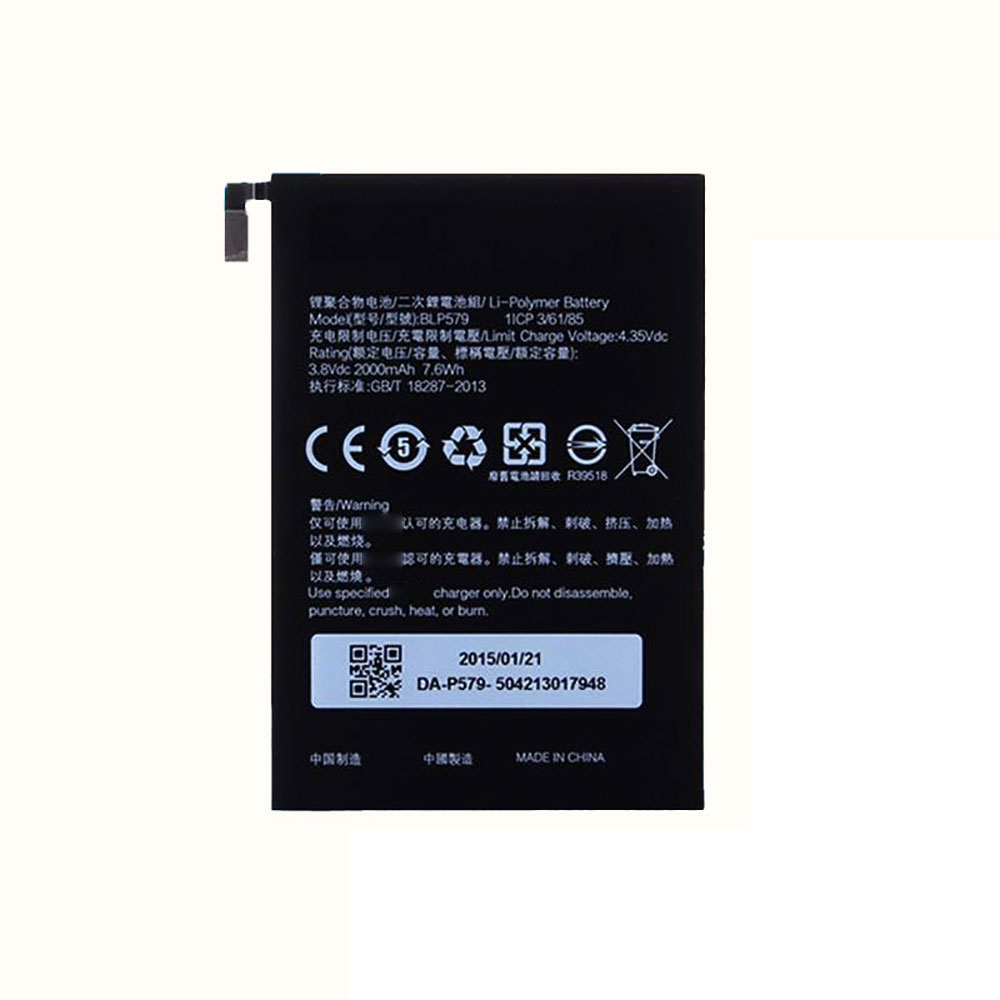
Cheap Oppo BLP579 Li-ion Cell Phone battery, Brand New BLP579 replacement battery for OPPO R5 R8105 R8107

2000mAh/7.6WH 3.8V/4.35V Oppo BLP579 Batteries for OPPO R5 R8105 R8107, Oppo BLP579 Cell Phone battery is a brand new,100% Compatible original and replacement Laptop battery,Purchase wholesale and retail BLP579 with high quality and low price!

BLP579 Battery oppo Li-ion 3.8V/4.35V 2000mAh/7.6WH

BLP579

Specifications

  • Brand:Oppo
  • Capacity :2000mAh/7.6WH
  • Voltage :3.8V/4.35V
  • Type :Li-ion
  • Battery Cell Quality: Grade A
  • Descriptive: Replacement Battery – 1 Year Warranty
  • Description: Brand New, 1 Year Warranty! 30-Days Money Back! Fast Shipping!

How we test this Oppo BLP579 Battery Li-ion 3.8V/4.35V 2000mAh/7.6WH

Step 1: Make sure customer bought the correct battery.
Step 2: Check battery’s appearance and interface.
Step 3: Test battery charger and recharger function.
Step 4: Charger the battery to 100% and recharger to 0% to get real battery capacity
Step 5: Use Ev2300 to check the voltage difference of each goroup cells.
Step 6: Charger battery power more than 30%.
Step 7: Package battery carefully and send out

Compatible Part Numbers:

BLP579

Compatible Model Numbers:

OPPO R5 R8105 R8107

How much do you know about how to run laptop well as any place? The follow Tips cut way back on protecting battery life.


1). Please recharge or change your Cell Phone battery when battery power low.
2). Using Li-Ion Replacement Oppo BLP579 Cell Phone Battery for your notebook which can work longer time than Non Li-ion one.
3). It is better to defragmentation regularly for your Cell Phone battery life.
4). In order to reduce the laptop power consumpition, you can use some optical drive spin-down and hard drive in your Cell Phone .
5). Please keep your laptop in sleep or standby model without long time using, which both save the Replacement Oppo BLP579 Cell Phone Battery power and extend battery using life.
6). Leave your battery in a dry and cool condition when without using.
7). When you rarely or generally plugged in fixed power using, Please take down your battery to avoid hurting battery life.

Hot Products

11.1V/12.4v 2300mah BOSE 404600 for Bose SOUNDLINK I II III7.4V 2230mAh/17Wh BOSE 063404 for 0634043.7V/4.2V 1750MAH/6.5WH AMAZON GP-S10-346392-0100 for AMAZON KINDLE 3 3G WIFI Kindle3.8V 6300mAh/23.94Wh AMAZON 2955C7 for Amazon Kindle Fire HD 10.1 7th15.4V 5209mAh RAZER RC30-0248 for RAZER Blade 15 2018 RZ09-023863.8 V 1300 mAh AMAZON MC-305070 for AMAZON Kindle Voyage3.85V/4.4V 3080MAH/11.86WH ALCATEL TLp030JC for Alcatel A3 XL 9008j7.7V 37Wh/4810mAh ACER AP16M5J for ACER A315-51-51SL N17Q1 SERIES7.4V 2230mAH/17Wh BOSE 061384 for BOSE SOUNDLINK Mini Series3.8V 2930mAh/11.1Wh NETGEAR W-7 for Netgear AirCard 790S 790SP 810

Best B550 motherboard for gaming

The best B550 motherboard means picking from the latest pool of AMD motherboards rocking a second-tier chipset, and will become ever more relevant as the next generation AMD Ryzen 4000 CPUs become available towards the end of the year. But what are you missing by opting for a B550 motherboard compared to the top-end X570 AMD gaming motherboards?

Honestly, not a great deal. It’s been a long time coming, however; almost a year after the original 500-series AMD Ryzen motherboard was launched this mainstream chipset has hit the market, bringing PCIe 4.0 support into the more affordable end of the board market. Well, we say ‘more affordable’ but there have been many cases where B550 versions of a manufacturer’s board cost more than the X570 ones. 

That’s a symptom of the B550 motherboards lagging behind, with existing X570 boards in the market almost inevitably getting cheaper 12 months post launch, but also because a B550 board can deliver performance pretty much on par.

The main difference between B550 and X570 chipsets is that AMD has replaced the PCIe Gen 4 interface used on the high-end boards, which connects the CPU socket to the platform controller hub (PCH) chip at the heart of the chipset, with a PCIe Gen 3 version for these second-string boards. The Ryzen 3000 CPUs can still offer PCIe 4.0 support itself, delivering 16 high-speed lanes for a GPU and a further four for lightning-fast SSDs, but means the B550 can’t support secondary PCIe 4.0 SSDs or graphics cards.

The tighter bandwidth on offer does hit other sensitive areas, such as USB connectivity, but on the whole doesn’t actually affect gaming performance one jot. And it all means we will have a pair of 500-series chipsets once AMD’s next-gen processors arrive this year to lay siege to our best CPU for gaming list.

1. Asus ROG Strix B550-E Gaming

The best B550 motherboard

Form factor: ATX | Memory support: 4x DIMM, up to 128GB, up to DDR4-4600 | Expansion slots: 2x PCIe 4.0 x16, 1x PCIe 3.0 x4 | Storage: 2x M.2, 6x SATA 6Gbps | Networking: Intel WiFi 6, Intel 2.5Gb ethernet, Bluetooth 5.1 | Rear USB: 3 x USB 3.2 Gen 2, 4 x USB 2.0

Extensive feature set

Build quality

Top-end networking

Sure, the Asus ROG Strix B550-E is the same price as other X570 motherboards, in fact it pretty much matches our favourite of AMD’s top-end boards, the MSI MPG X570 Gaming Pro Carbon. But it’s a premium motherboard, with all the trappings you’d expect from Asus’ Republic of Gamers stable, such as 14+2 power stage, M.2 heatsinks, and pre-installed backplates. You also get Wi-Fi 6 wireless networking as well as Intel 2.5Gb ethernet too. And RGB LEDs, of course.

Performance too is typically good for a high-end Asus board, matching X570 motherboards for gaming performance without issue. That said, of the B550 boards we’ve tested, it’s the far more affordable MSI board that actually comes out top in our straight performance testing. But the Asus can overclock far better, even if it does chew up more raw power from the plug on the whole.

The Asus ROG Strix B550-E Gaming is the whole package then, and right now is our all-round pick for the best B550 motherboard. Though that still feels like a tough recommendation when X570 boards are the same price…

2. MSI MAG B550M Mortar

The best B550 motherboard for pure gaming performance

Form factor: Micro-ATX | Memory support: 4x DIMM, up to 128GB, up to DDR4-4400 | Expansion slots: 1x PCIe 4.0 x16, 1x PCIe 3.0 x4 | Storage: 2x M.2, 6x SATA 6Gbps | Networking: Realtek 2.5Gb ethernet | Rear USB: 2 x USB 3.2 Gen 1, 1 x USB 3.2 Gen 2, 1 x USB 3.2 Gen 2 Type-C, 2x USB 2.0

Great stock-clock performance and efficiency

Slick BIOS

Competitive pricing

When it comes to gaming performance above all else then MSI’s micro-ATX MAG B550M Mortar is your best bet for an affordable next-gen Ryzen machine. It comes in around the $160 mark, making it cheaper than a great many X570 and other B500 motherboards on the market right now. 

The gaming frame rates of the MSI B550 Mortar put it above the rest of the B550 crew we’ve tested so far, and indeed its straight CPU performance puts it up there with some of the best X570s. That bodes well if you’re looking for an affordable home for your AMD Zen 3 CPU of the future, this B550 has a great chance to ensure it performs to its fullest stock-clocked potential without breaking the bank.

But you will be missing out on extra PCIe 4.0 M.2 and x16 graphics slots if those extras mean a lot to you. You can also opt to ditch wireless networking too, depending on whether you pick the straight Mortar or the more expensive Mortar Wi-Fi version. The 8+2+1 power phase design is arguably a more unwelcome miss, however, as that results in a board that isn’t going to spark any overclocking joy in your heart. But, as an affordable gaming board without OC pretensions, it’s a great shout.

3. ASRock B550 Taichi

The best-looking B550 motherboard

Form factor: ATX | Expansion slots: 2x PCIe 4.0 x16, 1x PCIe 3.0 x4 | Storage: 2x M.2, 8x SATA 6Gbps | Networking: Intel WiFi 6, Intel 2.5Gb ethernet, Bluetooth 5.1 | Rear USB: 2 x USB 3.2 Gen 2, 4 x USB 3.2 Gen 1, 2x USB 2.0

Seriously robust

Great performance

Strong feature set

The geared aesthetic of ASRock’s premium Taichi motherboards makes this the best-looking of all the B550 boards we’ve checked out, though that premium nature does make it also the most expensive. Indeed it’s priced higher than the ASRock X570 Taichi, which makes this a difficult recommendation until the almost inevitable price correction which will surely happen over time.

But it’s got the same sort of specs list as the excellent Asus ROG Strix B550-E, and means you get all the networking niceties, and the gaming performance to put it around the top of the list. It’s also got some overclocking chops too, allowing us to hit 4.2GHz on the Ryzen 3 3100 budget gaming chip.

It’s also incredibly well-built, with a metal structure that makes it one of the most robust B550 motherboards around. But yeah, it’s tough to look at that price, and feel this second-tier chipset is where you want to put your Ryzen money.

Should I buy a B550 or X570 motherboard?

When it comes to straight performance there really isn’t any tangible difference between the top two AMD 500-series motherboard chipsets. The CPU itself is still offering a PCIe 4.0 connection to the main graphics slot and the primary M.2 SSD connection, ensuring all the bandwidth you could need for a standard AMD gaming PC. 

And there are B550 motherboards, such as the Asus ROG and ASRock Taichi boards above, which offer the sort of power componentry to deliver overclocking performance too. AMD has also confirmed that both B550 and X570 will support the next generation of Ryzen CPUs.

Where they really differ, however, is in the extended feature set. While those two premium B550 boards do have an impressive feature list, the B550 chipset means that bandwidth-sensitive connections on the motherboard will be behind the top range of boards, thanks to the connection between the PCH on the chipset and the CPU using PCIe Gen3 as opposed to the complete Gen 4 solution across the X570s.

In general the B550 motherboards are also rather expensive at the moment, with the ASRock B550 Taichi being the most obvious example. It’s actually around the same price as the ASRock X570 Taichi, which is arguably the better board, or at least the more fully featured.

There are cheaper B550 boards out there, such as the ASRock B550 HDV, but then you really are losing out on luxuries like decent power phase design, and potentially then overall performance. That might just be a cut too far if you’re aiming for an affordable home for your next AMD Ryzen CPU purchase.

Your best bet is to keep in mind what features really mean the most to you. Do you need wireless networking, will you be overclocking, and how many Gen 4 SSDs are you likely to drop into your new AMD PC? If the answers are no, no, and one, then a B550 will be a good shout. Just make sure the one you pick doesn’t have a similarly specced, similarly priced X570 twin lurking around.

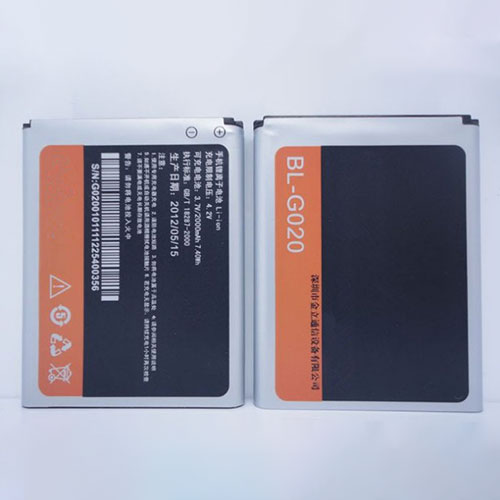
Cheap Gionee BL-G020A Li-ion Cell Phone battery, Brand New BL-G020A replacement battery for Gionee F301 F303

2000mAh/7.6WH 3.8V/4.35V Gionee BL-G020A Batteries for Gionee F301 F303, Gionee BL-G020A Cell Phone battery is a brand new,100% Compatible original and replacement Laptop battery,Purchase wholesale and retail BL-G020A with high quality and low price!

BL-G020A Battery gionee Li-ion 3.8V/4.35V 2000mAh/7.6WH

BL-G020A

Specifications

  • Brand:Gionee
  • Capacity :2000mAh/7.6WH
  • Voltage :3.8V/4.35V
  • Color:white
  • Type :Li-ion
  • Battery Cell Quality: Grade A
  • Descriptive: Replacement Battery – 1 Year Warranty
  • Description: Brand New, 1 Year Warranty! 30-Days Money Back! Fast Shipping!

How we test this Gionee BL-G020A Battery Li-ion 3.8V/4.35V 2000mAh/7.6WH

Step 1: Make sure customer bought the correct battery.
Step 2: Check battery’s appearance and interface.
Step 3: Test battery charger and recharger function.
Step 4: Charger the battery to 100% and recharger to 0% to get real battery capacity
Step 5: Use Ev2300 to check the voltage difference of each goroup cells.
Step 6: Charger battery power more than 30%.
Step 7: Package battery carefully and send out

Compatible Part Numbers:

BL-G020A

Compatible Model Numbers:

Gionee F301 F303

How much do you know about how to run laptop well as any place? The follow Tips cut way back on protecting battery life.


1). Please recharge or change your Cell Phone battery when battery power low.
2). Using Li-Ion Replacement Gionee BL-G020A Cell Phone Battery for your notebook which can work longer time than Non Li-ion one.
3). It is better to defragmentation regularly for your Cell Phone battery life.
4). In order to reduce the laptop power consumpition, you can use some optical drive spin-down and hard drive in your Cell Phone .
5). Please keep your laptop in sleep or standby model without long time using, which both save the Replacement Gionee BL-G020A Cell Phone Battery power and extend battery using life.
6). Leave your battery in a dry and cool condition when without using.
7). When you rarely or generally plugged in fixed power using, Please take down your battery to avoid hurting battery life.

Hot Products

11.1V/12.4v 2300mah BOSE 404600 for Bose SOUNDLINK I II III7.4V 2230mAh/17Wh BOSE 063404 for 0634043.7V/4.2V 1750MAH/6.5WH AMAZON GP-S10-346392-0100 for AMAZON KINDLE 3 3G WIFI Kindle3.8V 6300mAh/23.94Wh AMAZON 2955C7 for Amazon Kindle Fire HD 10.1 7th15.4V 5209mAh RAZER RC30-0248 for RAZER Blade 15 2018 RZ09-023863.8 V 1300 mAh AMAZON MC-305070 for AMAZON Kindle Voyage3.85V/4.4V 3080MAH/11.86WH ALCATEL TLp030JC for Alcatel A3 XL 9008j7.7V 37Wh/4810mAh ACER AP16M5J for ACER A315-51-51SL N17Q1 SERIES7.4V 2230mAH/17Wh BOSE 061384 for BOSE SOUNDLINK Mini Series3.8V 2930mAh/11.1Wh NETGEAR W-7 for Netgear AirCard 790S 790SP 810

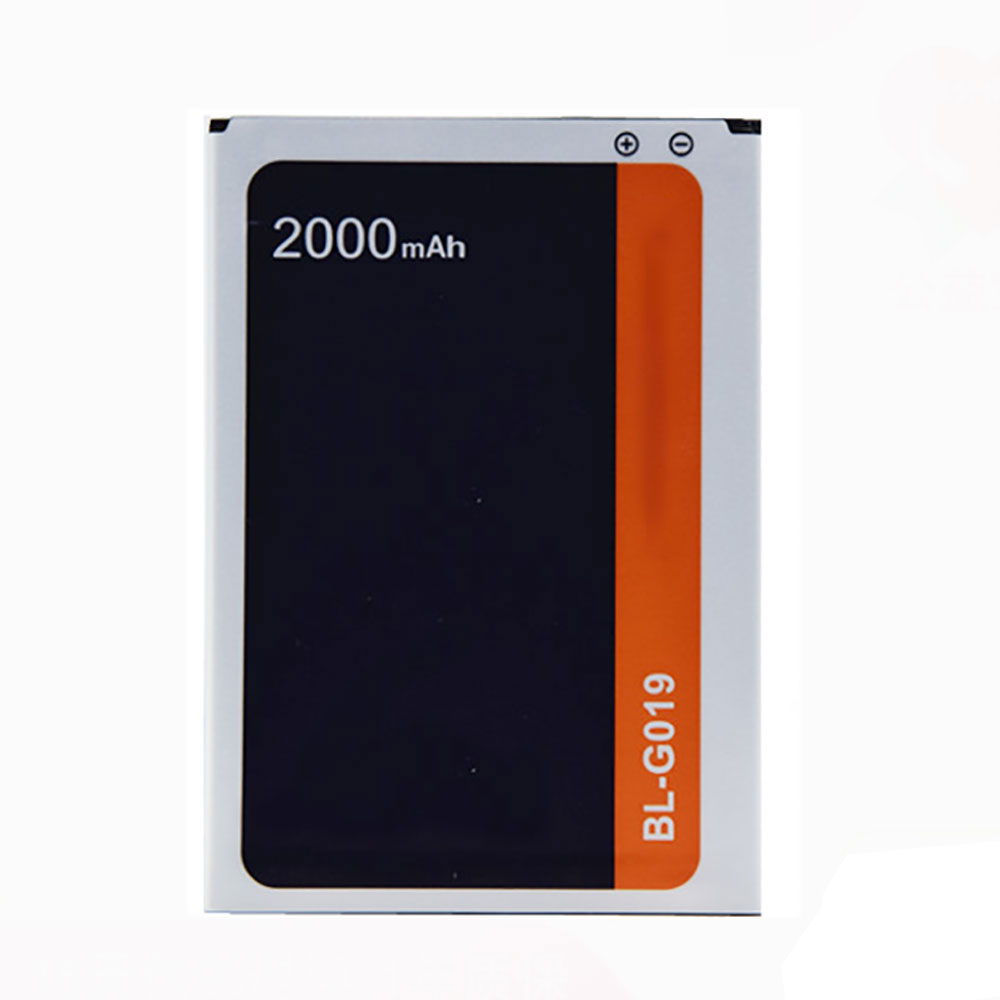
Cheap Gionee BL-G019 Li-ion Cell Phone battery, Brand New BL-G019 replacement battery for Gionee GN715

2000mAh 3.8V Gionee BL-G019 Batteries for Gionee GN715, Gionee BL-G019 Cell Phone battery is a brand new,100% Compatible original and replacement Laptop battery,Purchase wholesale and retail BL-G019 with high quality and low price!

BL-G019 Battery gionee Li-ion 3.8V 2000mAh

BL-G019

Specifications

  • Brand:Gionee
  • Capacity :2000mAh
  • Voltage :3.8V
  • Color:white
  • Type :Li-ion
  • Battery Cell Quality: Grade A
  • Descriptive: Replacement Battery – 1 Year Warranty
  • Description: Brand New, 1 Year Warranty! 30-Days Money Back! Fast Shipping!

How we test this Gionee BL-G019 Battery Li-ion 3.8V 2000mAh

Step 1: Make sure customer bought the correct battery.
Step 2: Check battery’s appearance and interface.
Step 3: Test battery charger and recharger function.
Step 4: Charger the battery to 100% and recharger to 0% to get real battery capacity
Step 5: Use Ev2300 to check the voltage difference of each goroup cells.
Step 6: Charger battery power more than 30%.
Step 7: Package battery carefully and send out

Compatible Part Numbers:

BL-G019

Compatible Model Numbers:

Gionee GN715

How much do you know about how to run laptop well as any place? The follow Tips cut way back on protecting battery life.


1). Please recharge or change your Cell Phone battery when battery power low.
2). Using Li-Ion Replacement Gionee BL-G019 Cell Phone Battery for your notebook which can work longer time than Non Li-ion one.
3). It is better to defragmentation regularly for your Cell Phone battery life.
4). In order to reduce the laptop power consumpition, you can use some optical drive spin-down and hard drive in your Cell Phone .
5). Please keep your laptop in sleep or standby model without long time using, which both save the Replacement Gionee BL-G019 Cell Phone Battery power and extend battery using life.
6). Leave your battery in a dry and cool condition when without using.
7). When you rarely or generally plugged in fixed power using, Please take down your battery to avoid hurting battery life.

Hot Products

11.1V/12.4v 2300mah BOSE 404600 for Bose SOUNDLINK I II III7.4V 2230mAh/17Wh BOSE 063404 for 0634043.7V/4.2V 1750MAH/6.5WH AMAZON GP-S10-346392-0100 for AMAZON KINDLE 3 3G WIFI Kindle3.8V 6300mAh/23.94Wh AMAZON 2955C7 for Amazon Kindle Fire HD 10.1 7th15.4V 5209mAh RAZER RC30-0248 for RAZER Blade 15 2018 RZ09-023863.8 V 1300 mAh AMAZON MC-305070 for AMAZON Kindle Voyage3.85V/4.4V 3080MAH/11.86WH ALCATEL TLp030JC for Alcatel A3 XL 9008j7.7V 37Wh/4810mAh ACER AP16M5J for ACER A315-51-51SL N17Q1 SERIES7.4V 2230mAH/17Wh BOSE 061384 for BOSE SOUNDLINK Mini Series3.8V 2930mAh/11.1Wh NETGEAR W-7 for Netgear AirCard 790S 790SP 810

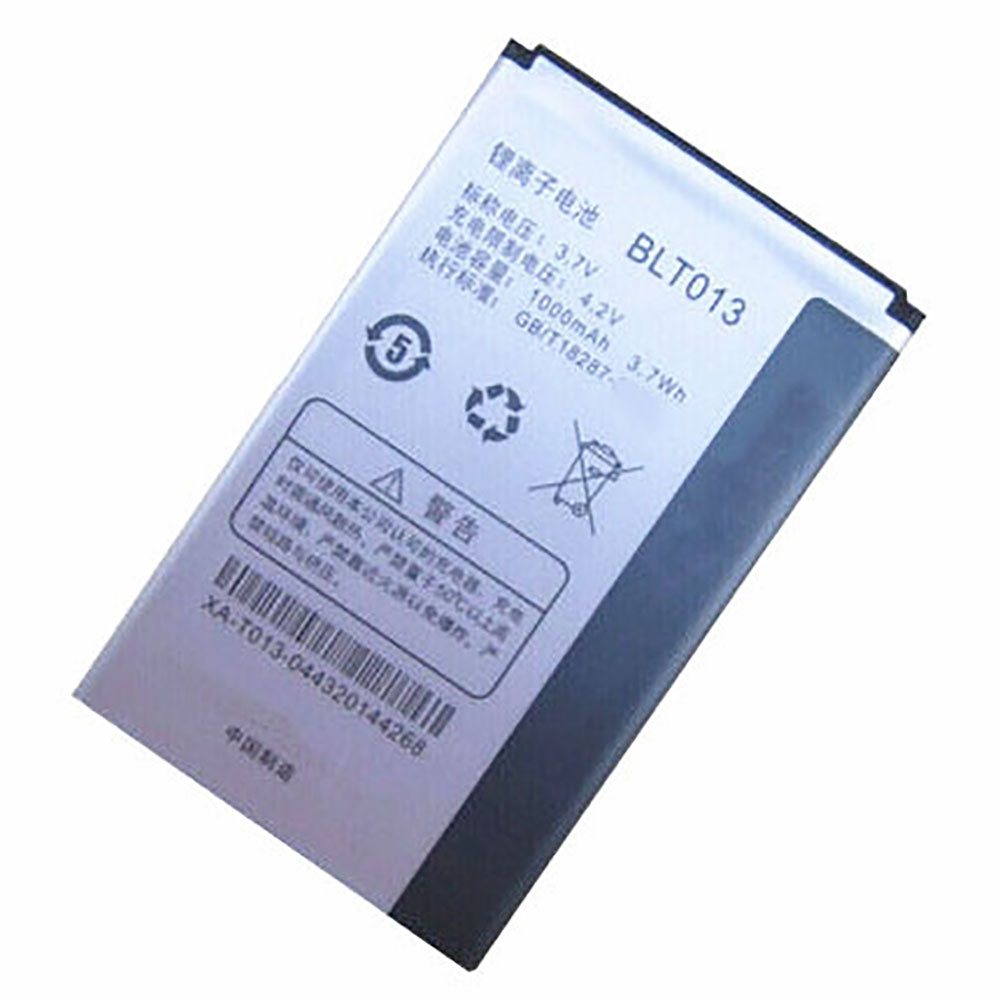
Cheap Oppo BLT013 Li-ion Cell Phone battery, Brand New BLT013 replacement battery for OPPO U525 A209 E21W

1000mAh/3.7WH 3.7V/4.2V Oppo BLT013 Batteries for OPPO U525 A209 E21W, Oppo BLT013 Cell Phone battery is a brand new,100% Compatible original and replacement Laptop battery,Purchase wholesale and retail BLT013 with high quality and low price!

BLT013 Battery oppo Li-ion 3.7V/4.2V 1000mAh/3.7WH

BLT013

Specifications

  • Brand:Oppo
  • Capacity :1000mAh/3.7WH
  • Voltage :3.7V/4.2V
  • Color:white
  • Type :Li-ion
  • Battery Cell Quality: Grade A
  • Descriptive: Replacement Battery – 1 Year Warranty
  • Description: Brand New, 1 Year Warranty! 30-Days Money Back! Fast Shipping!

How we test this Oppo BLT013 Battery Li-ion 3.7V/4.2V 1000mAh/3.7WH

Step 1: Make sure customer bought the correct battery.
Step 2: Check battery’s appearance and interface.
Step 3: Test battery charger and recharger function.
Step 4: Charger the battery to 100% and recharger to 0% to get real battery capacity
Step 5: Use Ev2300 to check the voltage difference of each goroup cells.
Step 6: Charger battery power more than 30%.
Step 7: Package battery carefully and send out

Compatible Part Numbers:

BLT013

Compatible Model Numbers:

OPPO U525 A209 E21W

How much do you know about how to run laptop well as any place? The follow Tips cut way back on protecting battery life.


1). Please recharge or change your Cell Phone battery when battery power low.
2). Using Li-Ion Replacement Oppo BLT013 Cell Phone Battery for your notebook which can work longer time than Non Li-ion one.
3). It is better to defragmentation regularly for your Cell Phone battery life.
4). In order to reduce the laptop power consumpition, you can use some optical drive spin-down and hard drive in your Cell Phone .
5). Please keep your laptop in sleep or standby model without long time using, which both save the Replacement Oppo BLT013 Cell Phone Battery power and extend battery using life.
6). Leave your battery in a dry and cool condition when without using.
7). When you rarely or generally plugged in fixed power using, Please take down your battery to avoid hurting battery life.

Hot Products

11.1V/12.4v 2300mah BOSE 404600 for Bose SOUNDLINK I II III7.4V 2230mAh/17Wh BOSE 063404 for 0634043.7V/4.2V 1750MAH/6.5WH AMAZON GP-S10-346392-0100 for AMAZON KINDLE 3 3G WIFI Kindle3.8V 6300mAh/23.94Wh AMAZON 2955C7 for Amazon Kindle Fire HD 10.1 7th15.4V 5209mAh RAZER RC30-0248 for RAZER Blade 15 2018 RZ09-023863.8 V 1300 mAh AMAZON MC-305070 for AMAZON Kindle Voyage3.85V/4.4V 3080MAH/11.86WH ALCATEL TLp030JC for Alcatel A3 XL 9008j7.7V 37Wh/4810mAh ACER AP16M5J for ACER A315-51-51SL N17Q1 SERIES7.4V 2230mAH/17Wh BOSE 061384 for BOSE SOUNDLINK Mini Series3.8V 2930mAh/11.1Wh NETGEAR W-7 for Netgear AirCard 790S 790SP 810

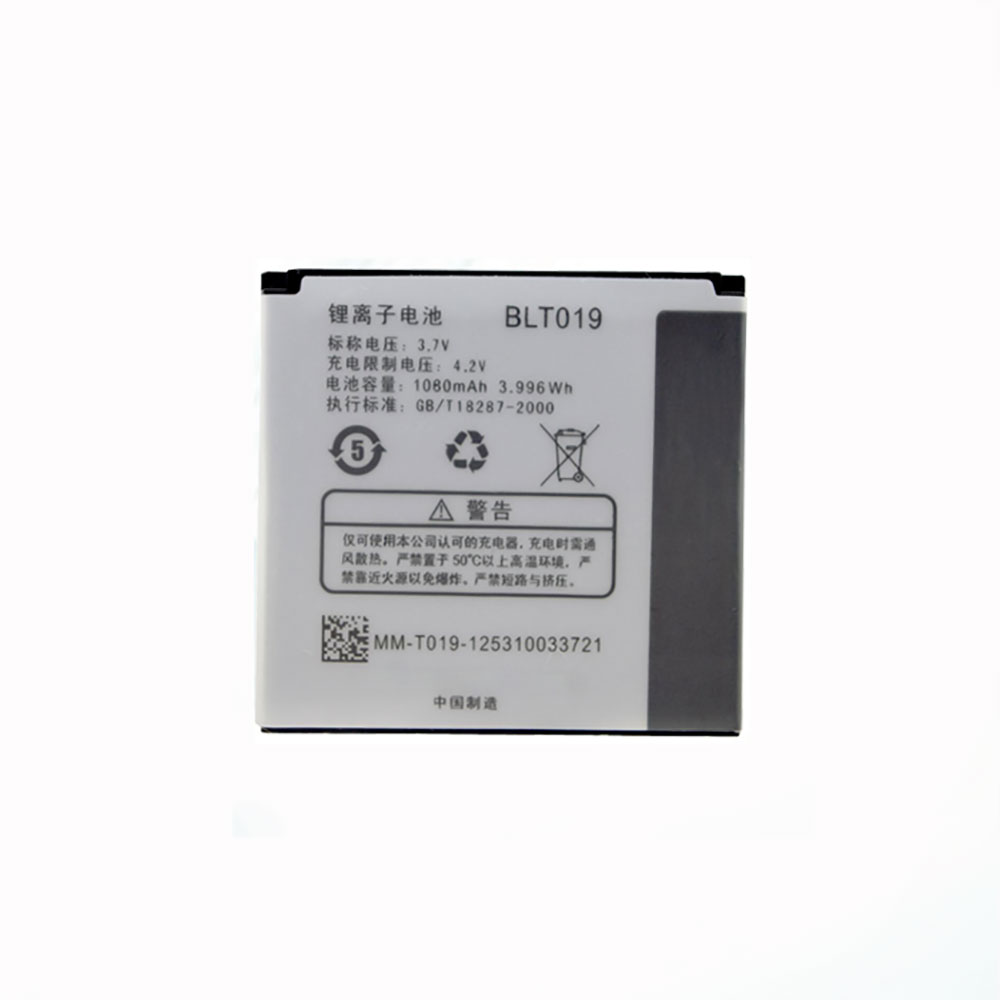
Cheap Oppo BLT019 Li-ion Cell Phone battery, Brand New BLT019 replacement battery for OPPO U539

1080mAh/3.996WH 3.7V/4.2V Oppo BLT019 Batteries for OPPO U539, Oppo BLT019 Cell Phone battery is a brand new,100% Compatible original and replacement Laptop battery,Purchase wholesale and retail BLT019 with high quality and low price!

BLT019 Battery oppo Li-ion 3.7V/4.2V 1080mAh/3.996WH

BLT019

Specifications

  • Brand:Oppo
  • Capacity :1080mAh/3.996WH
  • Voltage :3.7V/4.2V
  • Color:white
  • Type :Li-ion
  • Battery Cell Quality: Grade A
  • Descriptive: Replacement Battery – 1 Year Warranty
  • Description: Brand New, 1 Year Warranty! 30-Days Money Back! Fast Shipping!

How we test this Oppo BLT019 Battery Li-ion 3.7V/4.2V 1080mAh/3.996WH

Step 1: Make sure customer bought the correct battery.
Step 2: Check battery’s appearance and interface.
Step 3: Test battery charger and recharger function.
Step 4: Charger the battery to 100% and recharger to 0% to get real battery capacity
Step 5: Use Ev2300 to check the voltage difference of each goroup cells.
Step 6: Charger battery power more than 30%.
Step 7: Package battery carefully and send out

Compatible Part Numbers:

BLT019

Compatible Model Numbers:

OPPO U539

How much do you know about how to run laptop well as any place? The follow Tips cut way back on protecting battery life.


1). Please recharge or change your Cell Phone battery when battery power low.
2). Using Li-Ion Replacement Oppo BLT019 Cell Phone Battery for your notebook which can work longer time than Non Li-ion one.
3). It is better to defragmentation regularly for your Cell Phone battery life.
4). In order to reduce the laptop power consumpition, you can use some optical drive spin-down and hard drive in your Cell Phone .
5). Please keep your laptop in sleep or standby model without long time using, which both save the Replacement Oppo BLT019 Cell Phone Battery power and extend battery using life.
6). Leave your battery in a dry and cool condition when without using.
7). When you rarely or generally plugged in fixed power using, Please take down your battery to avoid hurting battery life.

Hot Products

11.1V/12.4v 2300mah BOSE 404600 for Bose SOUNDLINK I II III7.4V 2230mAh/17Wh BOSE 063404 for 0634043.7V/4.2V 1750MAH/6.5WH AMAZON GP-S10-346392-0100 for AMAZON KINDLE 3 3G WIFI Kindle3.8V 6300mAh/23.94Wh AMAZON 2955C7 for Amazon Kindle Fire HD 10.1 7th15.4V 5209mAh RAZER RC30-0248 for RAZER Blade 15 2018 RZ09-023863.8 V 1300 mAh AMAZON MC-305070 for AMAZON Kindle Voyage3.85V/4.4V 3080MAH/11.86WH ALCATEL TLp030JC for Alcatel A3 XL 9008j7.7V 37Wh/4810mAh ACER AP16M5J for ACER A315-51-51SL N17Q1 SERIES7.4V 2230mAH/17Wh BOSE 061384 for BOSE SOUNDLINK Mini Series3.8V 2930mAh/11.1Wh NETGEAR W-7 for Netgear AirCard 790S 790SP 810

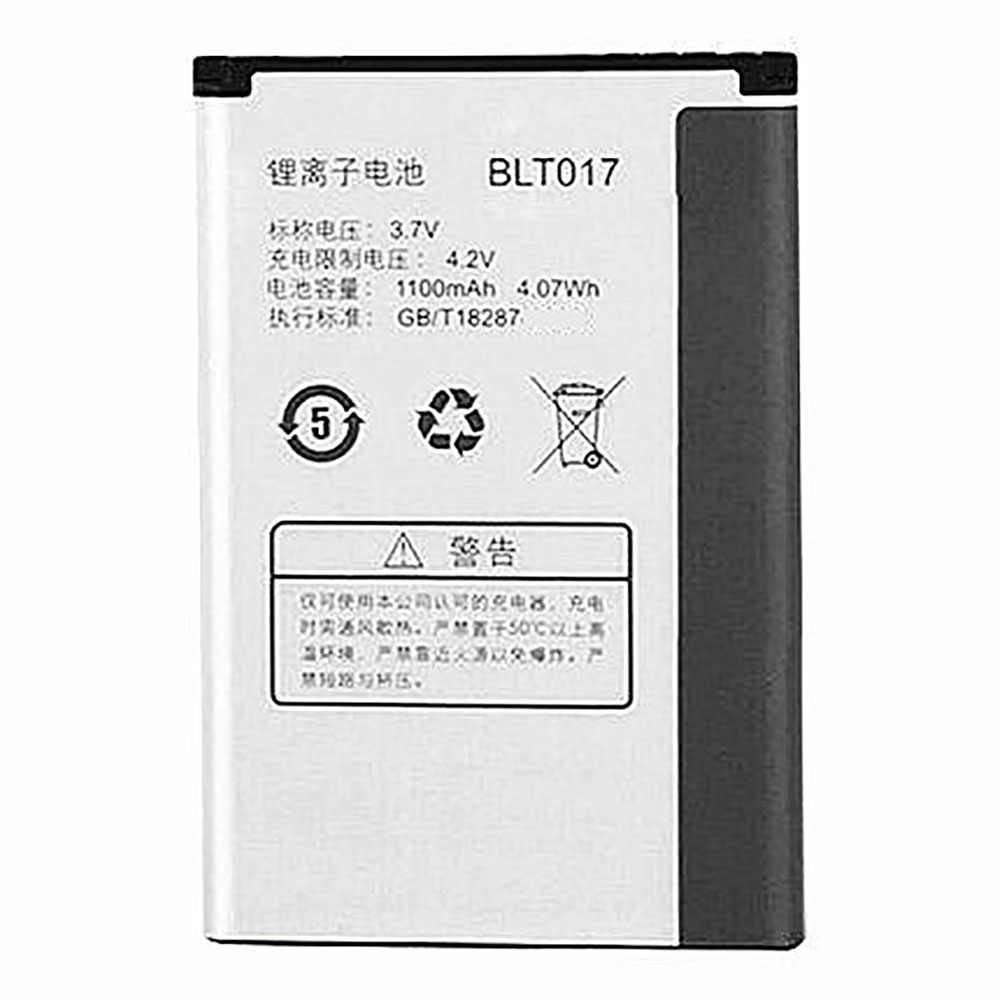
Cheap Oppo BLT017 Li-ion Cell Phone battery, Brand New BLT017 replacement battery for OPPO R601 A615 A613 A617

1100mAh/4.07WH 3.7V/4.2V Oppo BLT017 Batteries for OPPO R601 A615 A613 A617, Oppo BLT017 Cell Phone battery is a brand new,100% Compatible original and replacement Laptop battery,Purchase wholesale and retail BLT017 with high quality and low price!

BLT017 Battery oppo Li-ion 3.7V/4.2V 1100mAh/4.07WH

BLT017

Specifications

  • Brand:Oppo
  • Capacity :1100mAh/4.07WH
  • Voltage :3.7V/4.2V
  • Color:white
  • Type :Li-ion
  • Battery Cell Quality: Grade A
  • Descriptive: Replacement Battery – 1 Year Warranty
  • Description: Brand New, 1 Year Warranty! 30-Days Money Back! Fast Shipping!

How we test this Oppo BLT017 Battery Li-ion 3.7V/4.2V 1100mAh/4.07WH

Step 1: Make sure customer bought the correct battery.
Step 2: Check battery’s appearance and interface.
Step 3: Test battery charger and recharger function.
Step 4: Charger the battery to 100% and recharger to 0% to get real battery capacity
Step 5: Use Ev2300 to check the voltage difference of each goroup cells.
Step 6: Charger battery power more than 30%.
Step 7: Package battery carefully and send out

Compatible Part Numbers:

BLT017

Compatible Model Numbers:

OPPO R601 A615 A613 A617

How much do you know about how to run laptop well as any place? The follow Tips cut way back on protecting battery life.


1). Please recharge or change your Cell Phone battery when battery power low.
2). Using Li-Ion Replacement Oppo BLT017 Cell Phone Battery for your notebook which can work longer time than Non Li-ion one.
3). It is better to defragmentation regularly for your Cell Phone battery life.
4). In order to reduce the laptop power consumpition, you can use some optical drive spin-down and hard drive in your Cell Phone .
5). Please keep your laptop in sleep or standby model without long time using, which both save the Replacement Oppo BLT017 Cell Phone Battery power and extend battery using life.
6). Leave your battery in a dry and cool condition when without using.
7). When you rarely or generally plugged in fixed power using, Please take down your battery to avoid hurting battery life.

Hot Products

11.1V/12.4v 2300mah BOSE 404600 for Bose SOUNDLINK I II III7.4V 2230mAh/17Wh BOSE 063404 for 0634043.7V/4.2V 1750MAH/6.5WH AMAZON GP-S10-346392-0100 for AMAZON KINDLE 3 3G WIFI Kindle3.8V 6300mAh/23.94Wh AMAZON 2955C7 for Amazon Kindle Fire HD 10.1 7th15.4V 5209mAh RAZER RC30-0248 for RAZER Blade 15 2018 RZ09-023863.8 V 1300 mAh AMAZON MC-305070 for AMAZON Kindle Voyage3.85V/4.4V 3080MAH/11.86WH ALCATEL TLp030JC for Alcatel A3 XL 9008j7.7V 37Wh/4810mAh ACER AP16M5J for ACER A315-51-51SL N17Q1 SERIES7.4V 2230mAH/17Wh BOSE 061384 for BOSE SOUNDLINK Mini Series3.8V 2930mAh/11.1Wh NETGEAR W-7 for Netgear AirCard 790S 790SP 810

Seeed Odyssey X86J4105 Review: PC and Maker Board in One

The Raspberry Pi is, by far, the world’s most popular single-board computer and, for many people, the Raspberry Pi 4 is fast enough to serve as a PC. But what if you want the flexibility of a single-board computer that has GPIO pins for physical computing but you need the speed and compatibility of an x86 PC? Enter Seeed’s Odyssey X86J4105, which marries an Intel Celeron CPU with two sets of GPIO pins, one of which is for an onboard Arduino-compatible controller and the other of which has 40 pins and claims to work with Raspberry Pi accessories.

Clearly more expensive than the priciest Raspberry Pi, the Odyssey X86J4106 starts at $188 for the basic model with no storage or operating system and goes up to $258 for our review configuration, which comes with 64GB of eMMC and an activated copy of Windows 10. Is the added versatility of an x86 Intel CPU worth the premium?

Design of the Odyssey X86J4105

Measuring 4.3 x 4.3 x 1.3 inch (110 x 110 z 33mm) the Odyssey X86J4105 is larger than the Raspberry Pi 4 3.3 x 2.2 x 1.1 inch (85 x 56 x 28mm) but not by a gross amount. On the underside of the board is the heatsink and fan atop the Intel Celeron CPU.

Optional Case for Odyssey X86J4105

The Odyssey X86J4105 comes as a bare board and if used in this configuration it will require some M3 standoffs to raise the board from your desk. If you purchase the optional $25 re_computer case then your Odyssey X86J4105 will be raised up from your desk via a plastic riser that acts as a means to expel the waste heat from the unit.

Atop the case’s plastic rises is a blue aluminum chassis which wraps around the board and has openings for the various ports. A glass lid, held in place via magnets can be easily removed using a secret button on the underside of the case. With the lid removed there is free access to all of the GPIO pins and the user expandable storage. The re_computer case is compatible with other maker boards such as the Raspberry Pi, Beaglebone and Jetson Nano and there are standoffs in the case which can be used to secure those boards.

Key Components and Ports on Odyssey X86J4105

Each version of the Odyssey X86J4105 comes with 8GB of DDR4 RAM and an Intel Celeron J4105, a three year old CPU which provides enough power to run Windows 10 Enterprise which came pre-installed on our review unit. Storage is provided via 64GB eMMC, available as an optional extra.

However, you can provide your own storage and there are an impressive number of ways to do this. A full size SATA port and M.2 SATA slot provide older, slower, but cost effective storage options. Just next to the M.2 SATA is space for a 4G / 5G cellular card for additional connectivity.

On the other side of the board is an NVMe slot which can be used with 2280 and 2242 drives. We populated our NVMe slot with a spare 256GB Toshiba drive and installed Ubuntu 20.04 for our later tests.

Display options are HDMI 2.0a at upto 4096×2160 @ 60 Hz and an additional DisplayPort is available via the front mounted USB-C connection. This provides another 4096×2160 @ 60 Hz output.

Cooling the Odyssey X86J4105

Cooling is via a large heat spreader and fan on the underside of the unit. We ran a series of Cinebench tests and our best score was 491 so clearly this is not a board for 3D rendering, and the temperature at one point hit 75 Celsius, much greater than the 60 Celsius trigger that would run the fan at 80%, but our fan just idly “ticked” as if it were unable to start. Looking in the BIOS we found that the fan was set to “Normal” which has trigger points at 45-50, 50-60 and above 60 Celsius.

By setting the fan to “Positive” we saw the fan come to life past 60 Celsius, but never at any temperature below that. There is no software to control the fan speed / curve; it is all handled via the BIOS. Despite this issue, the Odyssey never slowed down or bottlenecked.

Is the Odyssey X86J4105 better than a Raspberry Pi 4?

That depends on a certain point of view. CPU and memory performance is much better with the Odyssey, as are the SATA and NVMe drives which offer much higher performance than the micro SD cards used on the Pi.

We ran a sysbench stress test on the Raspberry Pi 4 and Odyssey, via Ubuntu. 

The Intel Celeron J4105 calculated prime numbers approximately six times faster than the Raspberry Pi 4.

It is clear that the Odyssey is a much more powerful board than even the Raspberry Pi 4 but what is also clear is that this is a board to use for projects that will benefit from its strengths such as better networking and access to more storage options.

GPIO on Odyssey X86J4105

There are two sets of GPIO pins present on the Odyssey. The smaller of the two is a 28-pin breakout for the onboard Arduino an ATSAMD21 ARM Cortex-M0+ MCU which identifies as a Seeeduino Zero in the Arduino IDE. This GPIO may not follow the design cues of other Arduino boards, but we have all of the GPIO pins that we need, digital, PWM and Analog pins, along with I2C, SPI and serial.

To use the Arduino GPIO, we need the Arduino IDE, which comes pre-installed with the provided copy of Windows 10. After setting up the IDE to work with the onboard Arduino we created two scripts to test the GPIO, one to check that we could control the GPIO to flash an LED, and another test to read the voltage through a potentiometer. Both of these scripts worked without issue.

The Raspberry Pi-compatible GPIO is another story. Since the 40 pins are not accessible via Windows, we installed Ubuntu 20.04 on a spare NVMe drive. The Raspberry Pi compatible GPIO does share the same pin layout and it is electrically compatible with the Raspberry Pi but that is where the compatibility ends.

Typically the GPIO is controlled via software, and a popular choice is Python using the RPi.GPIO or GPIO Zero modules. Both of these do not work with the Odyssey and that indicates that the majority of Raspberry Pi HATs and add on boards will also not work. We tested Pimoroni’s Explorer HAT Pro, a board that uses the RPi.GPIO library along with Python3’s smbus I2C module and we were unable to make the board work. Not all is lost though, if you have a simpler board, or a component which uses digital IO (on / off) then these can be connected to the Pi compatible GPIO and used directly in the terminal or via a Bash script. Reading through the Getting Started guide, we noticed that there is a Python 3 module for use with the Odyssey, so we installed and tested it, and yeah it worked, but it was not a slick experience and it proved quite troublesome to even flash an LED.

Based on our findings, if you need reliable GPIO access in a project based around the Odyssey, then the Arduino GPIO should be your go to. It is accessible via Windows and Linux, and we can communicate with the built-in Arduino using serial / UART.

Network / WiFi Speeds / Bluetooth on Odyssey X86J4105

We tested the Gigabit Ethernet NICs and WiFi (2.4 and 5GHz) using iperf in Ubuntu, connected to another machine on the same network acting as a server with a Gigabit NIC also. Ethernet speeds were 942 Mbits/sec which is about average for Gigabit connections. The Intel 9560D2W card provided both 2.4 and 5GHz connectivity via two fragile antennas; they are tricky to fit so take your time. For 2.4-GHz WiFi, we saw only 25.8 Mbits/sec and 5-GHz WiFi gave us only 50.5 Mbits/sec. Those are not the greatest speeds but, if you are planning to use the Odyssey as a server, then you will undoubtedly go for Ethernet over WiFi.

Linux Support on Odyssey X86J4105

As this is an x86 machine, support for Linux distributions is a given. We tested the Odyssey with Ubuntu 20.04 and it was a smooth install process. Installed onto a 256GB NVMe SSD, Ubuntu boots quickly and runs extremely well. There was one snag; when opening a terminal for the first time, the window would not pop open, and would require killing the process and trying again. That’s not a deal breaker but something to watch for.

Bottom Line

The Odyssey X86J4105 is a board for makers. The Arduino GPIO is exceptionally easy to work with and can be used to wake the main system to perform a task, then return to a low power mode.

The Raspberry Pi compatible GPIO is a bit of a let down, if there were a version of the RPi.GPIO Python 3 library then the Odyssey X86J4105 would have everything that a maker would need. But what the Odyssey X86J4105 does have is great networking and storage options. If you need a low power server or just love the idea of having Arduino capability on a PC, then the Odyssey X86J4105 is a great choice. However, if you’re looking for a Raspberry Pi-compatible computer that runs Windows, you’d be better off attempting to install Windows 10 on a real Raspberry Pi (though you won’t like that either).