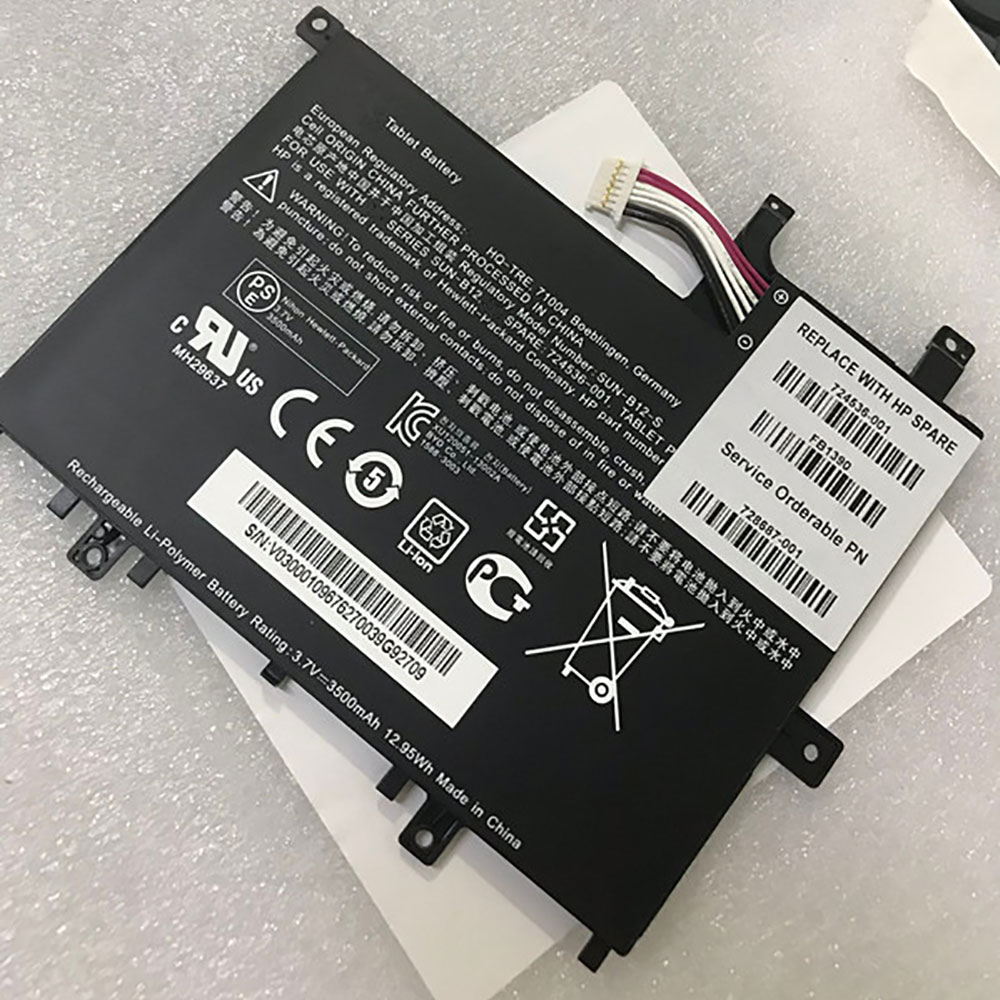
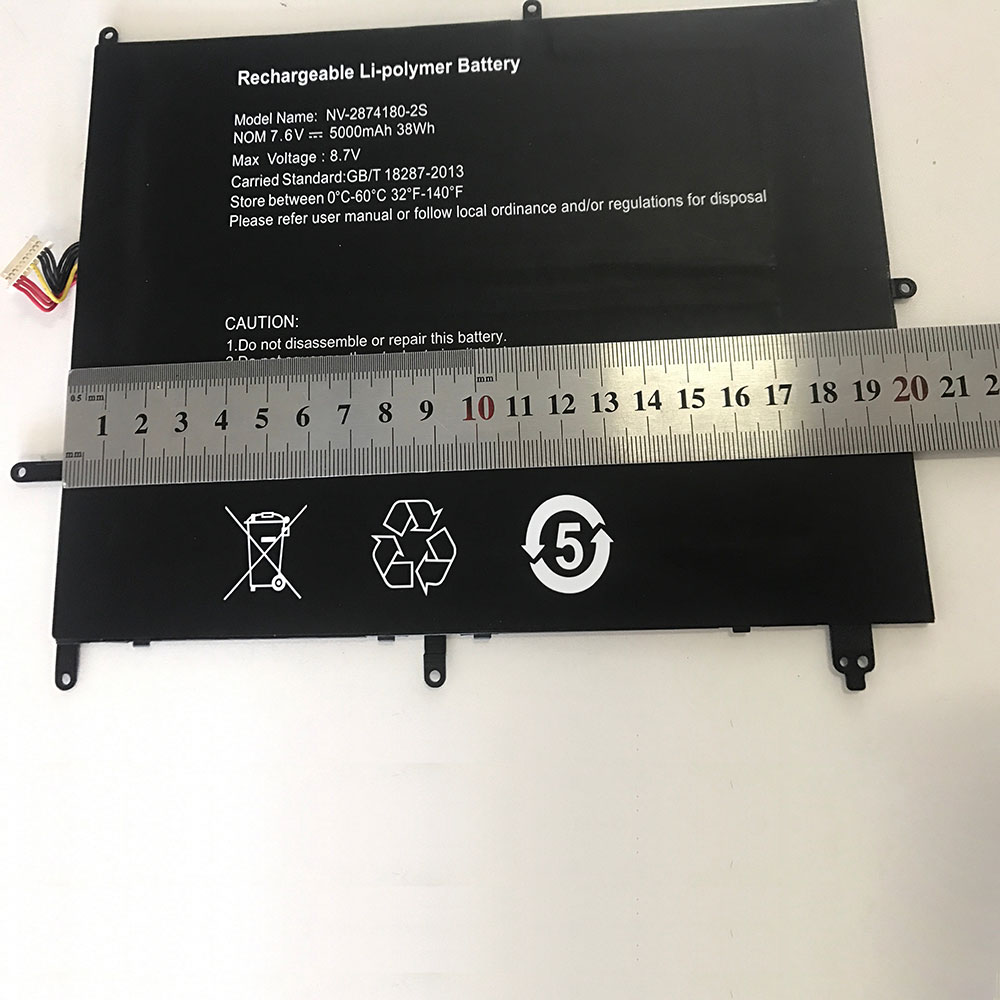
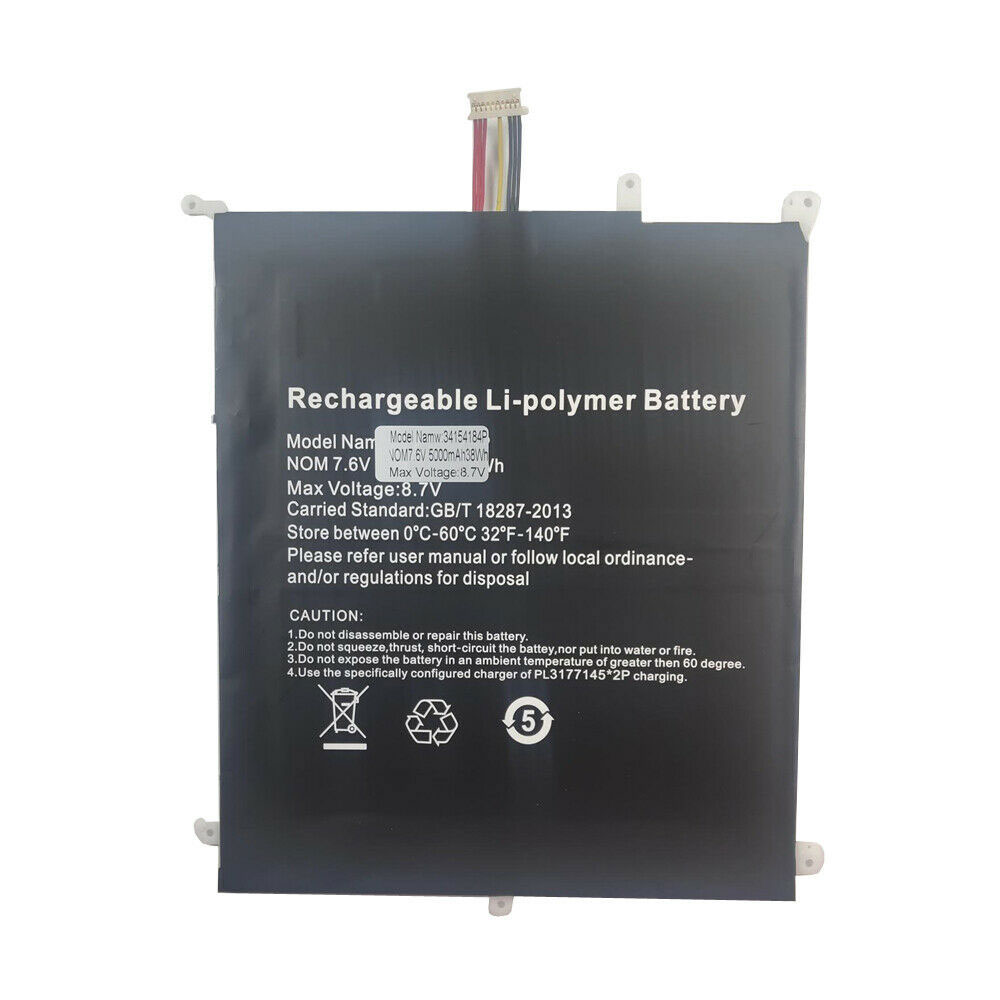
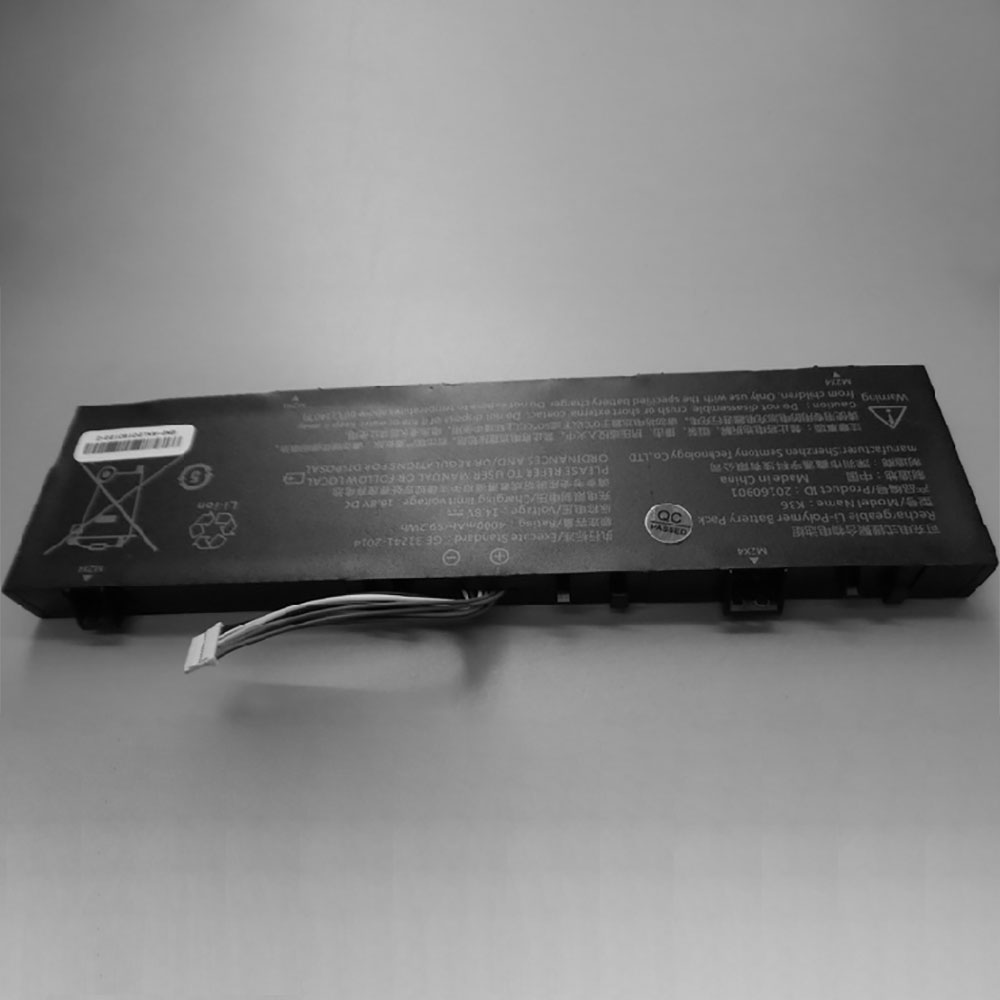
Cheap Lenovo L18C4PF3 Li-ion Laptop battery, Brand New L18C4PF3 replacement battery for Lenovo FLEX-14IWL 81SQ (DE110)

2964MAH /45wh 15.36V/17.8V Lenovo L18C4PF3 Batteries for Lenovo FLEX-14IWL 81SQ (DE110), Lenovo L18C4PF3 Laptop battery is a brand new,100% Compatible original and replacement Laptop battery,Purchase wholesale and retail L18C4PF3 with high quality and low price!

L18C4PF3 Battery lenovo Li-ion 15.36V/17.8V 2964MAH /45wh

L18C4PF3

Specifications

  • Brand:Lenovo
  • Capacity :2964MAH /45wh
  • Voltage :15.36V/17.8V
  • Type :Li-ion
  • Battery Cell Quality: Grade A
  • Descriptive: Replacement Battery – 1 Year Warranty
  • Description: Brand New, 1 Year Warranty! 30-Days Money Back! Fast Shipping!

How we test this Lenovo L18C4PF3 Battery Li-ion 15.36V/17.8V 2964MAH /45wh

Step 1: Make sure customer bought the correct battery.
Step 2: Check battery’s appearance and interface.
Step 3: Test battery charger and recharger function.
Step 4: Charger the battery to 100% and recharger to 0% to get real battery capacity
Step 5: Use Ev2300 to check the voltage difference of each goroup cells.
Step 6: Charger battery power more than 30%.
Step 7: Package battery carefully and send out

Compatible Part Numbers:

L18C4PF3

Compatible Model Numbers:

Lenovo FLEX-14IWL 81SQ (DE110)

How much do you know about how to run laptop well as any place? The follow Tips cut way back on protecting battery life.


1). Please recharge or change your Laptop battery when battery power low.
2). Using Li-Ion Replacement Lenovo L18C4PF3 Laptop Battery for your notebook which can work longer time than Non Li-ion one.
3). It is better to defragmentation regularly for your Laptop battery life.
4). In order to reduce the laptop power consumpition, you can use some optical drive spin-down and hard drive in your Laptop .
5). Please keep your laptop in sleep or standby model without long time using, which both save the Replacement Lenovo L18C4PF3 Laptop Battery power and extend battery using life.
6). Leave your battery in a dry and cool condition when without using.
7). When you rarely or generally plugged in fixed power using, Please take down your battery to avoid hurting battery life.

Hot Products

11.1V/12.4v 2300mah BOSE 404600 for Bose SOUNDLINK I II III16.8V/20V 400mA/2200mAH/32Wh BOSE 300769-003 for Bose Sounddock Portable Digita3.8V 6300mAh/23.94Wh AMAZON 2955C7 for Amazon Kindle Fire HD 10.1 7th3.8 V 1300 mAh AMAZON MC-305070 for AMAZON Kindle Voyage3.8V/4.35V 2000MAH/7.6Wh ALCATEL TLI020F7 for Alcatel Onetouch Pixi 4 (5) 507.7V 37Wh/4810mAh ACER AP16M5J for ACER A315-51-51SL N17Q1 SERIES3.8V 2930mAh/11.1Wh NETGEAR W-7 for Netgear AirCard 790S 790SP 8103.85V/4.4V 3080MAH/11.86WH ALCATEL TLp030JC for Alcatel A3 XL 9008j3.7V/4.2V 1750MAH/6.5WH AMAZON GP-S10-346392-0100 for AMAZON KINDLE 3 3G WIFI Kindle3.8V 4000mAh/15.2Wh LENOVO L15D1P31 for Lenovo Yoga Tab3 Pro YT3-X90L

How to find keyboard shortcuts for Zoom

When you’re in the middle of a Zoom video meeting at home and your cat suddenly decides to start bawling for its dinner, you’ll want to mute your audio in a hurry. In that case, you have a choice: you can either reach for your mouse or touchpad and start searching for the “Mute” button or you can use a quick keyboard shortcut to cut off that noise immediately.

Zoom has a long list of keyboard shortcuts that you can use before or during a videoconference. By using these shortcuts, you can quickly join a meeting; mute and unmute the audio; start, pause, and stop recording; switch views from Speaker (a large image of the person speaking) to Gallery (several equally sized images, no matter who is speaking); and perform a variety of other tasks.

You can easily find a list of those tasks, and the shortcuts that you can use, in your Zoom app:

Go to Zoom’s settings by clicking on the gear in the upper right-hand corner

In the left-hand menu, select “Keyboard Shortcuts”

Of course, the keys you press on a Mac or a Windows PC will be different, but no matter which platform you use, those shortcuts can be really useful when you’re on a laptop Zoom call.

The GIGABYTE MZ31-AR0 Motherboard Review: EPYC with Dual 10G

The workstation and server markets are big business for not only chip manufacturers such as Intel and AMD, but for motherboard vendors too. Since AMD’s introduction of its Zen-based EPYC processors, its prosumer market share has been slowly, but surely, creeping back. One example of a single socket solution available on the market is the GIGABYTE MZ31-AR0. With support for AMD’s EPYC family of processors, the MZ31-AR0 has some interesting components including its 2 x SFP+ 10 G Ethernet ports powered by a Broadcom BCM57810S controller, and four SlimSAS slots offering up to sixteen SATA ports. 

GIGABYTE MZ31-AR0 Overview

As it stands, AMD has two versions of its EPYC range on the market: the first generation Zen series (called Naples), released in June 2017, and the Zen 2 based EPYC chips (called Rome). Each processor from AMD’s EPYC families has support for 128 PCIe lanes and up to 2 TB of system memory operating in eight-channel mode.

Despite the GIGABYTE MZ31-AR0 being a server motherboard, it uses the regular E-ATX form factor, with with a single SP3 socket that, depending on the revision of the board, supports Naples (rev 1.x) or both Naples and EPYC (rev 2.x). This ranges from base 8 cores 16 thread model (EPYC 7251), all the way to a 64 core and 128 thread variant (EPYC 7742).

EPYC is focusing on both performance and IO, and so along with a lot of PCIe lanes on offer, the MZ31-AR0’s primary features includes a Broadcom BCM 57810S dual SPF+ 10 G Ethernet controller which adds two 10 G ports onto the rear panel. For maintenance, an Aspeed AST2500 powered remote management controller provides BMC functionality, with a D-sub 2D video output with a dedicated Ethernet port for direct access.

Both revisions of the board are limited to PCIe 3.0, even with Rome, but the board makes the most of the available PCIe 3.0 lanes. The GIGABYTE MZ31-AR0 has four full-length PCIe 3.0 x16 slots, one full-length PCIe 3.0 x8 slot, with a further two full-length PCIe 3.0 x8 slots given this board a total of seven full-length slots. This is an impressive array of PCIe support and is equipped to make the most of the 128 lanes available from the processor. Equally impressive is sixteen memory slots set up in two banks of eight slots either side of the SP3 socket which offers eight-channel support. These slots support both RDIMM and LRDIMM DDR4 modules up to a maximum capacity of 2 TB, with DDR4-2666, DDR4-2400, and DDR4-2133 all supported.

For storage, the GIGABYTE MZ31-AR0 is well-equipped with four SlimSAS ports with each slot supporting four SATA drives, with a combined total of sixteen available for use. Interestingly, the MZ31-AR0 is equipped with a single PCIe 3.0 M.2 slot. Some users may have expected a second M.2 slot due to the board’s large E-ATX form factor, but alas that is not the case. Focusing on the design, the board layout implies it would be more than suitable for rackmount deployment in a 1U chassis, which it is, although it can also be used in a permitting chassis that features E-ATX support. The positioning of the single 24-pin motherboard and two 8-pin CPU 12 V ATX connectors fit in line with support for 1U chassis, with GIGABYTE offering its own 1U solutions for users to capitalize on. The SP3 socket is rotated with this in mind for better airflow in a server situation.

From a performance perspective, we compared the MZ31-AR0 against an ASRock server model as well as other 16-core Zen compatible boards. Everything is in line with the competition – POST times are higher than anticipated, but this can be put down to the BMC initialization process. The performance in relation to power consumption is also a little higher than the ASRock model we tested, but it is EATX (versus ATX) and is pretty stacked, to say the least.

The GIGABYTE MZ31-AR0 currently retails for $565 at Amazon, and as a result of its current price point has a couple of competitive rivals on the market. One such example is the Supermicro MBD-H11SSL-NC which retails for $470 at Newegg, although with a much lesser networking configuration, and with fewer memory slots. Another example is the ASRock Rack EPYCD8 model with a current selling price of $460, which is in a similar with Intel dual 10 G Ethernet but has fewer memory slots.

Both of the Supermicro and ASRock examples are also ATX, whereas the GIGABYTE MZ31-AR0 is E-ATX, and as a result has more space to include the better memory support and premium dual 10 G SPF+ networking which it includes. For the extra $100 over the ASRock and Supermicro models, the MZ31-AR0 looks like a solid choice based on value and specifications, which in this area given the pricing of AMD’s EPYC Zen-based processors, is a very worthy trade-off against the competition.

HPE fixes another SAS SSD death bug: This time, drives will conk out after 40,000 hours of operation

HPE has told customers that four kinds of solid-state drives (SSDs) in its servers and storage systems may experience failure and data loss at 40,000 hours, or 4.5 years, of operation.

The IT titan said in a bulletin this month the “issue is not unique to HPE and potentially affects all customers that purchased these drives.” HPE has not identified the SSD maker, though, and refused to do so, saying: “We’re not confirming manufacturers.”

Your humble vulture has seen evidence the faulty drives were made by Western-Digital-owned SanDisk. WD declined to comment.

Meanwhile, Dell-EMC issued an urgent firmware update last month that also mentioned SSDs failing after 40,000 operating hours, and specifically identified SanDisk SAS drives. The update included firmware version D417 as a fix to prevent future data loss.

If you’re getting deja-vu, you’re not alone. HPE separately warned of certain SAS SSDs dying after their 32,768th hour of operation in November last year.

Drawing a line between these two blunders, HPE noted this month: “While the failure mode is similar, this [latest] issue is unrelated to the SSD issue detailed in this customer bulletin released in November 2019, which describes an SSD failure at 32,768 hours of operation.”

To avoid this new data death bug, HPE customers should install SSD firmware version HPD7, described as a “critical” fix. From the March bulletin:

HPE was notified by a Solid State Drive (SSD) manufacturer of a firmware defect affecting certain SAS SSD models used in a number of HPE server and Storage products (ie: HPE ProLiant, Synergy, Apollo 4200, Synergy Storage Modules, D3000 Storage Enclosure, StoreEasy 1000 Storage). The issue affects SSDs with an HPE firmware version prior to HPD7 that results in SSD failure at 40,000 hours of operation (ie: 4 years, 206 days, 16 hours).

Colorful H310 Motherboard Shown Supporting Four Generations of Intel CPUs

While Intel has forced consumers to upgrade their motherboard with every new wave of CPUs since Skylake, Colorful apparently has a more cost-effective solution. Hardware leaker @momomo_us recently discovered that Colorful’s H310M-E V20 accepts four generations of Intel Core chips, spanning from Skylake to Coffee Lake Refresh.

The H310M-E V20 comes in a compact, micro-ATX form factor and, of course, features a LGA1151 CPU socket. Colorful only lists compatibility for Coffee Lake and Coffee Lake Refresh processors, but the the CPU-Z screenshots below show the H310M-E V20 working with with previous Kaby Lake and Skylake processors as well. This would make the H310M-E V20 the jack of all trades in the H310 motherboard world.

With the ample processor support aside, the H310M-E V20 isn’t the best motherboard you can buy when it comes to specs and is everything you’d expect from your typical budget H310 offering. The board only has two DDR4 RAM slots and supports DDR4-2666 memory modules. The motherboard lacks an M.2 port, and you’re restricted to four SATA III connectors for your hard drives and SSDs.

The expansion slot configuration on the H310M-E V20 is as basic as it gets. The motherboard supplies one PCIe 3.0 x16 slot and one PCIe 2.0 x1 slot for housing graphics cards and other expansion cards.

The H310M-E V20 utilizes two third-party controllers. Thanks to the Realtek RTL8111H controller, the motherboard has a Gigabit Ethernet port. Additionally, the Realtek ALC662 audio codec provides a 6-channel audio experience through three 3.5mm audio jacks.

Connectivity options on the rear panel come down to two PS/2 ports, one HDMI port, one VGA port, two USB 3.0 ports and two USB 2.0 ports. Fortunately, the motherboard has one USB 3.0 and one USB 2.0 header, meaning you can have up to four more USB ports for connecting peripherals.

Samsung launches Galaxy Tab A 8.4 w/ LTE, 10-hr battery, USB-C, $279

Samsung has just announced a brand-new Android tablet for the masses. The new 2020 Samsung Galaxy Tab A 8.4 offers up LTE connectivity, solid battery life, and more all for an affordable price.

The 2020 Galaxy Tab A 8.4 is a tablet designed for an affordable price point. Obviously, it offers up an 8.4-inch display which has a resolution of 1920×1200, leaving a 16:10 aspect ratio which should be handy for content consumption.

The tablet also features Android Pie. That’s pretty disappointing considering how long Android 10 has been out, but at least it’ll include One UI. There won’t be DeX support like the more expensive Galaxy Tab S6. There’s a 5MP front-facing camera for video calls and an 8MP rear camera too. There’s also a 5,000 mAh battery, USB-C charging, and Samsung claims up to 10 hours of battery life on typical use.

How about specs? You’ll find 3GB of RAM, 32GB of storage with a microSD card slot, and the whole system is running on an Exynos 7904 processor. There’s also a headphone jack and dual-speakers with Dolby Atmos.

For now, the 2020 Galaxy Tab A 8.4 is only available for Verizon Wireless. Of course, you’ll still be able to use it as a WiFi-only tablet if you’d prefer to. The Tab A is available in a “Mocha” color and has a full metal design.

Pricing lands at $279 with AT&T, Sprint, US Cellular, and T-Mobile models coming soon.

New Qualcomm chips could bring noise-cancelling to budget Bluetooth ‘buds

Qualcomm has unveiled two new Bluetooth audio systems-on-a-chip (SoC) aimed for use in true wireless headphones. The QCC514X and the QCC304X are ultra-low-power chips designed for mid-tiered and entry-level headphones, respectively, with both supporting Qualcomm’s TrueWireless Mirroring technology.

This technology allows just a single earbud to connect wirelessly to a handset via Bluetooth, which the other ‘bud can then mirror. This allows the user to remove the connected ‘bud and still continue listening without interruptions via the mirrored one.

The new chips also feature active noise cancellation (ANC), which could make the feature standard in the more affordable true wireless ‘buds that end up using these chips. They also bring better battery life to the table – offering up to 13 hours of playback based on a 65mAh battery, according to Qualcomm – and could enable the use of ANC for extended periods without making a huge impact on battery life.

Qualcomm says that the noise-cancellation tech (dubbed “hybrid ANC”) also allows for “leak-through” for outside noise, which seems to be equivalent to the transparency (or ambient) modes available on the current crop of more premium noise-cancelling headphones. This means that headphones using the new Qualcomm chips will allow external sounds to pass through the ‘buds so users know what’s happening around them.

The chips also bring voice assistant support with them, but this is where they differ from each other. The more premium QCC514X features always-on voice support, while the entry-level QCC304X has push-button voice activation. Either way, the new SoCs could see voice assistant support become more accessible on low-cost earbuds.

So if you’ve been hankering after a set of Apple AirPods Pro or Sony’s WF-1000XM3 true wireless ‘buds, you may want to wait as these new Qualcomm chips will soon be making their way into upcoming headphones and could save you a pretty penny.

This LEGO graphics card might be our best chance of getting a new GPU this year

Forget the Cyberpunk 2077 Nvidia RTX 2080 Ti, there’s a new kid in town. This LEGO 3Dfx Voodoo 3D graphics card is up on the LEGO Ideas site, just waiting to get turned into a real kit you can buy in the store.

Posted on Twitter by @Bhall_Spawn, “the weirdo who brought you the LEGO Sound Blaster…” (her words, not mine!) the blocky little GPU might just be the start of a whole range of LEGO PC gaming components. It might not make our best graphics card list, or even run Crysis, but I’m a sucker for a LEGO build. I’ve very fond memories of trying to jam a Raspberry Pi into a chassis made of bricks…

But wait, 3Dfx? Okay, Boomer… For the uninitiated 3Dfx was the forerunner to Nvidia, and was responsible for some of the most incredible visuals seen at a 640 x 480 resolution. The original Voodoo graphics card was released way back in 1996 with a mega 4MB of non-LEGO memory and a 50MHz clock speed. Mmmm. 

Bhall_Spawn has also made a LEGO Sound Blaster and a Gravis Ultrasound, and there’s bound to be more to come… “I have a feeling I might do some more pieces,” she told us, “what with all the home time I have on my hands suddenly!”

Can I ask for an Nvidia 8800GT? I frickin’ loved that card. The shiny black, single-slot shroud…

If you head over to the LEGO Ideas page you can actually vote for the 3Dfx Voodoo to be made into a real LEGO set. You just need 10,000 votes to get it considered, only another 9,900 to go!

It’s probably going to be a while before we get another new graphics card launch, and there’s nothing we can do about that. Jen-Hsun has announced that Nvidia is holding back any shiny GTC announcements until there are less important things going on, and the postponement of Computex means we might lose the AMD Big Navi June release too. But this is one graphics card that we might actually be able to help get made.

Kirin 820 vs Snapdragon 765G vs Exynos 980: Early benchmarks show Huawei’s dominance over the mid-range

Huawei is set to launch its next-gen mid-range SoC, the Kirin 820, soon. The chipset will succeed the impressive Kirin 810 from last year, and is already making the rounds across benchmarks—destroying the competition while at it.

The Kirin 820 was already revealed to outperform the Kirin 980 on the Mate 20 Pro and P30 Pro, and match up to the Snapdragon 855—and the SoC has now also been seen laying down the law to its current rivals, the Snapdragon 765G and Exynos 980.

In AnTuTu’s CPU test, the Kirin 820-powered Honor 30S recorded a score of 130,080. That puts it at the top of the pile, with the Snapdragon 765G only managing to put up a score of 104,223. The Exynos 980, residing in the Vivo X30 Pro, earns a score of 116,836, better than the Snapdragon 765G but still about 11% worse than the Kirin 820.

In the GPU test, the Kirin 820 once again leads the pack with a score of 116,516. The Snapdragon 765G comes in second this time around, though, with a score of 92,536. The Exynos 980 is third, as it makes do with a score of 88,459. 

It’s easy to see that the Kirin 820 takes the crown for this generation; although there’s a dire lack of MediaTek’s new Dimensity chipsets in this comparison. The Kirin 810 also outperformed the Snapdragon 730G last year, and the Kirin 820 can be expected to carry that mantle.

The cheapest Intel Core i7 laptop in the whole world is a HP business notebook

The Core i7 processor is no longer the top dog in Intel’s CPU family but it remains a formidable component even if the Core i5 models have been upgraded to quad-core status. Even compared to the i9, It packs a powerful punch, as it shares plenty of higher end features with its more expensive brethren.

The most affordable laptop that carries an Intel Core i7 processor right now is the HP Laptop 15T (7fq32av) and it’s a great choice for those that are currently remote working. Other than the fact HP should have chosen a more memorable name, there’s not much to dislike about it.

At the heart of this laptop is an Intel Core i7-10510U CPU and, at $520 direct from HP, it costs less than most Core i5 devices we’ve seen but will likely deliver a far smoother computing experience.

The Laptop 15T is equipped with 8GB of DDR4 memory (upgradable) and a 128GB M.2 SATA SSD. Bluetooth 4.2 and 802.11ac connectivity are supplied by Realtek, while the operating system is Windows 10 Home.

There are two microphones to enhance calls and video conferencing (thanks to advanced noise reduction software), plus a card reader, a GbE port, three USB ports, an HDMI connector and an HD video camera.

Note, despite the machine’s entry level status, it comes with HP’s fast charge which allows its 41WHr battery to reach 50% charge in 45 minutes.

The screen remains its weak point; it’s HD only rather than full HD, and uses SVA technology rather than the superior IPS. On a 15.6-inch display, that is likely to be a sub-optimal experience.

At 3.84 pounds, it is not the lightest laptop around and its natural silver finish will certainly not turn heads.