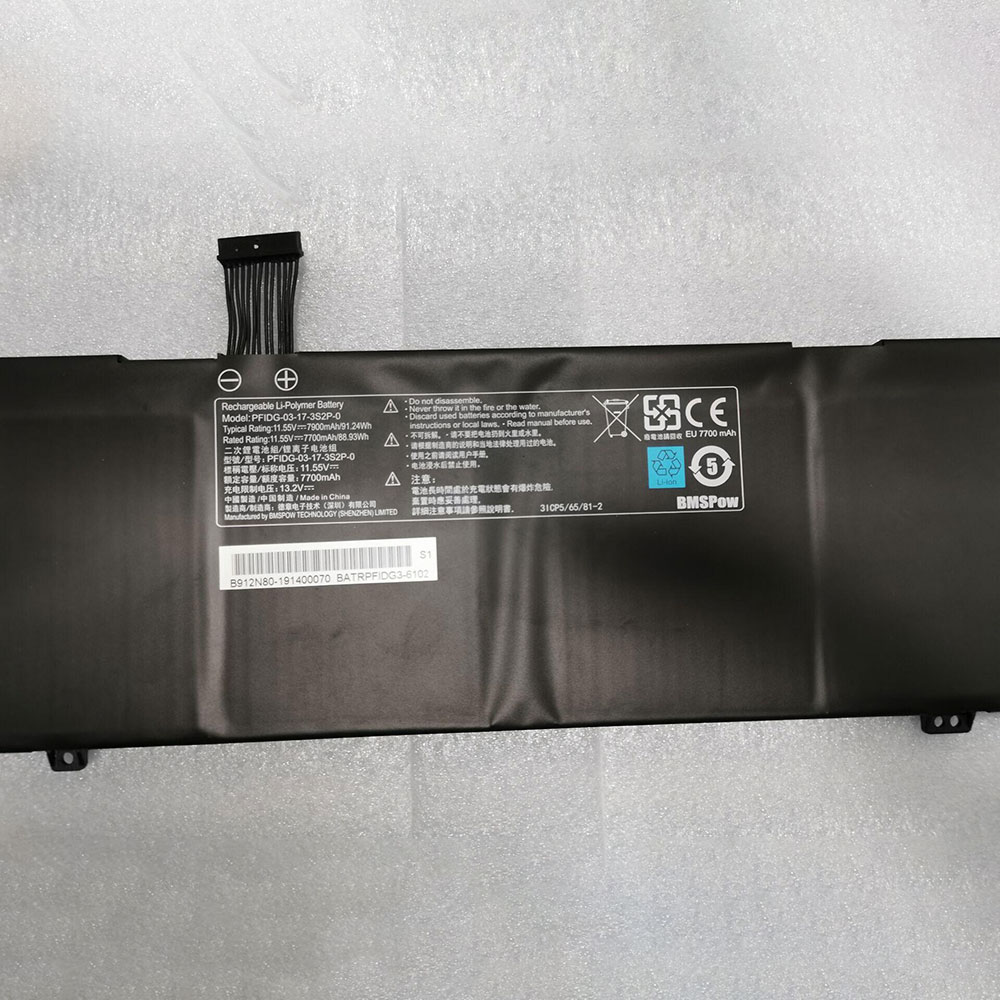
7900mAh 91.24Wh 11.55V/13.2V Clevo PFIDG-03-17-3S2P-0 Batteries for Clevo Notebook, Clevo PFIDG-03-17-3S2P-0 Laptop battery is a brand new,100% Compatible original and replacement Laptop battery,Purchase wholesale and retail PFIDG-03-17-3S2P-0 with high quality and low price!
Descriptive: Replacement Battery – 1 Year Warranty
Description: Brand New, 1 Year Warranty! 30-Days Money Back! Fast Shipping!
How we test this Clevo PFIDG-03-17-3S2P-0 Battery Li-ion 11.55V/13.2V 7900mAh 91.24Wh
Step 1: Make sure customer bought the correct battery. Step 2: Check battery’s appearance and interface. Step 3: Test battery charger and recharger function. Step 4: Charger the battery to 100% and recharger to 0% to get real battery capacity Step 5: Use Ev2300 to check the voltage difference of each goroup cells. Step 6: Charger battery power more than 30%. Step 7: Package battery carefully and send out
How much do you know about how to run laptop well as any place? The follow Tips cut way back on protecting battery life.
1). Please recharge or change your Laptop battery when battery power low. 2). Using Li-Ion Replacement Clevo PFIDG-03-17-3S2P-0 Laptop Battery for your notebook which can work longer time than Non Li-ion one. 3). It is better to defragmentation regularly for your Laptop battery life. 4). In order to reduce the laptop power consumpition, you can use some optical drive spin-down and hard drive in your Laptop . 5). Please keep your laptop in sleep or standby model without long time using, which both save the Replacement Clevo PFIDG-03-17-3S2P-0 Laptop Battery power and extend battery using life. 6). Leave your battery in a dry and cool condition when without using. 7). When you rarely or generally plugged in fixed power using, Please take down your battery to avoid hurting battery life.
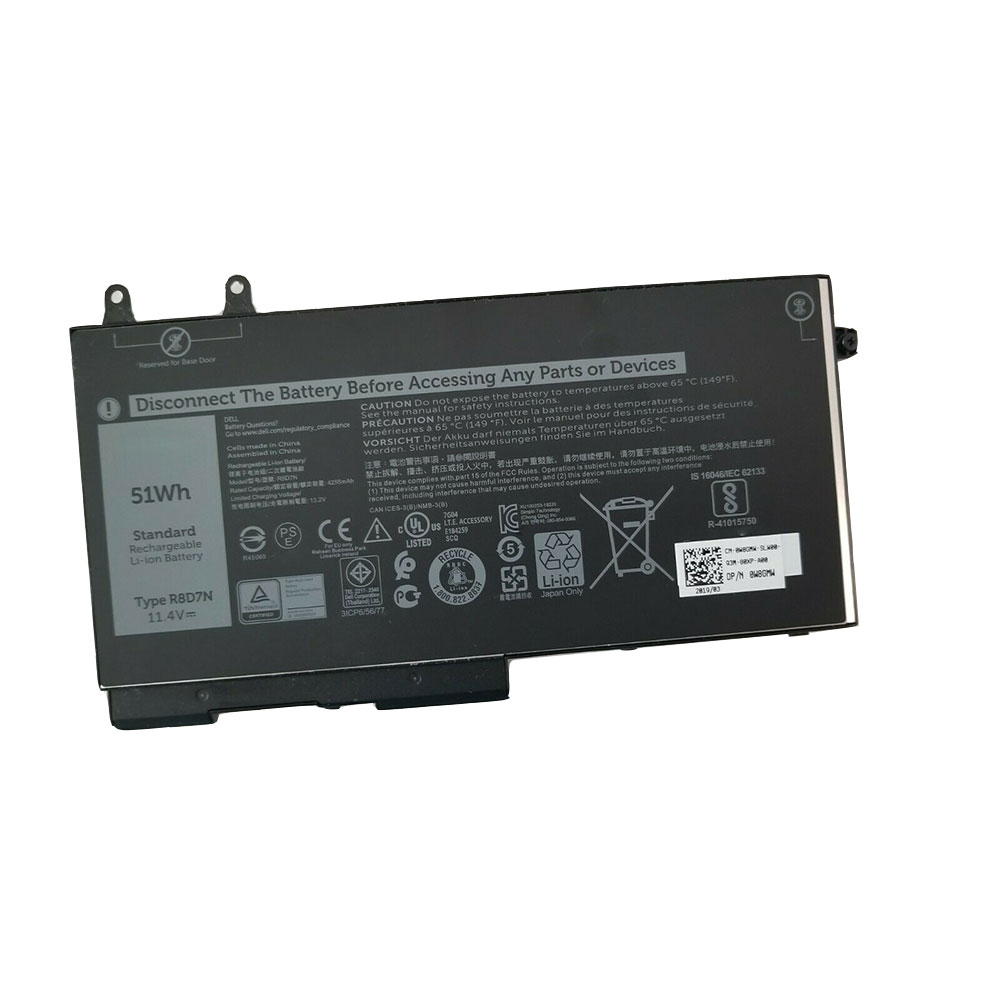
51Wh 11.4V Dell R8D7N Batteries for DELL Precision 3540 M3540 series, Dell R8D7N Laptop battery is a brand new,100% Compatible original and replacement Laptop battery,Purchase wholesale and retail R8D7N with high quality and low price!
Descriptive: Replacement Battery – 1 Year Warranty
Description: Brand New, 1 Year Warranty! 30-Days Money Back! Fast Shipping!
How we test this Dell R8D7N Battery Li-ion 11.4V 51Wh
Step 1: Make sure customer bought the correct battery. Step 2: Check battery’s appearance and interface. Step 3: Test battery charger and recharger function. Step 4: Charger the battery to 100% and recharger to 0% to get real battery capacity Step 5: Use Ev2300 to check the voltage difference of each goroup cells. Step 6: Charger battery power more than 30%. Step 7: Package battery carefully and send out
How much do you know about how to run laptop well as any place? The follow Tips cut way back on protecting battery life.
1). Please recharge or change your Laptop battery when battery power low. 2). Using Li-Ion Replacement Dell R8D7N Laptop Battery for your notebook which can work longer time than Non Li-ion one. 3). It is better to defragmentation regularly for your Laptop battery life. 4). In order to reduce the laptop power consumpition, you can use some optical drive spin-down and hard drive in your Laptop . 5). Please keep your laptop in sleep or standby model without long time using, which both save the Replacement Dell R8D7N Laptop Battery power and extend battery using life. 6). Leave your battery in a dry and cool condition when without using. 7). When you rarely or generally plugged in fixed power using, Please take down your battery to avoid hurting battery life.
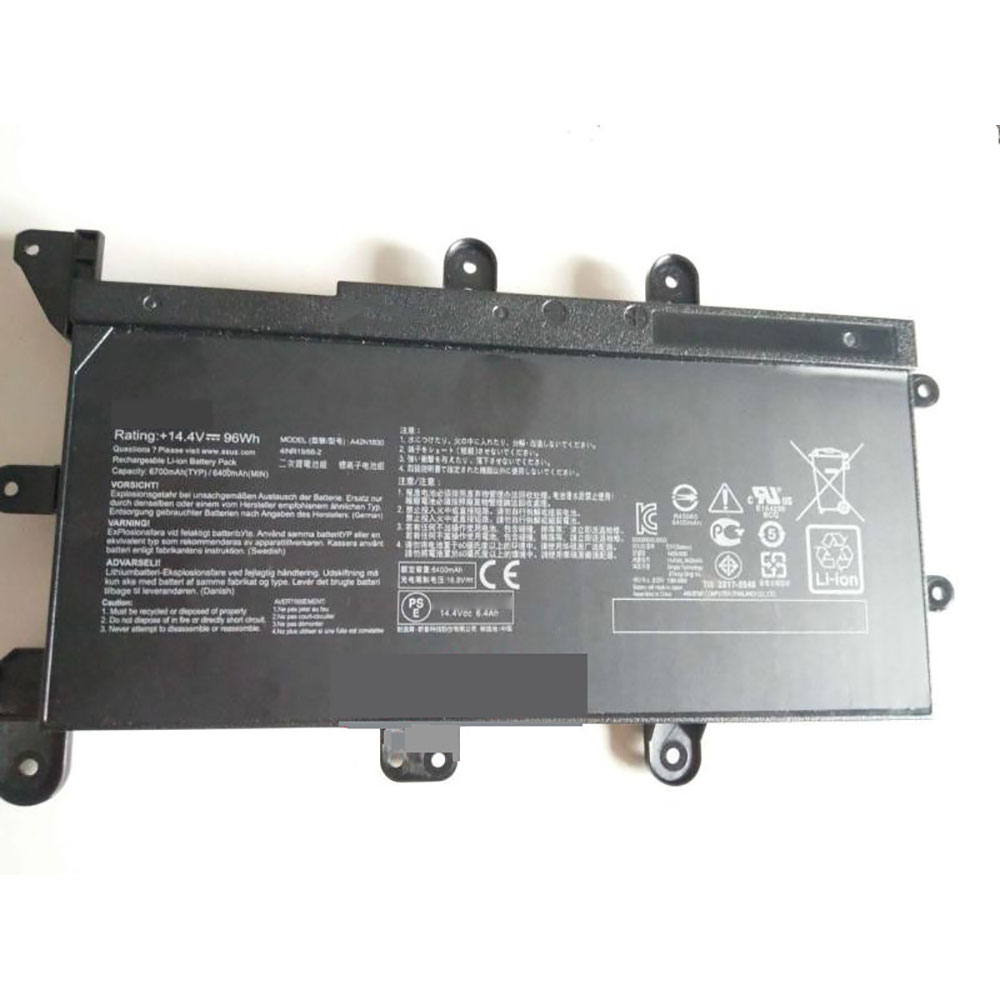
6600mAh/96WH 14.4V Asus A42N1830 Batteries for ASUS ROG G703GX-EV117T G703GX-XS71 PS91k XS98K, Asus A42N1830 Laptop battery is a brand new,100% Compatible original and replacement Laptop battery,Purchase wholesale and retail A42N1830 with high quality and low price!
Descriptive: Replacement Battery – 1 Year Warranty
Description: Brand New, 1 Year Warranty! 30-Days Money Back! Fast Shipping!
How we test this Asus A42N1830 Battery Li-ion 14.4V 6600mAh/96WH
Step 1: Make sure customer bought the correct battery. Step 2: Check battery’s appearance and interface. Step 3: Test battery charger and recharger function. Step 4: Charger the battery to 100% and recharger to 0% to get real battery capacity Step 5: Use Ev2300 to check the voltage difference of each goroup cells. Step 6: Charger battery power more than 30%. Step 7: Package battery carefully and send out
How much do you know about how to run laptop well as any place? The follow Tips cut way back on protecting battery life.
1). Please recharge or change your Laptop battery when battery power low. 2). Using Li-Ion Replacement Asus A42N1830 Laptop Battery for your notebook which can work longer time than Non Li-ion one. 3). It is better to defragmentation regularly for your Laptop battery life. 4). In order to reduce the laptop power consumpition, you can use some optical drive spin-down and hard drive in your Laptop . 5). Please keep your laptop in sleep or standby model without long time using, which both save the Replacement Asus A42N1830 Laptop Battery power and extend battery using life. 6). Leave your battery in a dry and cool condition when without using. 7). When you rarely or generally plugged in fixed power using, Please take down your battery to avoid hurting battery life.
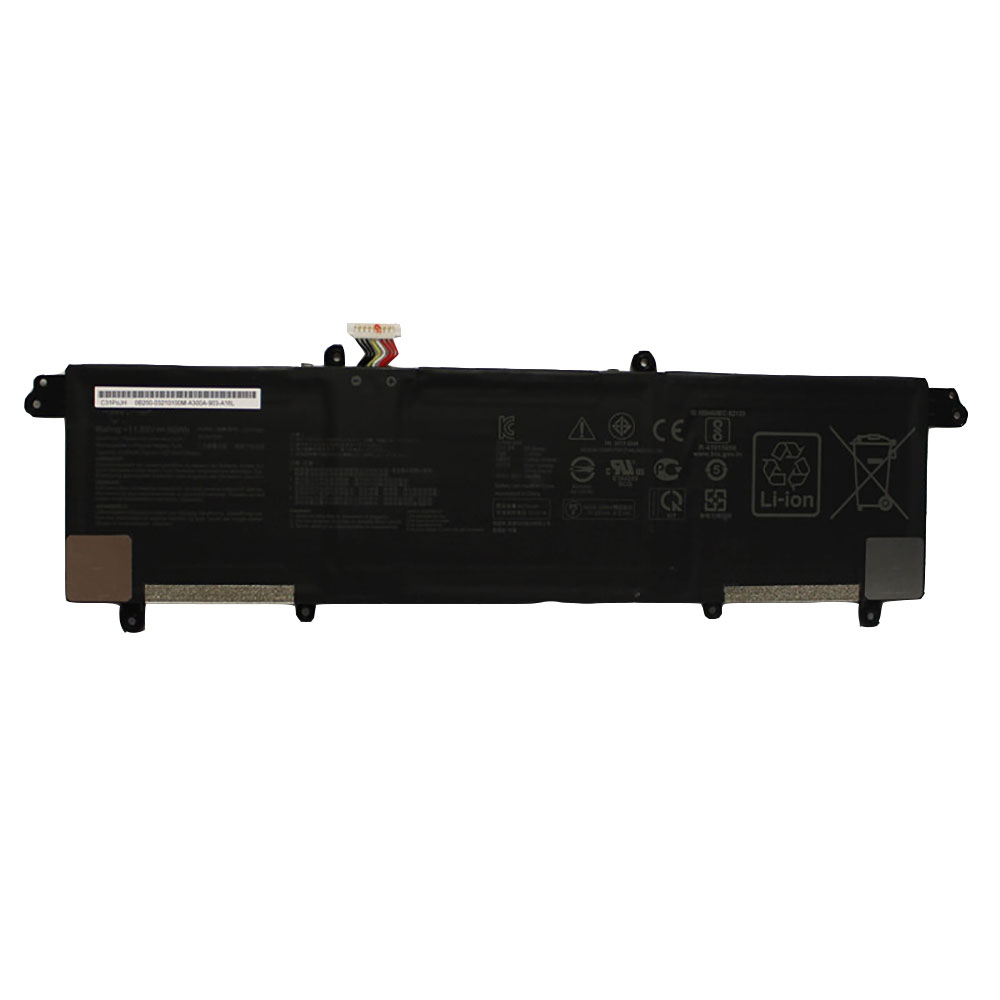
4210mAh/50WH 11.55V/13.2V Asus C31N1821 Batteries for Asus ZenBook S13 UX392FA UX392FN UX392FN-XS71, Asus C31N1821 Laptop battery is a brand new,100% Compatible original and replacement Laptop battery,Purchase wholesale and retail C31N1821 with high quality and low price!
C31N1821 Battery asus Li-ion 11.55V/13.2V 4210mAh/50WH
Descriptive: Replacement Battery – 1 Year Warranty
Description: Brand New, 1 Year Warranty! 30-Days Money Back! Fast Shipping!
How we test this Asus C31N1821 Battery Li-ion 11.55V/13.2V 4210mAh/50WH
Step 1: Make sure customer bought the correct battery. Step 2: Check battery’s appearance and interface. Step 3: Test battery charger and recharger function. Step 4: Charger the battery to 100% and recharger to 0% to get real battery capacity Step 5: Use Ev2300 to check the voltage difference of each goroup cells. Step 6: Charger battery power more than 30%. Step 7: Package battery carefully and send out
How much do you know about how to run laptop well as any place? The follow Tips cut way back on protecting battery life.
1). Please recharge or change your Laptop battery when battery power low. 2). Using Li-Ion Replacement Asus C31N1821 Laptop Battery for your notebook which can work longer time than Non Li-ion one. 3). It is better to defragmentation regularly for your Laptop battery life. 4). In order to reduce the laptop power consumpition, you can use some optical drive spin-down and hard drive in your Laptop . 5). Please keep your laptop in sleep or standby model without long time using, which both save the Replacement Asus C31N1821 Laptop Battery power and extend battery using life. 6). Leave your battery in a dry and cool condition when without using. 7). When you rarely or generally plugged in fixed power using, Please take down your battery to avoid hurting battery life.
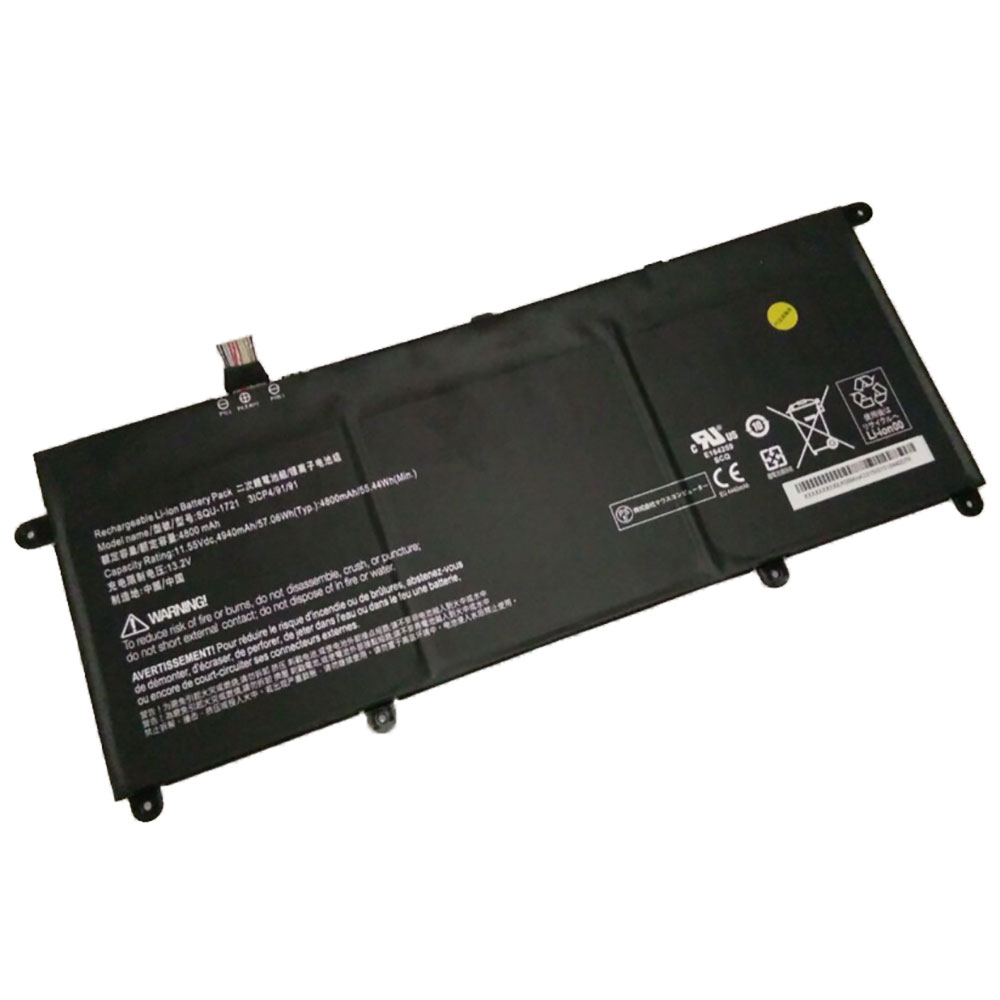
4800mAh/55.44WH 11.55V/13.2V Hasee SQU-1721 Batteries for Hasee SQU-1721, Hasee SQU-1721 Laptop battery is a brand new,100% Compatible original and replacement Laptop battery,Purchase wholesale and retail SQU-1721 with high quality and low price!
Descriptive: Replacement Battery – 1 Year Warranty
Description: Brand New, 1 Year Warranty! 30-Days Money Back! Fast Shipping!
How we test this Hasee SQU-1721 Battery Li-ion 11.55V/13.2V 4800mAh/55.44WH
Step 1: Make sure customer bought the correct battery. Step 2: Check battery’s appearance and interface. Step 3: Test battery charger and recharger function. Step 4: Charger the battery to 100% and recharger to 0% to get real battery capacity Step 5: Use Ev2300 to check the voltage difference of each goroup cells. Step 6: Charger battery power more than 30%. Step 7: Package battery carefully and send out
How much do you know about how to run laptop well as any place? The follow Tips cut way back on protecting battery life.
1). Please recharge or change your Laptop battery when battery power low. 2). Using Li-Ion Replacement Hasee SQU-1721 Laptop Battery for your notebook which can work longer time than Non Li-ion one. 3). It is better to defragmentation regularly for your Laptop battery life. 4). In order to reduce the laptop power consumpition, you can use some optical drive spin-down and hard drive in your Laptop . 5). Please keep your laptop in sleep or standby model without long time using, which both save the Replacement Hasee SQU-1721 Laptop Battery power and extend battery using life. 6). Leave your battery in a dry and cool condition when without using. 7). When you rarely or generally plugged in fixed power using, Please take down your battery to avoid hurting battery life.
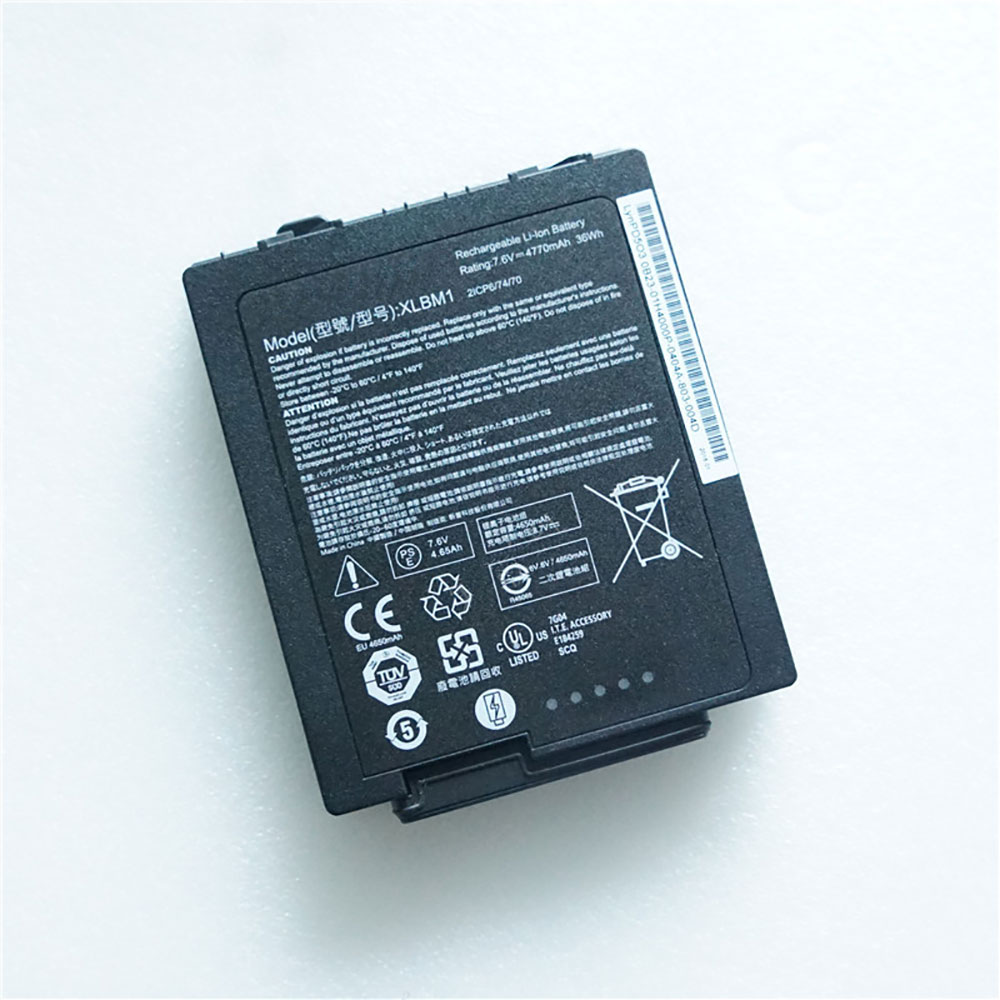
4650mAh/36.25WH 7.6V/8.7V Xplore XLBM1 Batteries for XPLORE LynPD5O3 0B23-01H4000P, Xplore XLBM1 Laptop battery is a brand new,100% Compatible original and replacement Laptop battery,Purchase wholesale and retail XLBM1 with high quality and low price!
Descriptive: Replacement Battery – 1 Year Warranty
Description: Brand New, 1 Year Warranty! 30-Days Money Back! Fast Shipping!
How we test this Xplore XLBM1 Battery Li-ion 7.6V/8.7V 4650mAh/36.25WH
Step 1: Make sure customer bought the correct battery. Step 2: Check battery’s appearance and interface. Step 3: Test battery charger and recharger function. Step 4: Charger the battery to 100% and recharger to 0% to get real battery capacity Step 5: Use Ev2300 to check the voltage difference of each goroup cells. Step 6: Charger battery power more than 30%. Step 7: Package battery carefully and send out
How much do you know about how to run laptop well as any place? The follow Tips cut way back on protecting battery life.
1). Please recharge or change your Laptop battery when battery power low. 2). Using Li-Ion Replacement Xplore XLBM1 Laptop Battery for your notebook which can work longer time than Non Li-ion one. 3). It is better to defragmentation regularly for your Laptop battery life. 4). In order to reduce the laptop power consumpition, you can use some optical drive spin-down and hard drive in your Laptop . 5). Please keep your laptop in sleep or standby model without long time using, which both save the Replacement Xplore XLBM1 Laptop Battery power and extend battery using life. 6). Leave your battery in a dry and cool condition when without using. 7). When you rarely or generally plugged in fixed power using, Please take down your battery to avoid hurting battery life.
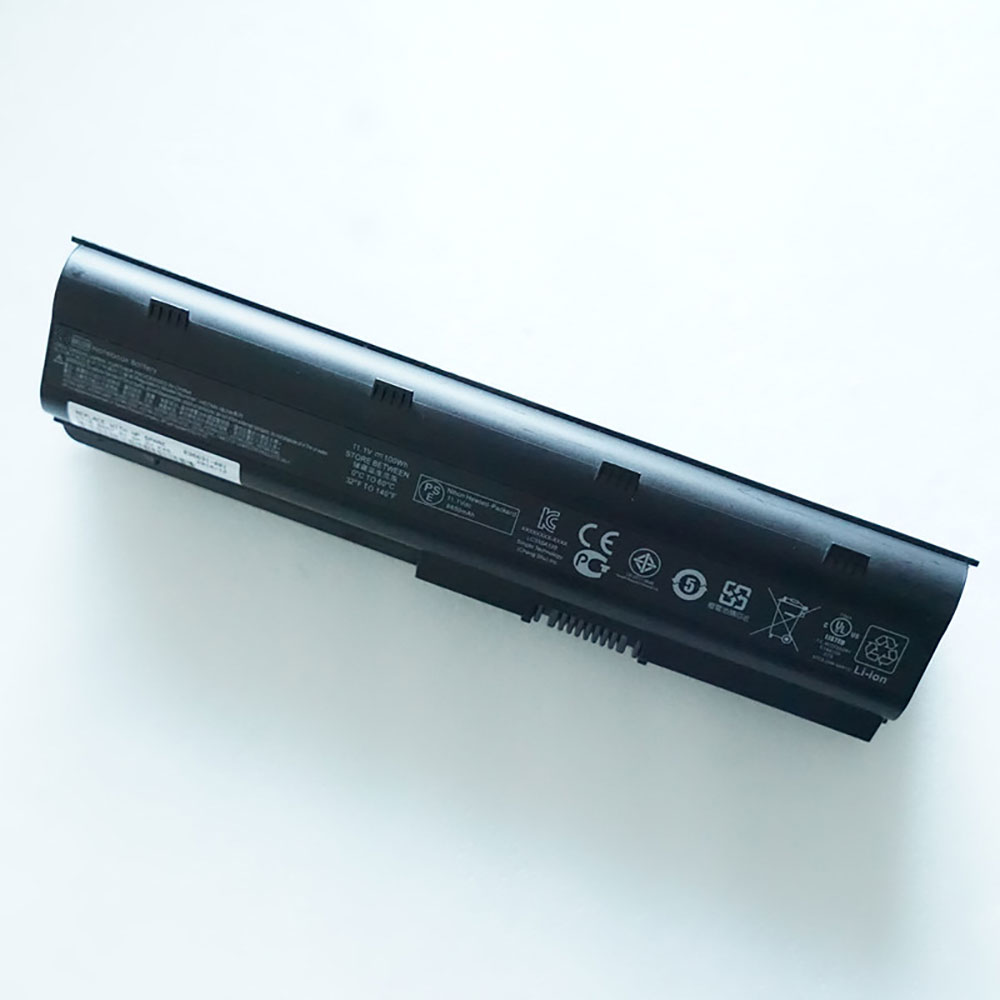
9000mAh/100WH 10.8V Hp MU06 Batteries for HP Pavilion G4 G6 G7 G42 G72, Hp MU06 Laptop battery is a brand new,100% Compatible original and replacement Laptop battery,Purchase wholesale and retail MU06 with high quality and low price!
Descriptive: Replacement Battery – 1 Year Warranty
Description: Brand New, 1 Year Warranty! 30-Days Money Back! Fast Shipping!
How we test this Hp MU06 Battery Li-ion 10.8V 9000mAh/100WH
Step 1: Make sure customer bought the correct battery. Step 2: Check battery’s appearance and interface. Step 3: Test battery charger and recharger function. Step 4: Charger the battery to 100% and recharger to 0% to get real battery capacity Step 5: Use Ev2300 to check the voltage difference of each goroup cells. Step 6: Charger battery power more than 30%. Step 7: Package battery carefully and send out
How much do you know about how to run laptop well as any place? The follow Tips cut way back on protecting battery life.
1). Please recharge or change your Laptop battery when battery power low. 2). Using Li-Ion Replacement Hp MU06 Laptop Battery for your notebook which can work longer time than Non Li-ion one. 3). It is better to defragmentation regularly for your Laptop battery life. 4). In order to reduce the laptop power consumpition, you can use some optical drive spin-down and hard drive in your Laptop . 5). Please keep your laptop in sleep or standby model without long time using, which both save the Replacement Hp MU06 Laptop Battery power and extend battery using life. 6). Leave your battery in a dry and cool condition when without using. 7). When you rarely or generally plugged in fixed power using, Please take down your battery to avoid hurting battery life.
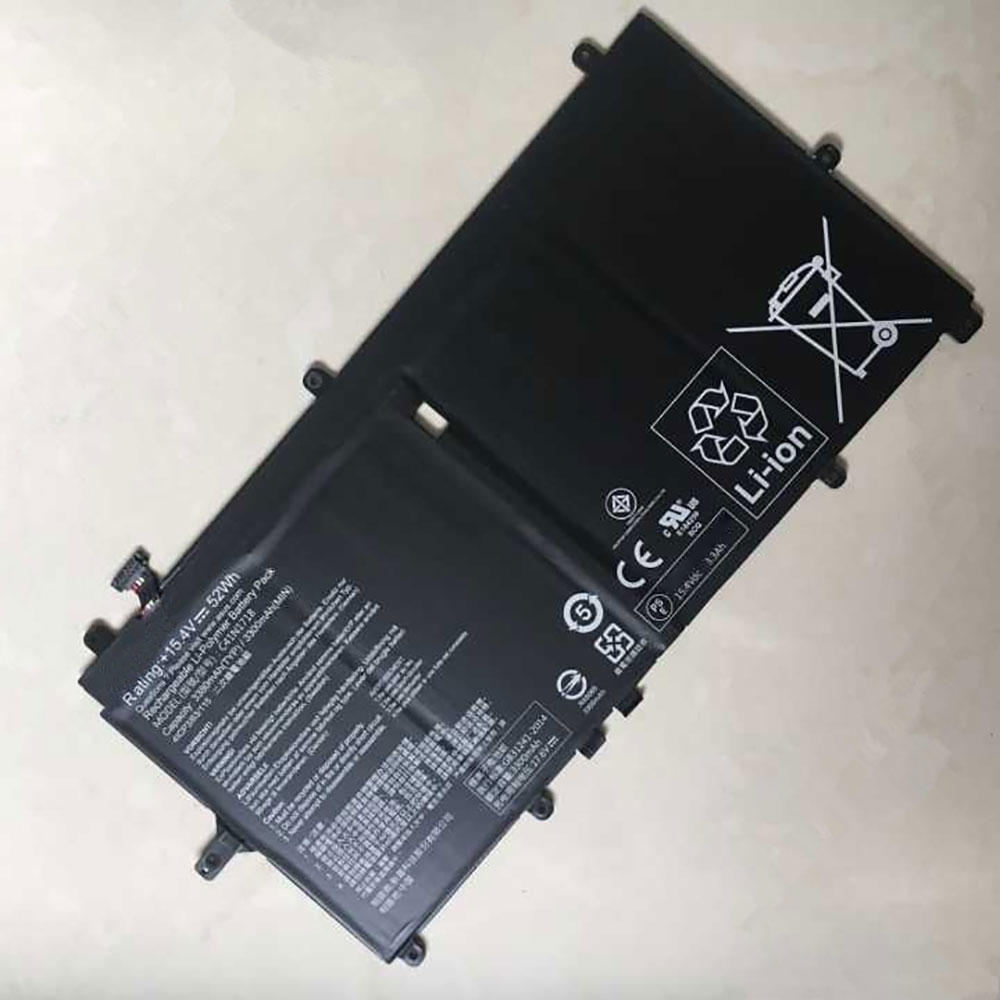
3300mAh/52WH 15.4V/17.6V Asus C41N1718 Batteries for Asus NovaGo TP370 TP370Q TP370QL C41PSJH, Asus C41N1718 Laptop battery is a brand new,100% Compatible original and replacement Laptop battery,Purchase wholesale and retail C41N1718 with high quality and low price!
C41N1718 Battery asus Li-ion 15.4V/17.6V 3300mAh/52WH
Descriptive: Replacement Battery – 1 Year Warranty
Description: Brand New, 1 Year Warranty! 30-Days Money Back! Fast Shipping!
How we test this Asus C41N1718 Battery Li-ion 15.4V/17.6V 3300mAh/52WH
Step 1: Make sure customer bought the correct battery. Step 2: Check battery’s appearance and interface. Step 3: Test battery charger and recharger function. Step 4: Charger the battery to 100% and recharger to 0% to get real battery capacity Step 5: Use Ev2300 to check the voltage difference of each goroup cells. Step 6: Charger battery power more than 30%. Step 7: Package battery carefully and send out
How much do you know about how to run laptop well as any place? The follow Tips cut way back on protecting battery life.
1). Please recharge or change your Laptop battery when battery power low. 2). Using Li-Ion Replacement Asus C41N1718 Laptop Battery for your notebook which can work longer time than Non Li-ion one. 3). It is better to defragmentation regularly for your Laptop battery life. 4). In order to reduce the laptop power consumpition, you can use some optical drive spin-down and hard drive in your Laptop . 5). Please keep your laptop in sleep or standby model without long time using, which both save the Replacement Asus C41N1718 Laptop Battery power and extend battery using life. 6). Leave your battery in a dry and cool condition when without using. 7). When you rarely or generally plugged in fixed power using, Please take down your battery to avoid hurting battery life.
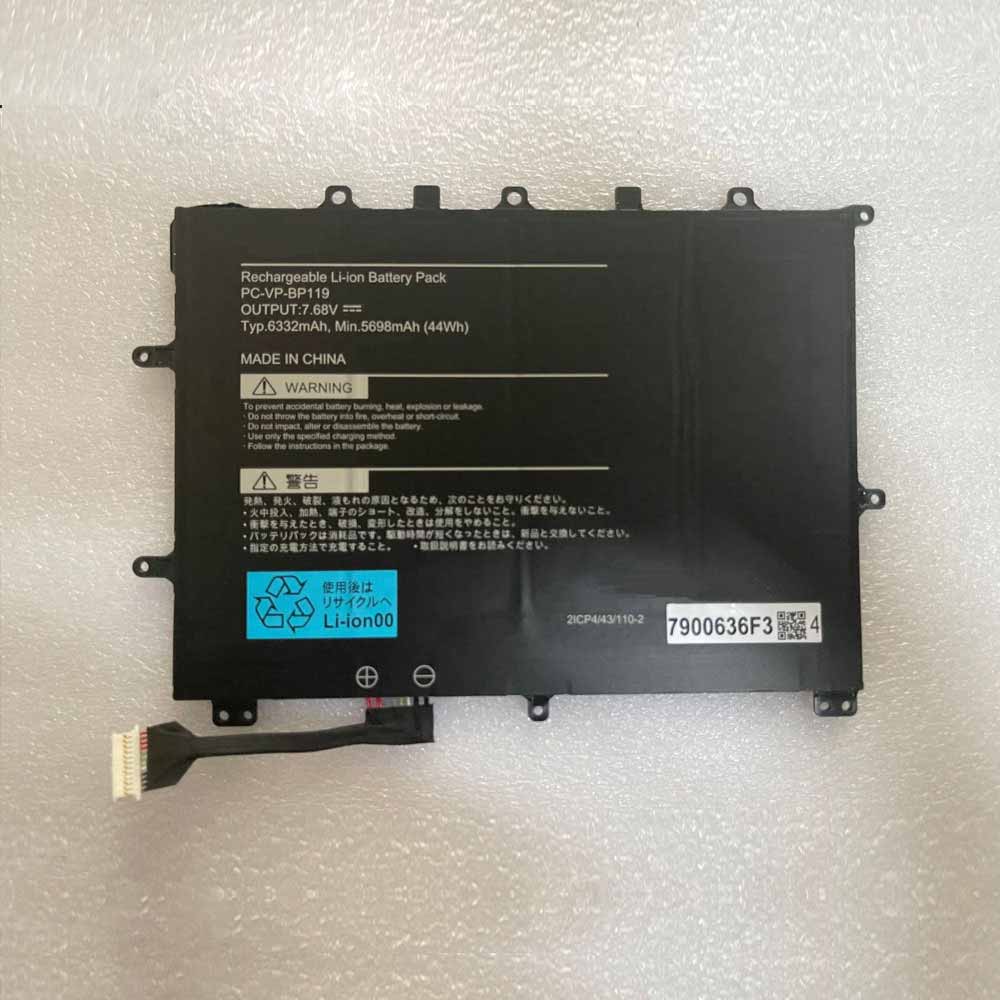
6332mAh/44WH 7.68V Nec PC-VP-BP119 Batteries for NEC PC-VP-BP119, Nec PC-VP-BP119 Laptop battery is a brand new,100% Compatible original and replacement Laptop battery,Purchase wholesale and retail PC-VP-BP119 with high quality and low price!
Descriptive: Replacement Battery – 1 Year Warranty
Description: Brand New, 1 Year Warranty! 30-Days Money Back! Fast Shipping!
How we test this Nec PC-VP-BP119 Battery Li-ion 7.68V 6332mAh/44WH
Step 1: Make sure customer bought the correct battery. Step 2: Check battery’s appearance and interface. Step 3: Test battery charger and recharger function. Step 4: Charger the battery to 100% and recharger to 0% to get real battery capacity Step 5: Use Ev2300 to check the voltage difference of each goroup cells. Step 6: Charger battery power more than 30%. Step 7: Package battery carefully and send out
How much do you know about how to run laptop well as any place? The follow Tips cut way back on protecting battery life.
1). Please recharge or change your Laptop battery when battery power low. 2). Using Li-Ion Replacement Nec PC-VP-BP119 Laptop Battery for your notebook which can work longer time than Non Li-ion one. 3). It is better to defragmentation regularly for your Laptop battery life. 4). In order to reduce the laptop power consumpition, you can use some optical drive spin-down and hard drive in your Laptop . 5). Please keep your laptop in sleep or standby model without long time using, which both save the Replacement Nec PC-VP-BP119 Laptop Battery power and extend battery using life. 6). Leave your battery in a dry and cool condition when without using. 7). When you rarely or generally plugged in fixed power using, Please take down your battery to avoid hurting battery life.
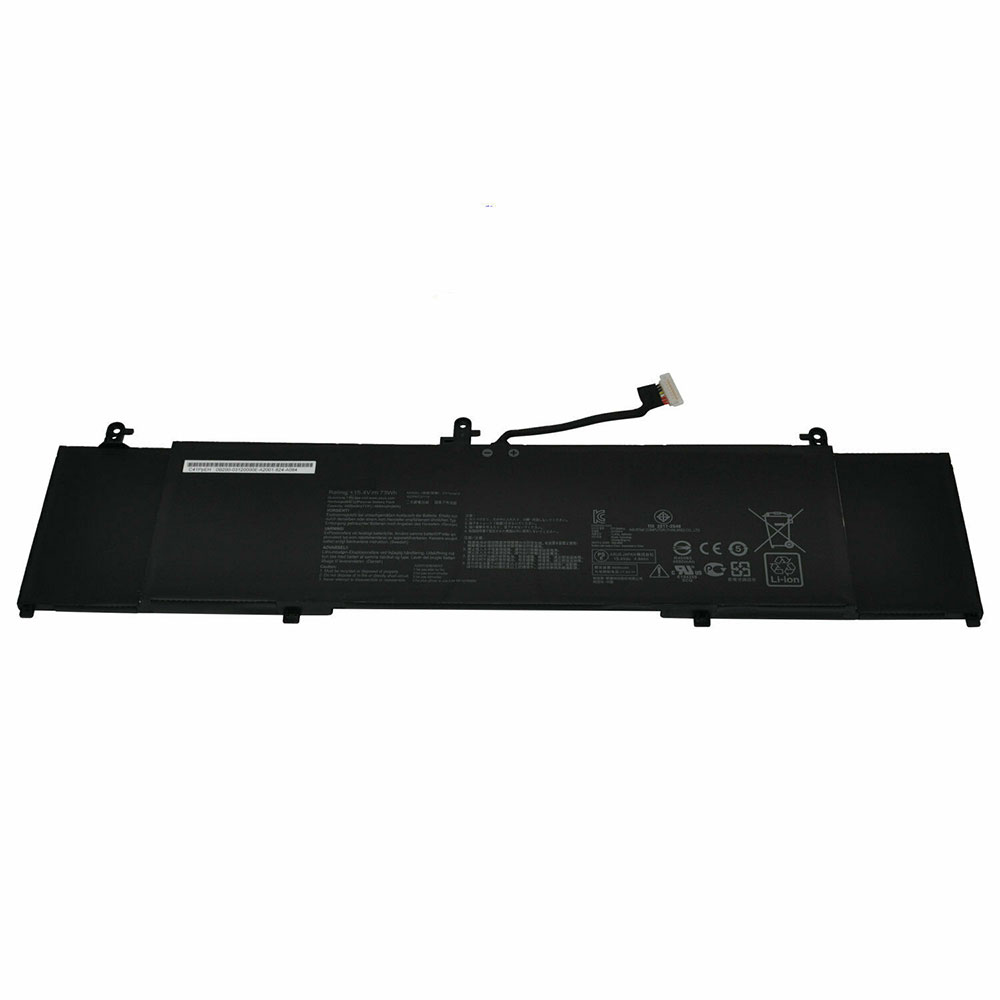
4680mAh/73WH 15.4V Asus C41N1814 Batteries for Asus ZenBook 15 UX533FD UX533FN UX533FN-A8021T, Asus C41N1814 Laptop battery is a brand new,100% Compatible original and replacement Laptop battery,Purchase wholesale and retail C41N1814 with high quality and low price!
Descriptive: Replacement Battery – 1 Year Warranty
Description: Brand New, 1 Year Warranty! 30-Days Money Back! Fast Shipping!
How we test this Asus C41N1814 Battery Li-ion 15.4V 4680mAh/73WH
Step 1: Make sure customer bought the correct battery. Step 2: Check battery’s appearance and interface. Step 3: Test battery charger and recharger function. Step 4: Charger the battery to 100% and recharger to 0% to get real battery capacity Step 5: Use Ev2300 to check the voltage difference of each goroup cells. Step 6: Charger battery power more than 30%. Step 7: Package battery carefully and send out
How much do you know about how to run laptop well as any place? The follow Tips cut way back on protecting battery life.
1). Please recharge or change your Laptop battery when battery power low. 2). Using Li-Ion Replacement Asus C41N1814 Laptop Battery for your notebook which can work longer time than Non Li-ion one. 3). It is better to defragmentation regularly for your Laptop battery life. 4). In order to reduce the laptop power consumpition, you can use some optical drive spin-down and hard drive in your Laptop . 5). Please keep your laptop in sleep or standby model without long time using, which both save the Replacement Asus C41N1814 Laptop Battery power and extend battery using life. 6). Leave your battery in a dry and cool condition when without using. 7). When you rarely or generally plugged in fixed power using, Please take down your battery to avoid hurting battery life.