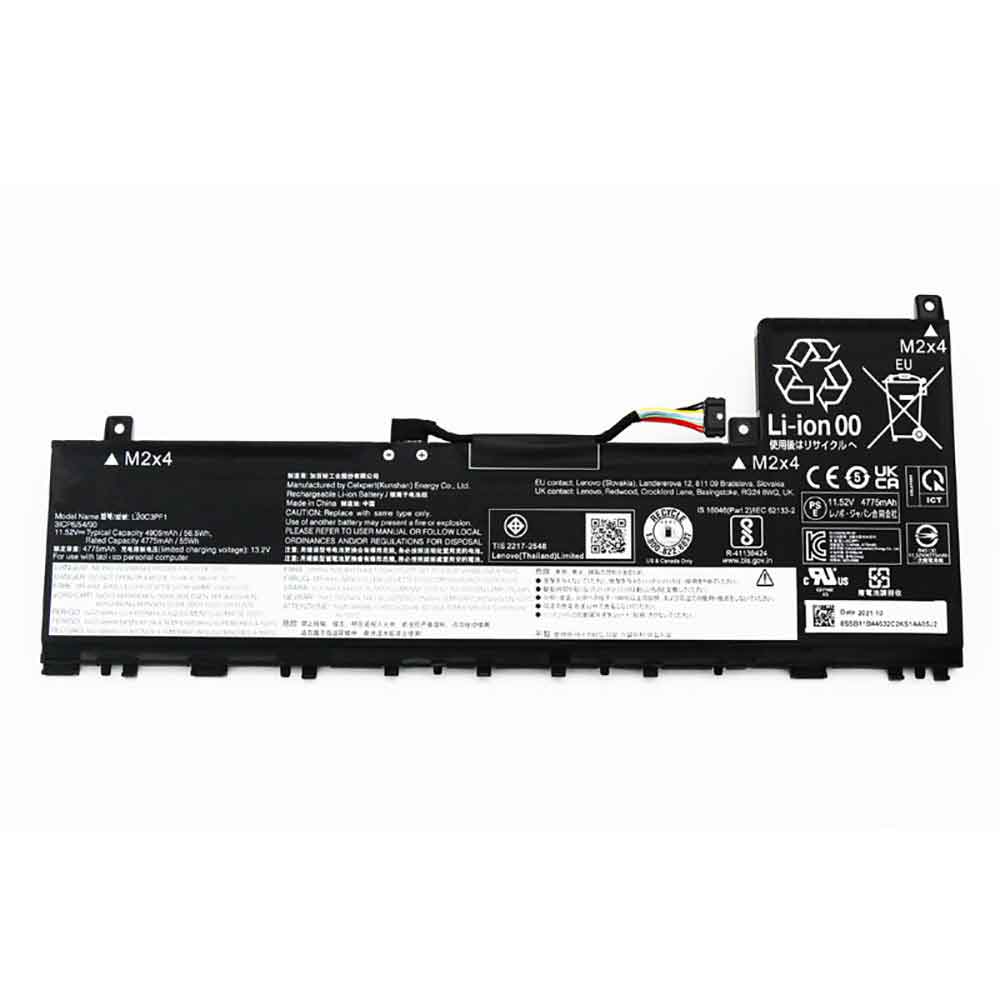
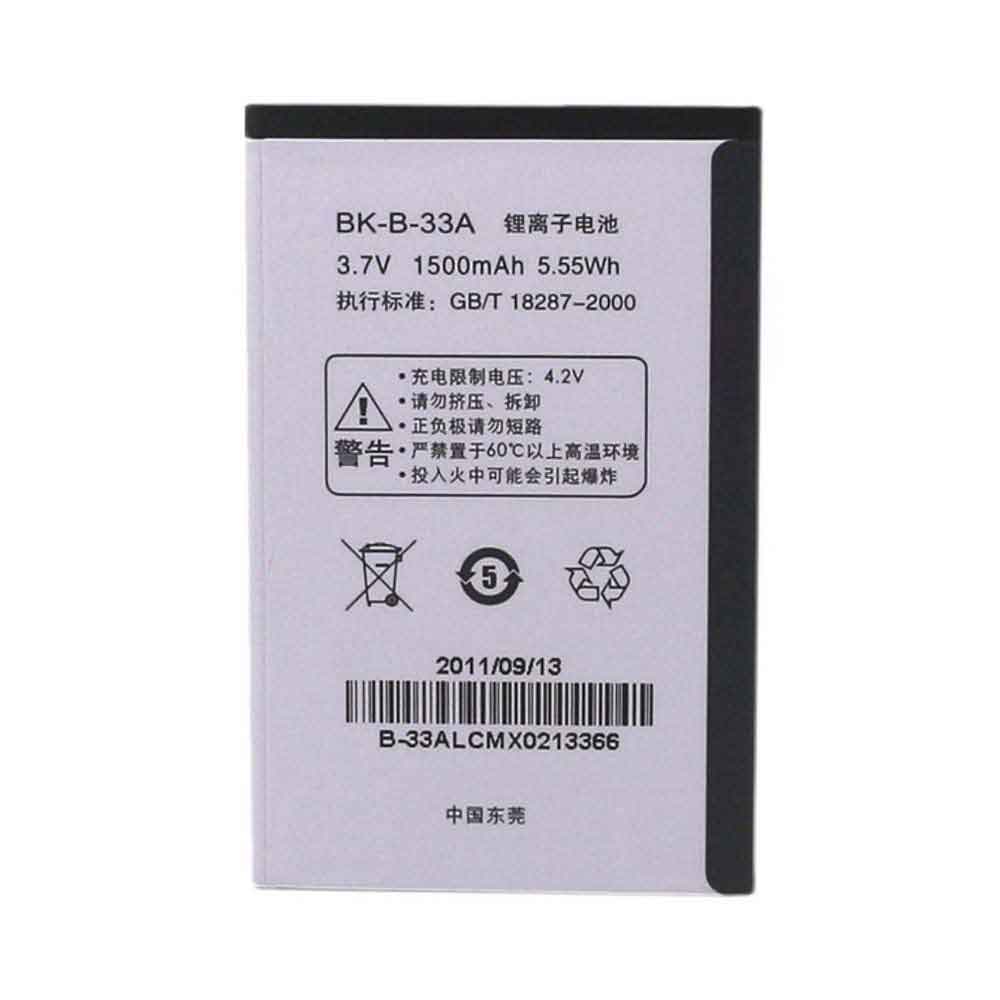
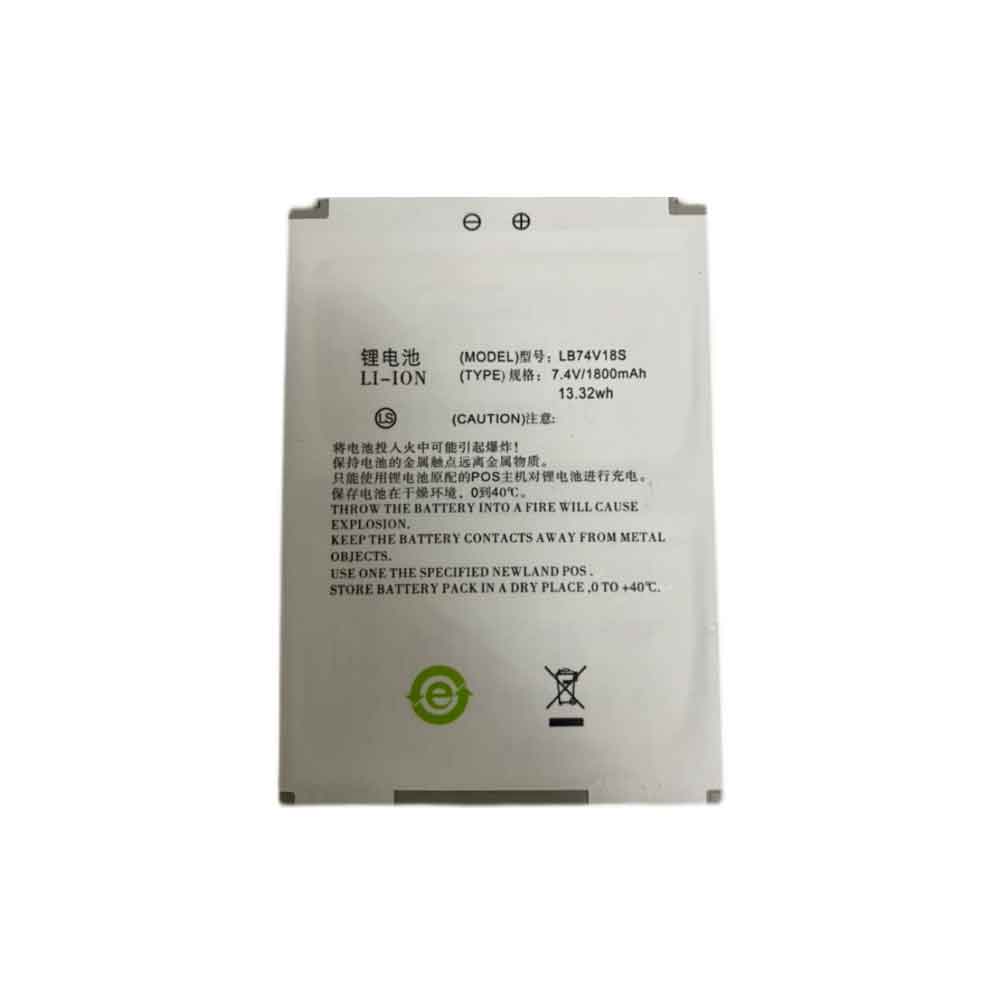
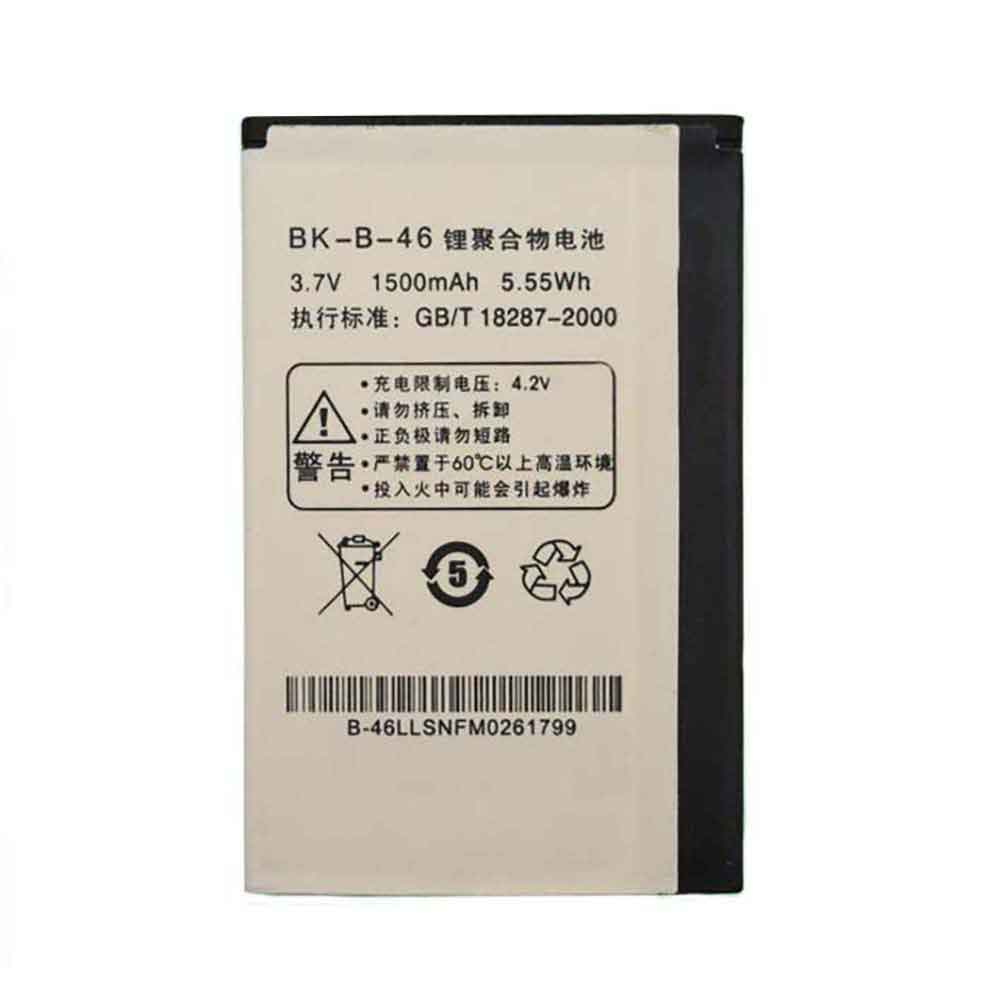
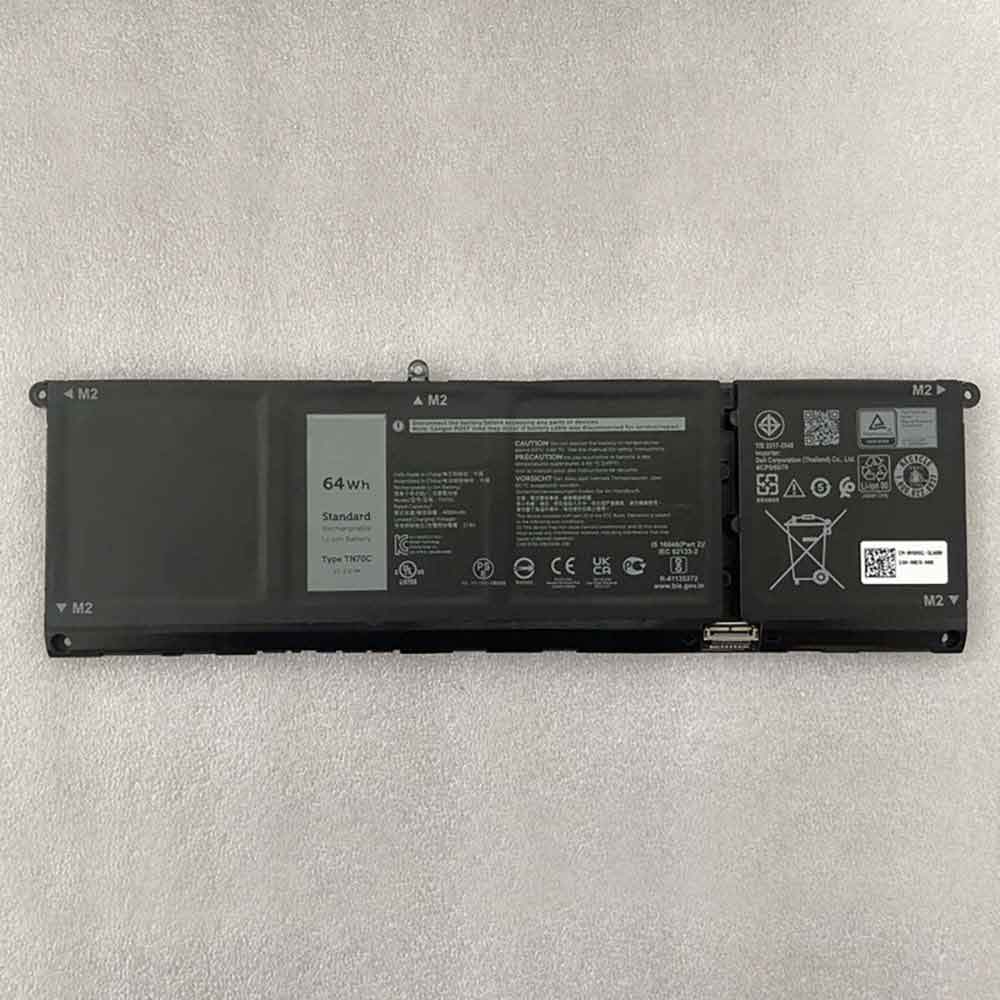
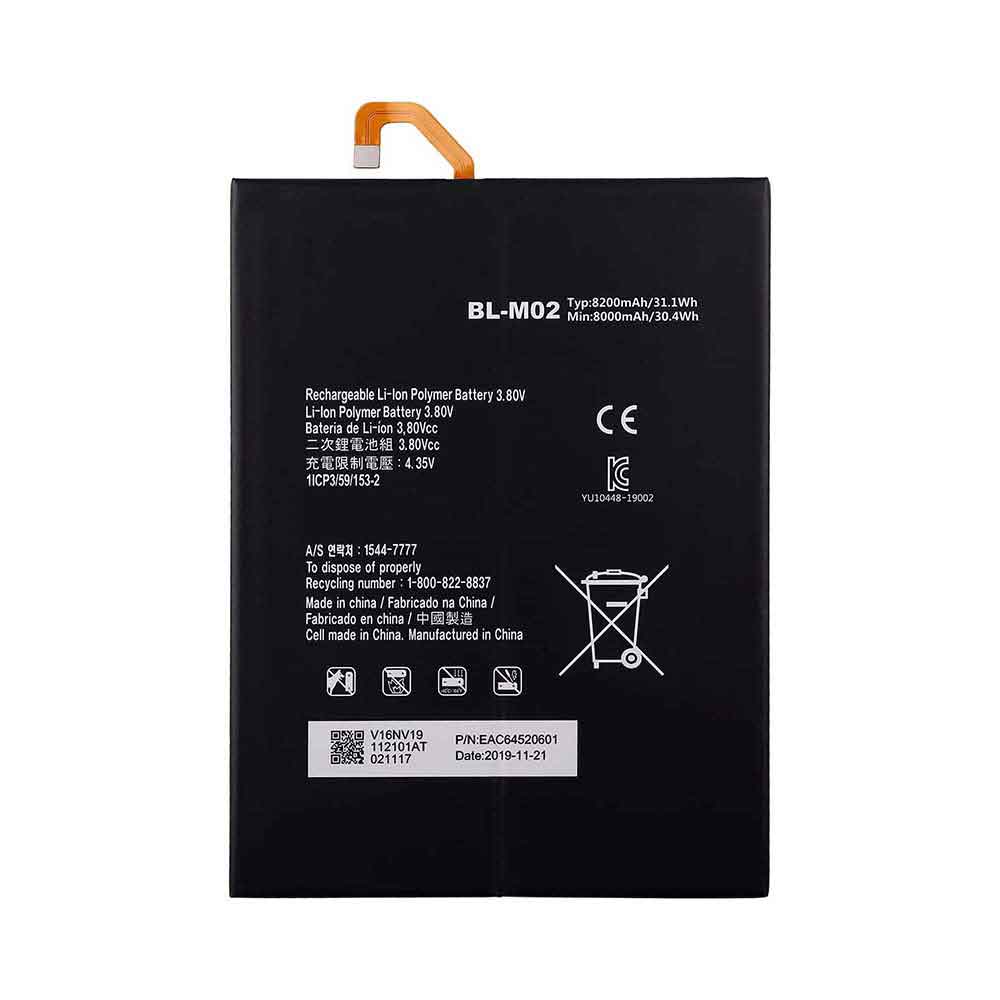
4000mAh 3.7V Idata BT01M107 Li-ion Battery for iData 90 95

4000mAh 3.7V Idata BT01M107 Batteries for iData 90 95, Idata BT01M107 Other battery is a brand new,100% Compatible original and replacement battery,Purchase wholesale and retail BT01M107 with high quality and low price!

Find ou your original model number or part number(P/N), and move your eyes on the tag of battery

BT01M107

Specifications

  • Brand:iData
  • Capacity :4000mAh
  • Voltage :3.7V
  • Type :Li-ion
  • Battery Cell Quality: Grade A
  • Descriptive: Replacement Battery – 1 Year Warranty
  • Description: Brand New, 1 Year Warranty! 30-Days Money Back! Fast Shipping!

How we test this Idata BT01M107 Battery
Step 1: Make sure customer bought the correct battery.
Step 2: Check battery’s appearance and interface.
Step 3: Test battery charger and recharger function.
Step 4: Charger the battery to 100% and recharger to 0% to get real battery capacity
Step 5: Use Ev2300 to check the voltage difference of each goroup cells.
Step 6: Charger battery power more than 30%.
Step 7: Package battery carefully and send out

Compatible Part Numbers:
BT01M107

Compatible Model Numbers:
iData 90 95

How much do you know about how to run laptop well as any place? The follow Tips cut way back on protecting battery life.


1). Please recharge or change your Other battery when battery power low.
2). Using Li-Ion Replacement Idata BT01M107 Other Battery for your notebook which can work longer time than Non Li-ion one.
3). It is better to defragmentation regularly for your Other battery life.
4). In order to reduce the laptop power consumpition, you can use some optical drive spin-down and hard drive in your Other .
5). Please keep your laptop in sleep or standby model without long time using, which both save the Replacement Idata BT01M107 Other Battery power and extend battery using life.
6). Leave your battery in a dry and cool condition when without using.
7). When you rarely or generally plugged in fixed power using, Please take down your battery to avoid hurting battery life.

Hot Products

7850mAh/60.2Wh XIAOMI R15B01W for Xiaomi Mi Pro i54100mAh/46.74Wh(4000mAh) GETAC GK5CN-00-13-3S1P-0 for Getac GK5CN5Z GK7CN6S GK5CN-1115.8Wh LENOVO L14C1P21 for Lenovo MIIX 3 MIIX3-8305250mAh/19.43Wh PAX IS900 for PAX A920 A920C44Wh ASUS C31N1318 for Asus Pro Essential PU301 PU3016100mAh ACER HPP279594AB for Acer Iconia One B3-A40 A700236Wh CLEVO N130BAT-3 for Clevo N130BU Sager NP3130 36Wh890 mAh AMAZON 58-000151 for Amazon Kindle 7 7th Gen 6″ Mod5000mAh/19.3WH MOTOROLA MS50 for Motorola G50 5G XT2149-13430MAH ULEFONE S11 for Ulefone S11 Note 7

1600mAh 3.7V Yuhuida 803450 Li-ion Battery for Yuhuida Early Education Point Reading Machine

1600mAh 3.7V Yuhuida 803450 Batteries for Yuhuida Early Education Point Reading Machine, Yuhuida 803450 Other battery is a brand new,100% Compatible original and replacement battery,Purchase wholesale and retail 803450 with high quality and low price!

Find ou your original model number or part number(P/N), and move your eyes on the tag of battery

803450

Specifications

  • Brand:Yuhuida
  • Capacity :1600mAh
  • Voltage :3.7V
  • Type :Li-Po
  • Battery Cell Quality: Grade A
  • Descriptive: Replacement Battery – 1 Year Warranty
  • Description: Brand New, 1 Year Warranty! 30-Days Money Back! Fast Shipping!

How we test this Yuhuida 803450 Battery
Step 1: Make sure customer bought the correct battery.
Step 2: Check battery’s appearance and interface.
Step 3: Test battery charger and recharger function.
Step 4: Charger the battery to 100% and recharger to 0% to get real battery capacity
Step 5: Use Ev2300 to check the voltage difference of each goroup cells.
Step 6: Charger battery power more than 30%.
Step 7: Package battery carefully and send out

Compatible Part Numbers:
803450

Compatible Model Numbers:
Yuhuida Early Education Point Reading Machine

How much do you know about how to run laptop well as any place? The follow Tips cut way back on protecting battery life.


1). Please recharge or change your Other battery when battery power low.
2). Using Li-Ion Replacement Yuhuida 803450 Other Battery for your notebook which can work longer time than Non Li-ion one.
3). It is better to defragmentation regularly for your Other battery life.
4). In order to reduce the laptop power consumpition, you can use some optical drive spin-down and hard drive in your Other .
5). Please keep your laptop in sleep or standby model without long time using, which both save the Replacement Yuhuida 803450 Other Battery power and extend battery using life.
6). Leave your battery in a dry and cool condition when without using.
7). When you rarely or generally plugged in fixed power using, Please take down your battery to avoid hurting battery life.

Hot Products

7850mAh/60.2Wh XIAOMI R15B01W for Xiaomi Mi Pro i54100mAh/46.74Wh(4000mAh) GETAC GK5CN-00-13-3S1P-0 for Getac GK5CN5Z GK7CN6S GK5CN-1115.8Wh LENOVO L14C1P21 for Lenovo MIIX 3 MIIX3-8305250mAh/19.43Wh PAX IS900 for PAX A920 A920C44Wh ASUS C31N1318 for Asus Pro Essential PU301 PU3016100mAh ACER HPP279594AB for Acer Iconia One B3-A40 A700236Wh CLEVO N130BAT-3 for Clevo N130BU Sager NP3130 36Wh890 mAh AMAZON 58-000151 for Amazon Kindle 7 7th Gen 6″ Mod5000mAh/19.3WH MOTOROLA MS50 for Motorola G50 5G XT2149-13430MAH ULEFONE S11 for Ulefone S11 Note 7

3400mAh 7.6V Kaidi SG908MAX Li-ion Battery for Kaidi SG908MAX Drone

3400mAh 7.6V Kaidi SG908MAX Batteries for Kaidi SG908MAX Drone, Kaidi SG908MAX Other battery is a brand new,100% Compatible original and replacement battery,Purchase wholesale and retail SG908MAX with high quality and low price!

Find ou your original model number or part number(P/N), and move your eyes on the tag of battery

SG908MAX

Specifications

  • Brand:Kaidi
  • Capacity :3400mAh
  • Voltage :7.6V
  • Type :Li-ion
  • Battery Cell Quality: Grade A
  • Descriptive: Replacement Battery – 1 Year Warranty
  • Description: Brand New, 1 Year Warranty! 30-Days Money Back! Fast Shipping!

How we test this Kaidi SG908MAX Battery
Step 1: Make sure customer bought the correct battery.
Step 2: Check battery’s appearance and interface.
Step 3: Test battery charger and recharger function.
Step 4: Charger the battery to 100% and recharger to 0% to get real battery capacity
Step 5: Use Ev2300 to check the voltage difference of each goroup cells.
Step 6: Charger battery power more than 30%.
Step 7: Package battery carefully and send out

Compatible Part Numbers:
SG908MAX

Compatible Model Numbers:
Kaidi SG908MAX Drone

How much do you know about how to run laptop well as any place? The follow Tips cut way back on protecting battery life.


1). Please recharge or change your Other battery when battery power low.
2). Using Li-Ion Replacement Kaidi SG908MAX Other Battery for your notebook which can work longer time than Non Li-ion one.
3). It is better to defragmentation regularly for your Other battery life.
4). In order to reduce the laptop power consumpition, you can use some optical drive spin-down and hard drive in your Other .
5). Please keep your laptop in sleep or standby model without long time using, which both save the Replacement Kaidi SG908MAX Other Battery power and extend battery using life.
6). Leave your battery in a dry and cool condition when without using.
7). When you rarely or generally plugged in fixed power using, Please take down your battery to avoid hurting battery life.

Hot Products

7850mAh/60.2Wh XIAOMI R15B01W for Xiaomi Mi Pro i54100mAh/46.74Wh(4000mAh) GETAC GK5CN-00-13-3S1P-0 for Getac GK5CN5Z GK7CN6S GK5CN-1115.8Wh LENOVO L14C1P21 for Lenovo MIIX 3 MIIX3-8305250mAh/19.43Wh PAX IS900 for PAX A920 A920C44Wh ASUS C31N1318 for Asus Pro Essential PU301 PU3016100mAh ACER HPP279594AB for Acer Iconia One B3-A40 A700236Wh CLEVO N130BAT-3 for Clevo N130BU Sager NP3130 36Wh890 mAh AMAZON 58-000151 for Amazon Kindle 7 7th Gen 6″ Mod5000mAh/19.3WH MOTOROLA MS50 for Motorola G50 5G XT2149-13430MAH ULEFONE S11 for Ulefone S11 Note 7

Here’s how to use gestures to take screenshots on iPad on iPadOS 16

 For years, users have been able to take screenshots of their iPhones and iPads by using a combination of physical buttons. But in the latest versions of iPadOS, such as iPadOS 16, there is another way to quickly take a screenshot of your iPad without pressing any buttons. Read on as we detail how to take screenshots on iPad using only gestures.

Different ways to take screenshots on iPad with iPadOS 16

The most common way to take a screenshot on an iPad is by pressing a hardware button. If your iPad has a Home button, just press and release the Power button and the Home button at the same time. On newer iPad models, press and release the side button and either volume button at the same time to take a screenshot.

But what some people don’t know is that there are also two ways to take screenshots on iPad without pressing any buttons. For example, you can use your Apple Pencil to swipe from the bottom left corner of the screen to take a screenshot on your iPad. But you can use this gesture even if you don’t have an Apple Pencil. That’s it:

1. Open the “Settings” app on your iPad

2. Go to the “General” menu and select the “Gestures” option

3. Make sure “Allow finger swipes from corners” is enabled

4. Select the action you want when swiping from the left and right corners

Other gestures you can enable on iPad

The cool thing about this setup is that it allows you to set up gestures to trigger other actions on your iPad in addition to taking screenshots. For example, you can also swipe your finger or Apple Pencil from a corner of the screen to create a quick note.

At the same time, iPadOS 16 still provides the classic iPad multitasking gestures. These gestures let you use four or five fingers to swipe between open apps or return to the home screen. All of these gestures can also be enabled or disabled at any time by going to the Gestures menu in the Settings app.

>>>>>>>>>>>>>>iPad battery

Why Do Laptop Batteries Swell?

 It is known to all that almost all batteries are lithium batteries now. When charging, the lithium electronic polymer will produce a small amount of gas when it is discharged, which will cause a slight expansion, that’s normal. Overtime that gas will build up and cause the battery to expand.

Other Causes of Laptop Battery Swelling

1- overcharging.

2- Manufacturing defect, such as no protective plate inside, unreasonable distribution of positive and negative plates, uneven distribution of lye (electrolyte),etc.

3- Exposure to high temperature, the battery will be overheated and deformed.

4- Deep discharge.

5- Damage to the battery, such as damage to the membranes that separate the internal layers of the battery.

6- Natural aging.

7-Using a charger of the wrong voltage rating.

Is my battery swollen?

A variety of problems—some rather subtle, or impossible to ignore—can indicate that the internal battery is swelling, such as the screen not closing properly, a gap between the upper and lower parts of the case(enclosure splitting), a failure to sit perfectly flat, system rocking when placed on an even surface, touchpad or keyboard lifting or not working properly, and keyboard and touchpad might begin to warp or could start protruding. Sometimes it may be accompanied by: overheating, fast-draining battery.

If your system has gone through 500-600 charge-discharge cycles, you should replace the battery on priority basis, some users who wait till the battery backup comes down to 5 minutes and don’t consider to replace the laptop battery then the battery can swell.

With an iPhone or iPad, a swollen battery is usually obvious because it starts to warp the case and can even crack the screen—it all depends on where the swelling takes place and what part of the device gives way first.

In some cases, a swollen battery may also leak, resulting in a very pungent strong smell of metal. This can easily damage other components to the point where it may be unable to be used.

If you smell burning or metal, it is best that you immediately stop all operations on your laptop and let it be looked at by a professional.

What to do with a swollen battery?

The only correct and best way to resolve an issue of a swollen battery is replacement of the entire battery. The swollen batteries cannot be fixed or healed – just recycled and replaced. Even if your device still works, the battery must be replaced immediately. Using the device or leaving it connected to power can pose risks. 

Once a battery starts to swell, it is considered compromised in every way and a replacement is the only way to avoid further damage to your laptop. And most important: At the first sign of battery swelling, back up any crucial data ASAP, discontinue the use of the laptop and discharge it by disconnecting the AC Adapter and letting the battery drain.

Do not press on the swollen battery (or screen or casing that’s popping up).

If your device has a user-removable battery, you can try to carefully remove it and place it in a container in a safe cool place. Be sure to wear eye protection and gloves. Place the device on a flat surface, previously removing all the flammable objects from the vicinity. The laptop should first cool down. Later you could try removing the battery – remember to be careful. Don’t try wedging it up or prodding it with sharp devices, or flex it in a swollen state, and whatever you do, do not puncture the swollen battery—some of the gases could be harmful.

If you’re not 100% sure whether the battery is at fault, you find it hard to remove the battery or are afraid to do it on your own – take your laptop to a service store.

>>>>>>>>>>>>Laptop Battery

5000mAh 3.87V Oppo BLP915 Li-ion Battery for OPPO A57 5G

5000mAh 3.87V Oppo BLP915 Batteries for OPPO A57 5G, Oppo BLP915 Cell Phone battery is a brand new,100% Compatible original and replacement Phone battery,Purchase wholesale and retail BLP915 with high quality and low price!

Find ou your original model number or part number(P/N), and move your eyes on the tag of battery

BLP915

Specifications

  • Brand:OPPO
  • Capacity :5000mAh
  • Voltage :3.87V
  • Type :Li-ion Polymer
  • Battery Cell Quality: Grade A
  • Descriptive: Replacement Battery – 1 Year Warranty
  • Description: Brand New, 1 Year Warranty! 30-Days Money Back! Fast Shipping!

How we test this Oppo BLP915 Battery
Step 1: Make sure customer bought the correct battery.
Step 2: Check battery’s appearance and interface.
Step 3: Test battery charger and recharger function.
Step 4: Charger the battery to 100% and recharger to 0% to get real battery capacity
Step 5: Use Ev2300 to check the voltage difference of each goroup cells.
Step 6: Charger battery power more than 30%.
Step 7: Package battery carefully and send out

Compatible Part Numbers:
BLP915

Compatible Model Numbers:
OPPO A57 5G

How much do you know about how to run laptop well as any place? The follow Tips cut way back on protecting battery life.


1). Please recharge or change your Cell Phone battery when battery power low.
2). Using Li-Ion Replacement Oppo BLP915 Cell Phone Battery for your notebook which can work longer time than Non Li-ion one.
3). It is better to defragmentation regularly for your Cell Phone battery life.
4). In order to reduce the laptop power consumpition, you can use some optical drive spin-down and hard drive in your Cell Phone .
5). Please keep your laptop in sleep or standby model without long time using, which both save the Replacement Oppo BLP915 Cell Phone Battery power and extend battery using life.
6). Leave your battery in a dry and cool condition when without using.
7). When you rarely or generally plugged in fixed power using, Please take down your battery to avoid hurting battery life.

Hot Products

6100mAh ACER HPP279594AB for Acer Iconia One B3-A40 A700236Wh CLEVO N130BAT-3 for Clevo N130BU Sager NP3130 36Wh890 mAh AMAZON 58-000151 for Amazon Kindle 7 7th Gen 6″ Mod5000mAh/19.3WH MOTOROLA MS50 for Motorola G50 5G XT2149-13430MAH ULEFONE S11 for Ulefone S11 Note 73920mAh/15.09WH NOKIA WT240 for Nokia 5.3 WT2406578mAh MSI BTY-M6M for MSI Creator 15 A10SFS A10SE St2000mAh/7.6WH MOTOROLA JE30 for Motorola E5 play go4000mAh TOSHIBA PA3191U-2BRS for Toshiba Portege M100 M200 M2056.6AH;400ma;24.4wh IBM 39R6519 for IBM DS3200 DS3300 DS3400 Serie

4500mAh 3.8V Seuic BT01700CRUISE Li-ion Battery for Seuic Cruise 1

4500mAh 3.8V Seuic BT01700CRUISE Batteries for Seuic Cruise 1, Seuic BT01700CRUISE Other battery is a brand new,100% Compatible original and replacement battery,Purchase wholesale and retail BT01700CRUISE with high quality and low price!

Find ou your original model number or part number(P/N), and move your eyes on the tag of battery

BT01700CRUISE

Specifications

  • Brand:Seuic
  • Capacity :4500mAh
  • Voltage :3.8V
  • Type :Li-ion
  • Battery Cell Quality: Grade A
  • Descriptive: Replacement Battery – 1 Year Warranty
  • Description: Brand New, 1 Year Warranty! 30-Days Money Back! Fast Shipping!

How we test this Seuic BT01700CRUISE Battery
Step 1: Make sure customer bought the correct battery.
Step 2: Check battery’s appearance and interface.
Step 3: Test battery charger and recharger function.
Step 4: Charger the battery to 100% and recharger to 0% to get real battery capacity
Step 5: Use Ev2300 to check the voltage difference of each goroup cells.
Step 6: Charger battery power more than 30%.
Step 7: Package battery carefully and send out

Compatible Part Numbers:
BT01700CRUISE

Compatible Model Numbers:
Seuic Cruise 1

How much do you know about how to run laptop well as any place? The follow Tips cut way back on protecting battery life.


1). Please recharge or change your Other battery when battery power low.
2). Using Li-Ion Replacement Seuic BT01700CRUISE Other Battery for your notebook which can work longer time than Non Li-ion one.
3). It is better to defragmentation regularly for your Other battery life.
4). In order to reduce the laptop power consumpition, you can use some optical drive spin-down and hard drive in your Other .
5). Please keep your laptop in sleep or standby model without long time using, which both save the Replacement Seuic BT01700CRUISE Other Battery power and extend battery using life.
6). Leave your battery in a dry and cool condition when without using.
7). When you rarely or generally plugged in fixed power using, Please take down your battery to avoid hurting battery life.

Hot Products

6100mAh ACER HPP279594AB for Acer Iconia One B3-A40 A700236Wh CLEVO N130BAT-3 for Clevo N130BU Sager NP3130 36Wh890 mAh AMAZON 58-000151 for Amazon Kindle 7 7th Gen 6″ Mod5000mAh/19.3WH MOTOROLA MS50 for Motorola G50 5G XT2149-13430MAH ULEFONE S11 for Ulefone S11 Note 73920mAh/15.09WH NOKIA WT240 for Nokia 5.3 WT2406578mAh MSI BTY-M6M for MSI Creator 15 A10SFS A10SE St2000mAh/7.6WH MOTOROLA JE30 for Motorola E5 play go4000mAh TOSHIBA PA3191U-2BRS for Toshiba Portege M100 M200 M2056.6AH;400ma;24.4wh IBM 39R6519 for IBM DS3200 DS3300 DS3400 Serie

3600mAh 3.7V Nintendo WUP-012 Li-ion Battery for Nintendo Wii U Gamepad

3600mAh 3.7V Nintendo WUP-012 Batteries for Nintendo Wii U Gamepad, Nintendo WUP-012 Other battery is a brand new,100% Compatible original and replacement battery,Purchase wholesale and retail WUP-012 with high quality and low price!

Find ou your original model number or part number(P/N), and move your eyes on the tag of battery

WUP-012

Specifications

  • Brand:Nintendo
  • Capacity :3600mAh
  • Voltage :3.7V
  • Type :Li-ion
  • Battery Cell Quality: Grade A
  • Descriptive: Replacement Battery – 1 Year Warranty
  • Description: Brand New, 1 Year Warranty! 30-Days Money Back! Fast Shipping!

How we test this Nintendo WUP-012 Battery
Step 1: Make sure customer bought the correct battery.
Step 2: Check battery’s appearance and interface.
Step 3: Test battery charger and recharger function.
Step 4: Charger the battery to 100% and recharger to 0% to get real battery capacity
Step 5: Use Ev2300 to check the voltage difference of each goroup cells.
Step 6: Charger battery power more than 30%.
Step 7: Package battery carefully and send out

Compatible Part Numbers:
WUP-012

Compatible Model Numbers:
Nintendo Wii U Gamepad

How much do you know about how to run laptop well as any place? The follow Tips cut way back on protecting battery life.


1). Please recharge or change your Other battery when battery power low.
2). Using Li-Ion Replacement Nintendo WUP-012 Other Battery for your notebook which can work longer time than Non Li-ion one.
3). It is better to defragmentation regularly for your Other battery life.
4). In order to reduce the laptop power consumpition, you can use some optical drive spin-down and hard drive in your Other .
5). Please keep your laptop in sleep or standby model without long time using, which both save the Replacement Nintendo WUP-012 Other Battery power and extend battery using life.
6). Leave your battery in a dry and cool condition when without using.
7). When you rarely or generally plugged in fixed power using, Please take down your battery to avoid hurting battery life.

Hot Products

6100mAh ACER HPP279594AB for Acer Iconia One B3-A40 A700236Wh CLEVO N130BAT-3 for Clevo N130BU Sager NP3130 36Wh890 mAh AMAZON 58-000151 for Amazon Kindle 7 7th Gen 6″ Mod5000mAh/19.3WH MOTOROLA MS50 for Motorola G50 5G XT2149-13430MAH ULEFONE S11 for Ulefone S11 Note 73920mAh/15.09WH NOKIA WT240 for Nokia 5.3 WT2406578mAh MSI BTY-M6M for MSI Creator 15 A10SFS A10SE St2000mAh/7.6WH MOTOROLA JE30 for Motorola E5 play go4000mAh TOSHIBA PA3191U-2BRS for Toshiba Portege M100 M200 M2056.6AH;400ma;24.4wh IBM 39R6519 for IBM DS3200 DS3300 DS3400 Serie

4000mAh 3.85V Samsung EB-BT710ABA Li-ion Battery for Samsung Galaxy Tab S2 8.0 SM-T710 SM-T713 SM-T715 SM-T719

4000mAh 3.85V Samsung EB-BT710ABA Batteries for Samsung Galaxy Tab S2 8.0 SM-T710 SM-T713 SM-T715 SM-T719, Samsung EB-BT710ABA Tablets battery is a brand new,100% Compatible original and replacement Tablets battery,Purchase wholesale and retail EB-BT710ABA with high quality and low price!

Find ou your original model number or part number(P/N), and move your eyes on the tag of battery

EB-BT710ABA

Specifications

  • Brand:Samsung
  • Capacity :4000mAh
  • Voltage :3.85V
  • Type :Li-ion
  • Battery Cell Quality: Grade A
  • Descriptive: Replacement Battery – 1 Year Warranty
  • Description: Brand New, 1 Year Warranty! 30-Days Money Back! Fast Shipping!

How we test this Samsung EB-BT710ABA Battery
Step 1: Make sure customer bought the correct battery.
Step 2: Check battery’s appearance and interface.
Step 3: Test battery charger and recharger function.
Step 4: Charger the battery to 100% and recharger to 0% to get real battery capacity
Step 5: Use Ev2300 to check the voltage difference of each goroup cells.
Step 6: Charger battery power more than 30%.
Step 7: Package battery carefully and send out

Compatible Part Numbers:
EB-BT710ABA

Compatible Model Numbers:
Samsung Galaxy Tab S2 8.0 SM-T710 SM-T713 SM-T715 SM-T719

How much do you know about how to run laptop well as any place? The follow Tips cut way back on protecting battery life.


1). Please recharge or change your Tablets battery when battery power low.
2). Using Li-Ion Replacement Samsung EB-BT710ABA Tablets Battery for your notebook which can work longer time than Non Li-ion one.
3). It is better to defragmentation regularly for your Tablets battery life.
4). In order to reduce the laptop power consumpition, you can use some optical drive spin-down and hard drive in your Tablets .
5). Please keep your laptop in sleep or standby model without long time using, which both save the Replacement Samsung EB-BT710ABA Tablets Battery power and extend battery using life.
6). Leave your battery in a dry and cool condition when without using.
7). When you rarely or generally plugged in fixed power using, Please take down your battery to avoid hurting battery life.

Hot Products

6100mAh ACER HPP279594AB for Acer Iconia One B3-A40 A700236Wh CLEVO N130BAT-3 for Clevo N130BU Sager NP3130 36Wh890 mAh AMAZON 58-000151 for Amazon Kindle 7 7th Gen 6″ Mod5000mAh/19.3WH MOTOROLA MS50 for Motorola G50 5G XT2149-13430MAH ULEFONE S11 for Ulefone S11 Note 73920mAh/15.09WH NOKIA WT240 for Nokia 5.3 WT2406578mAh MSI BTY-M6M for MSI Creator 15 A10SFS A10SE St2000mAh/7.6WH MOTOROLA JE30 for Motorola E5 play go4000mAh TOSHIBA PA3191U-2BRS for Toshiba Portege M100 M200 M2056.6AH;400ma;24.4wh IBM 39R6519 for IBM DS3200 DS3300 DS3400 Serie

Samsung Galaxy S22 Ultra vs. Galaxy S20 Ultra — should you upgrade?

 The Samsung Galaxy S22 Ultra and Galaxy S20 Ultra appear to be very similar phones, but there are still quite a few differences between these super phones. Two years is a long time in the smartphone world, and the S22 Ultra brings several improvements to the S20 Ultra’s template.

Maybe the two-year contract on that Galaxy S20 Ultra you bought in 2020 is about to expire, and you’re wondering if it’s worth upgrading to the Galaxy S22 Ultra. We’ve broken down the features of both phones below.

Samsung Galaxy S22 Ultra vs Galaxy S20 Ultra price and availability

The Galaxy S20 Ultra cost $1,399 when it debuted. That’s still a surprisingly expensive price, even for a high-end flagship phone.

Samsung Galaxy S22 Ultra vs. Galaxy S20 Ultra design

The two phones look similar from the front, with large curved displays and a central punch-hole selfie camera. However, the Galaxy S20 Ultra has a slightly larger screen at 6.9 inches compared to the 6.8-inch S22 Ultra.

The difference is greater at the back. The S20 Ultra has a large rectangular camera bump in the top left corner of the phone, while the S22 Ultra’s cameras are embedded individually in a p-shaped array on the back of the phone. But the biggest difference comes in the form of the S22 Ultra’s integrated S Pen. The S20 Ultra can’t even take a stylus, let alone make room for it in the body.

Samsung Galaxy S22 Ultra vs Galaxy S20 Ultra display

The Samsung Galaxy S20 Ultra has a slightly larger screen at 6.9 inches than the 6.8-inch S22 Ultra. Both panels offer QHD resolution, and both have a maximum refresh rate of 120Hz. However, there are key differences in how these refresh rates and resolutions work.

The Galaxy S20 Ultra has a static refresh rate, meaning you can set it to 120Hz or 60Hz with no room for adjustment in between. Also, if you set the phone to 120Hz, the phone will default to FHD resolution instead of full QHD to save a bit of battery life.

Although the Galaxy S22 Ultra’s display has a maximum refresh rate of no more than 120Hz, it can still maintain a QHD resolution. Plus, its refresh rate is adaptive, meaning the phone can drop the refresh rate all the way down to 1Hz when the display isn’t moving, saving battery life when you don’t need the smoothness. When you’re doing something that benefits from a fast refresh rate, the screen rises again.

Samsung Galaxy S22 Ultra vs. Galaxy S20 Ultra cameras

On its back, you’ll find a 108MP main camera, a 12MP ultrawide camera, a 48MP telephoto camera with 4x optical zoom, and a time-of-flight sensor for measuring distance. The S20 Ultra also has a 40MP selfie camera on the front.

The Galaxy S22 Ultra’s camera is similar but improved compared to its earlier predecessor. You still get a 108MP main camera, but it now has a larger sensor and an ultra-sharp lens that improves low-light shots without flare. There’s also a 12MP ultra-wide camera, a 10MP telephoto camera with 3x optical zoom, and a second 10MP telephoto camera with 10x optical zoom. at last. The S22 Ultra also offers a 40MP selfie camera.

Samsung Galaxy S22 Ultra vs. Galaxy S20 Ultra performance

The Galaxy S20 Ultra features a Snapdragon 865 chipset, 12GB or 16GB of RAM, and a choice of 128GB or 512GB of storage.

The S22 is equipped with a Snapdragon 8 Gen 1, a chip from the same family as the 865 but two generations newer. For memory, choose from 8GB, 12GB, or 16GB of RAM and 128GB, 256GB, 512GB, or 1TB of storage. That means you can opt for worse RAM specs than the S20 Ultra if you want, but you can also get more if you’re willing to pay for it.

There’s a clear gap between the Galaxy S22 Ultra and the Galaxy S20 Ultra, whether it’s computing performance, graphics processing, or video rendering.

Samsung Galaxy S22 Ultra vs. Galaxy S20 Ultra battery and charging

Both Ultra phones are powered by 5,000 mAh batteries and support 45W charging. However, the S20 Ultra ships with a 25W charger in the box. The S22 Ultra does not come with a charger.

With the regular adaptive refresh rate enabled, the S22 Ultra lasted 9 hours and 50 minutes on a single charge on our custom battery rundown test. Fixed at 120Hz, the Galaxy S20 Ultra ran for 9 hours and 13 minutes, which shows that while the S22 Ultra has improved, it’s not as much as we’d like.

In terms of charging, the S20 Ultra charges from 0% to 63% in 30 minutes using its included 25W charger. The S22 Ultra charges to 58% in the same amount of time using a 25W charger, even with the same battery capacity.

Samsung Galaxy S22 Ultra vs. Galaxy S20 Ultra software

As you might expect, both phones use Android through Samsung’s One UI interface, although the S20 Ultra starts with Android 10 and One UI 2.0, while the S22 Ultra starts with Android 12 and One UI 4.1.

>>>>>>>>>>>>Samsung battery