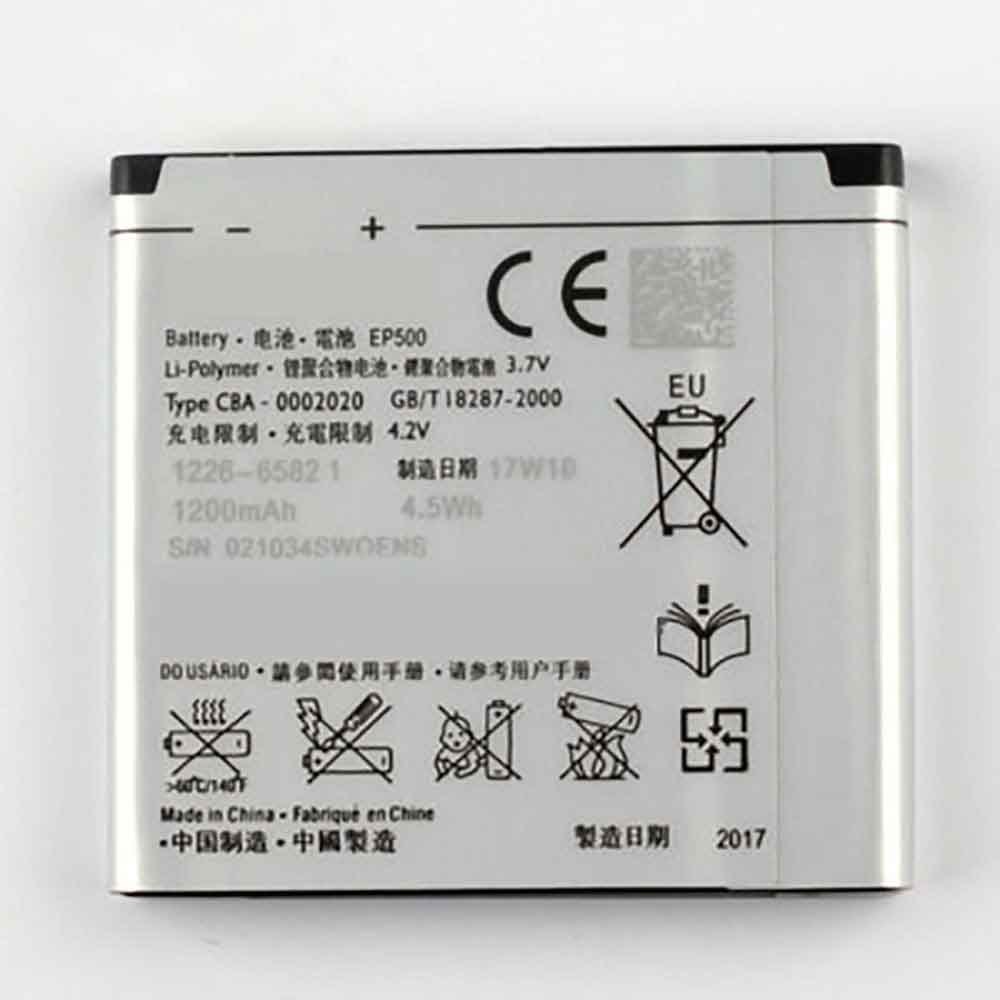
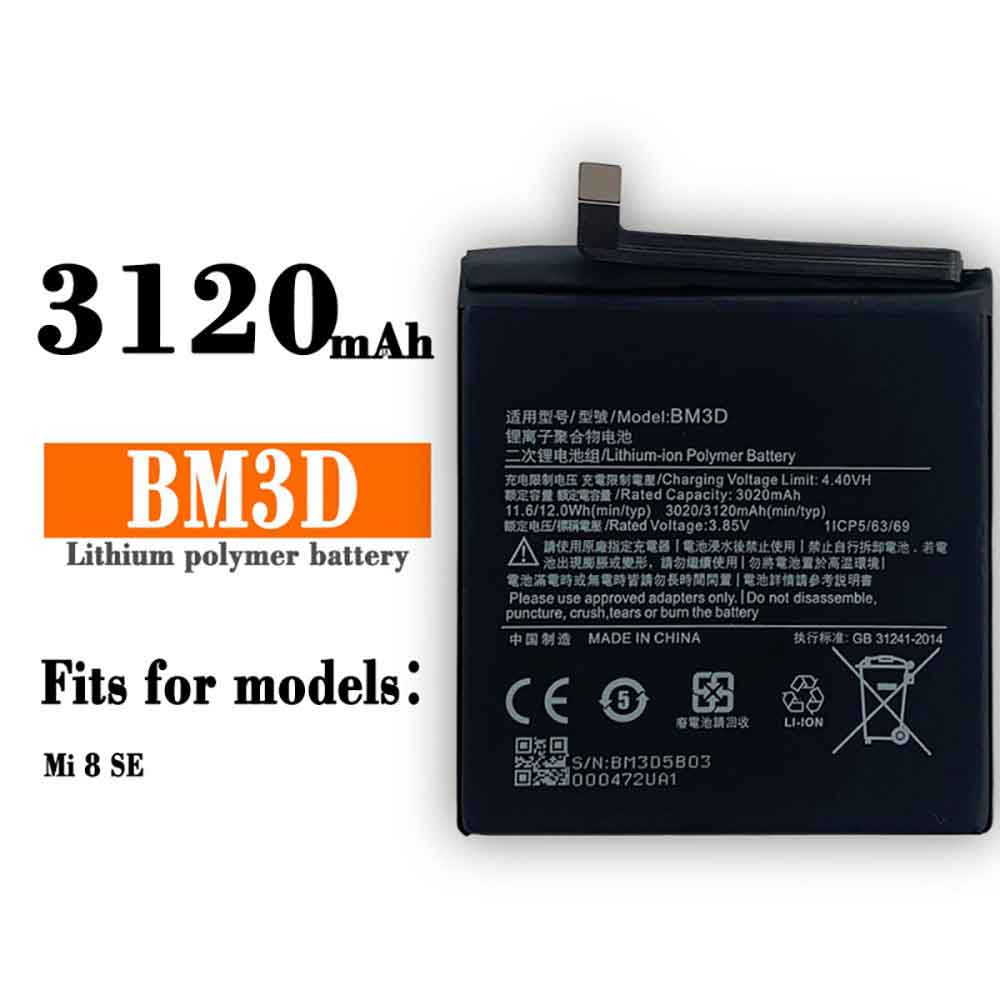
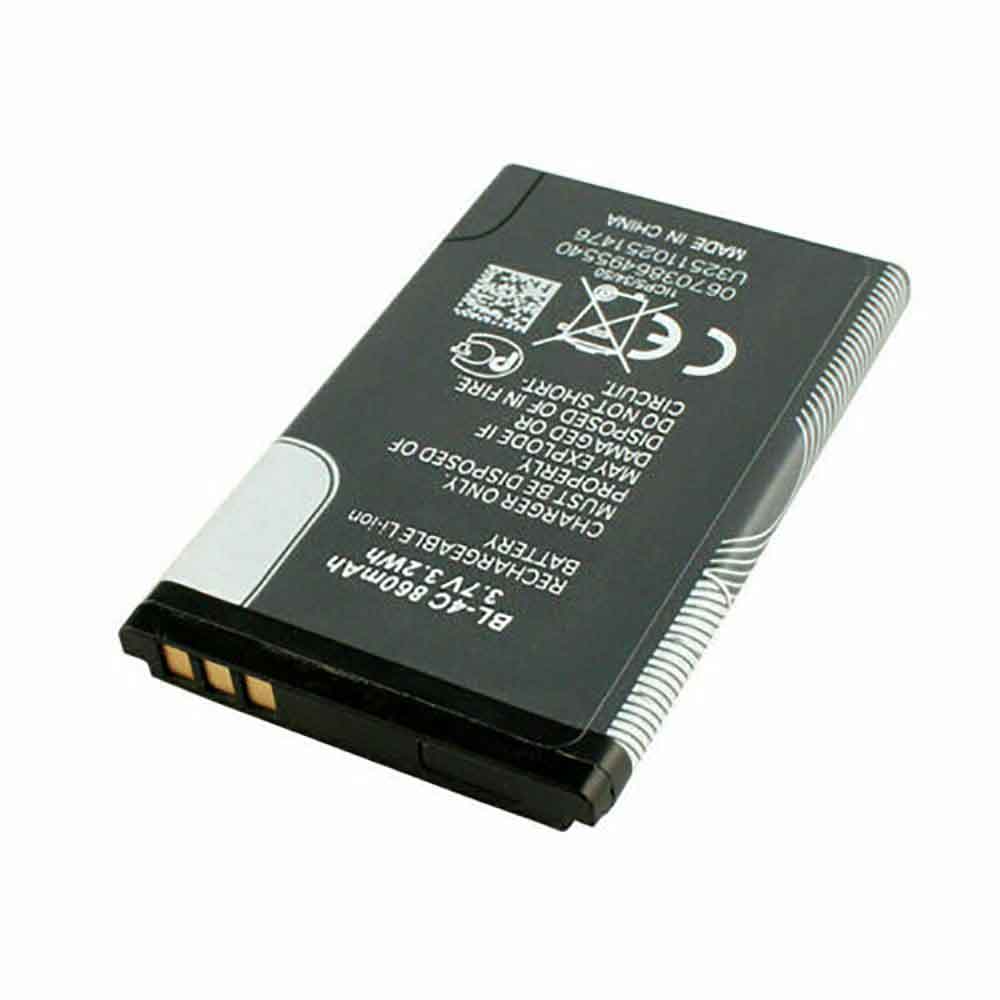
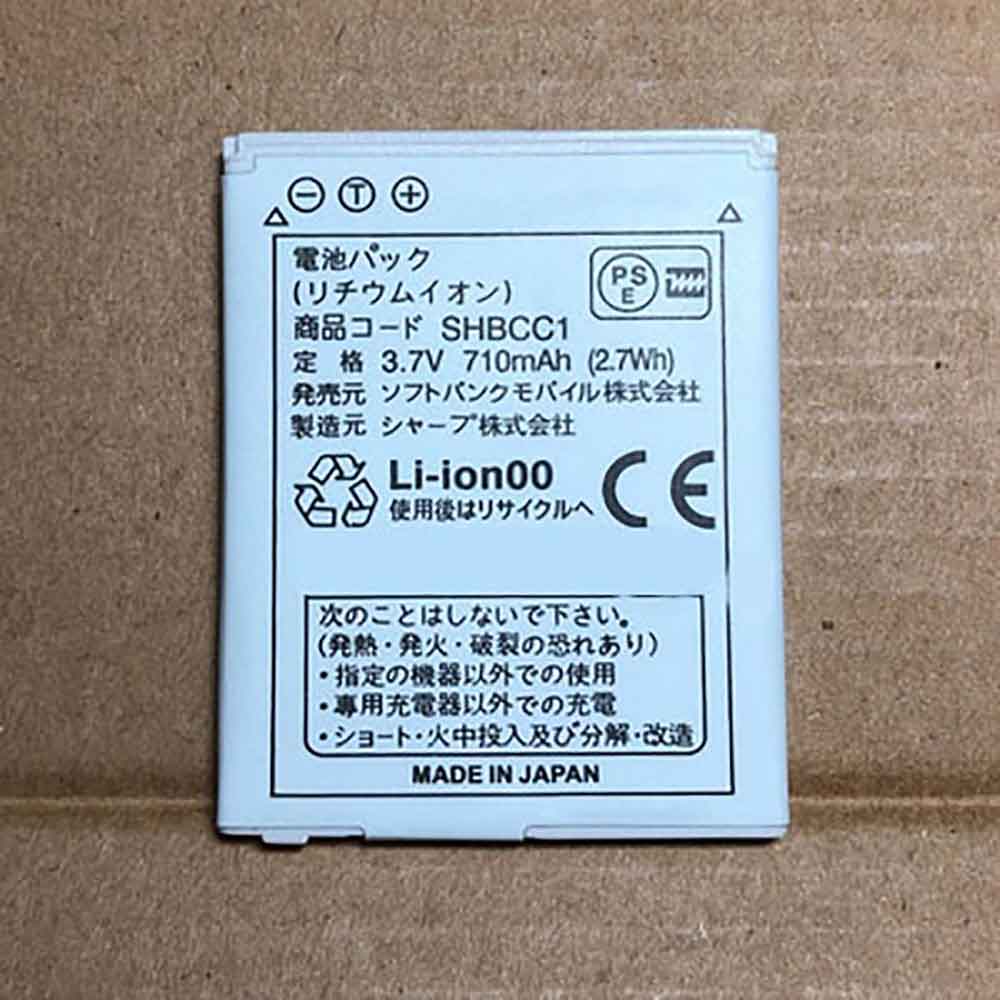
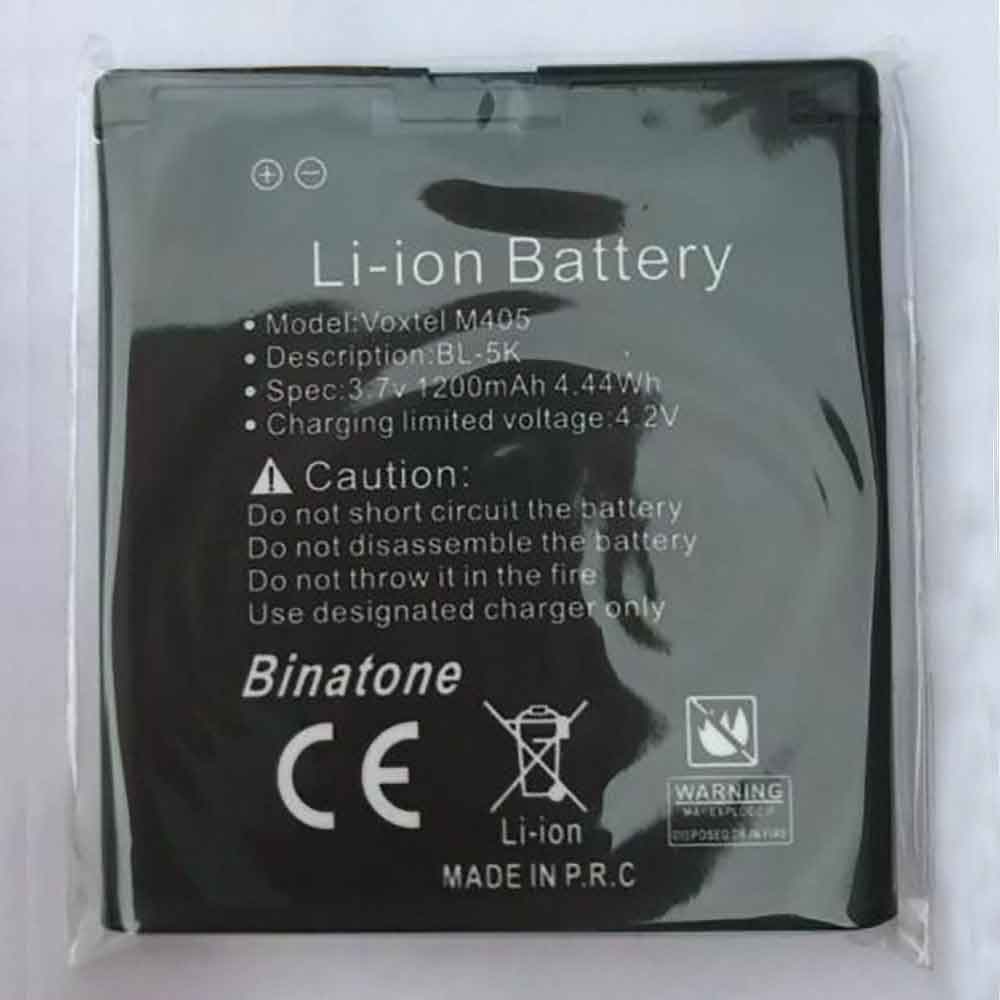
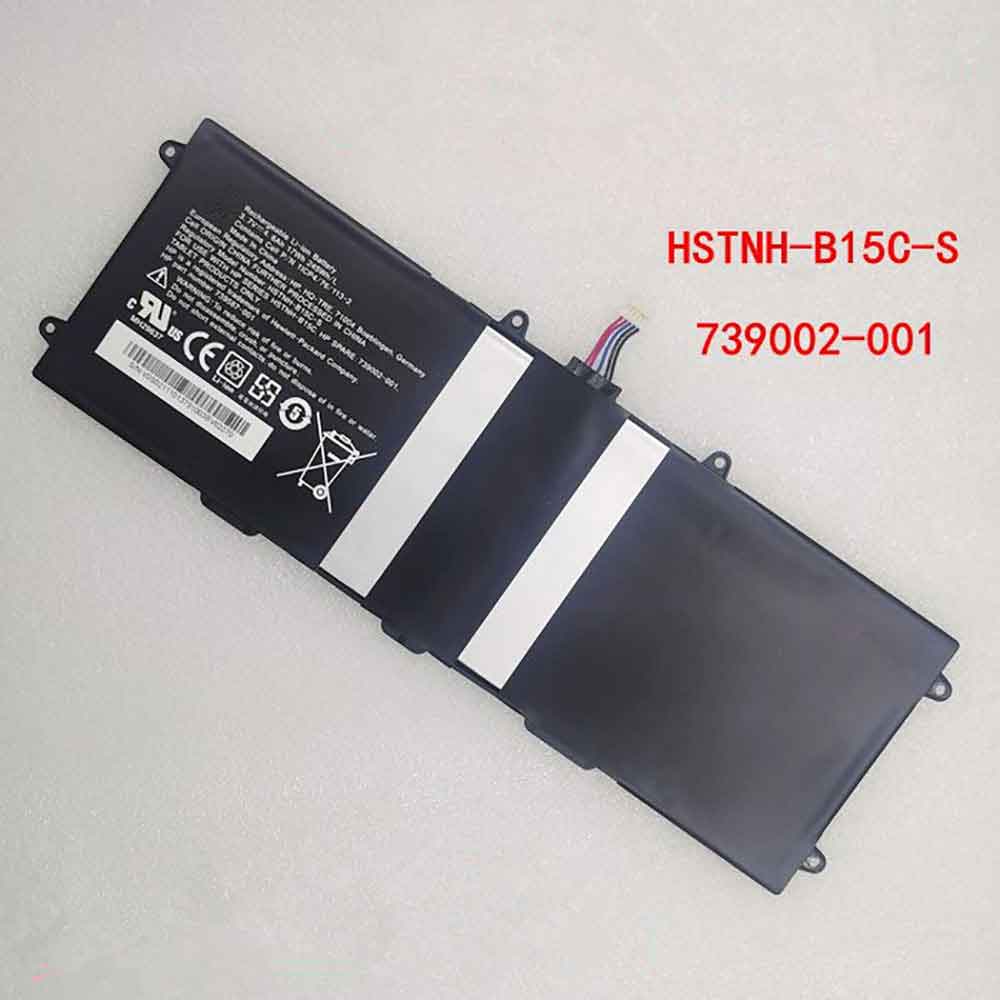
5000mAh 19.25WH 3.85V 4.4V Oukitel S79 Li-ion Battery for Oukitel WP8 Pro

5000mAh 19.25WH 3.85V 4.4V Oukitel S79 Batteries for Oukitel WP8 Pro, Oukitel S79 Cell Phone battery is a brand new,100% Compatible original and replacement Phone battery,Purchase wholesale and retail S79 with high quality and low price!

Find ou your original model number or part number(P/N), and move your eyes on the tag of battery
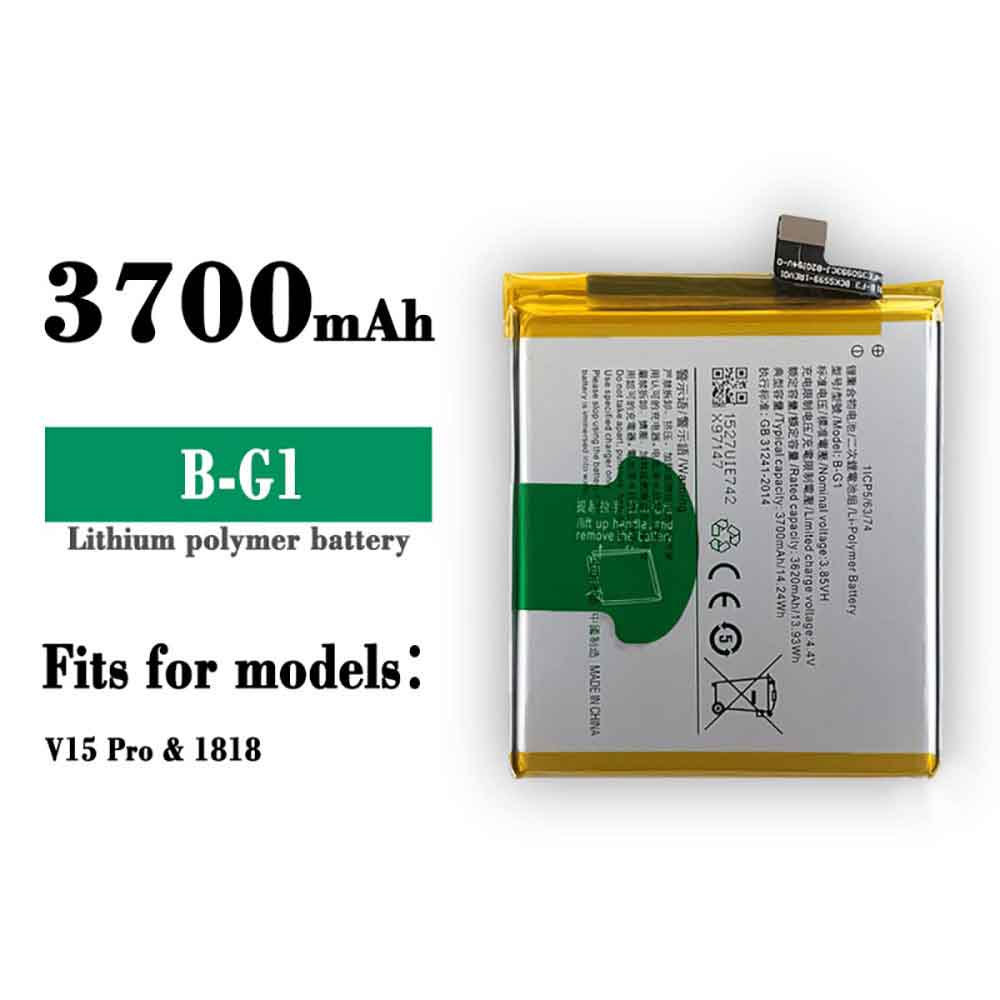
S79

Specifications

  • Brand:Oukitel
  • Capacity :5000mAh 19.25WH
  • Voltage :3.85V 4.4V
  • Type :Li-ion
  • Battery Cell Quality: Grade A
  • Descriptive: Replacement Battery – 1 Year Warranty
  • Description: Brand New, 1 Year Warranty! 30-Days Money Back! Fast Shipping!

How we test this Oukitel S79 Battery
Step 1: Make sure customer bought the correct battery.
Step 2: Check battery’s appearance and interface.
Step 3: Test battery charger and recharger function.
Step 4: Charger the battery to 100% and recharger to 0% to get real battery capacity
Step 5: Use Ev2300 to check the voltage difference of each goroup cells.
Step 6: Charger battery power more than 30%.
Step 7: Package battery carefully and send out

Compatible Part Numbers:
S79

Compatible Model Numbers:
Oukitel WP8 Pro

How much do you know about how to run laptop well as any place? The follow Tips cut way back on protecting battery life.


1). Please recharge or change your Cell Phone battery when battery power low.
2). Using Li-Ion Replacement Oukitel S79 Cell Phone Battery for your notebook which can work longer time than Non Li-ion one.
3). It is better to defragmentation regularly for your Cell Phone battery life.
4). In order to reduce the laptop power consumpition, you can use some optical drive spin-down and hard drive in your Cell Phone .
5). Please keep your laptop in sleep or standby model without long time using, which both save the Replacement Oukitel S79 Cell Phone Battery power and extend battery using life.
6). Leave your battery in a dry and cool condition when without using.
7). When you rarely or generally plugged in fixed power using, Please take down your battery to avoid hurting battery life.

Hot Products

200MAH/0.77Wh SAMSUNG EB-BR365FBE for Samsung Gear Fit 2 Pro Sports94Wh LENOVO 45N1016 for Lenovo ThinkPad T410 T420 T4304910mAh/19.00WH VIVO B-O5 for VIVO y20640MAh/70Wh PANASONIC CF-VZSU80U for Panasonic CF-C2 MK1 Toughbook7200mAh DELL PC764 for Dell Latitude D620 D630 Preci50Wh ASUS C31N1339 for Asus ZenBook UX303L Q302L Lapt4900mAh/18.87WH SAMSUNG HQ-50S for Samsung Galaxy A02S57.9Wh HP SH03XL for HP Spectre X360 13-AC0XX 13-AC2980MAH 11.33WH BLACKPHONE BP2 for Blackphone 22200mAh/32WH LENOVO L15S4E02 for LENOVO Ideapad V310-15IKB V510

Will letting your phone charge overnight ruin your phone battery?

 How annoying it is to have a mobile phone without power, so everyone will not let their mobile phone battery run out of power. This also leads to people charging their mobile phone batteries when they are not using their mobile phones. And almost always let the mobile phone battery charge all the time while sleeping at night, and use it the next day. Will charging your phone overnight ruin your phone battery? Let’s take a look below!

First of all, how long is the battery life of a mobile phone?

According to the survey, the life expectancy of modern lithium-ion-based batteries is 2 to 3 years, and manufacturers estimate the charge cycle to be about 300 to 500 times. Since then, the battery limit has typically dropped by 20%.

With each charge cycle, your mobile battery will get a little damaged. A single charge of the battery, from zero to full charge, is considered a fully discharged charge cycle. A fraction of a cycle is when there is an incomplete charge. For example, charging your cell phone device from half to full will be a large part of a charging cycle. Do this twice for a full charge cycle. Some phone owners use more than one full charge cycle per day, while others may use less. So it all depends on how much you use the device and how you handle it.

Battery makers say that after about 400 to 500 cycles, the performance of a device’s battery will drop by 20 percent. It may have the option to store 80% of its initial energy and continue to depreciate with additional charge cycles. However, let’s be honest, mobile batteries are likely to fail faster than that.

Will charging my phone overnight ruin my phone battery?

This may become the most important factor here. Overnight charging broadly achieves three important elements that work:

Overheating: Battery heating or preheating is a reaction to charging. Most phones sent modern computing to deal with overheating gadgets and batteries. Leaving the phone on uninterrupted charging should raise the battery temperature in the first place; however, it will stabilize at some point after your thermoregulation kicks in. It’s dependent on your OS, and like device design, it’s sufficiently low overhead. It can be said that heating is dependent on the program or software running on the device. Under certain circumstances, even a good phone may not be able to cool down enough, resulting in overheating.

Overcharging: The vast majority of advanced lithium-ion batteries prevent overheating by shutting down their internal circuitry. Possibly, it might allow for moderate stream charging when fully charged to simply keep the battery at full charge. If your phone is using the most advanced version of the Lithium battery, there is no need to stress overheating here.

Battery life: Heat can hinder your battery life. If you leave the battery warm for an extended period of time due to overnight charging, it will reduce its capacity along the way, and you could end up with battery throttling within a year.

So, long story short, if your device is using an advanced lithium battery, and it’s carefully designed or engineered to deal with overheating issues, it might protect your phone from charging for the time being.

However, it is not recommended to charge the phone overnight.

>>>>>>>>>>>Phone battery

Thanks for reading, hope it helps!

Friendly reminder: If you need to replace the battery, this battery store will be a good choice: www.batteryforpc.co.uk

New Android 13 notifications can bring up battery-guzzling apps

 You’d be surprised how much battery life a single app can eat up, even if you’re not actively using the app. According to the Android Developers Blog, the next Android operating system, Android 13, will send you a notification when an app consumes a lot of battery during the day.

Android 13 is going well, with Google releasing the second developer preview of the next Android operating system on Thursday. Between Google’s official word and leaker speculation, we’ve learned a lot about how Android 13 builds on Android 12’s privacy features, user interface enhancements, and Material You design overhaul.

If you’re curious about the release date of Android 13, or if you’re wondering what new features are coming to your phone in the coming months (here are some of the best hidden features of Android 12). Let’s have a look!

Release date

While Google hasn’t publicly revealed a specific release date for Android 13, the Android Developers Blog provides a rough timeline for the release, with a beta release each month as of July. The July beta is listed as “near-final for final testing.”

Judging by precedent, Android 13 could debut a month after the final beta release. The fifth and final beta of Android 12 was released in September 2021, and Google officially released the app in October. In Android 11 (2020) and Android 10 (2019), the final beta dropped in August, and the OS landed on phones in September. So we can reasonably assume that Android 13 will arrive this August. If not, September is a safe bet.

Keep in mind that Google will be sending an Android update to its Pixel phones first (and possibly the rumored Pixel 7 along with Android 13).

New photo privacy features

Android 12 introduces a kill switch that lets you prevent apps from accessing your camera and microphone, and also adds the option to show apps your approximate location instead of your exact location.

It appears that Android 13 will support these privacy settings. According to Google’s Android developer blog, Android 13 will include a photo picker. This means that when apps want to access your images and videos, you can choose specific media files to share instead of granting access to all of them.

App needs your permission to notify you

The second developer preview of Android 13 introduces a new feature called Notification Permissions. In order to send you notifications, apps need you to give them your permission – you can say “no”.

Upgraded design with more color options

Your redesigned Material is the star of the Android 12 show, with a UI color scheme that automatically adjusts to the wallpaper you choose. Android 13 will add more color customizations to Material You. In Android 12, the adjustable color palette feature is only available for Google apps. But Android 13 will extend this feature to all apps, as long as the app’s developer agrees to design a monochrome alternate icon.

Citing a “trusted source” rumor, AndroidPolice says that Android 13 will allow you to choose more color customization options. These include “spritz,” a desaturated color scheme, and “expressive,” which combines hues that differ from the default hue your wallpaper chooses.

Adjust iOS Privileges

Flashlights on Apple’s iPhones have offered adjustable brightness for years, but rumors from Android analyst Mishaal Rahman suggest that Google will eventually integrate the feature into Android 13, allowing for some customization when you use your phone as a light source.

But Rahman said that many Androids currently don’t have the hardware needed to use this feature. Maybe the rumored Pixel 7 will. If you have a Samsung phone, though, Samsung’s software Overlay One UI already lets you adjust the flashlight brightness.

>>>>>>>>>>Phone battery

2170mAh 8.35WH 3.85V General IFL001 Li-ion Battery for General Translator 2.0

2170mAh 8.35WH 3.85V General IFL001 Batteries for General Translator 2.0, General IFL001 Other battery is a brand new,100% Compatible original and replacement battery,Purchase wholesale and retail IFL001 with high quality and low price!

Find ou your original model number or part number(P/N), and move your eyes on the tag of battery

IFL001

Specifications

  • Brand:General
  • Capacity :2170mAh 8.35WH
  • Voltage :3.85V
  • Type :Li-ion
  • Battery Cell Quality: Grade A
  • Descriptive: Replacement Battery – 1 Year Warranty
  • Description: Brand New, 1 Year Warranty! 30-Days Money Back! Fast Shipping!

How we test this General IFL001 Battery
Step 1: Make sure customer bought the correct battery.
Step 2: Check battery’s appearance and interface.
Step 3: Test battery charger and recharger function.
Step 4: Charger the battery to 100% and recharger to 0% to get real battery capacity
Step 5: Use Ev2300 to check the voltage difference of each goroup cells.
Step 6: Charger battery power more than 30%.
Step 7: Package battery carefully and send out

Compatible Part Numbers:
IFL001

Compatible Model Numbers:
General Translator 2.0

How much do you know about how to run laptop well as any place? The follow Tips cut way back on protecting battery life.


1). Please recharge or change your Other battery when battery power low.
2). Using Li-Ion Replacement General IFL001 Other Battery for your notebook which can work longer time than Non Li-ion one.
3). It is better to defragmentation regularly for your Other battery life.
4). In order to reduce the laptop power consumpition, you can use some optical drive spin-down and hard drive in your Other .
5). Please keep your laptop in sleep or standby model without long time using, which both save the Replacement General IFL001 Other Battery power and extend battery using life.
6). Leave your battery in a dry and cool condition when without using.
7). When you rarely or generally plugged in fixed power using, Please take down your battery to avoid hurting battery life.

Hot Products

200MAH/0.77Wh SAMSUNG EB-BR365FBE for Samsung Gear Fit 2 Pro Sports94Wh LENOVO 45N1016 for Lenovo ThinkPad T410 T420 T4304910mAh/19.00WH VIVO B-O5 for VIVO y20640MAh/70Wh PANASONIC CF-VZSU80U for Panasonic CF-C2 MK1 Toughbook7200mAh DELL PC764 for Dell Latitude D620 D630 Preci50Wh ASUS C31N1339 for Asus ZenBook UX303L Q302L Lapt4900mAh/18.87WH SAMSUNG HQ-50S for Samsung Galaxy A02S57.9Wh HP SH03XL for HP Spectre X360 13-AC0XX 13-AC2980MAH 11.33WH BLACKPHONE BP2 for Blackphone 22200mAh/32WH LENOVO L15S4E02 for LENOVO Ideapad V310-15IKB V510

3500mAh 13.48WH 3.85V General G006 Li-ion Battery for General G006

3500mAh 13.48WH 3.85V General G006 Batteries for General G006, General G006 Other battery is a brand new,100% Compatible original and replacement battery,Purchase wholesale and retail G006 with high quality and low price!

Find ou your original model number or part number(P/N), and move your eyes on the tag of battery

G006

Specifications

  • Brand:General
  • Capacity :3500mAh 13.48WH
  • Voltage :3.85V
  • Type :Li-ion
  • Battery Cell Quality: Grade A
  • Descriptive: Replacement Battery – 1 Year Warranty
  • Description: Brand New, 1 Year Warranty! 30-Days Money Back! Fast Shipping!

How we test this General G006 Battery
Step 1: Make sure customer bought the correct battery.
Step 2: Check battery’s appearance and interface.
Step 3: Test battery charger and recharger function.
Step 4: Charger the battery to 100% and recharger to 0% to get real battery capacity
Step 5: Use Ev2300 to check the voltage difference of each goroup cells.
Step 6: Charger battery power more than 30%.
Step 7: Package battery carefully and send out

Compatible Part Numbers:
G006

Compatible Model Numbers:
General G006

How much do you know about how to run laptop well as any place? The follow Tips cut way back on protecting battery life.


1). Please recharge or change your Other battery when battery power low.
2). Using Li-Ion Replacement General G006 Other Battery for your notebook which can work longer time than Non Li-ion one.
3). It is better to defragmentation regularly for your Other battery life.
4). In order to reduce the laptop power consumpition, you can use some optical drive spin-down and hard drive in your Other .
5). Please keep your laptop in sleep or standby model without long time using, which both save the Replacement General G006 Other Battery power and extend battery using life.
6). Leave your battery in a dry and cool condition when without using.
7). When you rarely or generally plugged in fixed power using, Please take down your battery to avoid hurting battery life.

Hot Products

200MAH/0.77Wh SAMSUNG EB-BR365FBE for Samsung Gear Fit 2 Pro Sports94Wh LENOVO 45N1016 for Lenovo ThinkPad T410 T420 T4304910mAh/19.00WH VIVO B-O5 for VIVO y20640MAh/70Wh PANASONIC CF-VZSU80U for Panasonic CF-C2 MK1 Toughbook7200mAh DELL PC764 for Dell Latitude D620 D630 Preci50Wh ASUS C31N1339 for Asus ZenBook UX303L Q302L Lapt4900mAh/18.87WH SAMSUNG HQ-50S for Samsung Galaxy A02S57.9Wh HP SH03XL for HP Spectre X360 13-AC0XX 13-AC2980MAH 11.33WH BLACKPHONE BP2 for Blackphone 22200mAh/32WH LENOVO L15S4E02 for LENOVO Ideapad V310-15IKB V510

3000mAh 11.55WH 3.85V General HT-LI Li-ion Battery for General GM6

3000mAh 11.55WH 3.85V General HT-LI Batteries for General GM6, General HT-LI Other battery is a brand new,100% Compatible original and replacement battery,Purchase wholesale and retail HT-LI with high quality and low price!

Find ou your original model number or part number(P/N), and move your eyes on the tag of battery

HT-LI

Specifications

  • Brand:General
  • Capacity :3000mAh 11.55WH
  • Voltage :3.85V
  • Type :Li-ion
  • Battery Cell Quality: Grade A
  • Descriptive: Replacement Battery – 1 Year Warranty
  • Description: Brand New, 1 Year Warranty! 30-Days Money Back! Fast Shipping!

How we test this General HT-LI Battery
Step 1: Make sure customer bought the correct battery.
Step 2: Check battery’s appearance and interface.
Step 3: Test battery charger and recharger function.
Step 4: Charger the battery to 100% and recharger to 0% to get real battery capacity
Step 5: Use Ev2300 to check the voltage difference of each goroup cells.
Step 6: Charger battery power more than 30%.
Step 7: Package battery carefully and send out

Compatible Part Numbers:
HT-LI

Compatible Model Numbers:
General GM6

How much do you know about how to run laptop well as any place? The follow Tips cut way back on protecting battery life.


1). Please recharge or change your Other battery when battery power low.
2). Using Li-Ion Replacement General HT-LI Other Battery for your notebook which can work longer time than Non Li-ion one.
3). It is better to defragmentation regularly for your Other battery life.
4). In order to reduce the laptop power consumpition, you can use some optical drive spin-down and hard drive in your Other .
5). Please keep your laptop in sleep or standby model without long time using, which both save the Replacement General HT-LI Other Battery power and extend battery using life.
6). Leave your battery in a dry and cool condition when without using.
7). When you rarely or generally plugged in fixed power using, Please take down your battery to avoid hurting battery life.

Hot Products

200MAH/0.77Wh SAMSUNG EB-BR365FBE for Samsung Gear Fit 2 Pro Sports94Wh LENOVO 45N1016 for Lenovo ThinkPad T410 T420 T4304910mAh/19.00WH VIVO B-O5 for VIVO y20640MAh/70Wh PANASONIC CF-VZSU80U for Panasonic CF-C2 MK1 Toughbook7200mAh DELL PC764 for Dell Latitude D620 D630 Preci50Wh ASUS C31N1339 for Asus ZenBook UX303L Q302L Lapt4900mAh/18.87WH SAMSUNG HQ-50S for Samsung Galaxy A02S57.9Wh HP SH03XL for HP Spectre X360 13-AC0XX 13-AC2980MAH 11.33WH BLACKPHONE BP2 for Blackphone 22200mAh/32WH LENOVO L15S4E02 for LENOVO Ideapad V310-15IKB V510

4666mAh/18.01WH 3.87V 4.45V Google G27FU Li-ion Battery for Google Pixel 5A

4666mAh/18.01WH 3.87V 4.45V Google G27FU Batteries for Google Pixel 5A, Google G27FU Cell Phone battery is a brand new,100% Compatible original and replacement Phone battery,Purchase wholesale and retail G27FU with high quality and low price!

Find ou your original model number or part number(P/N), and move your eyes on the tag of battery

G27FU

Specifications

  • Brand:Google
  • Capacity :4666mAh/18.01WH
  • Voltage :3.87V 4.45V
  • Type :Li-ion
  • Battery Cell Quality: Grade A
  • Descriptive: Replacement Battery – 1 Year Warranty
  • Description: Brand New, 1 Year Warranty! 30-Days Money Back! Fast Shipping!

How we test this Google G27FU Battery
Step 1: Make sure customer bought the correct battery.
Step 2: Check battery’s appearance and interface.
Step 3: Test battery charger and recharger function.
Step 4: Charger the battery to 100% and recharger to 0% to get real battery capacity
Step 5: Use Ev2300 to check the voltage difference of each goroup cells.
Step 6: Charger battery power more than 30%.
Step 7: Package battery carefully and send out

Compatible Part Numbers:
G27FU

Compatible Model Numbers:
Google Pixel 5A

How much do you know about how to run laptop well as any place? The follow Tips cut way back on protecting battery life.


1). Please recharge or change your Cell Phone battery when battery power low.
2). Using Li-Ion Replacement Google G27FU Cell Phone Battery for your notebook which can work longer time than Non Li-ion one.
3). It is better to defragmentation regularly for your Cell Phone battery life.
4). In order to reduce the laptop power consumpition, you can use some optical drive spin-down and hard drive in your Cell Phone .
5). Please keep your laptop in sleep or standby model without long time using, which both save the Replacement Google G27FU Cell Phone Battery power and extend battery using life.
6). Leave your battery in a dry and cool condition when without using.
7). When you rarely or generally plugged in fixed power using, Please take down your battery to avoid hurting battery life.

Hot Products

200MAH/0.77Wh SAMSUNG EB-BR365FBE for Samsung Gear Fit 2 Pro Sports94Wh LENOVO 45N1016 for Lenovo ThinkPad T410 T420 T4304910mAh/19.00WH VIVO B-O5 for VIVO y20640MAh/70Wh PANASONIC CF-VZSU80U for Panasonic CF-C2 MK1 Toughbook7200mAh DELL PC764 for Dell Latitude D620 D630 Preci50Wh ASUS C31N1339 for Asus ZenBook UX303L Q302L Lapt4900mAh/18.87WH SAMSUNG HQ-50S for Samsung Galaxy A02S57.9Wh HP SH03XL for HP Spectre X360 13-AC0XX 13-AC2980MAH 11.33WH BLACKPHONE BP2 for Blackphone 22200mAh/32WH LENOVO L15S4E02 for LENOVO Ideapad V310-15IKB V510

How to maintain cell phone battery life to slow down cell phone battery aging?

 As we all know, the mobile phone has become a partner in our life, without it, our days are heavy and difficult to survive. But the battery is what powers your phone, and if your phone doesn’t have power, your phone can’t serve you either. If you want your mobile phone to serve you better, you should try to maintain the life of your mobile phone battery or slow down the aging of your mobile phone battery! Here are a variety of factors that will increase your phone’s battery life and help you protect it, so let’s take a look!

Energy saving mode

Recent Android versions allow you to turn on battery saver mode directly from the device’s drop-down hide; at this point, change a few options to save some battery. You can also go into Settings and discover more battery saving options in the gadget maintenance section of your phone. You can even download third-party apps to use less battery power or optimize your battery for longer usage.

0 or 100

Since Li-Ion batteries experience the most stress when fully charged or fully depleted, the best way to do this is to charge them in sections. At best you should power up your battery to about 80% and try not to let it go below 30%. If this is inconvenient, try focusing on the 90% limit and start charging your device before it hits 20%, which can improve battery life.

WiFi and Bluetooth

The most common way to let your phone drain your phone’s battery life is to turn on your phone’s WiFi or Bluetooth when you’re not using it, as they do drain battery power and when they’re looking for and searching for available wireless networks and Bluetooth devices to associate with.

Reasonably, if you’re just starting from one place with WiFi and moving on to the next, say from home to work, it’s probably not a big deal to scroll down the notification shade and touch the WiFi button to stop. The same goes for location services, which you can simply turn off when not in use.

Wallpapers and widgets

Avoid putting some fancy motion or live wallpapers because your presentation needs energy to inspire it. It’s also a wise idea to limit yourself to wallpapers or lock screens with fewer shades, as it will consume more energy if the display case needs to offer a variety of shades. While gadgets are attractive and beneficial, they’re basically a system of functionality that can be used directly on the home screen, so the phone uses energy to keep them going. If battery life is an issue, just deny these little guys.

You control your application

Programmers put a lot of work into making sure their applications run as efficiently as possible. But when you’re not using them, many will continue to run in the background no matter what. Obviously, this will eat up information and battery life in the long run. You can dispose of unused apps in the gadget maintenance section of your device under the app power management option. Check and set third-party apps to snooze or sleep, and ask them not to spend a lot of energy when not in use. Putting apps to sleep or deep sleep doesn’t make apps refresh unless they’re in use, so you may have to physically refresh.

>>>>>>>>>>>Phone battery

Thanks for reading, hope it helps!

Friendly reminder: If you need to replace the battery, this battery store will be a good choice:www.batteryforpc.co.uk

Want to make your battery last longer, these methods will help you achieve!

 Whether you’re traveling a lot or just relaxing, your battery can drain at the worst possible moment. How would you best handle the health of your battery? How do you make your battery last longer for you? In this article, we’ll take a look at the basics and tips for making your battery last longer!

Here are some helpful tips to keep your battery last longer:

As far as the working environment is concerned, the main factor that affects battery life is temperature.

Lithium-ion batteries are generally most pleasing at room temperature around 20 to 25°C. At warmer temperatures, the protective layer inside the battery cracks and should be rebuilt, which absorbs some of the energy limitations the battery has to deliver. What’s more, at cooler temperatures, the chemical reactions inside the battery are delayed. Cold is generally less harmful than heat. So if you decide to put your phone in the sun or shade, the latter might be ideal.

When using or storing lithium batteries, keep away from extreme temperatures, both high and low.

Elevated temperatures can accelerate the degradation of nearly every battery segment and can cause significant hazards, including fire or explosion. If your PC or phone gets noticeably hot while charging, unplug it. Minimize exposure to low temperatures, especially while charging.

Limits how long the battery can be used at 100% or 0% charge.

Very high and low “charge conditions” can stress the battery. Consider using a partial charge to restore the battery to 80% instead of 100%. If this is not possible then unplug the gadget when it reaches 100%. Even charging and discharging at a lower rate tends to be scarier than a full charge without activity. So try not to put too much stress on your battery at any one time.

How do you revive a dead battery?

The vast majority accept that an old or dead battery must be discarded and replaced with another. While this is the main answer for these folks, there is another way you can save cash and get a 100% functioning battery.

Depends on that battery chemistry. If it’s NiMH, give it a high initial current at this point and check if it restores it. If not, you will have to choose to replace the battery. This strategy applies to NiCds. With lithium particles or lithium polymer or lithium iron phosphate, the battery basically kills when the voltage drops. Try giving it a very low current, around 20 mA. Sometimes give it a 1 A shock for a moment, then it goes back to trickle. This might bring it back to life. But if it recovers and never gets as good as new, it will be a zombie battery. If there is even 0.5V on the dead lithium particles, there is a good chance of recovery. At 0 V, almost impossible.

>>>>>>>>>>>>>>Battery

Thanks for reading, hope it helps!

Friendly reminder: If you need to replace the battery, this battery store will be a good choice: www.batteryforpc.co.uk

4400mAh/17.02WH 3.87V 4.45V Infinix BL-44EX Li-ion Battery for Infinix BL-44EX

4400mAh/17.02WH 3.87V 4.45V Infinix BL-44EX Batteries for Infinix BL-44EX, Infinix BL-44EX Cell Phone battery is a brand new,100% Compatible original and replacement Phone battery,Purchase wholesale and retail BL-44EX with high quality and low price!

Find ou your original model number or part number(P/N), and move your eyes on the tag of battery

BL-44EX

Specifications

  • Brand:Infinix
  • Capacity :4400mAh/17.02WH
  • Voltage :3.87V 4.45V
  • Type :Li-ion
  • Battery Cell Quality: Grade A
  • Descriptive: Replacement Battery – 1 Year Warranty
  • Description: Brand New, 1 Year Warranty! 30-Days Money Back! Fast Shipping!

How we test this Infinix BL-44EX Battery
Step 1: Make sure customer bought the correct battery.
Step 2: Check battery’s appearance and interface.
Step 3: Test battery charger and recharger function.
Step 4: Charger the battery to 100% and recharger to 0% to get real battery capacity
Step 5: Use Ev2300 to check the voltage difference of each goroup cells.
Step 6: Charger battery power more than 30%.
Step 7: Package battery carefully and send out

Compatible Part Numbers:
BL-44EX

Compatible Model Numbers:
Infinix BL-44EX

How much do you know about how to run laptop well as any place? The follow Tips cut way back on protecting battery life.


1). Please recharge or change your Cell Phone battery when battery power low.
2). Using Li-Ion Replacement Infinix BL-44EX Cell Phone Battery for your notebook which can work longer time than Non Li-ion one.
3). It is better to defragmentation regularly for your Cell Phone battery life.
4). In order to reduce the laptop power consumpition, you can use some optical drive spin-down and hard drive in your Cell Phone .
5). Please keep your laptop in sleep or standby model without long time using, which both save the Replacement Infinix BL-44EX Cell Phone Battery power and extend battery using life.
6). Leave your battery in a dry and cool condition when without using.
7). When you rarely or generally plugged in fixed power using, Please take down your battery to avoid hurting battery life.

Hot Products

640MAh/70Wh PANASONIC CF-VZSU80U for Panasonic CF-C2 MK1 Toughbook7200mAh DELL PC764 for Dell Latitude D620 D630 Preci50Wh ASUS C31N1339 for Asus ZenBook UX303L Q302L Lapt4900mAh/18.87WH SAMSUNG HQ-50S for Samsung Galaxy A02S57.9Wh HP SH03XL for HP Spectre X360 13-AC0XX 13-AC2980MAH 11.33WH BLACKPHONE BP2 for Blackphone 22200mAh/32WH LENOVO L15S4E02 for LENOVO Ideapad V310-15IKB V5107000mah/56.2Wh HP EP04XL for HP Elite Dragonfly G1 G24850mAh/18.67WH HTC Q6655 for HTC Desire 20Pro4500mah MINDRAY LI23S002A for Mindray T5 T6 T8