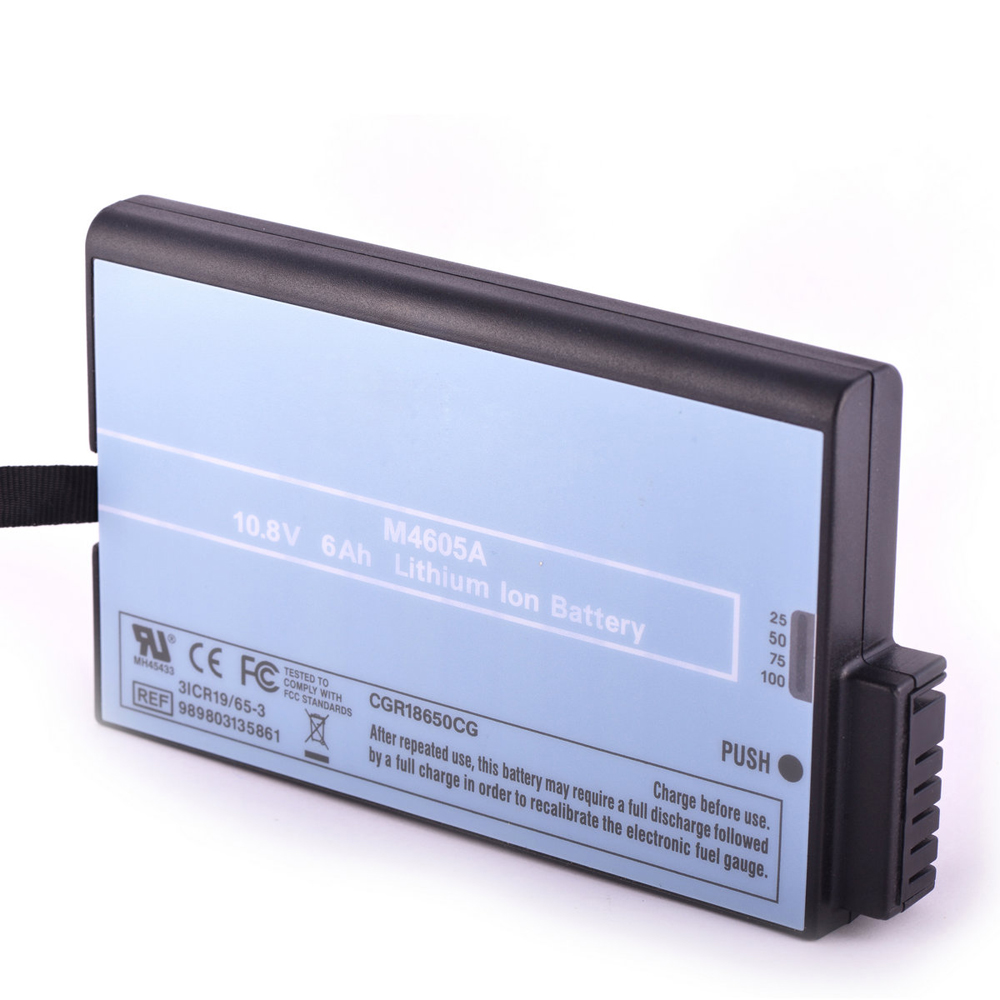
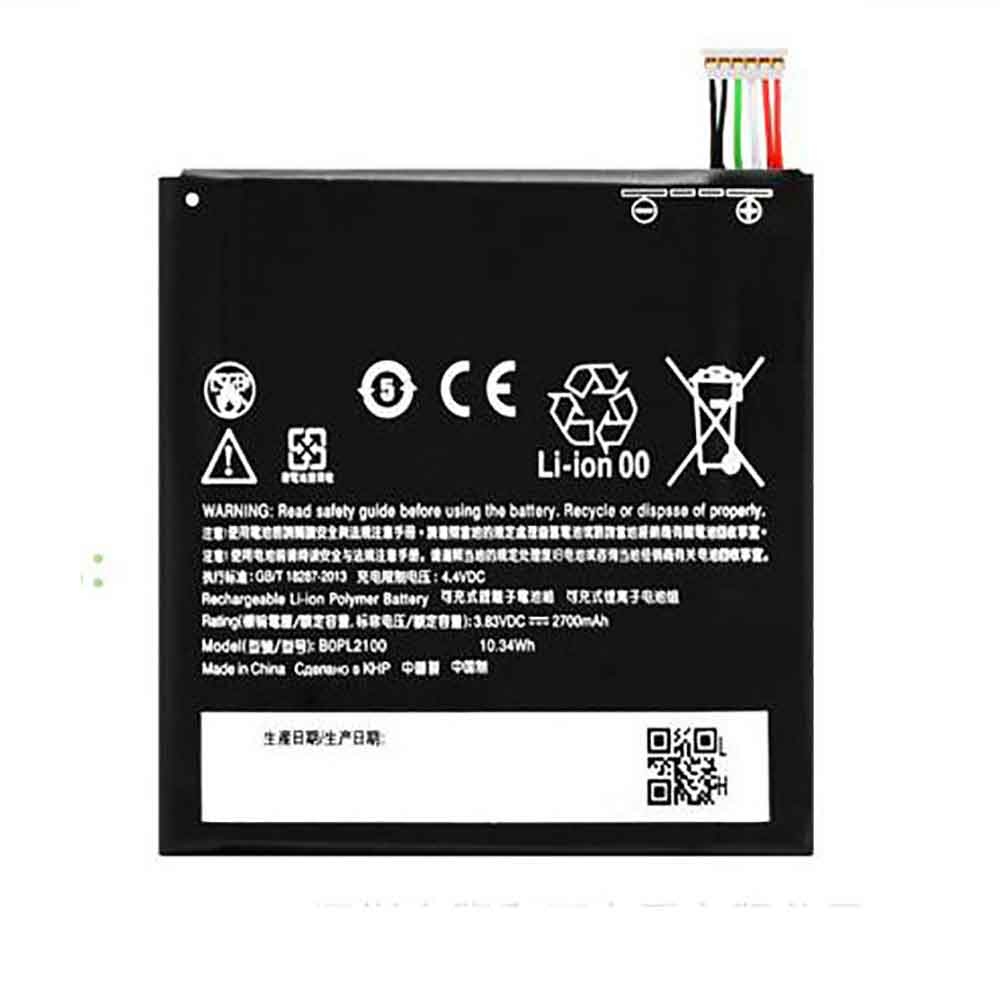
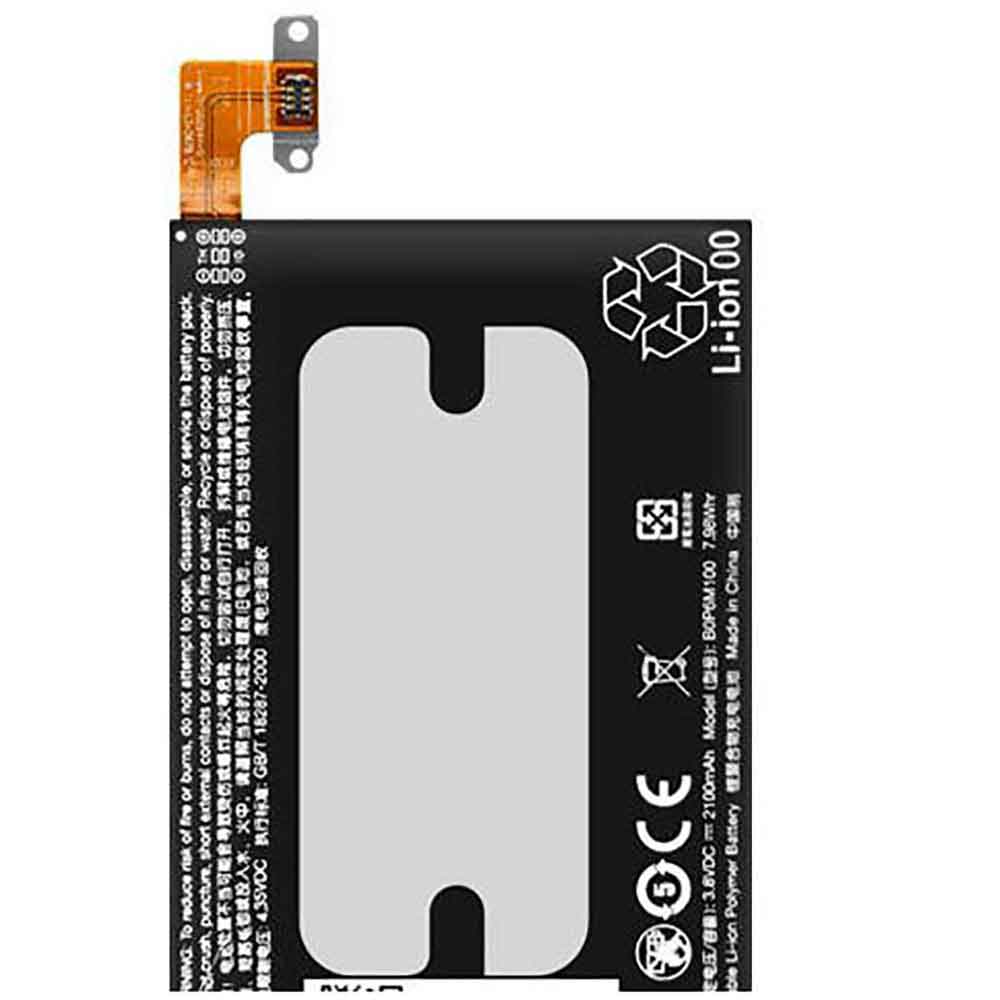
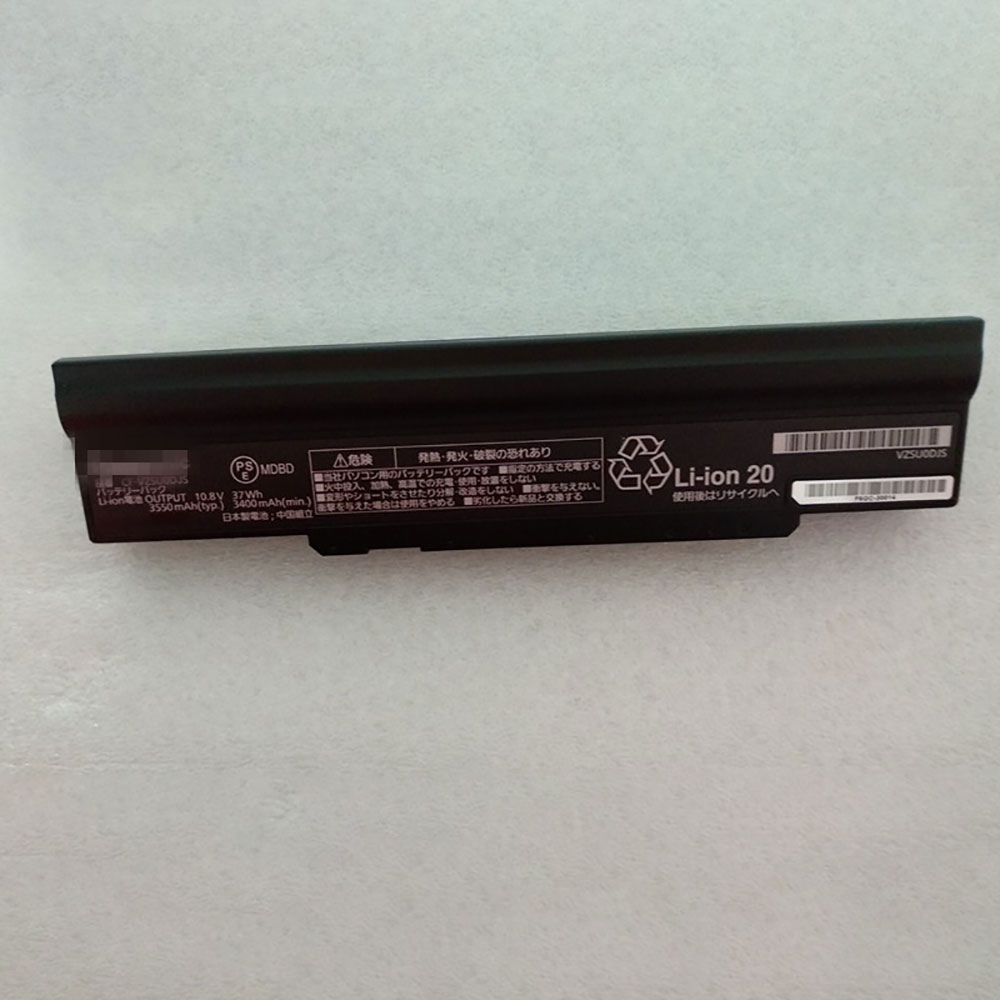
3500mAh 12.95WH 3.7V 4.2V Boway BW-039 Li-ion Battery for Boway N39

3500mAh 12.95WH 3.7V 4.2V Boway BW-039 Batteries for Boway N39, Boway BW-039 Cell Phone battery is a brand new,100% Compatible original and replacement Phone battery,Purchase wholesale and retail BW-039 with high quality and low price!

Find ou your original model number or part number(P/N), and move your eyes on the tag of battery
BW-039

Specifications

  • Brand:Boway
  • Capacity :3500mAh 12.95WH
  • Voltage :3.7V 4.2V
  • Type :Li-ion
  • Battery Cell Quality: Grade A
  • Descriptive: Replacement Battery – 1 Year Warranty
  • Description: Brand New, 1 Year Warranty! 30-Days Money Back! Fast Shipping!

How we test this Boway BW-039 Battery
Step 1: Make sure customer bought the correct battery.
Step 2: Check battery’s appearance and interface.
Step 3: Test battery charger and recharger function.
Step 4: Charger the battery to 100% and recharger to 0% to get real battery capacity
Step 5: Use Ev2300 to check the voltage difference of each goroup cells.
Step 6: Charger battery power more than 30%.
Step 7: Package battery carefully and send out

Compatible Part Numbers:
BW-039

Compatible Model Numbers:
Boway N39

How much do you know about how to run laptop well as any place? The follow Tips cut way back on protecting battery life.


1). Please recharge or change your Cell Phone battery when battery power low.
2). Using Li-Ion Replacement Boway BW-039 Cell Phone Battery for your notebook which can work longer time than Non Li-ion one.
3). It is better to defragmentation regularly for your Cell Phone battery life.
4). In order to reduce the laptop power consumpition, you can use some optical drive spin-down and hard drive in your Cell Phone .
5). Please keep your laptop in sleep or standby model without long time using, which both save the Replacement Boway BW-039 Cell Phone Battery power and extend battery using life.
6). Leave your battery in a dry and cool condition when without using.
7). When you rarely or generally plugged in fixed power using, Please take down your battery to avoid hurting battery life.

Hot Products

4320mAh/16.7WH XIAOMI BM4U for Xiaomi Redmi K304200mah CUBOT J9 for Cubot J93200mAh/12.4WH SONY LIP1701ERPC for Sony Xperia 1 XZ4 J8110 J817060WH DELL HW892 for Dell Latitude E4300 E43102200mAh/8.4WH LENOVO L17D1P34 for LENOVO Cell Phone4400mAh FOUNDER I40-3S4400-S1B1 for FOUNDER R410IU4335MAH/50WH ASUS C31N1816 for ASUS C31N1816 3ICP5/70/81 seri86Wh/5973mAh HP FM08 for HP HSTNN-LB8B 922753-421 922974600mAh/34.04Wh TREKSTOR MLP2874170-2S for TREKSTOR PrimeBook P134910mAh/19.00WH VIVO B-O8 for VIVO Y52S

What kind of battery does my laptop need and how healthy it is!

 Have you ever bought a laptop and the battery died after a few months? Many people regularly go to various dealers to buy new batteries. Sometimes you plug in the charger and it won’t charge your laptop. Another situation is that the battery cannot be charged for a long time.

All these problems arise due to various reasons. One of the main reasons is the use of batteries that are not specified for a given laptop. Other reasons could be overcharging and overheating.Let’s take a look below!

How do I know what kind of battery my laptop needs?

Laptop batteries have printed information on them. If your PC has a removable battery, remove it and check the details provided. Details include part number, model, voltage and charging current. After you write down this information, you can go to a safe and reliable battery store to replace it.

However, not all laptops come with removable batteries. Other designs have built-in batteries. In this case, manual access to battery information is not possible. For these laptops, it is recommended to check the manufacturer’s website. In cases where the laptop battery is unlabeled or the information is unclear, a third-party utility might help you get the information. These are software utilities that can provide battery information.

You can’t just buy a different battery than what the manufacturer recommends. It is not compatible with your laptop. It may damage your laptop. If the original battery is rated for 12 volts, do not buy a battery with a lower or higher voltage rating. Knowing what kind of battery you need for your laptop eliminates the need to buy used batteries. Make sure to check the manufacturing date to be sure.

How do I check the health of my laptop battery?

Battery health monitoring is critical as laptop batteries lose capacity over time. You can check battery health directly from your laptop. You need to generate a battery report. Here’s a simple process:

You open a command prompt: Press windows key + X to open the Win + X menu and select Command Prompt. Additionally, you can go to Windows PowerShell (Admin) to access the Command Prompt. Enter power/battery report in the command prompt and run it. A report will be created that includes system information and, in our case, the battery’s chemical type and design capacity​​, full charge capacity, and number of cycles.

Cycle count information lets you know how many times your laptop battery has been drained and fully charged. Your laptop battery is designed for a certain number of counts. So you will be able to know the remaining count cycles.

Another part of the report is the battery life estimate report. This section will give you an idea of ​​how long the battery will last when fully charged. One downside is that you have to generate a new report every time.

Other software for checking battery health include Battery Care, Battery Optimizer, Battery Information View, BatteryMon, BATExpert, Battery Bar, Smarter Battery, and more. These are battery health software and are very useful.

For example, battery care provides information including model number, design capacity, total capacity, current capacity, charge/discharge rate, tension, degree of wear, and total discharge cycles. If your battery is new, the design capacity and full charge capacity will be the same. As you continue to use the laptop, the full charge capacity will decrease.

The battery information view provides details such as battery temperature, battery wear, chemical composition, number of charge/discharge cycles, critical bias, full charge capacity, design capacity, and current capacity. All this information provided by the software can help you understand the health of your battery. It’s important to check the health of your laptop’s battery so you can make any necessary adjustments to your laptop’s usage.

There are some standard practices that can help improve your laptop’s battery health and lifespan:

Battery Care: Do not use the laptop for a full discharge.

dim the screen

Change power settings

Remove overheated batteries to cool.

Keep the battery between 40-80%

Turn off WI-FI

>>>>>>>>>>>>Laptop’s battery

Thanks for reading, hope it helps!

Friendly reminder: If you need to replace the battery, this battery store will be a good choice:www.batteryforpc.co.uk

How do I know if my battery charger is working and how to fix it!

 Chargers play an important role in all rechargeable devices. They help us launch these gadgets so that we can use them remotely. But they can fail like any other electronic device. We’ll discuss how to use your battery charger, what to do if it doesn’t work, and what’s keeping them from working. Let’s have a look!

How do I use my battery charger?

Connect correctly

One of the most important things you should pay attention to when dealing with a battery charger is the connection. Make sure the battery terminals are connected correctly. If it’s a phone, insert the tip into the charging port. Do not charge with force, otherwise the terminals will be damaged. Once they are damaged, you may need to replace them as they are almost impossible to repair.

Compatible Devices

Battery chargers are only available for certain models. So it is important to check if the two devices are compatible. Otherwise, you are at risk, as wrong compatibility could lead to accidents such as explosions. If you’re not sure about compatibility, open the manual and read the capacity and voltage. This will give you a clue as to whether they are compatible.

Turn off the device

If you want the battery to charge fast enough, you should turn off the device. However, this is not required, but highly recommended. Or you can reduce background processes so the battery can charge quickly.

Plug into a safety socket

If the outlet is wet or overloaded, it could damage your charger, battery, or both. Battery chargers generally require higher voltages than other devices. So if you overload the circuit, it could cause an accident.

What do I need to do if my battery charger is not working?

diagnosis

When the battery charger is not working, the first thing you need to do is to diagnose. This will help you identify the problem. First check to see if your LEDs are on. If the light is on, your charger is fine and the problem may be with the battery or the device you’re charging.

Clean the terminal board

Use alcohol to scrub rust off batteries, laptops, or phone terminals. If those terminals are rusted, then your battery charger won’t charge. Now dry the terminals and insert the battery in its original position.

buy another

If the cost of repairs outweighs the cost of purchase, it would be wise to buy another one. Some chargers lack spare components, so it makes more sense to buy another. If it’s a phone charger, then you can buy spate components based on what doesn’t work.

Some large chargers, such as car chargers or laptop chargers, come with a warranty. Therefore, you can return them to the dealer for replacement.

Replacing a USB, Head or Adapter

It’s easy to deal with some chargers that come in two parts. This is because both parts are not prone to spoil at the same time. So you can buy another USB and keep the headers to keep costs down. Conversely, if you’re sure the USB is ok, you can buy the headers separately.

If you’re dealing with a laptop charger, then you can buy the two components separately depending on which component isn’t good.

What’s stopping my battery charger from working?

short circuit

Some chargers stop working after a short circuit. This is because voltage ICs or other important components may be damaged. Therefore, shorting out sockets, device ports, or battery terminals is very dangerous. If you expect the charger to serve you for an extended period of time, you should avoid this type of outlet.

bad connection

A poor connection can also prevent your charger from working. Make sure your power supply has enough voltage for the charger to work. Also, if it has two components, they both need to be connected properly. Most adopters have an LED indicator that shows you when the charger is connected to a power source.

Dead battery/device

If the battery is dead, that means the charger won’t work either. For example, if you connect the charger to a dead smartphone or battery. Also, if the device dies, it will not indicate whether it is charging. So the charger may be ok, but the battery is dead.

low voltage

Another problem that can prevent it from working is low voltage. This can be solved by fixing the power supply.

>>>>>>>>>>Power Adapter

Thanks for reading, hope it helps!

Friendly reminder: If you need to replace the power adapter, this store will be a good choice:www.batteryforpc.co.uk

2500mAh 9.5WH 3.8V 4.35V Elephone T13 Li-ion Battery for Elephone T13

2500mAh 9.5WH 3.8V 4.35V Elephone T13 Batteries for Elephone T13, Elephone T13 Cell Phone battery is a brand new,100% Compatible original and replacement Phone battery,Purchase wholesale and retail T13 with high quality and low price!

Find ou your original model number or part number(P/N), and move your eyes on the tag of battery

T13

Specifications

  • Brand:Elephone
  • Capacity :2500mAh 9.5WH
  • Voltage :3.8V 4.35V
  • Type :Li-ion
  • Battery Cell Quality: Grade A
  • Descriptive: Replacement Battery – 1 Year Warranty
  • Description: Brand New, 1 Year Warranty! 30-Days Money Back! Fast Shipping!

How we test this Elephone T13 Battery
Step 1: Make sure customer bought the correct battery.
Step 2: Check battery’s appearance and interface.
Step 3: Test battery charger and recharger function.
Step 4: Charger the battery to 100% and recharger to 0% to get real battery capacity
Step 5: Use Ev2300 to check the voltage difference of each goroup cells.
Step 6: Charger battery power more than 30%.
Step 7: Package battery carefully and send out

Compatible Part Numbers:
T13

Compatible Model Numbers:
Elephone T13

How much do you know about how to run laptop well as any place? The follow Tips cut way back on protecting battery life.


1). Please recharge or change your Cell Phone battery when battery power low.
2). Using Li-Ion Replacement Elephone T13 Cell Phone Battery for your notebook which can work longer time than Non Li-ion one.
3). It is better to defragmentation regularly for your Cell Phone battery life.
4). In order to reduce the laptop power consumpition, you can use some optical drive spin-down and hard drive in your Cell Phone .
5). Please keep your laptop in sleep or standby model without long time using, which both save the Replacement Elephone T13 Cell Phone Battery power and extend battery using life.
6). Leave your battery in a dry and cool condition when without using.
7). When you rarely or generally plugged in fixed power using, Please take down your battery to avoid hurting battery life.

Hot Products

4320mAh/16.7WH XIAOMI BM4U for Xiaomi Redmi K304200mah CUBOT J9 for Cubot J93200mAh/12.4WH SONY LIP1701ERPC for Sony Xperia 1 XZ4 J8110 J817060WH DELL HW892 for Dell Latitude E4300 E43102200mAh/8.4WH LENOVO L17D1P34 for LENOVO Cell Phone4400mAh FOUNDER I40-3S4400-S1B1 for FOUNDER R410IU4335MAH/50WH ASUS C31N1816 for ASUS C31N1816 3ICP5/70/81 seri86Wh/5973mAh HP FM08 for HP HSTNN-LB8B 922753-421 922974600mAh/34.04Wh TREKSTOR MLP2874170-2S for TREKSTOR PrimeBook P134910mAh/19.00WH VIVO B-O8 for VIVO Y52S

3000mAh 11.55WH 3.85V 4.40V Koobee BL-87CT Li-ion Battery for Koobee F1 S12 S309 S509

3000mAh 11.55WH 3.85V 4.40V Koobee BL-87CT Batteries for Koobee F1 S12 S309 S509, Koobee BL-87CT Cell Phone battery is a brand new,100% Compatible original and replacement Phone battery,Purchase wholesale and retail BL-87CT with high quality and low price!

Find ou your original model number or part number(P/N), and move your eyes on the tag of battery

BL-87CT

Specifications

  • Brand:Koobee
  • Capacity :3000mAh 11.55WH
  • Voltage :3.85V 4.40V
  • Type :Li-ion
  • Battery Cell Quality: Grade A
  • Descriptive: Replacement Battery – 1 Year Warranty
  • Description: Brand New, 1 Year Warranty! 30-Days Money Back! Fast Shipping!

How we test this Koobee BL-87CT Battery
Step 1: Make sure customer bought the correct battery.
Step 2: Check battery’s appearance and interface.
Step 3: Test battery charger and recharger function.
Step 4: Charger the battery to 100% and recharger to 0% to get real battery capacity
Step 5: Use Ev2300 to check the voltage difference of each goroup cells.
Step 6: Charger battery power more than 30%.
Step 7: Package battery carefully and send out

Compatible Part Numbers:
BL-87CT

Compatible Model Numbers:
Koobee F1 S12 S309 S509

How much do you know about how to run laptop well as any place? The follow Tips cut way back on protecting battery life.


1). Please recharge or change your Cell Phone battery when battery power low.
2). Using Li-Ion Replacement Koobee BL-87CT Cell Phone Battery for your notebook which can work longer time than Non Li-ion one.
3). It is better to defragmentation regularly for your Cell Phone battery life.
4). In order to reduce the laptop power consumpition, you can use some optical drive spin-down and hard drive in your Cell Phone .
5). Please keep your laptop in sleep or standby model without long time using, which both save the Replacement Koobee BL-87CT Cell Phone Battery power and extend battery using life.
6). Leave your battery in a dry and cool condition when without using.
7). When you rarely or generally plugged in fixed power using, Please take down your battery to avoid hurting battery life.

Hot Products

4320mAh/16.7WH XIAOMI BM4U for Xiaomi Redmi K304200mah CUBOT J9 for Cubot J93200mAh/12.4WH SONY LIP1701ERPC for Sony Xperia 1 XZ4 J8110 J817060WH DELL HW892 for Dell Latitude E4300 E43102200mAh/8.4WH LENOVO L17D1P34 for LENOVO Cell Phone4400mAh FOUNDER I40-3S4400-S1B1 for FOUNDER R410IU4335MAH/50WH ASUS C31N1816 for ASUS C31N1816 3ICP5/70/81 seri86Wh/5973mAh HP FM08 for HP HSTNN-LB8B 922753-421 922974600mAh/34.04Wh TREKSTOR MLP2874170-2S for TREKSTOR PrimeBook P134910mAh/19.00WH VIVO B-O8 for VIVO Y52S

3000mAh 11.4WH 3.8V 4.35V Oukitel S31 Li-ion Battery for Oukitel OKP6 G13

3000mAh 11.4WH 3.8V 4.35V Oukitel S31 Batteries for Oukitel OKP6 G13, Oukitel S31 Cell Phone battery is a brand new,100% Compatible original and replacement Phone battery,Purchase wholesale and retail S31 with high quality and low price!

Find ou your original model number or part number(P/N), and move your eyes on the tag of battery

S31

Specifications

  • Brand:Oukitel
  • Capacity :3000mAh 11.4WH
  • Voltage :3.8V 4.35V
  • Type :Li-ion
  • Battery Cell Quality: Grade A
  • Descriptive: Replacement Battery – 1 Year Warranty
  • Description: Brand New, 1 Year Warranty! 30-Days Money Back! Fast Shipping!

How we test this Oukitel S31 Battery
Step 1: Make sure customer bought the correct battery.
Step 2: Check battery’s appearance and interface.
Step 3: Test battery charger and recharger function.
Step 4: Charger the battery to 100% and recharger to 0% to get real battery capacity
Step 5: Use Ev2300 to check the voltage difference of each goroup cells.
Step 6: Charger battery power more than 30%.
Step 7: Package battery carefully and send out

Compatible Part Numbers:
S31

Compatible Model Numbers:
Oukitel OKP6 G13

How much do you know about how to run laptop well as any place? The follow Tips cut way back on protecting battery life.


1). Please recharge or change your Cell Phone battery when battery power low.
2). Using Li-Ion Replacement Oukitel S31 Cell Phone Battery for your notebook which can work longer time than Non Li-ion one.
3). It is better to defragmentation regularly for your Cell Phone battery life.
4). In order to reduce the laptop power consumpition, you can use some optical drive spin-down and hard drive in your Cell Phone .
5). Please keep your laptop in sleep or standby model without long time using, which both save the Replacement Oukitel S31 Cell Phone Battery power and extend battery using life.
6). Leave your battery in a dry and cool condition when without using.
7). When you rarely or generally plugged in fixed power using, Please take down your battery to avoid hurting battery life.

Hot Products

4320mAh/16.7WH XIAOMI BM4U for Xiaomi Redmi K304200mah CUBOT J9 for Cubot J93200mAh/12.4WH SONY LIP1701ERPC for Sony Xperia 1 XZ4 J8110 J817060WH DELL HW892 for Dell Latitude E4300 E43102200mAh/8.4WH LENOVO L17D1P34 for LENOVO Cell Phone4400mAh FOUNDER I40-3S4400-S1B1 for FOUNDER R410IU4335MAH/50WH ASUS C31N1816 for ASUS C31N1816 3ICP5/70/81 seri86Wh/5973mAh HP FM08 for HP HSTNN-LB8B 922753-421 922974600mAh/34.04Wh TREKSTOR MLP2874170-2S for TREKSTOR PrimeBook P134910mAh/19.00WH VIVO B-O8 for VIVO Y52S

3000MAH 11.55WH 3.85V 4.40V Hisense LPN385300 Li-ion Battery for Hisense F23 F23M

3000MAH 11.55WH 3.85V 4.40V Hisense LPN385300 Batteries for Hisense F23 F23M, Hisense LPN385300 Cell Phone battery is a brand new,100% Compatible original and replacement Phone battery,Purchase wholesale and retail LPN385300 with high quality and low price!

Find ou your original model number or part number(P/N), and move your eyes on the tag of battery

LPN385300

Specifications

  • Brand:Hisense
  • Capacity :3000MAH 11.55WH
  • Voltage :3.85V 4.40V
  • Type :Li-ion
  • Battery Cell Quality: Grade A
  • Descriptive: Replacement Battery – 1 Year Warranty
  • Description: Brand New, 1 Year Warranty! 30-Days Money Back! Fast Shipping!

How we test this Hisense LPN385300 Battery
Step 1: Make sure customer bought the correct battery.
Step 2: Check battery’s appearance and interface.
Step 3: Test battery charger and recharger function.
Step 4: Charger the battery to 100% and recharger to 0% to get real battery capacity
Step 5: Use Ev2300 to check the voltage difference of each goroup cells.
Step 6: Charger battery power more than 30%.
Step 7: Package battery carefully and send out

Compatible Part Numbers:
LPN385300

Compatible Model Numbers:
Hisense F23 F23M

How much do you know about how to run laptop well as any place? The follow Tips cut way back on protecting battery life.


1). Please recharge or change your Cell Phone battery when battery power low.
2). Using Li-Ion Replacement Hisense LPN385300 Cell Phone Battery for your notebook which can work longer time than Non Li-ion one.
3). It is better to defragmentation regularly for your Cell Phone battery life.
4). In order to reduce the laptop power consumpition, you can use some optical drive spin-down and hard drive in your Cell Phone .
5). Please keep your laptop in sleep or standby model without long time using, which both save the Replacement Hisense LPN385300 Cell Phone Battery power and extend battery using life.
6). Leave your battery in a dry and cool condition when without using.
7). When you rarely or generally plugged in fixed power using, Please take down your battery to avoid hurting battery life.

Hot Products

4320mAh/16.7WH XIAOMI BM4U for Xiaomi Redmi K304200mah CUBOT J9 for Cubot J93200mAh/12.4WH SONY LIP1701ERPC for Sony Xperia 1 XZ4 J8110 J817060WH DELL HW892 for Dell Latitude E4300 E43102200mAh/8.4WH LENOVO L17D1P34 for LENOVO Cell Phone4400mAh FOUNDER I40-3S4400-S1B1 for FOUNDER R410IU4335MAH/50WH ASUS C31N1816 for ASUS C31N1816 3ICP5/70/81 seri86Wh/5973mAh HP FM08 for HP HSTNN-LB8B 922753-421 922974600mAh/34.04Wh TREKSTOR MLP2874170-2S for TREKSTOR PrimeBook P134910mAh/19.00WH VIVO B-O8 for VIVO Y52S

Do you know how to store laptop batteries to avoid damage?

 Most people know very little about battery technology. Laptop batteries, in particular, can be expensive and annoying to replace if not properly maintained. When storing your laptop battery, there are certain things you must know to avoid damage of any kind. So, let’s take a look at these tips!

1 Store the battery at room temperature

Any room temperature away from direct sunlight is best. Just avoid storing the battery in high temperatures. Even at relatively warm temperatures of 77oF, a typical battery loses a few percent of its annual charge capacity. Storing the battery in the refrigerator (or anywhere between 34–60oF/1–15oC) will give small improvements. Still, it’s not necessary unless you don’t have good options or maximum performance is paramount. For most consumers, the refrigerator isn’t worth the risk of water damage and the inconvenience of waiting for the battery to warm up before using it.

2 Do not store fully charged batteries

A fully charged battery degrades faster than a half-charged battery. It is recommended that you store your laptop battery at 40-60% charge. Try to stay within the ideal 40% to 60% range when you’re away from your laptop. This usually means, for your battery health.

3 Store in a dry place

A humid environment or atmosphere can discharge the battery.

You should keep these things in mind when storing your laptop battery. Before putting the laptop battery back into the system, make sure to allow it to warm up slightly. If the temperature rises quickly then it will strain the battery.

>>>>>>>>>>Laptop’s battery

Thanks for reading, hope it helps!

Friendly reminder: If you need to replace the battery, this battery shop will be your best choice: www.batteryforpc.co.uk

Is it safe for you and your device to run your laptop without a battery?

 I had a problem with the battery of a laptop, so I removed the battery and continued to use the laptop on AC power. Does it affect computer performance or harm it in any way? No, it doesn’t. Does it continue to work as before? Yes, it does.

You can use your laptop without a battery

There’s no reason a laptop can’t function properly without a battery, as long as a few things are considered.

First, make sure you’re using the original power adapter that came with your laptop. Power changes can cause components on the laptop’s motherboard to fail, and a battery can prevent this by way of a UPS.

Speaking of power, if you live in an area where there may be heavy electrical loads, you probably shouldn’t use a laptop without a battery. If you know you don’t have high-quality current, don’t do that, or use a UPS as well. This way, you can ensure that your laptop won’t suffer any damage under heavy load. Not to mention that UPSs are essential anyway because you won’t lose your job in the event of a power outage, and they also act as surge protectors.

Another important thing is to never unplug the power cord from the laptop while it is working as this could damage its components.

Also, do not touch the battery contacts when inserting. In the case of most laptops, they’re well hidden, but you might get a little jarring. This is a fairly low voltage. Remember to only remove the battery when the laptop is turned off and unplugged!

If you’re doing this to protect your battery, which makes sense if the laptop isn’t going anywhere and is only sitting on your desk, make sure to charge the battery to around 40% before taking it out and storing it. To maximize its lifespan, you can store it in a Ziploc bag in the refrigerator. If you don’t want to do this, you should at least go through a full charge-discharge cycle regularly. This should improve your battery life.

>>>>>>>>>Laptop’s battery

Thanks for reading, hope it helps!

Friendly reminder: If you need to replace the battery, this battery shop will be your best choice: www.batteryforpc.co.uk

2900MAH 11.02WH 3.8V 4.35V Vetas V5 Li-ion Battery for Vetas V5

2900MAH 11.02WH 3.8V 4.35V Vetas V5 Batteries for Vetas V5, Vetas V5 Cell Phone battery is a brand new,100% Compatible original and replacement Phone battery,Purchase wholesale and retail V5 with high quality and low price!

Find ou your original model number or part number(P/N), and move your eyes on the tag of battery

V5

Specifications

  • Brand:Vetas
  • Capacity :2900MAH 11.02WH
  • Voltage :3.8V 4.35V
  • Type :Li-ion
  • Battery Cell Quality: Grade A
  • Descriptive: Replacement Battery – 1 Year Warranty
  • Description: Brand New, 1 Year Warranty! 30-Days Money Back! Fast Shipping!

How we test this Vetas V5 Battery
Step 1: Make sure customer bought the correct battery.
Step 2: Check battery’s appearance and interface.
Step 3: Test battery charger and recharger function.
Step 4: Charger the battery to 100% and recharger to 0% to get real battery capacity
Step 5: Use Ev2300 to check the voltage difference of each goroup cells.
Step 6: Charger battery power more than 30%.
Step 7: Package battery carefully and send out

Compatible Part Numbers:
V5

Compatible Model Numbers:
Vetas V5

How much do you know about how to run laptop well as any place? The follow Tips cut way back on protecting battery life.


1). Please recharge or change your Cell Phone battery when battery power low.
2). Using Li-Ion Replacement Vetas V5 Cell Phone Battery for your notebook which can work longer time than Non Li-ion one.
3). It is better to defragmentation regularly for your Cell Phone battery life.
4). In order to reduce the laptop power consumpition, you can use some optical drive spin-down and hard drive in your Cell Phone .
5). Please keep your laptop in sleep or standby model without long time using, which both save the Replacement Vetas V5 Cell Phone Battery power and extend battery using life.
6). Leave your battery in a dry and cool condition when without using.
7). When you rarely or generally plugged in fixed power using, Please take down your battery to avoid hurting battery life.

Hot Products

4320mAh/16.7WH XIAOMI BM4U for Xiaomi Redmi K304200mah CUBOT J9 for Cubot J93200mAh/12.4WH SONY LIP1701ERPC for Sony Xperia 1 XZ4 J8110 J817060WH DELL HW892 for Dell Latitude E4300 E43102200mAh/8.4WH LENOVO L17D1P34 for LENOVO Cell Phone4400mAh FOUNDER I40-3S4400-S1B1 for FOUNDER R410IU4335MAH/50WH ASUS C31N1816 for ASUS C31N1816 3ICP5/70/81 seri86Wh/5973mAh HP FM08 for HP HSTNN-LB8B 922753-421 922974600mAh/34.04Wh TREKSTOR MLP2874170-2S for TREKSTOR PrimeBook P134910mAh/19.00WH VIVO B-O8 for VIVO Y52S